Minecraft version
Back to mods 
CurseForge · Minecraft mod
Loot Table Creator
This mod allows you to easily create and edit custom loot tables in-game and place container blocks featuring them.
Choose a version Pick your version below, then grab the matching file.
Quick answer
Which Loot Table Creator release should I use?
Latest stable file loot_table_creator-1.1.1.jar
Game version 1.20.1
Loader Forge
Loot Table Creator loot_table_creator-1.1.1.jar targets 1.20.1 with Forge. The project page does not say whether this file belongs on the client, dedicated server, or both. No extra mods listed for this file.
Where it goes
Is Loot Table Creator required on the client, server, or both?
The project page does not say whether this file belongs on the client, dedicated server, or both.
Client Source doesn’t say
Dedicated server Source doesn’t say
Loader for this release Forge
Required install it here Optional supported, not mandatory Not supported do not install here Source doesn’t say do not assume
The source does not explicitly classify this release as client-only or server-only.
What else does Loot Table Creator loot_table_creator-1.1.1.jar need?
loot_table_creator-1.1.1.jar. Change the file and its required mods may change too.
This file does not list any required mods. Do not add a library just because a different file uses it.
This file does not list any required or optional mods.
Before you install it
Add Loot Table Creator without breaking your instance.
Built for Loot Table Creator loot_table_creator-1.1.1.jar. Pick another file and the loader, install side or required mods may change.
- 01
Stick to this file
Use loot_table_creator-1.1.1.jar. It targets 1.20.1 with Forge; another release may have different loader, side or dependency requirements.
- 02
Bring the mods it needs
This file does not list any required mods. Do not add a library just because a different file uses it.
- 03
Put it on the correct side
The project page does not say whether this file belongs on the client, dedicated server, or both.
- 04
Pick the file you checked
Use the “Get this file” button beside loot_table_creator-1.1.1.jar. It opens that exact file at the source.
About this project
What does Loot Table Creator add?
In-Game Loot Table Editor
This mod adds a powerful, custom loot table editor directly into the game.
Key Features
In-Game UI: Access the editor instantly using the
/loottablescommand (requires OP level 1 or higher).Unlimited Creativity: Create, edit, delete, and save as many custom loot tables as you need.
Easy Testing: Easily give yourself a container block (like a chest) filled with your custom loot table straight to your inventory.
Mod Compatibility: Fully compatible with container blocks and items from other mods.
Instant Updates: All changes are applied the moment you save the loot table. No extra commands or Minecraft restarts required!
Vanilla-Friendly: Works 100% based on native vanilla loot table logic.
Supported Languages: en_us de_de pt_br ru_ru zh_cn
Project description from CurseForge.
Pick your setup
Loot Table Creator by Minecraft version and loader
Choose the version and loader you play, then open the matching release.
Check the dependencies, then try the file in a copied instance before changing a world you care about.
Recent files
Loot Table Creator versions and loaders
loot_table_creator-1.1.1.jar
16 Jul 2026
Client Source doesn’t say Server Source doesn’t say Dependencies No extras listed Listed on Release listing
Check the 1.20.1 · Forge setup 1.20.1Forge release
loot_table_creator-1.1.0.jar
loot_table_creator-1.10.jar
14 Jul 2026
Client Source doesn’t say Server Source doesn’t say Dependencies No extras listed Listed on Release listing
Check the 1.20.1 · Forge setup 1.20.1Forge release
loot_table_creator-1.0.0.jar
7 Jun 2026
Client Source doesn’t say Server Source doesn’t say Dependencies No extras listed Listed on Release listing
Check the 1.20.1 · Forge setup 1.20.1Forge release
Looking for an older file? The official CurseForge project page is in Resources.
 mod
CurseForge · Minecraft
Chalk Unofficial Fork
Chalk allows you to draw marks for easier navigation in caves or structures, or as decoration
 mod
CurseForge · Minecraft
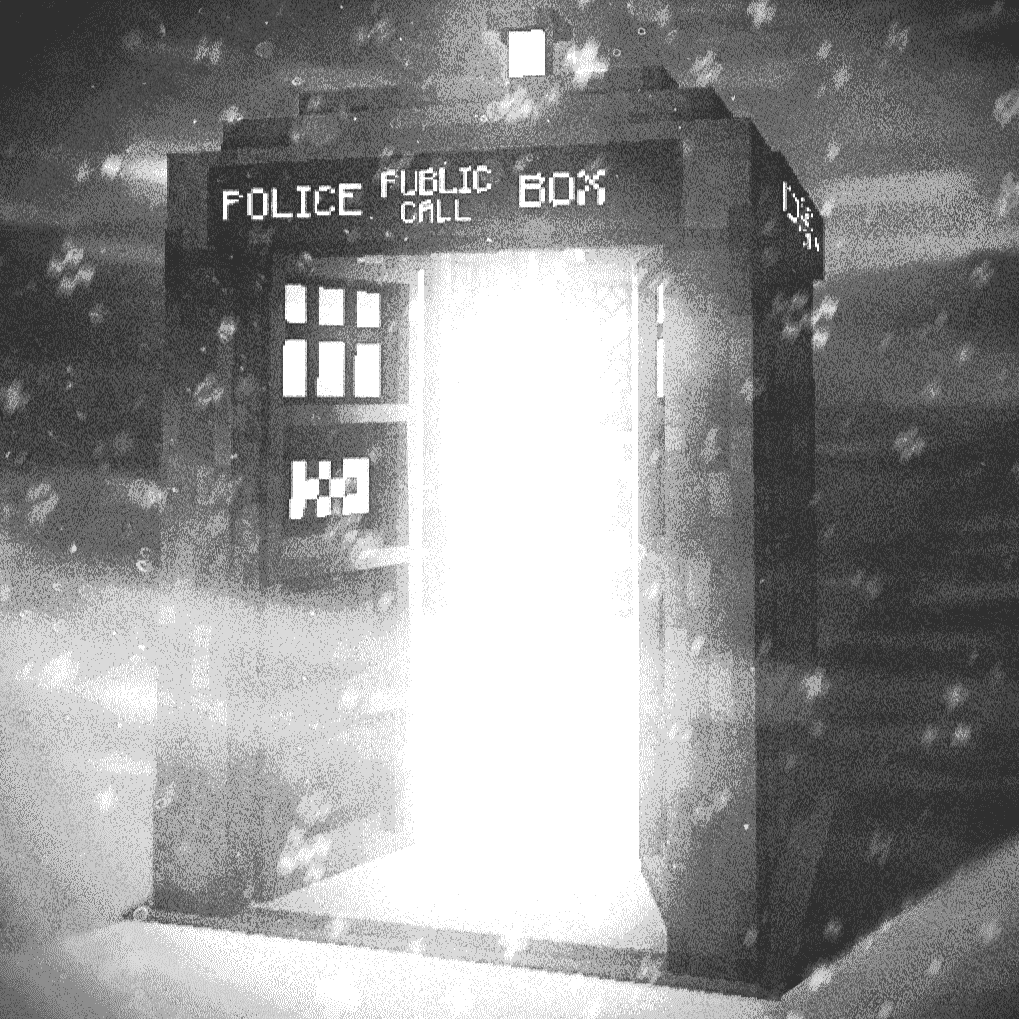
THE Doctor Who Client Mod
THE Doctor Who Client Mod. A Doctor Who Mod with fun Tardis Controls and Exploration at its core !
 mod
CurseForge · Minecraft
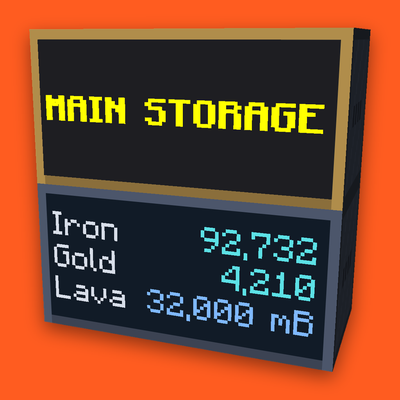
StockFrame
Live wall displays for your storage: link a screen to a chest, drawer or whole network and read items, fluids and energy at a glance.