Minecraft version
Back to mods 
CurseForge · Minecraft mod
StatGraphMod
This mod adds simple in-game statistic graphs.
Choose a version Pick your version below, then grab the matching file.
Quick answer
Which StatGraphMod release matches 1.20.1 Forge?
Best match for your filters statgraphmod-forge-1.20.1-0.3.0.jar
Game version 1.20.1
Loader Forge
statgraphmod-forge-1.20.1-0.3.0.jar targets 1.20.1 with Forge. The project page does not say whether this file belongs on the client, dedicated server, or both. No extra mods listed for this file.
Where it goes
Is StatGraphMod required on the client, server, or both?
The project page does not say whether this file belongs on the client, dedicated server, or both.
Client Source doesn’t say
Dedicated server Source doesn’t say
Loader for this release Forge
Required install it here Optional supported, not mandatory Not supported do not install here Source doesn’t say do not assume
The source does not explicitly classify this release as client-only or server-only.
What else does statgraphmod-forge-1.20.1-0.3.0.jar need?
statgraphmod-forge-1.20.1-0.3.0.jar on 1.20.1 Forge. Every mod below is checked against that same setup.
This file does not list any required mods. Do not add a library just because a different file uses it.
This file does not list any required or optional mods.
Before you install it
Add StatGraphMod without breaking your instance.
Built for statgraphmod-forge-1.20.1-0.3.0.jar on 1.20.1 Forge. Pick another file and the loader, install side or required mods may change.
- 01
Stick to this file
Use statgraphmod-forge-1.20.1-0.3.0.jar. It targets 1.20.1 with Forge; another release may have different loader, side or dependency requirements.
- 02
Bring the mods it needs
This file does not list any required mods. Do not add a library just because a different file uses it.
- 03
Put it on the correct side
The project page does not say whether this file belongs on the client, dedicated server, or both.
- 04
Pick the file you checked
Use the “Get this file” button beside statgraphmod-forge-1.20.1-0.3.0.jar. It opens that exact file at the source.
About this project
What does StatGraphMod add?
StatGraphMod
This mod adds simple in-game statistic graphs.
StatGraphMod records several world activity counts and displays them as compact bar graphs in a dedicated statistics screen.
The purpose of this mod is to make long-term Minecraft activity easier to see at a glance, without requiring external tools or log analysis.
How It Works
Press the StatGraph key to open the statistics screen.
By default, the screen shows 20 bars for each graph.
The display scale can be changed between the following modes:
| Scale | Displayed Range |
|---|---|
| 1 day/bar | 20 days |
| 3 days/bar | 60 days |
| 7 days/bar | 140 days |
In this mod, one day means one Minecraft day.
One Minecraft day is equal to 20 minutes of real time.
Statistics are stored on the server side and saved with the world.
Stat Pages
StatGraphMod currently provides three statistic pages.
- Combat
- Blocks
- Crafts
Each page contains two bar graphs and a small summary area.
Combat Stats
The Combat page records basic combat activity.
| Graph | Description |
|---|---|
| Hostile Mob Kills | Hostile mobs killed with player kill credit. |
| Player Deaths | Player deaths recorded in the world. |
Hostile mob kills use Minecraft's kill credit system.
This means that kills caused by normal player combat, ranged attacks, and other player-attributed damage are counted.
Hostile mobs that die without player kill credit are not counted.
Block Stats
The Blocks page records direct player block activity.
| Graph | Description |
|---|---|
| Blocks Broken | Blocks directly broken by players. |
| Blocks Placed | Blocks directly placed by players. |
Only direct player actions are counted.
Blocks destroyed by explosions, mobs, machines, world generation, or other non-player causes are not counted.
Craft Stats
The Crafts page records player crafting activity.
| Graph | Description |
|---|---|
| Crafted Items | Items produced by player crafting events. |
| Consumed Items | Estimated ingredient items consumed by crafting. |
Craft stats are intended for normal player crafting, such as inventory crafting and crafting table recipes.
Furnaces, brewing stands, campfires, machines, and automatic crafting systems are not counted as Craft Stats.
Consumed Items are estimated from the crafting grid.
For most normal crafting recipes, this gives a useful input/output view of player crafting activity.
Data Storage
StatGraphMod stores statistics per world.
The server keeps the master statistics data, and clients only receive graph snapshots for display.
This makes the mod suitable for both singleplayer and multiplayer worlds.
Compatibility
StatGraphMod is designed for Minecraft Forge 1.20.1.
The current version focuses on vanilla-style player activity:
- Player-attributed hostile mob kills
- Player deaths
- Direct block breaking
- Direct block placing
- Player crafting events
Machine processing, automated crafting, smelting, brewing, and mod-specific production systems are not included in the current statistic pages.
Project description from CurseForge.
Pick your setup
StatGraphMod by Minecraft version and loader
Choose the version and loader you play, then open the matching release.
Minecraft version
26.1.2
2 loader buildsMinecraft version
26.1.1
2 loader buildsMinecraft version
1.21.1
3 loader buildsMinecraft version
1.20.1
3 loader buildsCheck the dependencies, then try the file in a copied instance before changing a world you care about.
Recent files
StatGraphMod versions and loaders
statgraphmod-forge-1.20.1-0.3.0.jar
12 Jun 2026
Client Source doesn’t say Server Source doesn’t say Dependencies No extras listed Listed on Release listing
Check the 1.20.1 · Forge setup 1.20.1Forge release
statgraphmod-forge-1.20.1-0.2.0.jar
8 Jun 2026
Client Source doesn’t say Server Source doesn’t say Dependencies No extras listed Listed on Release listing
Check the 1.20.1 · Forge setup 1.20.1Forge release
Looking for an older file? The official CurseForge project page is in Resources.
 mod
CurseForge · Minecraft
Mob Hop
Mobs jump over fences, walls and one-block gaps instead of getting stuck.
 mod
CurseForge · Minecraft
INVTOOLS - Inventory Rollback
Inventory, accessory, backpack, and backup administration for Minecraft servers.
 mod
CurseForge · Minecraft
What Are You Doing? Your Body Acts Out Your Menus (Player Animations)
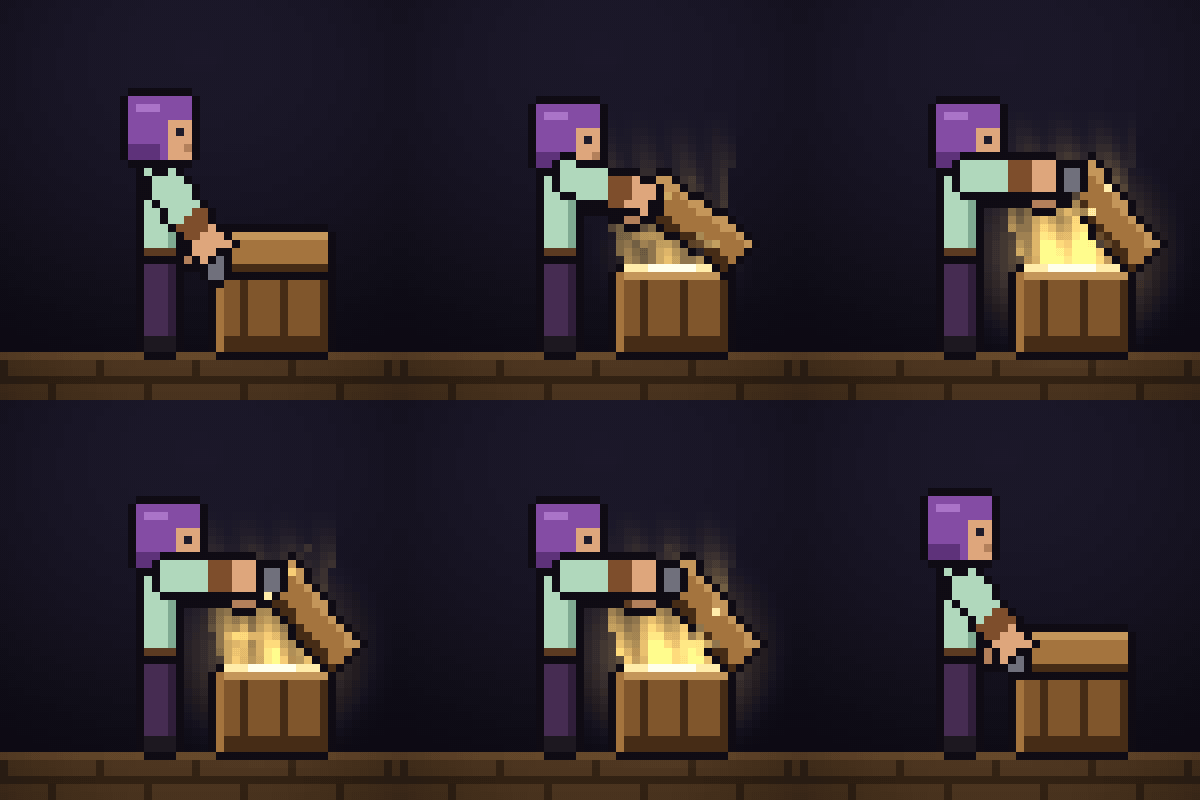
Player animations for every open screen: your body acts out the chest, furnace, crafting table, anvil, inventory, books, chat and AFK for everyone around you. Live mirror in the corner, and a mouth that moves with your voice (Simple Voice Chat).