Architectury API Needed by Auto-Hide Hotbar 3.1.1 for 26.2
requiredMatching file found Matched file: [NeoForge 26.2] v21.1.9
CurseForge · Minecraft mod
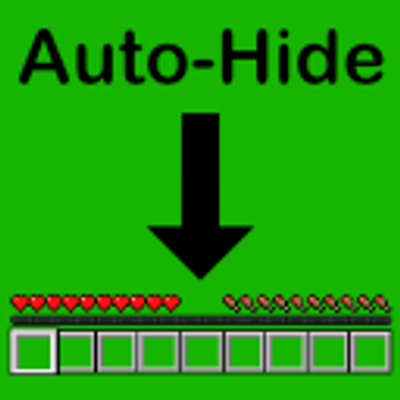
Automatically dims or hides Minecraft's HUD when not in use to protect OLED displays from burn-in and provide a more minimal experience.
Quick answer
Auto-Hide Hotbar 3.1.1 for 26.2 targets 26.2 with NeoForge. The project page does not say whether this file belongs on the client, dedicated server, or both. All 1 required mods have matching files.
Where it goes
The project page does not say whether this file belongs on the client, dedicated server, or both.
The source does not explicitly classify this release as client-only or server-only.
3.1.1 for 26.2. Change the file and its required mods may change too.
Install Architectury API first. We found matching files for this game-version and loader setup.
We only count dependency files that match this setup. A file for another loader does not fill the gap.
Before you install it
Built for Auto-Hide Hotbar 3.1.1 for 26.2. Pick another file and the loader, install side or required mods may change.
Use 3.1.1 for 26.2. It targets 26.2 with NeoForge; another release may have different loader, side or dependency requirements.
Install Architectury API first. We found matching files for this game-version and loader setup.
The project page does not say whether this file belongs on the client, dedicated server, or both.
Use the “Get this file” button beside 3.1.1 for 26.2. It opens that exact file at the source.
About this project
Automatically dims or hides Minecraft's HUD when not in use to protect OLED displays from burn-in and provide a more minimal experience.
Note: This project is a fork of Alphayt's mod OLED Saver with extra features, support for NeoForge, and support for Minecraft 26.1+.
Project description from CurseForge.
Pick your setup
Choose the version and loader you play, then open the matching release.
Check the dependencies, then try the file in a copied instance before changing a world you care about.
Recent files
autohidehotbar-neoforge-3.1.1+26.2.jar
12 Sept 2026
autohidehotbar-fabric-3.1.1+26.2.jar
12 Sept 2026
autohidehotbar-neoforge-3.1.1+26.1.2.jar
12 Sept 2026
autohidehotbar-fabric-3.1.1+26.1.2.jar
12 Sept 2026
autohidehotbar-neoforge-3.1.0+26.2.jar
24 Jul 2026
autohidehotbar-fabric-3.1.0+26.2.jar
24 Jul 2026
autohidehotbar-neoforge-3.1.0+26.1.2.jar
24 Jul 2026
autohidehotbar-fabric-3.1.0+26.1.2.jar
24 Jul 2026
autohidehotbar-neoforge-3.0.0+26.2.jar
23 Jul 2026
autohidehotbar-fabric-3.0.0+26.2.jar
23 Jul 2026
autohidehotbar-neoforge-3.0.0+26.1.2.jar
23 Jul 2026
autohidehotbar-fabric-3.0.0+26.1.2.jar
23 Jul 2026
Looking for an older file? The official CurseForge project page is in Resources.
 mod
modA mod that completely overhauls the vanilla enchanting system
 mod
modColonial era flags added to Minecraft
 mod
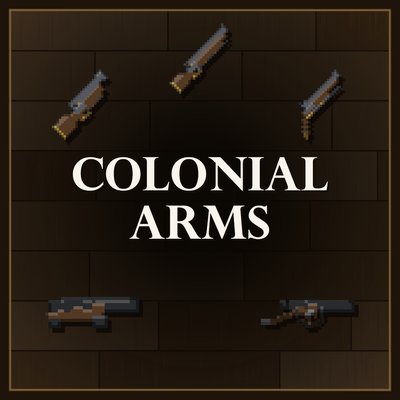
modBlack-powder arms of the 1700s for Fabric: a flintlock musket, pistol and blunderbuss loaded with paper cartridges through a real drill, plus naval and horse-drawn field cannons able to be served by a crew with powder charge, rammer and linstock.