Minecraft version
Back to mods 
CurseForge · Minecraft mod
MC-Chatbot
AI built into Minecraft Chat
Choose a version Pick your version below, then grab the matching file.
Quick answer
Which MC-Chatbot release matches 26.1?
Best match for your filters aichat-1.0.0.jar
Game version 26.1, 26.1.1, 26.1.2
Loader Fabric
MC-Chatbot aichat-1.0.0.jar targets 26.1, 26.1.1, 26.1.2 with Fabric. The project page does not say whether this file belongs on the client, dedicated server, or both. No extra mods listed for this file.
Where it goes
Is MC-Chatbot required on the client, server, or both?
The project page does not say whether this file belongs on the client, dedicated server, or both.
Client Source doesn’t say
Dedicated server Source doesn’t say
Loader for this release Fabric
Required install it here Optional supported, not mandatory Not supported do not install here Source doesn’t say do not assume
The source does not explicitly classify this release as client-only or server-only.
What else does MC-Chatbot aichat-1.0.0.jar need?
aichat-1.0.0.jar on 26.1. Every mod below is checked against that same setup.
This file does not list any required mods. Do not add a library just because a different file uses it.
This file does not list any required or optional mods.
Before you install it
Add MC-Chatbot without breaking your instance.
Built for MC-Chatbot aichat-1.0.0.jar on 26.1. Pick another file and the loader, install side or required mods may change.
- 01
Stick to this file
Use aichat-1.0.0.jar. It targets 26.1, 26.1.1, 26.1.2 with Fabric; another release may have different loader, side or dependency requirements.
- 02
Bring the mods it needs
This file does not list any required mods. Do not add a library just because a different file uses it.
- 03
Put it on the correct side
The project page does not say whether this file belongs on the client, dedicated server, or both.
- 04
Pick the file you checked
Use the “Get this file” button beside aichat-1.0.0.jar. It opens that exact file at the source.
About this project
What does MC-Chatbot add?
MC-CHATBOT
Chat with AI directly inside Minecraft via OpenRouter.
Fabric | Minecraft 26.1.2 | Client-side only
Features
- Talk to any AI model (GPT-4o, Claude, Gemini, Llama, etc.) without leaving Minecraft
- Conversation history — the AI remembers context within a session
- Toggle AI mode on/off anytime
- Commands never reach the server — fully client-side
- API key never echoed or logged
Installation
- Install Fabric Loader and Fabric API
- Drop
aichat-1.0.0.jarinto.minecraft/mods/ - Launch the game
Setup
- Get a free API key at openrouter.ai/keys
- In-game, run
/aiconfigand paste your key into chat when prompted - Run
/ai onto enable AI mode - Type normally — messages go to the AI instead of the server
Commands
| Command | Description |
|---|---|
/aiconfig |
Interactive API key setup |
/aiconfig key <key> |
Set API key directly |
/aiconfig model <model> |
Set model (default: openai/gpt-4o-mini) |
/aiconfig system <prompt> |
Set system prompt |
/aiconfig status |
Show current config |
/aiconfig reset |
Clear API key |
/ai on |
Enable AI chat mode |
/ai off |
Disable AI chat mode |
/ai |
Toggle AI on/off |
/ai clear |
Clear conversation history |
Changing the Model
Any model on OpenRouter that support text message works. Examples:
/aiconfig model openai/gpt-4o
/aiconfig model anthropic/claude-3.5-haiku
/aiconfig model google/gemini-2.0-flash-001
/aiconfig model meta-llama/llama-3.3-70b-instruct
/aiconfig model mistralai/mistral-nemo:free
Browse all models at openrouter.ai/models.
Security
- All commands (
/aiconfig,/ai) are client-side only — the server never sees them - Messages typed while AI is ON are blocked from the server — only sent to OpenRouter
- API key is never echoed in chat
- API key is stored in plaintext at
.minecraft/config/aichat.json— set a spending limit on your key at openrouter.ai/settings as a precaution
License
ALL RIGHT RESERVED ImHungry1480
Project description from CurseForge.
Pick your setup
MC-Chatbot by Minecraft version and loader
Choose the version and loader you play, then open the matching release.
Minecraft version
26.1.1
1 loader buildMinecraft version
26.1
1 loader buildCheck the dependencies, then try the file in a copied instance before changing a world you care about.
Recent files
MC-Chatbot versions and loaders
aichat-1.0.0.jar
13 Jun 2026
Client Source doesn’t say Server Source doesn’t say Dependencies No extras listed Listed on Release listing
Check the 26.1 · Fabric setup Fabric26.126.1.126.1.2 release
Looking for an older file? The official CurseForge project page is in Resources.
 mod
CurseForge + Modrinth · Minecraft
Litematica Tool (Forge and Fabric)
this mod adds a simple item into the game which can be used instead of a stick in litematica. (1.17)
 mod
CurseForge + Modrinth · Minecraft
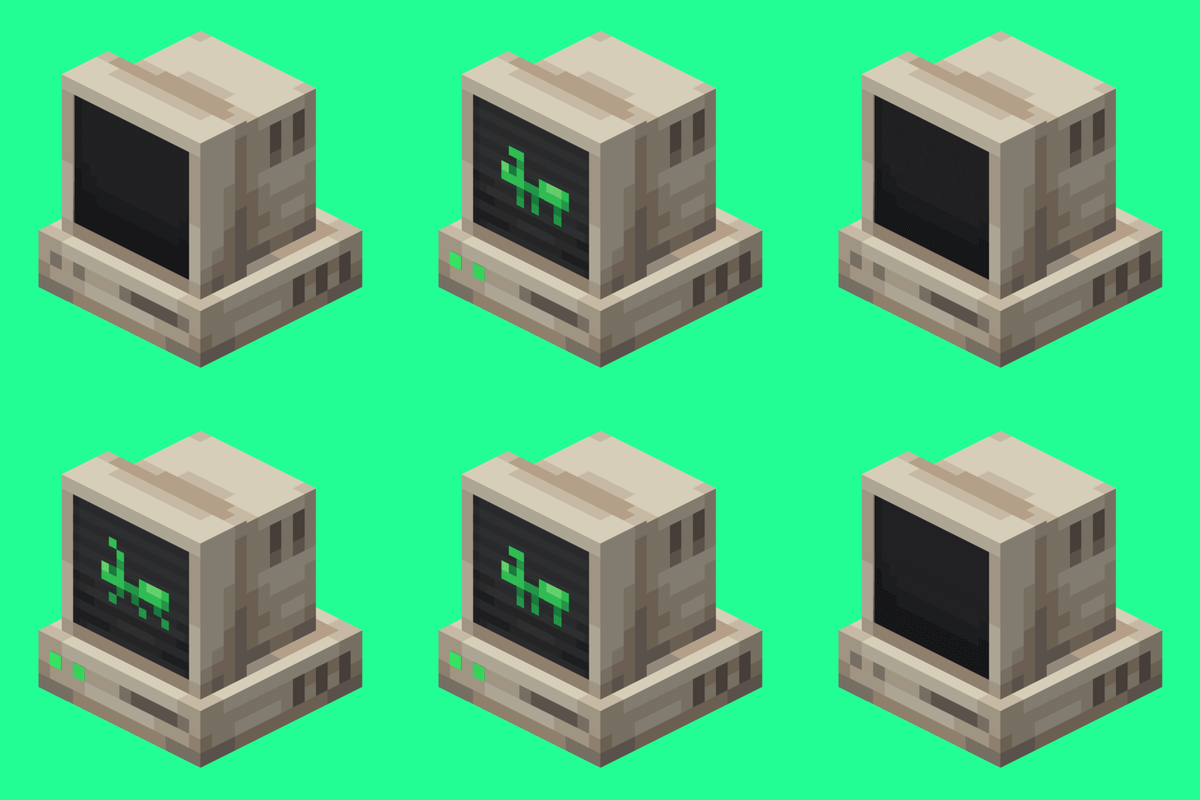
AntOS Computer | Quests + Guidebook
An immersive and fully functioning computer that provides an anternative to the stale and overused quest book and guide book
 mod
CurseForge · Minecraft
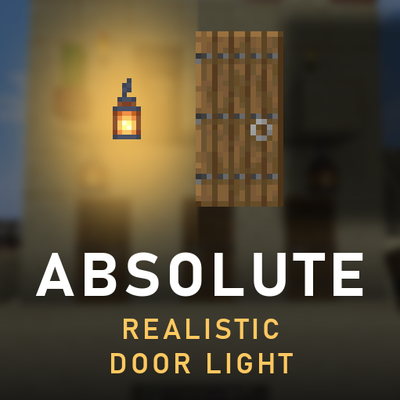
Absolute Realistic Door Light
Closed doors, trapdoors, curtains and shutters finally block light – no shaders needed. Windows let a faint glow through, and modded doors are detected automatically from their own textures.