Kotlin for Forge Needed by Better Health Indicator better_health_indicator-neoforge-1.20.1-1.0.0+mc1.20.1.jar
requiredMatching file found Matched file: Kotlin for Forge 4.13.0

CurseForge · Minecraft mod
Say goodbye to boring health bars! Experience combat with a beautiful, dynamic, and smooth animated health indicator.
Quick answer
Better Health Indicator better_health_indicator-neoforge-1.20.1-1.0.0+mc1.20.1.jar targets 1.20.1 with NeoForge. The project page does not say whether this file belongs on the client, dedicated server, or both. All 1 required mods have matching files.
Where it goes
The project page does not say whether this file belongs on the client, dedicated server, or both.
The source does not explicitly classify this release as client-only or server-only.
better_health_indicator-neoforge-1.20.1-1.0.0+mc1.20.1.jar. Change the file and its required mods may change too.
Install Kotlin for Forge first. We found matching files for this game-version and loader setup.
We only count dependency files that match this setup. A file for another loader does not fill the gap.
Before you install it
Built for Better Health Indicator better_health_indicator-neoforge-1.20.1-1.0.0+mc1.20.1.jar. Pick another file and the loader, install side or required mods may change.
Use better_health_indicator-neoforge-1.20.1-1.0.0+mc1.20.1.jar. It targets 1.20.1 with NeoForge; another release may have different loader, side or dependency requirements.
Install Kotlin for Forge first. We found matching files for this game-version and loader setup.
The project page does not say whether this file belongs on the client, dedicated server, or both.
Use the “Get this file” button beside better_health_indicator-neoforge-1.20.1-1.0.0+mc1.20.1.jar. It opens that exact file at the source.
About this project
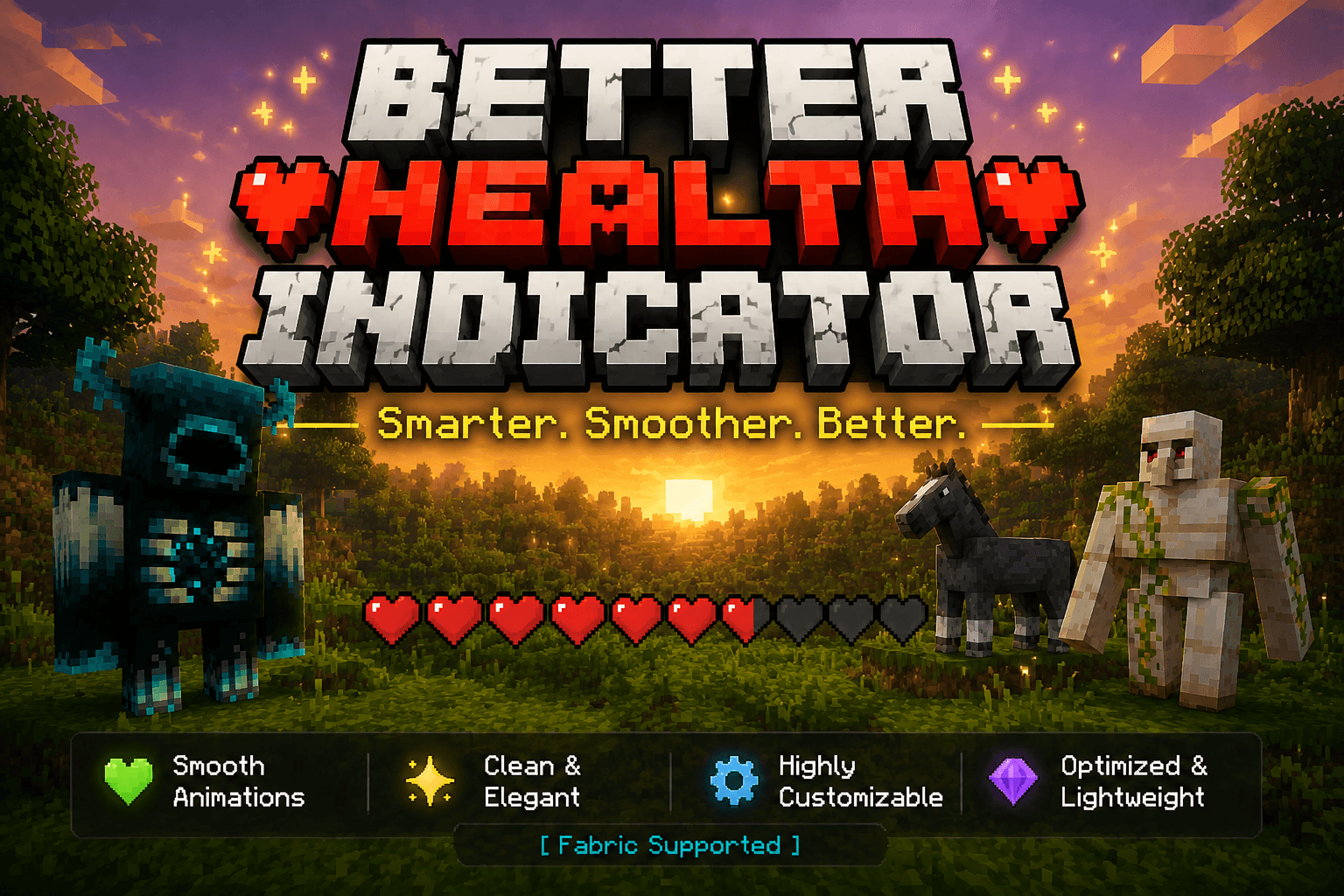 Say goodbye to boring health bars! Better Health Indicator is a client-side Fabric mod that replaces plain mob health display with a beautiful, dynamic, and smoothly animated indicator — both above entities and in a rich on-screen panel.
Client-side only. It does not need to be installed on the server, and works on most servers for normal mobs and players.
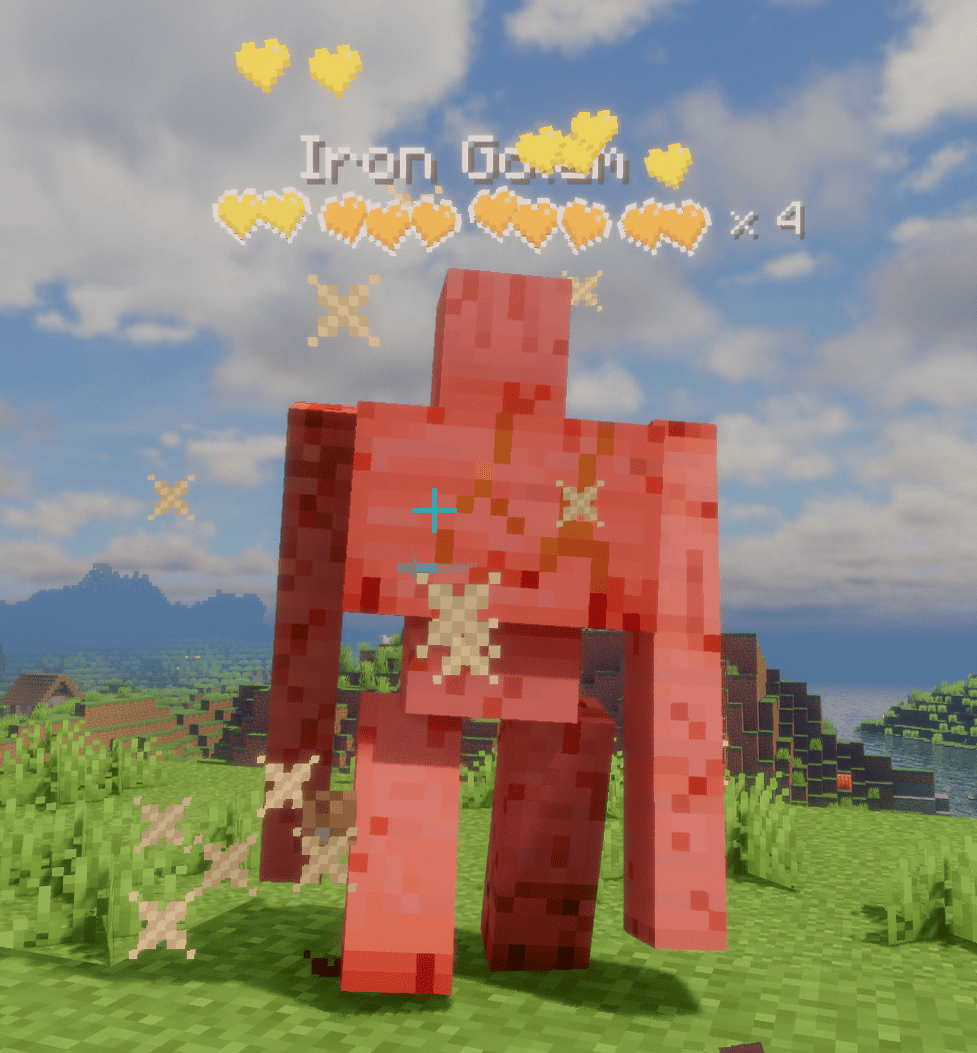
Fully configurable in-game via Mod Menu + Cloth Config (both optional). Without them, settings still load from config/better_health_indicator.json.
Project description from CurseForge.
Pick your setup
Choose the version and loader you play, then open the matching release.
Check the dependencies, then try the file in a copied instance before changing a world you care about.
Recent files
16 Aug 2026
16 Aug 2026
16 Aug 2026
21 Jul 2026
20 Jul 2026
20 Jul 2026
20 Jul 2026
20 Jul 2026
20 Jul 2026
20 Jul 2026
20 Jul 2026
20 Jul 2026
Looking for an older file? The official CurseForge project page is in Resources.
 mod
Every Patchouli guidebook in one Grimoire. Read and search your pack's guides in one place, with a quick page slider to move through them.
 mod
a simple mod that adds a wide variety of sigils, among other items from Neo Vitae
 mod
A living bestiary of every creature in your modpack. Watch them move, examine them in 3D, discover their habitats and drops, and control what spawns.