Fabric API Needed by watchparty-1.0.0+26.3.jar
requiredMatching file found Matched file: [26.3] Fabric API 0.166.2+26.3

CurseForge · Minecraft mod
A clientsided minecraft mod for hosting watch parties with your friends.
Quick answer
watchparty-1.0.0+26.3.jar targets 26.3 with Fabric. The project page does not say whether this file belongs on the client, dedicated server, or both. All 2 required mods have matching files.
Where it goes
The project page does not say whether this file belongs on the client, dedicated server, or both.
The source does not explicitly classify this release as client-only or server-only.
watchparty-1.0.0+26.3.jar. Change the file and its required mods may change too.
Install Fabric API, Rinku first. We found matching files for this game-version and loader setup.
We only count dependency files that match this setup. A file for another loader does not fill the gap.
Before you install it
Built for watchparty-1.0.0+26.3.jar. Pick another file and the loader, install side or required mods may change.
Use watchparty-1.0.0+26.3.jar. It targets 26.3 with Fabric; another release may have different loader, side or dependency requirements.
Install Fabric API, Rinku first. We found matching files for this game-version and loader setup.
The project page does not say whether this file belongs on the client, dedicated server, or both.
Use the “Get this file” button beside watchparty-1.0.0+26.3.jar. It opens that exact file at the source.
About this project
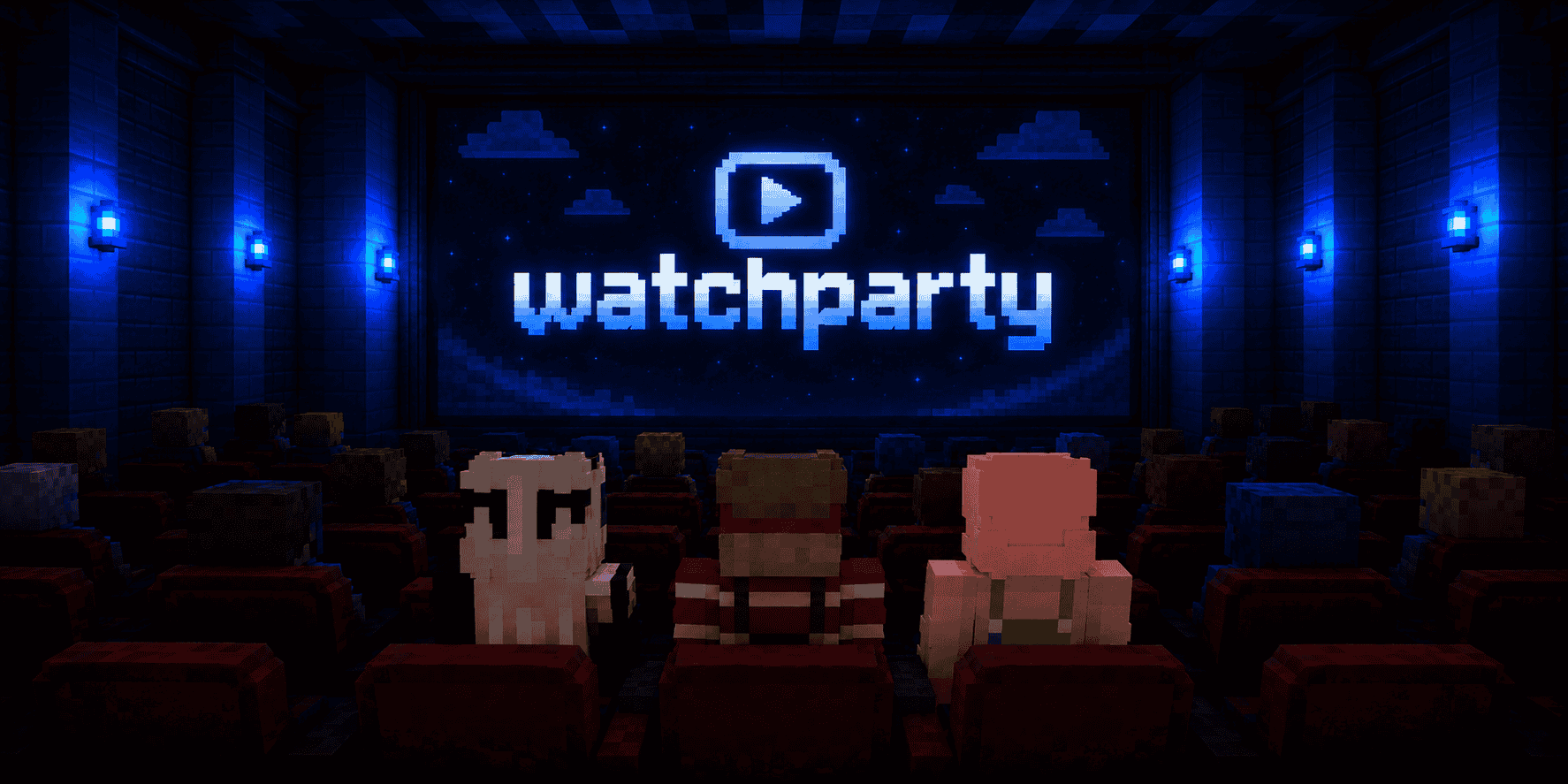
WatchParty lets you create synchronized in-world screens in Minecraft and watch videos and streams together with other players. Create screens directly in the world, control playback from an in-game remote and share private screens through activation codes.
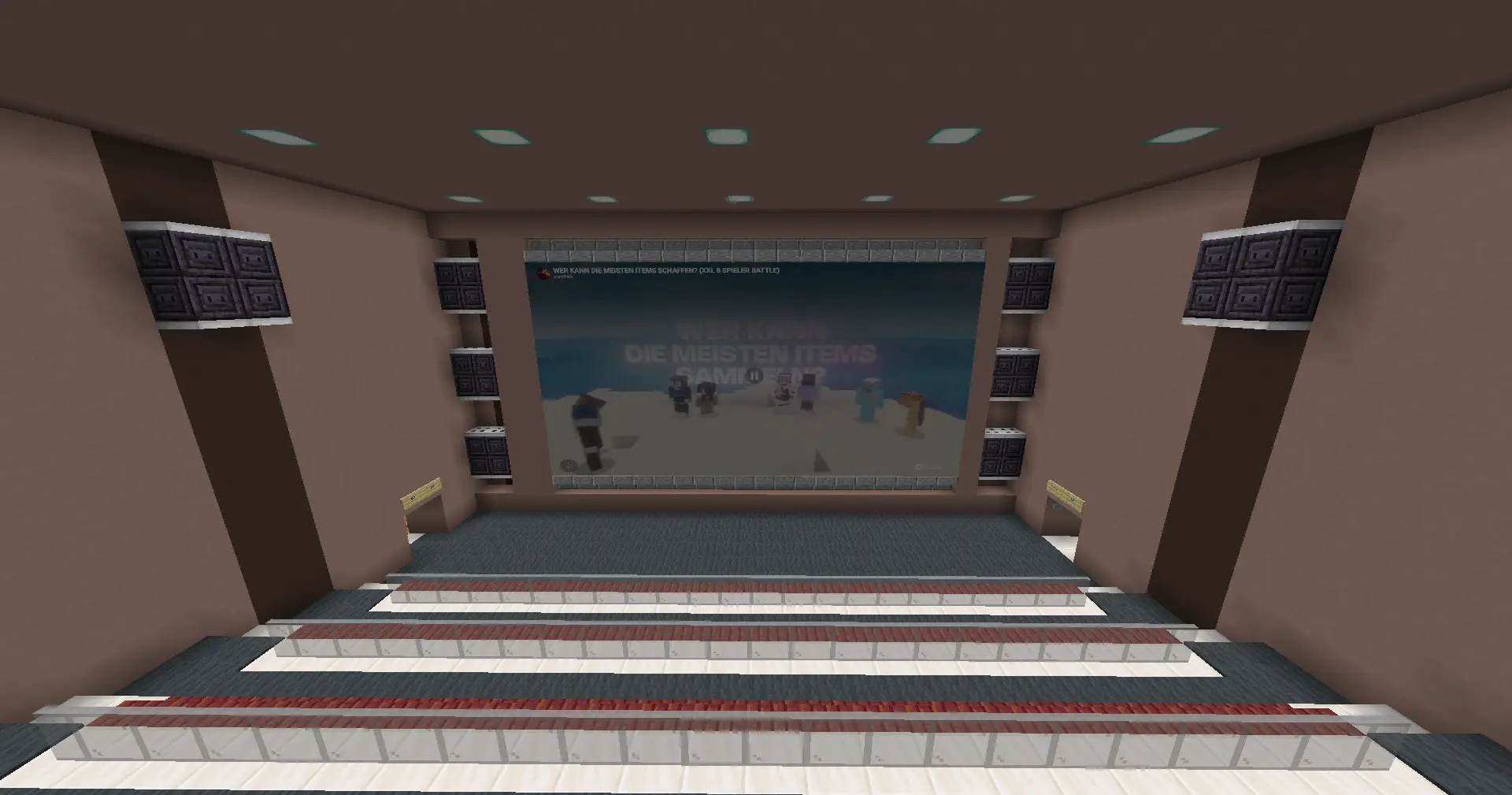
Select the screen area Hold a blaze rod, sneak, and right-click two opposite corners of the screen area.
Configure the screen After selecting the area, choose the screen name, facing, display mode, and rotation.
Share the activation code Screens are private by default. Other players only see a private screen after entering its activation code in the remote menu.

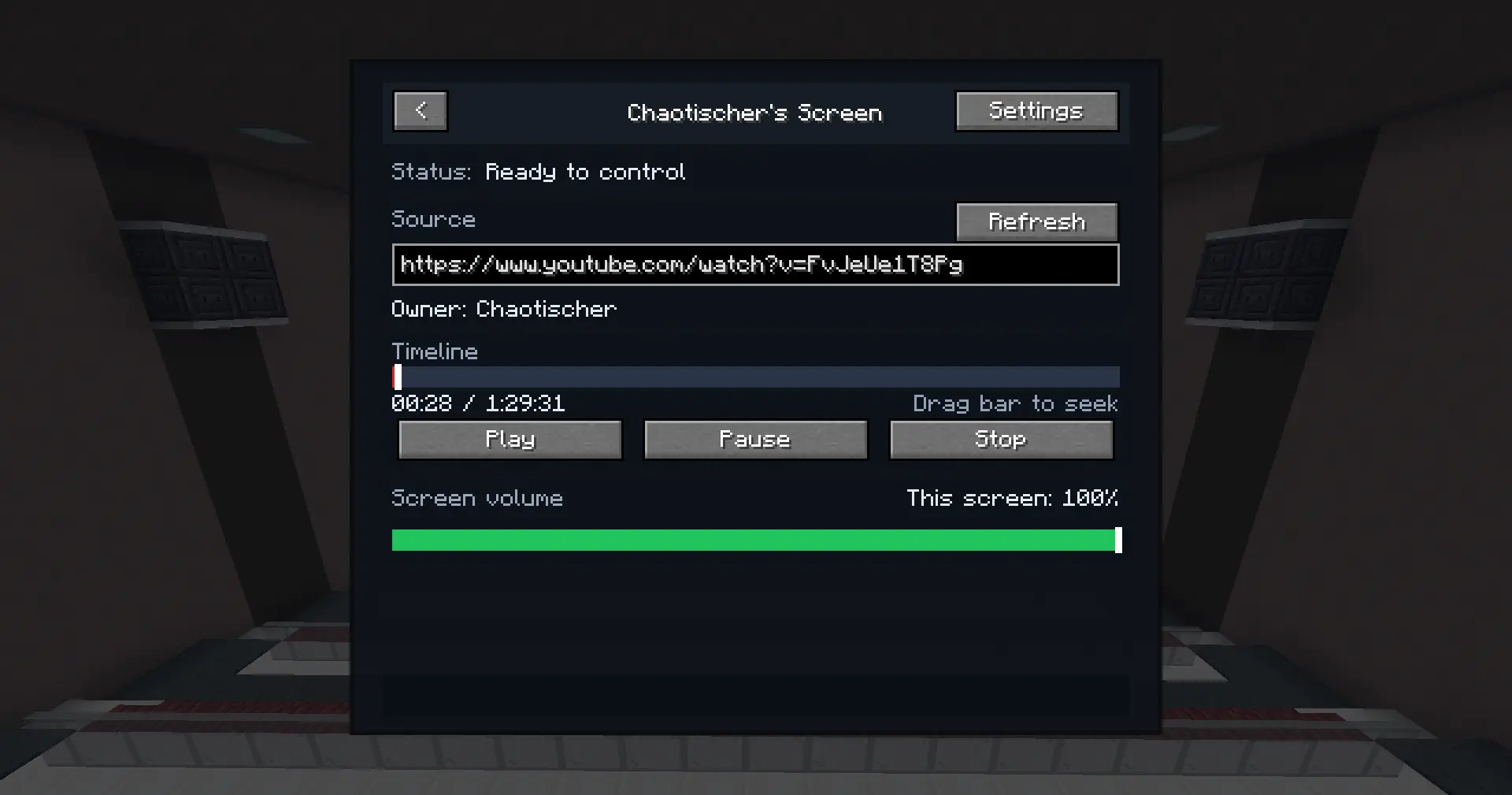
Open the WatchParty remote in-game (default key O) to:
WatchParty requires:
Each client that wants to see screens must have WatchParty and MCEF installed.
No Minecraft server-side mod is required.
WatchParty uses a relay server to synchronize screens between players. The relay is used only for screen access, permissions, presence, and playback synchronization.
The relay does not download, host, cache, proxy, mirror, or redistribute any video, image, GIF, stream, or other media content. Media playback happens directly on each player’s own client.
WatchParty does not bypass DRM, paywalls, login requirements, region locks, platform restrictions, or other access controls. Users are responsible for the media URLs they choose to play.
The relay may process and store synchronization data required for shared playback and screen access, including:
The relay does not collect Minecraft account passwords, Microsoft account credentials, Minecraft session tokens, access tokens, chat messages, inventory data, full world data, or media file contents.
Screen coordinates may be processed for screen placement and visibility checks. These coordinates are encrypted before being stored by the relay.
Private screens are only shared with players who enter the correct activation code or are granted access by the owner. “Private” means hidden from other players by default; the relay still processes the synchronization metadata listed above to provide this feature.
Project description from CurseForge.
Pick your setup
Choose the version and loader you play, then open the matching release.
Check the dependencies, then try the file in a copied instance before changing a world you care about.
Recent files
watchparty-1.0.0-26.3.jar
13 Nov 2026
watchparty-1.0.0-26.2.jar
13 Nov 2026
watchparty-1.0.0-26.1.2.jar
13 Nov 2026
watchparty-1.0.0-1.21.11.jar
13 Nov 2026
19 Jun 2026
19 Jun 2026
19 Jun 2026
19 Jun 2026
19 Jun 2026
Looking for an older file? The official CurseForge project page is in Resources.
 mod
Pack 9 eggs into an Egg Carton and trade them with the new Egg Merchant villager.
 mod
An in-game quest book for Forge and NeoForge: a node graph or a list, tasks and rewards, teams, resource-pack themes, an in-game editor, and ModJS and KubeJS scripting.
 mod
Find any item, see every recipe, and plan the whole craft, in a viewer that stays out of your way.