Cloth Config API (Fabric/Forge/NeoForge) Needed by Music Curator 1.3.0 (NeoForge 26.3)
requiredNo matching file

CurseForge · Minecraft mod
Choose which vanilla music plays, mark favorites, set how often it plays, pause without losing your place, and see the current track in a HUD.
Quick answer
Music Curator 1.3.0 (NeoForge 26.3) targets 26.3 with NeoForge. The project page does not say whether this file belongs on the client, dedicated server, or both. 1 required mod needs a matching file.
Where it goes
The project page does not say whether this file belongs on the client, dedicated server, or both.
The source does not explicitly classify this release as client-only or server-only.
Music Curator 1.3.0 (NeoForge 26.3). Change the file and its required mods may change too.
Install Cloth Config API (Fabric/Forge/NeoForge) first, but 1 required mod has no matching file for this setup. Do not mix loader builds to force a match.
We only count dependency files that match this setup. A file for another loader does not fill the gap.
Before you install it
Built for Music Curator 1.3.0 (NeoForge 26.3). Pick another file and the loader, install side or required mods may change.
Use Music Curator 1.3.0 (NeoForge 26.3). It targets 26.3 with NeoForge; another release may have different loader, side or dependency requirements.
Install Cloth Config API (Fabric/Forge/NeoForge) first, but 1 required mod has no matching file for this setup. Do not mix loader builds to force a match.
The project page does not say whether this file belongs on the client, dedicated server, or both.
Use the “Get this file” button beside Music Curator 1.3.0 (NeoForge 26.3). It opens that exact file at the source.
About this project
Client-side mod for Minecraft 26.3, 26.2, 1.21.11 and 1.21.1, on Fabric and NeoForge. Choose which vanilla music tracks are allowed to play, mark your favorites, set how often music plays, and see the current track in a small HUD.

No custom audio, no streaming, no servers — it only filters and controls the music already in the game. Available in English and French.
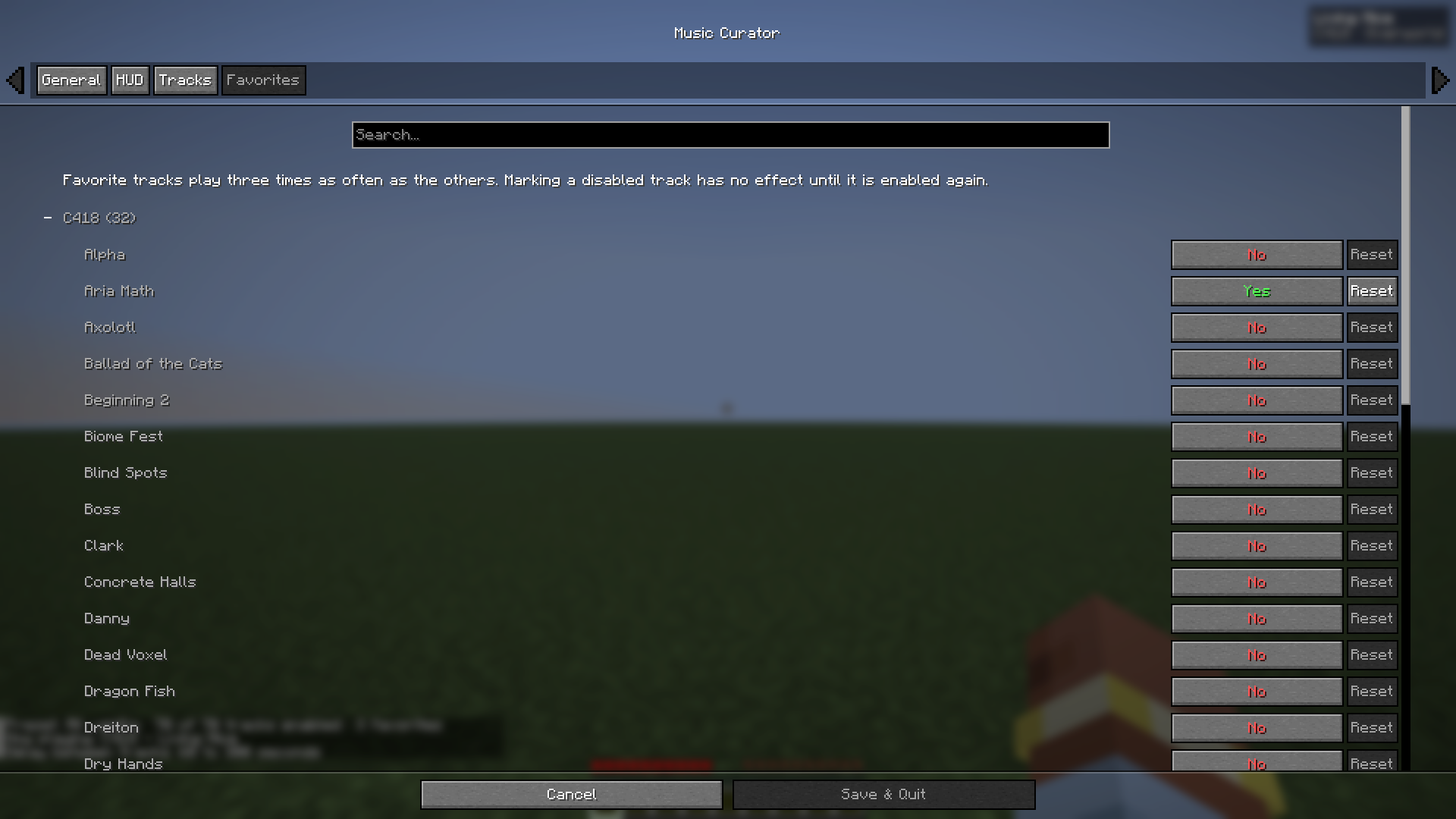
Music Curator filters the game's own music selection instead of replacing it. It does not take over Minecraft's music system, so it stays out of the way of other mods that add or change music.
If the current biome has none of your tracks, a track from your selection plays instead, so your choice is heard everywhere. The Ender Dragon fight, the end credits and the title screen keep the game's own timing.
| Preset | Plays |
|---|---|
| All vanilla | every track |
| C418 only | tracks composed by C418 |
| Modern only (no C418) | every track not composed by C418 |
| Custom | your own selection |
Picking a preset replaces your track selection. Toggling individual tracks switches the preset to Custom. Presets never change your favorites.
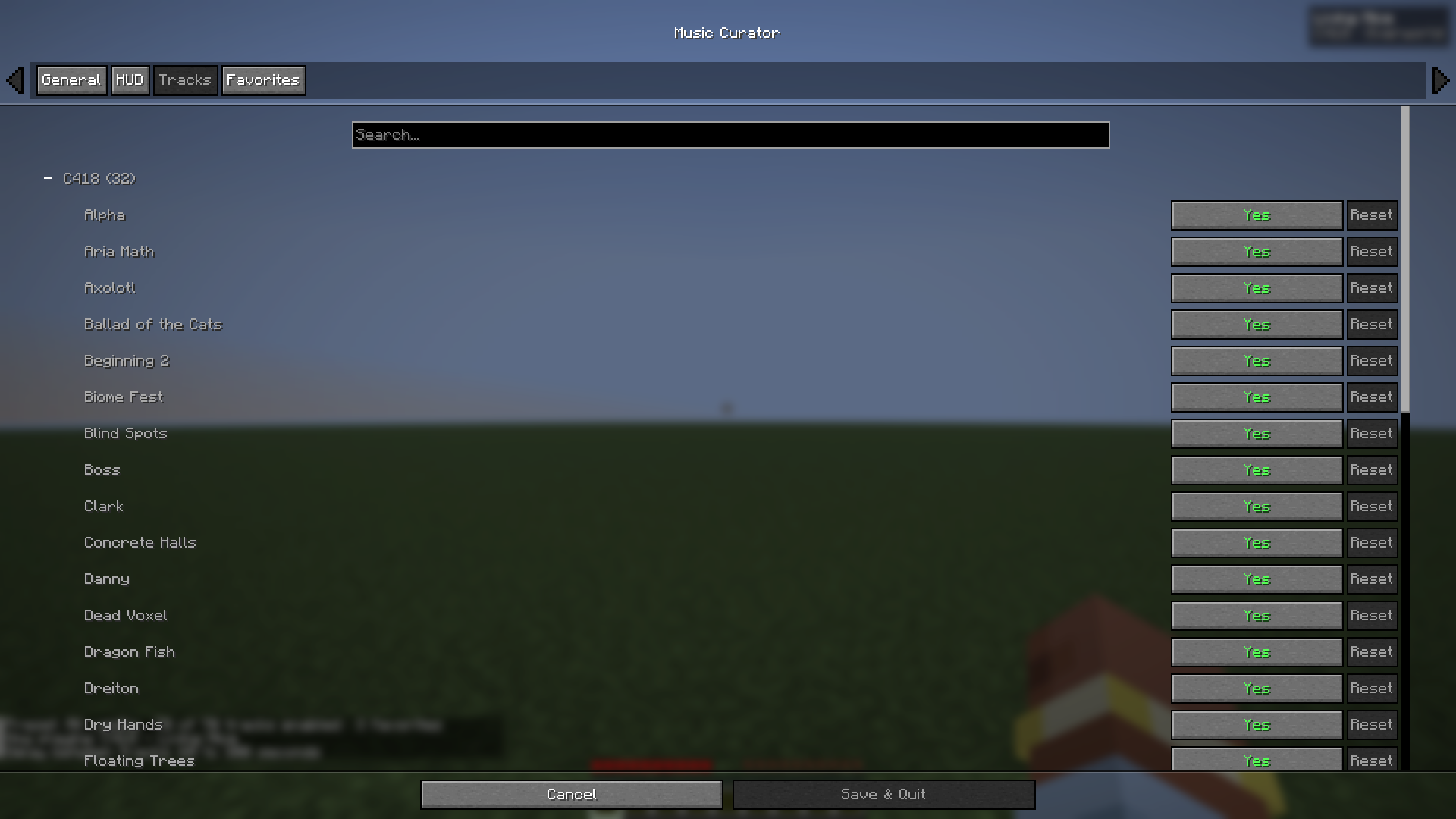
Open the settings with /musiccurator config, the Open settings keybind, or the mods list: Mod Menu → Music Curator → Config on Fabric, Mods → Music Curator → Config on NeoForge.
Commands (client-side):
/musiccurator skip — play another track now/musiccurator pause — pause or resume the music/musiccurator status — current track, preset, favorites and delays/musiccurator config — open the settings/musiccurator hud toggle — show or hide the HUD/musiccurator preset <all|c418|modern> — apply a preset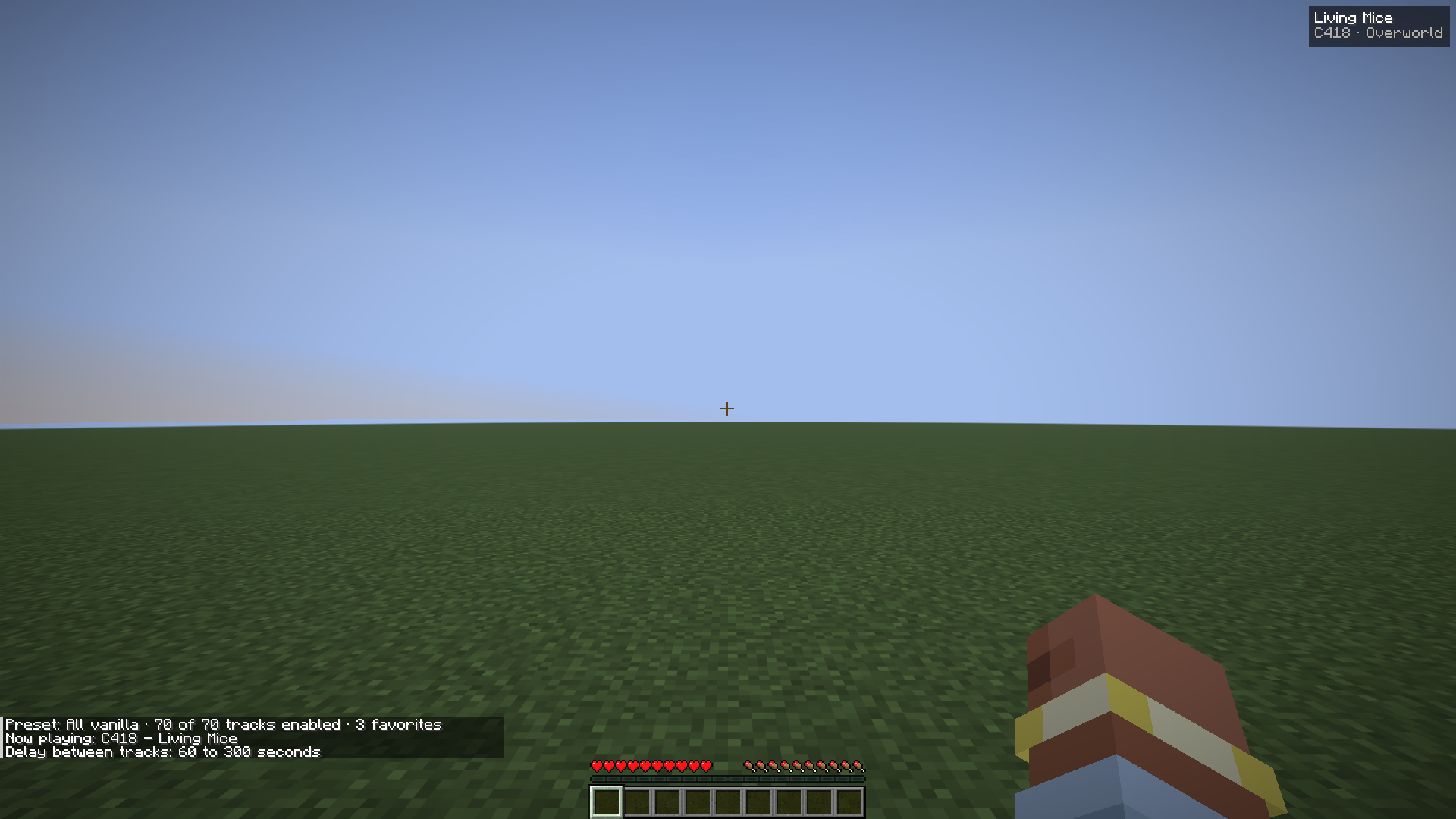
Keybinds for skip, pause/resume, HUD toggle and open settings are unbound by default — set them in Options → Controls → Key Binds → Music Curator.
| Minecraft | Fabric | NeoForge | Java |
|---|---|---|---|
| 26.3 | ✅ | ✅ | 25 |
| 26.2 | ✅ | ✅ | 25 |
| 1.21.11 | ✅ | ✅ | 21 |
| 1.21.1 | ✅ | ✅ | 21 |
Download the file matching your loader and Minecraft version.
Fabric: Fabric Loader 0.19.3+, Fabric API and Cloth Config (required, for the settings screen). Mod Menu is optional and adds a config button.
NeoForge: Cloth Config for NeoForge (required, for the settings screen). The config button is built into the Mods screen.
Client-side only: install it on your game, not on the server.
Only background music is affected; jukebox discs and all other sounds play as usual.
Source code and issues: https://github.com/jojoricard/music-curator
Project description from CurseForge.
Pick your setup
Choose the version and loader you play, then open the matching release.
Check the dependencies, then try the file in a copied instance before changing a world you care about.
Recent files
music-curator-neoforge-1.3.0+26.3.jar
13 Oct 2026
music-curator-neoforge-1.3.0+26.2.jar
13 Oct 2026
music-curator-neoforge-1.3.0+1.21.11.jar
13 Oct 2026
music-curator-neoforge-1.3.0+1.21.1.jar
13 Oct 2026
music-curator-fabric-1.3.0+26.3.jar
13 Oct 2026
music-curator-fabric-1.3.0+26.2.jar
13 Oct 2026
music-curator-fabric-1.3.0+1.21.11.jar
13 Oct 2026
music-curator-fabric-1.3.0+1.21.1.jar
13 Oct 2026
music-curator-1.2.0.jar
10 Oct 2026
music-curator-1.1.1.jar
30 Aug 2026
music-curator-1.1.0.jar
23 Jun 2026
music-curator-1.0.1.jar
23 Jun 2026
Looking for an older file? The official CurseForge project page is in Resources.
 mod
modAdds per-world gamerules - /pdgamerule command
 mod
modDisplays labels above/around named storage containers like chests, barrels, Shulker boxes and more.
 mod
modPotions are not consumed when drank