Minecraft version
Back to mods 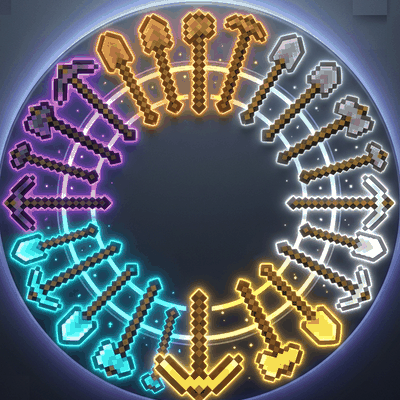
CurseForge · Minecraft mod
tool-switch
Tool Switch is a lightweight client-side mod that automatically selects the best tool from your hotbar for the block you're mining and switches back to your original item when you're done.
Choose a version Pick your version below, then grab the matching file.
Quick answer
Which tool-switch release should I use?
Latest stable file tool_swtich-1.0.0.jar
Game version 26.1.2
Loader Fabric
tool-switch tool_swtich-1.0.0.jar targets 26.1.2 with Fabric. The project page does not say whether this file belongs on the client, dedicated server, or both. No extra mods listed for this file.
Where it goes
Is tool-switch required on the client, server, or both?
The project page does not say whether this file belongs on the client, dedicated server, or both.
Client Source doesn’t say
Dedicated server Source doesn’t say
Loader for this release Fabric
Required install it here Optional supported, not mandatory Not supported do not install here Source doesn’t say do not assume
The source does not explicitly classify this release as client-only or server-only.
What else does tool-switch tool_swtich-1.0.0.jar need?
tool_swtich-1.0.0.jar. Change the file and its required mods may change too.
This file does not list any required mods. Do not add a library just because a different file uses it.
This file does not list any required or optional mods.
Before you install it
Add tool-switch without breaking your instance.
Built for tool-switch tool_swtich-1.0.0.jar. Pick another file and the loader, install side or required mods may change.
- 01
Stick to this file
Use tool_swtich-1.0.0.jar. It targets 26.1.2 with Fabric; another release may have different loader, side or dependency requirements.
- 02
Bring the mods it needs
This file does not list any required mods. Do not add a library just because a different file uses it.
- 03
Put it on the correct side
The project page does not say whether this file belongs on the client, dedicated server, or both.
- 04
Pick the file you checked
Use the “Get this file” button beside tool_swtich-1.0.0.jar. It opens that exact file at the source.
About this project
What does tool-switch add?
Tool Switch
Never stop mining to search for the right tool again.
Tool Switch automatically selects the best tool from your hotbar when you start breaking a block and seamlessly switches back to your previously selected slot once you're finished.
Features
* Automatically selects the optimal tool for the block being mined.
* Returns to your original hotbar slot after mining.
* Prevents hotbar flickering during continuous mining.
* Respects manual slot changes and player input.
* Supports pickaxes, axes, shovels, hoes, and shears.
* Intelligent enchantment handling:
* Prefers Silk Touch over Fortune.
* Considers Efficiency levels.
* Chooses tools based on actual mining performance.
* Preserves swords by excluding them from automatic selection.
* Fully client-side and lightweight.
Perfect for builders, miners, and players who want smoother gameplay without changing the vanilla experience.
Project description from CurseForge.
Pick your setup
tool-switch by Minecraft version and loader
Choose the version and loader you play, then open the matching release.
Check the dependencies, then try the file in a copied instance before changing a world you care about.
Recent files
tool-switch versions and loaders
tool_swtich-1.0.0.jar
29 Jun 2026
Client Source doesn’t say Server Source doesn’t say Dependencies No extras listed Listed on Release listing
Check the 26.1.2 · Fabric setup Fabric26.1.2 release
Looking for an older file? The official CurseForge project page is in Resources.
 mod
mod CurseForge · Minecraft
Gestorage
Improved storage for Minecraft
 mod
mod CurseForge · Minecraft
Disc Jockey Plus
Upgraded "Disc Jockey" to 26.2, and added some features and language support
 mod
mod CurseForge · Minecraft
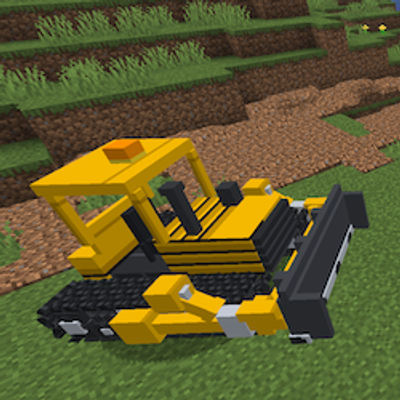
PeterWolf's Groundworks Bulldozer
A fully controllable bulldozer designed for pushing, spreading and leveling granular terrain. Move large amounts of material using an adjustable front blade.