Architectury API Needed by Windowed GUIs WindowedGuis-18.1.0-mc1.18.2-forge
requiredMatching file found Matched file: [Forge 1.18.2] v4.12.94

CurseForge · Minecraft mod
Windowed GUIs turns all game GUIs into windows that you can sort and manage, just like on any OS!
Quick answer
Windowed GUIs WindowedGuis-18.1.0-mc1.18.2-forge targets 1.18.2 with Forge. The project page does not say whether this file belongs on the client, dedicated server, or both. All 1 required mods have matching files.
Where it goes
The project page does not say whether this file belongs on the client, dedicated server, or both.
The source does not explicitly classify this release as client-only or server-only.
WindowedGuis-18.1.0-mc1.18.2-forge on 1.18.2 Forge. Every mod below is checked against that same setup.
Install Architectury API first. We found matching files for this game-version and loader setup.
We only count dependency files that match this setup. A file for another loader does not fill the gap.
Before you install it
Built for Windowed GUIs WindowedGuis-18.1.0-mc1.18.2-forge on 1.18.2 Forge. Pick another file and the loader, install side or required mods may change.
Use WindowedGuis-18.1.0-mc1.18.2-forge. It targets 1.18.2 with Forge; another release may have different loader, side or dependency requirements.
Install Architectury API first. We found matching files for this game-version and loader setup.
The project page does not say whether this file belongs on the client, dedicated server, or both.
Use the “Get this file” button beside WindowedGuis-18.1.0-mc1.18.2-forge. It opens that exact file at the source.
About this project
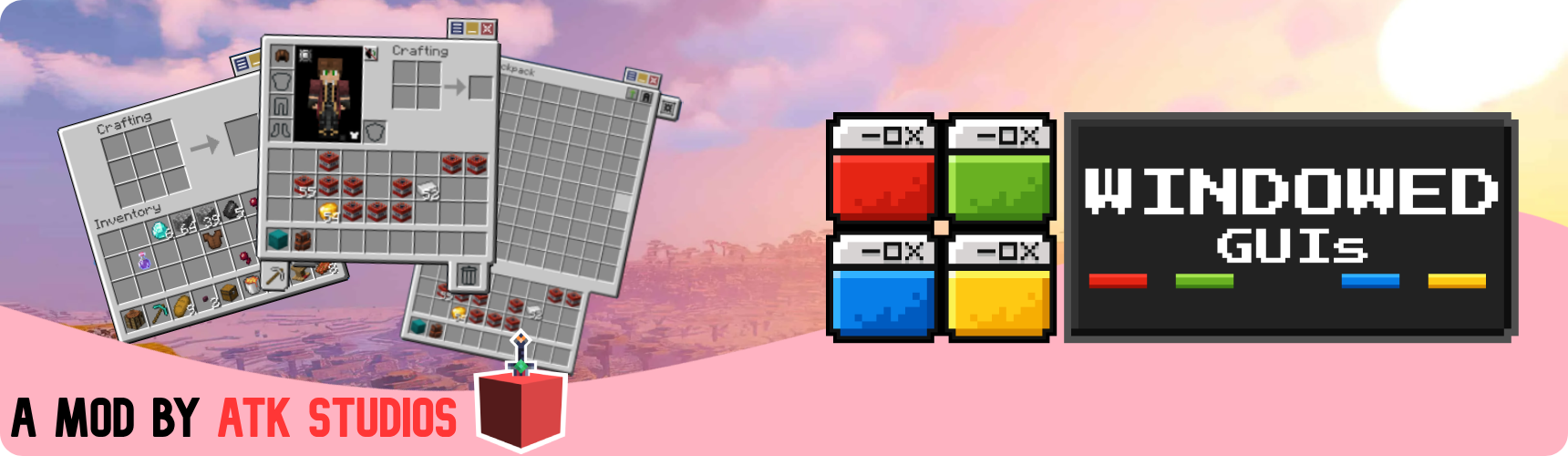



Windowed GUIs turns Minecraft's full-screen container menus into draggable, OS-style windows. Open a chest, a furnace, and your crafting table at the same time, drag them around the screen, resize them, and manage everything from a Windows-style taskbar at the bottom of the screen.
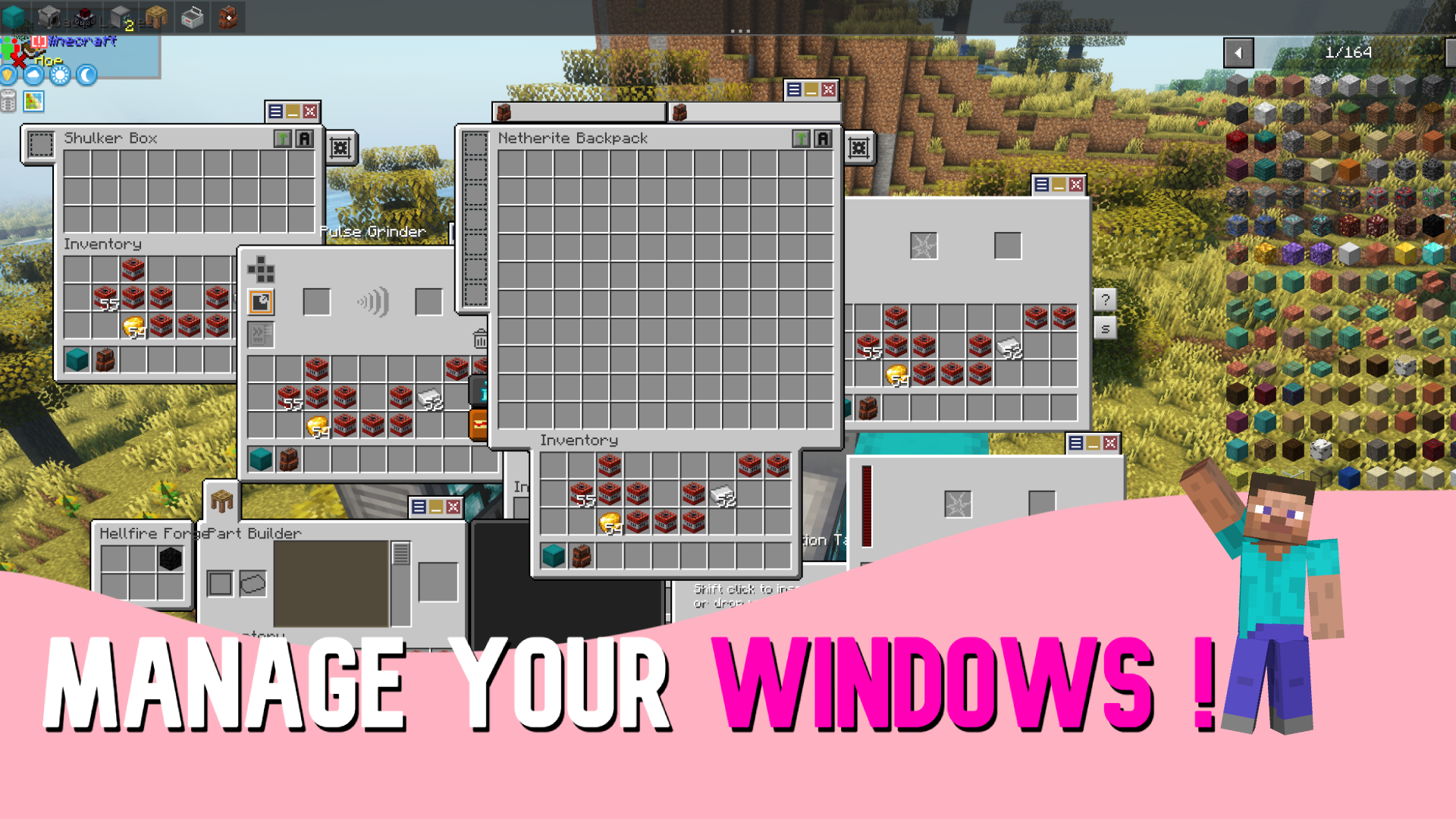
How it works: No more closing one GUI just to open another. Pin the windows you use most, minimize the ones you don't, merge related menus into tabbed groups, and keep your whole workflow on screen at once, keep multiple GUIs open at the same time.
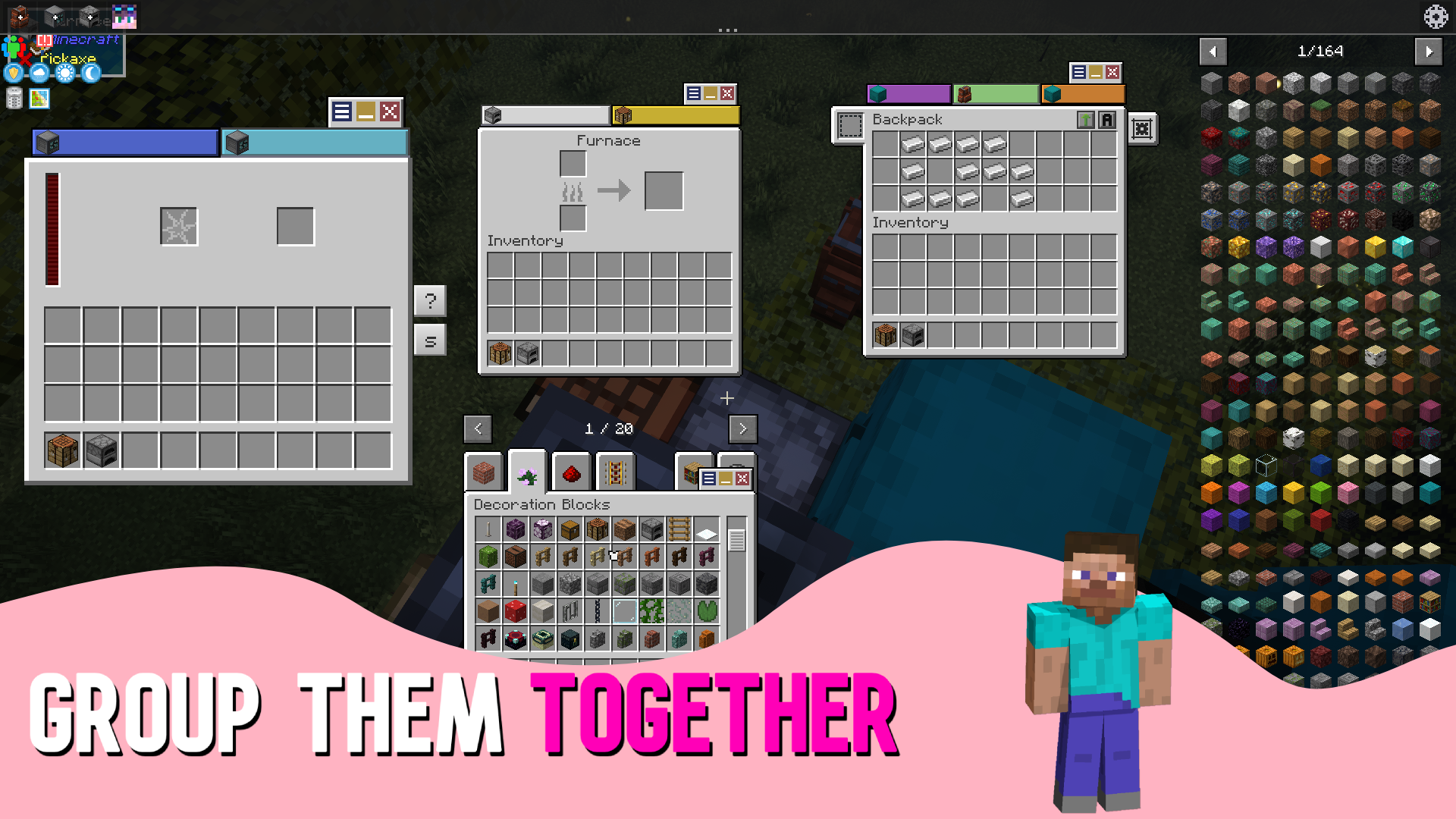
Client & Server Required !
Forge/Neoforge requires:
Fabric requires:
All settings live in config/windowed-guis/ and can be edited in-game from the gear icon on the taskbar. The folder holds:
client.json — client-side appearance and behavior optionsserver.json — server-side options such as the auto-close distancewindows.json — saved window positions, scales, and tab colorsblacklist.json — screens that should stay full-screenpreviews/ — cached window previews💡 Tip: edits made to the config file apply the next time you load a world.
Made with care by Antikythera Studios.
Enjoying the mod? A ⭐ on the repo and recommending the mod on Modrinth / CurseForge helps more than you'd think.
Project description from CurseForge.
Pick your setup
Choose the version and loader you play, then open the matching release.
Check the dependencies, then try the file in a copied instance before changing a world you care about.
Recent files
WindowedGuis-18.1.0-mc1.18.2-forge.jar
13 Jul 2026
Looking for an older file? The official CurseForge project page is in Resources.
 mod
This mod adds a bit more challenge to the gameplay — not too hard, and not too easy. It’s also fully customizable to suit your preferences.
 mod
A collection of machines to make your minecraft builds easier to automate
 mod
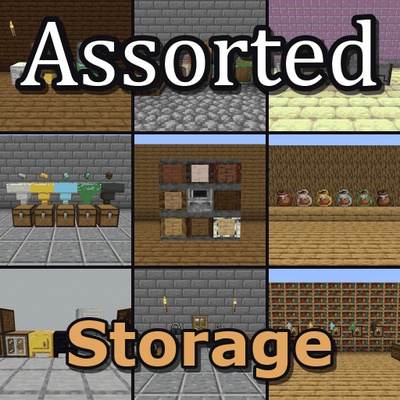
Adds chests, barrels, shulker boxes, hoppers, crates, bags and locks for all your storage.