Minecraft version
Back to mods 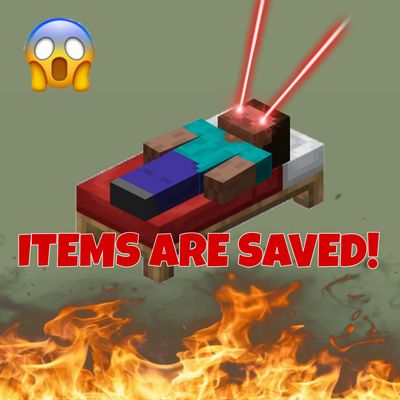
CurseForge · Minecraft mod
NEVER! (save your items)
Right-click a bed to save your inventory. Die and you only lose the loot you gathered since your last checkpoint.
Choose a version Pick your version below, then grab the matching file.
Quick answer
Which NEVER! (save your items) release should I use?
Latest stable file never_1.3.2_neoforge1.21.1.jar
Game version 1.21.1
Loader NeoForge
NEVER! (save your items) never_1.3.2_neoforge1.21.1.jar targets 1.21.1 with NeoForge. The project page does not say whether this file belongs on the client, dedicated server, or both. No extra mods listed for this file.
Where it goes
Is NEVER! (save your items) required on the client, server, or both?
The project page does not say whether this file belongs on the client, dedicated server, or both.
Client Source doesn’t say
Dedicated server Source doesn’t say
Loader for this release NeoForge
Required install it here Optional supported, not mandatory Not supported do not install here Source doesn’t say do not assume
The source does not explicitly classify this release as client-only or server-only.
What else does NEVER! (save your items) never_1.3.2_neoforge1.21.1.jar need?
never_1.3.2_neoforge1.21.1.jar. Change the file and its required mods may change too.
This file does not list any required mods. Do not add a library just because a different file uses it.
This file does not list any required or optional mods.
Before you install it
Add NEVER! (save your items) without breaking your instance.
Built for NEVER! (save your items) never_1.3.2_neoforge1.21.1.jar. Pick another file and the loader, install side or required mods may change.
- 01
Stick to this file
Use never_1.3.2_neoforge1.21.1.jar. It targets 1.21.1 with NeoForge; another release may have different loader, side or dependency requirements.
- 02
Bring the mods it needs
This file does not list any required mods. Do not add a library just because a different file uses it.
- 03
Put it on the correct side
The project page does not say whether this file belongs on the client, dedicated server, or both.
- 04
Pick the file you checked
Use the “Get this file” button beside never_1.3.2_neoforge1.21.1.jar. It opens that exact file at the source.
About this project
What does NEVER! (save your items) add?
NEVER!
(save your items)
Death shouldn't erase your whole run but only the loot you didn't bring home yet.
NEVER! turns any bed into a checkpoint for your inventory. Right-click a bed and everything you're currently carrying is committed as "safe" From that moment on, dying costs you only the items you picked up after your last checkpoint, meaning the fresh loot will be lost after death. Everything that was already saved comes right back to you when you respawn.
Smart item matching (no dupes, you CHEATER!!!)
NEVER! tracks item identity, not exact copies, so it can't be exploited to duplicate items. Durability and anvil repair cost are ignored — a saved sword that took some damage still counts as the same sword. But enchanting or renaming an item makes it genuinely new, so it's at risk until you save again
How it works
1. Sleep or tap a bed ---> your inventory is snapshotted. You'll see a confirmation in chat.
2. Die! ---> saved items are returned on respawn; anything gained since your last checkpoint drops as normal.
- Picked up 67 diamonds (a lot) but only had 5 when you last slept? You keep 5, the risky 62 drop. The choice to push your luck or head home is yours.
To keep that fair, closing an anvil or enchanting table with unsaved upgrades shows a gentle reminder above your hotbar to visit a bed.
Curios support!
Equipped accessories are protected just like your main inventory, and they're returned to their original slot on respawn.
GraveStone mod support!
All unsaved items stay in the grave after death
Notes
- Fully respects the
keepInventorygamerule. With it on, NEVER! stays out of the way. - Works with or without Curios installed (soft dependency).
- Available in English, Russian, Spanish, Portuguese, Chinese, German, Polish and French
Project description from CurseForge.
Pick your setup
NEVER! (save your items) by Minecraft version and loader
Choose the version and loader you play, then open the matching release.
Minecraft version
1.20.1
1 loader buildCheck the dependencies, then try the file in a copied instance before changing a world you care about.
Recent files
NEVER! (save your items) versions and loaders
never_1.3.2_neoforge1.21.1.jar
nerver_saveyouritems_neoforge1.21.1_2.1.0.jar
29 Aug 2026
Client Source doesn’t say Server Source doesn’t say Dependencies No extras listed Listed on Release listing
Check the 1.21.1 · NeoForge setup 1.21.1NeoForge release
never-saveyouritems-forge-1.20.1-3.1.0.jar
21 Jul 2026
Client Source doesn’t say Server Source doesn’t say Dependencies No extras listed Listed on Release listing
Check the 1.20.1 · Forge setup 1.20.1Forge release
never-saveyouritems-1.20.1-3.0.0.jar
18 Jul 2026
Client Source doesn’t say Server Source doesn’t say Dependencies No extras listed Listed on Release listing
Check the 1.20.1 · Forge setup 1.20.1Forge release
never-saveyouritems-neoforge-1.21.1-2.0.0.jar
7 Jul 2026
Client Source doesn’t say Server Source doesn’t say Dependencies No extras listed Listed on Release listing
Check the 1.21.1 · NeoForge setup 1.21.1NeoForge release
never-saveyouritems-1.20.1-1.0.0.jar
6 Jul 2026
Client Source doesn’t say Server Source doesn’t say Dependencies No extras listed Listed on Release listing
Check the 1.20.1 · Forge setup 1.20.1Forge release
Looking for an older file? The official CurseForge project page is in Resources.
 mod
mod CurseForge + Modrinth · Minecraft
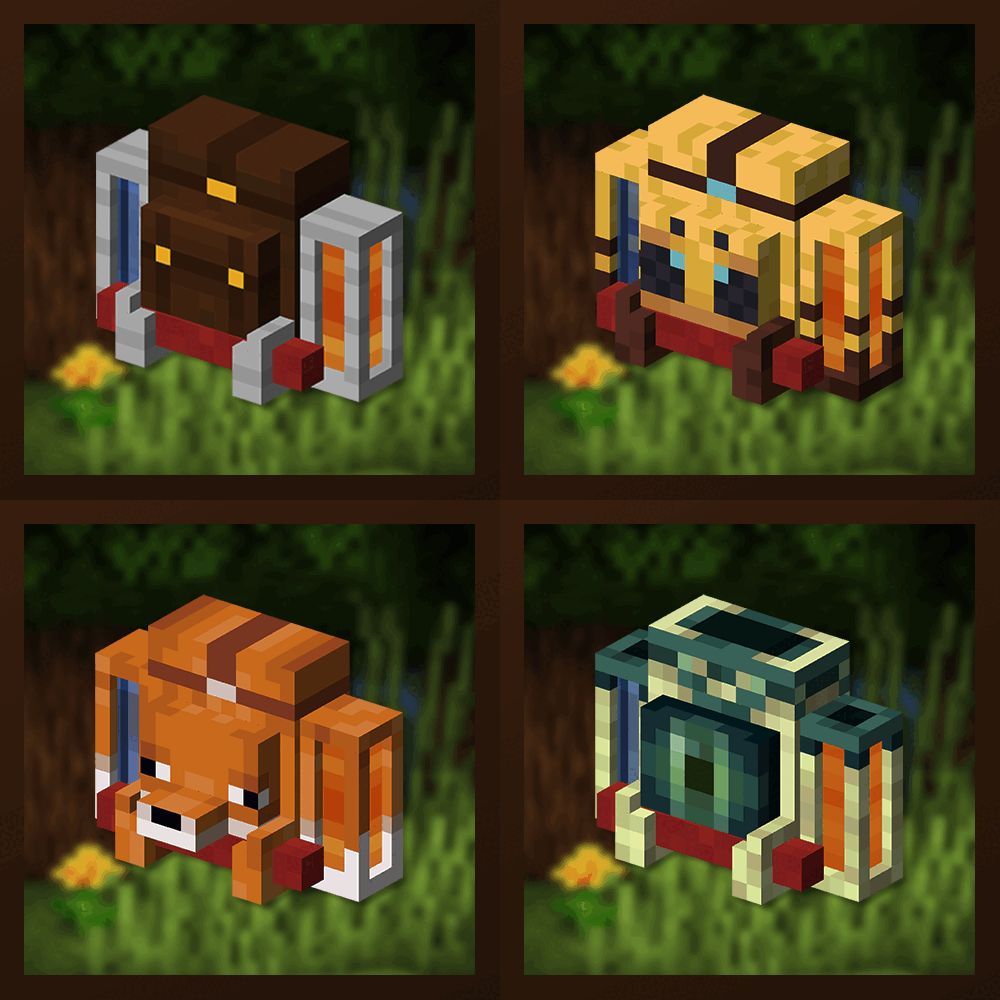
Traveler's Backpack
Unique and upgradeable backpacks with customisation, Curios API/Trinkets integration and more!
 mod
mod CurseForge + Modrinth · Minecraft
Prosperity - Loot Overhaul
Every chest is yours to discover. Per-player instanced loot means no more racing for the good stuff, and distance-based scaling makes far-flung chests richer. Exploration always pays off. Standalone and server-friendly.
 mod
mod CurseForge · Minecraft
Meridian - Enchanting Overhaul
Enchanting you build toward, not a slot machine. Five-stat shelves shape every roll, with treasure shelves, salvage tomes, and enchantment libraries for storage. 75+ enchantments, deeply configurable, standalone.