Rinku Needed by Ultimate Browser--1.21.1-1.0.1-NeoForge
requiredMatching file found Matched file: [NeoForge] v3.0.1 MC 1.21.1
CurseForge · Minecraft mod
A fully functional Chromium web browser inside Minecraft, with multiple tabs, Picture-in-Picture mode, fullscreen browsing, a chat link interceptor, and admin commands.
Quick answer
Ultimate Browser--1.21.1-1.0.1-NeoForge targets 1.21, 1.21.1 with NeoForge. The project page does not say whether this file belongs on the client, dedicated server, or both. All 1 required mods have matching files.
Where it goes
The project page does not say whether this file belongs on the client, dedicated server, or both.
The source does not explicitly classify this release as client-only or server-only.
Ultimate Browser--1.21.1-1.0.1-NeoForge. Change the file and its required mods may change too.
Install Rinku first. We found matching files for this game-version and loader setup.
We only count dependency files that match this setup. A file for another loader does not fill the gap.
Before you install it
Built for Ultimate Browser--1.21.1-1.0.1-NeoForge. Pick another file and the loader, install side or required mods may change.
Use Ultimate Browser--1.21.1-1.0.1-NeoForge. It targets 1.21, 1.21.1 with NeoForge; another release may have different loader, side or dependency requirements.
Install Rinku first. We found matching files for this game-version and loader setup.
The project page does not say whether this file belongs on the client, dedicated server, or both.
Use the “Get this file” button beside Ultimate Browser--1.21.1-1.0.1-NeoForge. It opens that exact file at the source.
About this project
A fully functional Chromium web browser inside Minecraft, with multiple tabs, Picture-in-Picture mode, fullscreen browsing, a chat link interceptor, and admin commands.
| Key | Action |
|---|---|
B |
Open/close the fullscreen browser |
P |
Toggle Picture-in-Picture mode |
M |
Move / resize / interact with the PiP window |
↑ / ↓ |
Scroll the page while in PiP |
F12 |
Toggle fullscreen while the browser screen is open |
All keybinds are rebindable from Minecraft's Controls menu.
Requires operator permission level 2.
/ub web <player> <url> — opens a specific URL for the target player./ub browser <player> — opens the browser (to its current tab) for the target player.Ultimate Browser renders a real, interactive Chromium instance inside the game — treat it like any other web browser: be mindful of what you load and who has access to the admin commands on your server.
Project description from CurseForge.
Pick your setup
Choose the version and loader you play, then open the matching release.
Check the dependencies, then try the file in a copied instance before changing a world you care about.
Recent files
Ultimate Browser--1.21.1-1.0.1-NeoForge.jar
12 Aug 2026
Ultimate Browser--1.21.1-1.0.0-NeoForge.jar
7 Jul 2026
Looking for an older file? The official CurseForge project page is in Resources.
 mod
modTrading cards you can find and collect
 mod
modAdds Silver and Necromium tiers from Caverns & Chasms to Jaam's Weaponry.
 mod
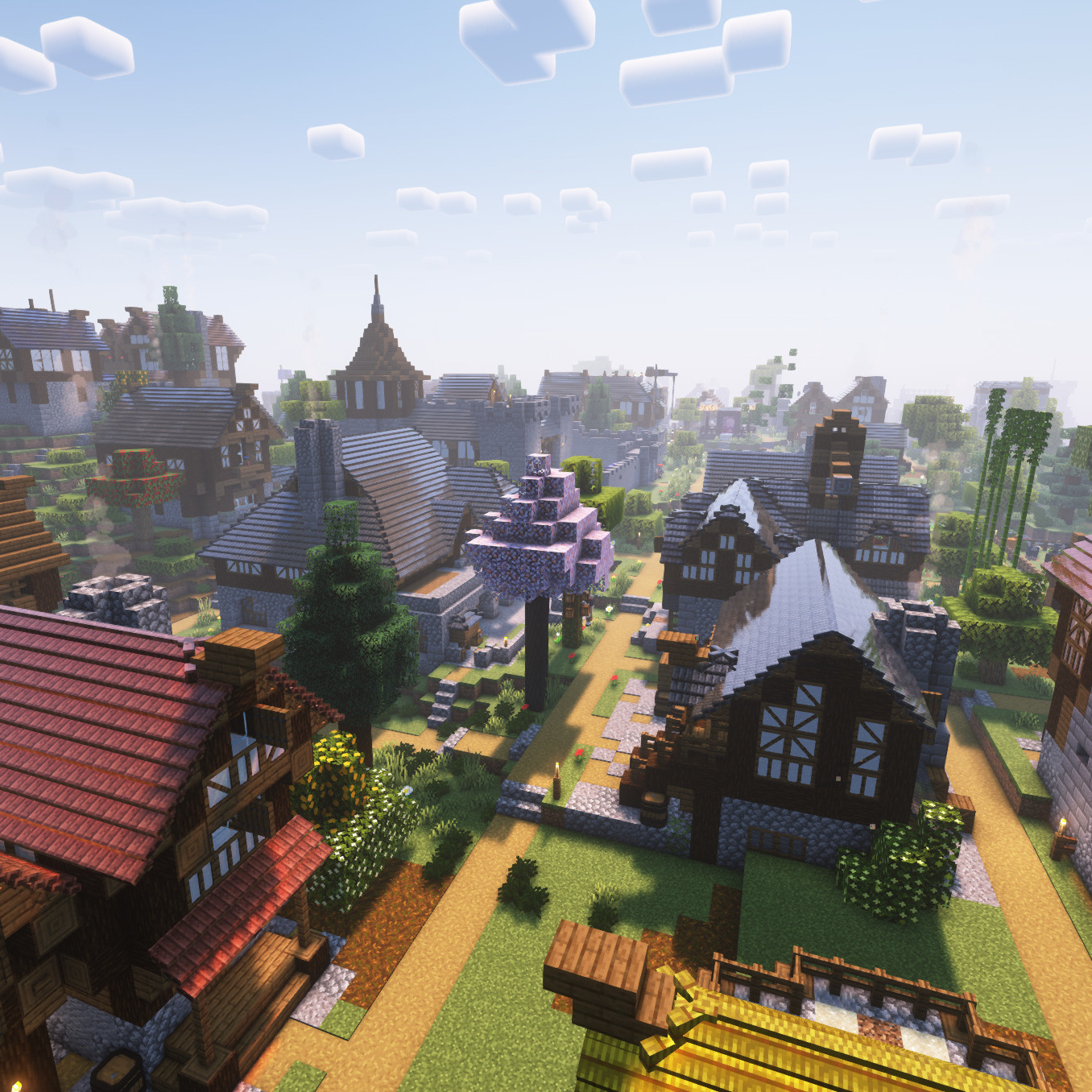
modA set of blueprint sets for the Minecolonies Mod