Create Optional for Magnot 1.2.0
optionalMatching file found Matched file: Create 6.0.10 for mc1.21.1

CurseForge · Minecraft mod
Tired of your magnets messing up your auto-crafts? Well, Magnot! Define walls or areas which block magnets from any mod. Filters coming very soon. :)
Quick answer
Magnot 1.2.0 targets 1.21.1 with NeoForge. The project page does not say whether this file belongs on the client, dedicated server, or both. No extra mods listed for this file.
Where it goes
The project page does not say whether this file belongs on the client, dedicated server, or both.
The source does not explicitly classify this release as client-only or server-only.
Magnot 1.2.0. Change the file and its required mods may change too.
This file does not list any required mods. Do not add a library just because a different file uses it.
We only count dependency files that match this setup. A file for another loader does not fill the gap.
Before you install it
Built for Magnot 1.2.0. Pick another file and the loader, install side or required mods may change.
Use Magnot 1.2.0. It targets 1.21.1 with NeoForge; another release may have different loader, side or dependency requirements.
This file does not list any required mods. Do not add a library just because a different file uses it.
The project page does not say whether this file belongs on the client, dedicated server, or both.
Use the “Get this file” button beside Magnot 1.2.0. It opens that exact file at the source.
About this project


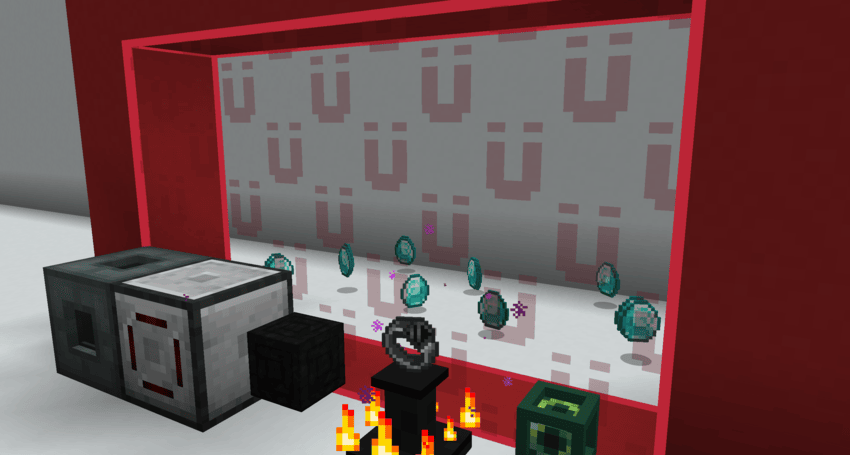
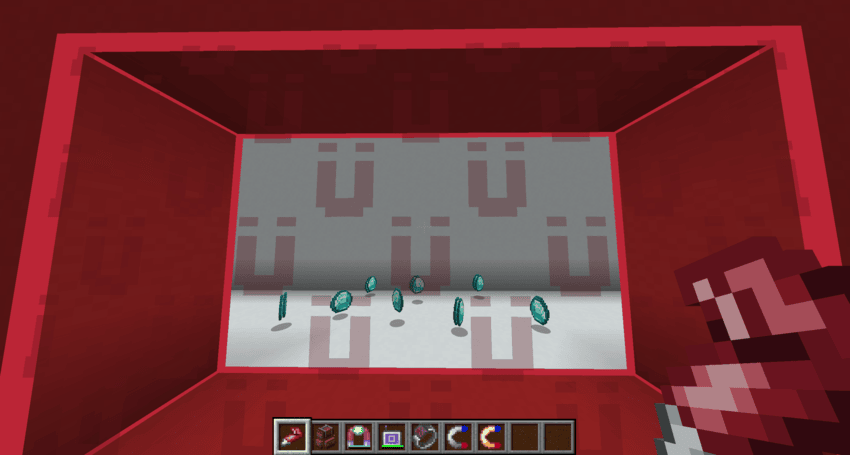
Install Magnot on both the server and connecting clients
No compatibility mod is required; all integrations are optional.
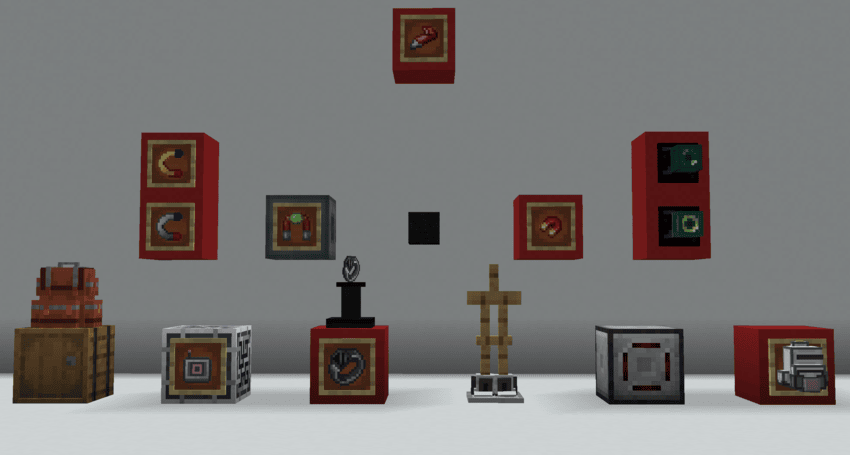
Project description from CurseForge.
Pick your setup
Choose the version and loader you play, then open the matching release.
Check the dependencies, then try the file in a copied instance before changing a world you care about.
Recent files
magnot-1.2.0-alpha.5-mc1.20.1-forge.jar
1 Aug 2026
magnot-1.2.0-alpha.5-mc1.20.1-forge.jar
1 Aug 2026
magnot-1.2.0-alpha.5-mc1.20.1-forge.jar
1 Aug 2026
magnot-1.2.0-alpha.5-mc1.20.1-forge.jar
1 Aug 2026
magnot-1.2.0-alpha.4-mc1.19.2-forge.jar
29 Jul 2026
magnot-1.2.0-alpha.4-mc1.20.1-forge.jar
29 Jul 2026
magnot-1.2.0-alpha.3-mc1.12.2-forge.jar
29 Jul 2026
magnot-1.2.0-alpha.4-mc1.20.1-neoforge.jar
29 Jul 2026
magnot-1.2.0-alpha.4-mc1.16.5-forge.jar
29 Jul 2026
magnot-1.2.0-alpha.4-mc1.7.10-forge.jar
29 Jul 2026
magnot-1.2.0-alpha.4-mc1.18.2-forge.jar
29 Jul 2026
magnot-1.2.0-alpha.4-mc1.20.1-fabric-quilt.jar
29 Jul 2026
Looking for an older file? The official CurseForge project page is in Resources.
 mod
Lets you use (just about) any fluid for "water"logging.
 mod
A client-side mod that renders inventory & container screens as a 3D plane.
 mod
Create custom dungeons and mob raids with configurable waves, spawn locations, arena boundaries, rewards, and redstone activation!