Fabric API Needed by MoveWand 1.0.0+mc26.1.2-fabric
requiredMatching file found Matched file: 0.155.3+26.1.2
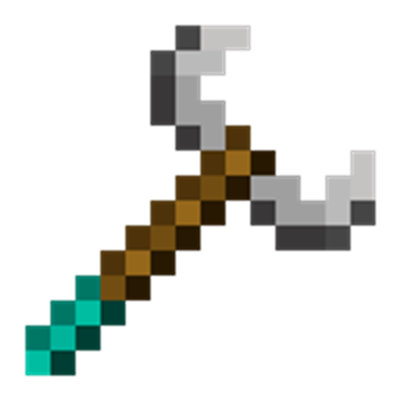
CurseForge · Minecraft mod
A survival tool for safely moving and rotating existing structures.
Quick answer
MoveWand 1.0.0+mc26.1.2-fabric targets 26.1.2 with Fabric. Installation on the client is optional. Installation on the dedicated server is optional. All 1 required mods have matching files.
Where it goes
Installation on the client is optional. Installation on the dedicated server is optional.
The source marks this as usable on both the client and server.
1.0.0+mc26.1.2-fabric on 26.1.2. Every mod below is checked against that same setup.
Install Fabric API first. We found matching files for this game-version and loader setup.
We only count dependency files that match this setup. A file for another loader does not fill the gap.
Before you install it
Built for MoveWand 1.0.0+mc26.1.2-fabric on 26.1.2. Pick another file and the loader, install side or required mods may change.
Use 1.0.0+mc26.1.2-fabric. It targets 26.1.2 with Fabric; another release may have different loader, side or dependency requirements.
Install Fabric API first. We found matching files for this game-version and loader setup.
Installation on the client is optional. Installation on the dedicated server is optional.
Use the “Get this file” button beside 1.0.0+mc26.1.2-fabric. It opens that exact file at the source.
About this project
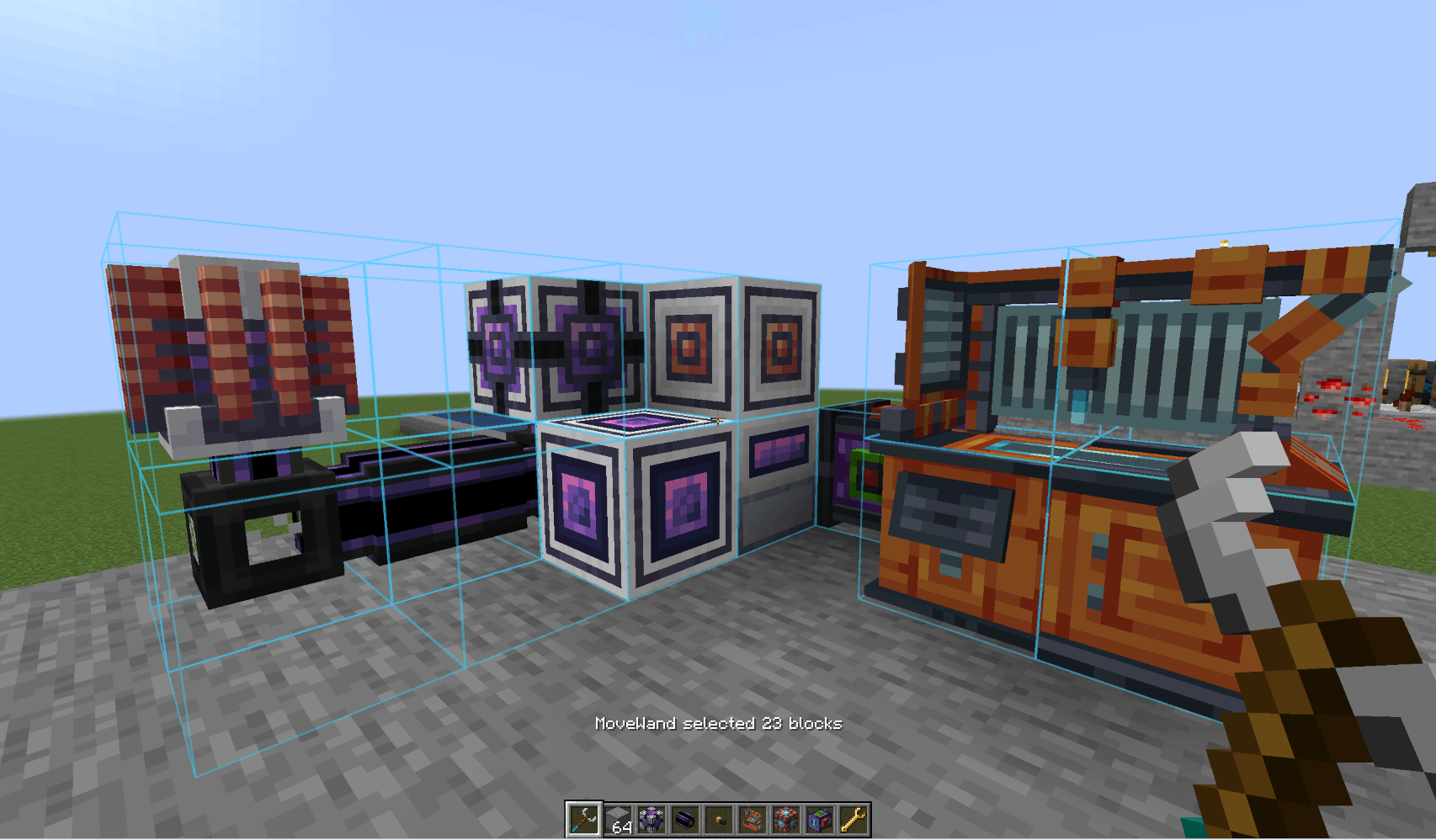
MoveWand is a mod for Fabric and NeoForge that adds a survival-friendly tool for safely moving and rotating existing structures.
It is not a WorldEdit replacement and it does not copy or paste buildings. Use the wand to correct a mechanism's position, free some space, or rotate part of a build without dismantling and rebuilding it by hand.
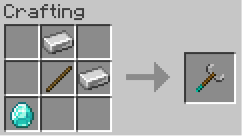
The MoveWand recipe uses one stick, two iron ingots, and one diamond. Transformations do not consume durability or hunger.
Shift + right-click to add or remove individual blocks.Enter to apply the transform, or Backspace / Esc to cancel it.Starting an individual-block selection clears a pending first box corner. The selection overlay is visible only while MoveWand is held in the main hand; press Delete to clear it explicitly.
| Default key | Action |
|---|---|
| Arrow keys | Move forward, backward, left, or right relative to the player's horizontal view |
R / V |
Move up / down along world axis Y |
[ / ] |
Rotate the whole selection around axis Y |
Enter |
Apply the previewed transform |
Backspace or Esc |
Cancel the active preview |
Delete |
Clear the selection |
All bindings can be changed in Minecraft Controls. With Mod Menu installed, MoveWand's Configure button opens its key-binding settings.
The first box corner, or the first individually selected block, becomes the pivot. After a successful operation the server updates the selection and pivot to the structure's new coordinates, so the next operation continues from the moved group.
MoveWand preserves BlockState and transfers BlockEntity data through NBT. This is best effort for third-party blocks: a mod that stores external references to old coordinates can require a dedicated integration.
Y axis.Feel free to write your ideas and suggestions. I'd appreciate any feedback. If you need a mod ported to a specific version, let me know, I'll be happy to help.
Project description from CurseForge.
Pick your setup
Choose the version and loader you play, then open the matching release.
Showing the newest 12 of 16 game versions. Older files are in the list below.
Check the dependencies, then try the file in a copied instance before changing a world you care about.
Recent files
movewand-fabric-1.0.0+mc26.1.2.jar
23 Jul 2026
22 Jul 2026
22 Jul 2026
Looking for an older file? The official CurseForge project page is in Resources.
 mod
A growing collection of quality-of-life tweaks, bug fixes, and cross-mod integrations for modpack creators!
 mod
A lightweight utility for replacing one block with another, both during worldgen and afterward.
 mod
Phoenix Wings - A more cosmetic elytra, with beautiful wings and fiery trail.