Minecraft version
Back to mods 
CurseForge · Minecraft mod
OreVision | X-Ray
OreVision is a client-side Fabric mod that helps you locate Minecraft ores
Choose a version Pick your version below, then grab the matching file.
Quick answer
Which OreVision | X-Ray release should I use?
Latest stable file [1.21.11 Fabric] Orevision-1.0.0
Game version 1.21.11
Loader Fabric
OreVision | X-Ray [1.21.11 Fabric] Orevision-1.0.0 targets 1.21.11 with Fabric. The project page does not say whether this file belongs on the client, dedicated server, or both. No extra mods listed for this file.
Where it goes
Is OreVision | X-Ray required on the client, server, or both?
The project page does not say whether this file belongs on the client, dedicated server, or both.
Client Source doesn’t say
Dedicated server Source doesn’t say
Loader for this release Fabric
Required install it here Optional supported, not mandatory Not supported do not install here Source doesn’t say do not assume
The source does not explicitly classify this release as client-only or server-only.
What else does OreVision | X-Ray [1.21.11 Fabric] Orevision-1.0.0 need?
[1.21.11 Fabric] Orevision-1.0.0. Change the file and its required mods may change too.
This file does not list any required mods. Do not add a library just because a different file uses it.
This file does not list any required or optional mods.
Before you install it
Add OreVision | X-Ray without breaking your instance.
Built for OreVision | X-Ray [1.21.11 Fabric] Orevision-1.0.0. Pick another file and the loader, install side or required mods may change.
- 01
Stick to this file
Use [1.21.11 Fabric] Orevision-1.0.0. It targets 1.21.11 with Fabric; another release may have different loader, side or dependency requirements.
- 02
Bring the mods it needs
This file does not list any required mods. Do not add a library just because a different file uses it.
- 03
Put it on the correct side
The project page does not say whether this file belongs on the client, dedicated server, or both.
- 04
Pick the file you checked
Use the “Get this file” button beside [1.21.11 Fabric] Orevision-1.0.0. It opens that exact file at the source.
About this project
What does OreVision | X-Ray add?
⛏️ OreVision | X-Ray
OreVision is a client-side Fabric mod that helps you locate Minecraft ores with customizable colored outlines. Easily switch between Visible and Invisible X-Ray modes, customize water and lava rendering, adjust the scan radius, and personalize your keybinds for the best mining experience.
✨ Features
- 🔍 Highlights ores with customizable colored outlines.
- 👁️ Two X-Ray modes:
- Visible Mode – Keep normal blocks visible while displaying ore outlines.
- Invisible Mode – Hide most blocks to easily locate ores.
- 🌊 Toggle Water rendering on or off.
- 🌋 Toggle Lava rendering on or off.
- 📏 Adjustable ore scan distance.
- ⌨️ Fully customizable keybinds.
- 💾 All settings are automatically saved and restored after restarting Minecraft.
- 🌎 It works on servers!
🎨 Ore Colors
🟢 Emerald
🔵 Diamond
🔴 Redstone
🟡 Gold
🟠 Copper
⚪ Quartz
🟤 Ancient Debris
⚫ Coal
⌨️ Default Keybinds
O → Open the OreVision configuration menu.
0 (Zero) → Toggle OreVision ON/OFF.
All keybinds can be changed anytime in Esc → Options → Controls → Key Binds.
📦 Dependency
⚠️ Important Notes
- ❌ Shaders are not supported.
If OreVision does not work while shaders are enabled, disable your shaders and try again. - ⏳ When enabling OreVision, it may take a few seconds for ore outlines to appear. This is completely normal while nearby chunks are being scanned.
- 💻 For the best performance, it is recommended to keep the default scan distance. Increasing the scan radius may reduce FPS depending on your computer's hardware.
- 💾 Your settings are automatically saved. Even if you close Minecraft, your configuration will remain exactly as you left it until you change it again.
💬 Feedback
Found a bug? Have a suggestion? Need help?
Feel free to leave a comment. I'll do my best to respond and resolve any issues as quickly as possible.
Project description from CurseForge.
Pick your setup
OreVision | X-Ray by Minecraft version and loader
Choose the version and loader you play, then open the matching release.
Check the dependencies, then try the file in a copied instance before changing a world you care about.
Recent files
OreVision | X-Ray versions and loaders
[1.21.11 Fabric] Orevision-1.0.0
[1.21.11 Fabric] Orevision-1.0.0.jar
21 Jul 2026
Client Source doesn’t say Server Source doesn’t say Dependencies No extras listed Listed on Release listing
Check the 1.21.11 · Fabric setup Fabric1.21.11 release
Looking for an older file? The official CurseForge project page is in Resources.
 mod
mod CurseForge + Modrinth · Minecraft
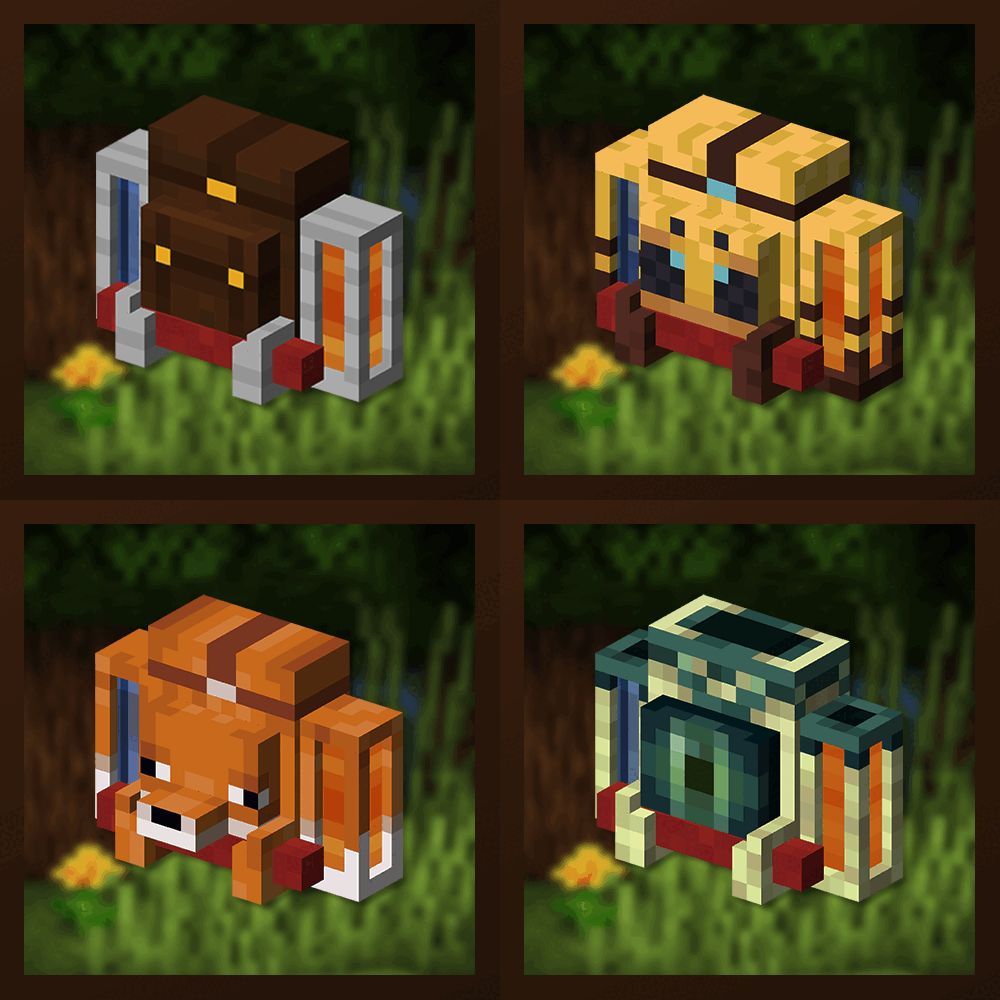
Traveler's Backpack
Unique and upgradeable backpacks with customisation, Curios API/Trinkets integration and more!
 mod
mod CurseForge + Modrinth · Minecraft
Inv View Forge/NeoForge
Allows you to open and manipulate the inventories and ender chests of online and offline players. Server Side
 mod
mod CurseForge + Modrinth · Minecraft
Prosperity - Loot Overhaul
Every chest is yours to discover. Per-player instanced loot means no more racing for the good stuff, and distance-based scaling makes far-flung chests richer. Exploration always pays off. Standalone and server-friendly.