Minecraft version
Back to mods 
CurseForge · Minecraft mod
Mysli
This is a mod that adds your character's inner thoughts.
Choose a version Pick your version below, then grab the matching file.
Quick answer
Which Mysli release should I use?
Latest stable file mysli-2.3.5.jar
Game version 26.1.1, 26.1.2
Loader Fabric
mysli-2.3.5.jar targets 26.1.1, 26.1.2 with Fabric. The project page does not say whether this file belongs on the client, dedicated server, or both. No extra mods listed for this file.
Where it goes
Is Mysli required on the client, server, or both?
The project page does not say whether this file belongs on the client, dedicated server, or both.
Client Source doesn’t say
Dedicated server Source doesn’t say
Loader for this release Fabric
Required install it here Optional supported, not mandatory Not supported do not install here Source doesn’t say do not assume
The source does not explicitly classify this release as client-only or server-only.
What else does mysli-2.3.5.jar need?
mysli-2.3.5.jar. Change the file and its required mods may change too.
This file does not list any required mods. Do not add a library just because a different file uses it.
This file does not list any required or optional mods.
Before you install it
Add Mysli without breaking your instance.
Built for mysli-2.3.5.jar. Pick another file and the loader, install side or required mods may change.
- 01
Stick to this file
Use mysli-2.3.5.jar. It targets 26.1.1, 26.1.2 with Fabric; another release may have different loader, side or dependency requirements.
- 02
Bring the mods it needs
This file does not list any required mods. Do not add a library just because a different file uses it.
- 03
Put it on the correct side
The project page does not say whether this file belongs on the client, dedicated server, or both.
- 04
Pick the file you checked
Use the “Get this file” button beside mysli-2.3.5.jar. It opens that exact file at the source.
About this project
What does Mysli add?
Mysli
**A mod that adds inner thoughts to your character.
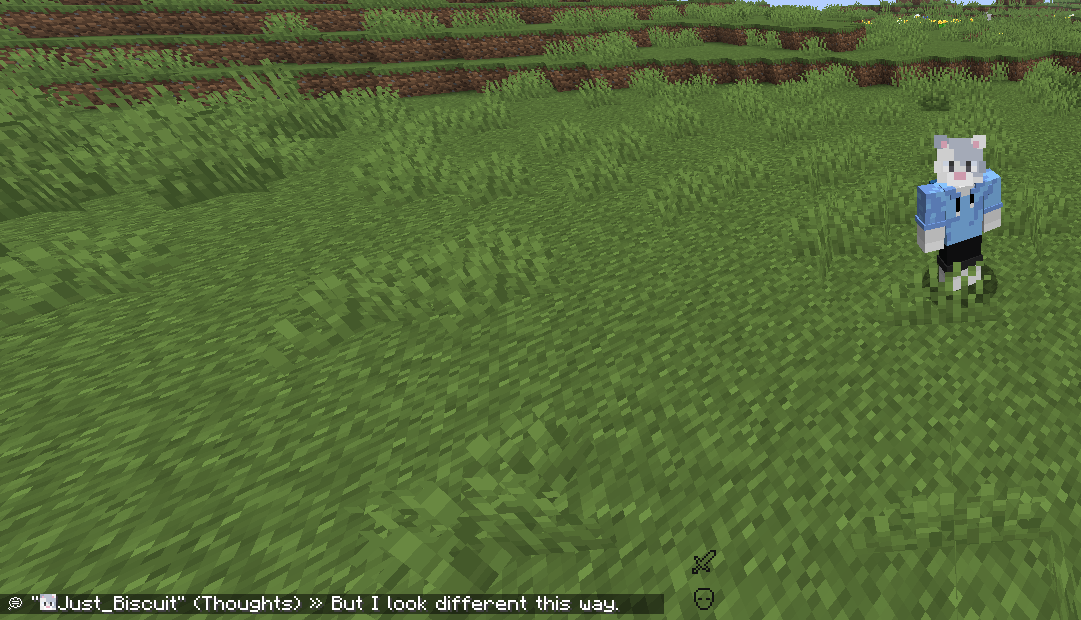
Mysli is a client-side mod (only you need it installed - nothing extra required on the server) that gives your character "inner thoughts": short reaction lines that occasionally show up in chat, visible only to you, based on what's happening in the game.
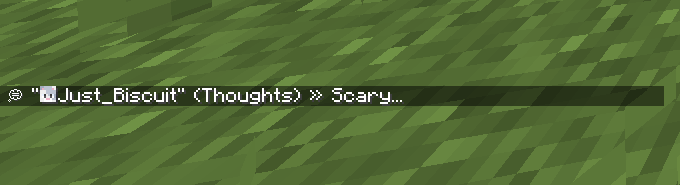
Requirements:**
Cloth Config API (required)
Mod Menu (optional, but recommended) – provides a convenient way to open the settings
Chat Heads integration
If you have Chat Heads installed, each thought message will display your character's face icon next to it in chat, making the "inner voice" feel even more personal and immersive.
Opening the settings
Mod Menu – if installed, open the mod list and click the Mysli icon.
Hotkey – bound to Right Alt by default. Rebind it, or set up a second "mute/unmute thoughts" key, under Options → Controls → Mysli. 
Settings are split across four tabs

Main

Mod interface language switch (independent from the game's own language). The mod is primarily designed for a Russian-speaking audience, but you can switch to English at any time.
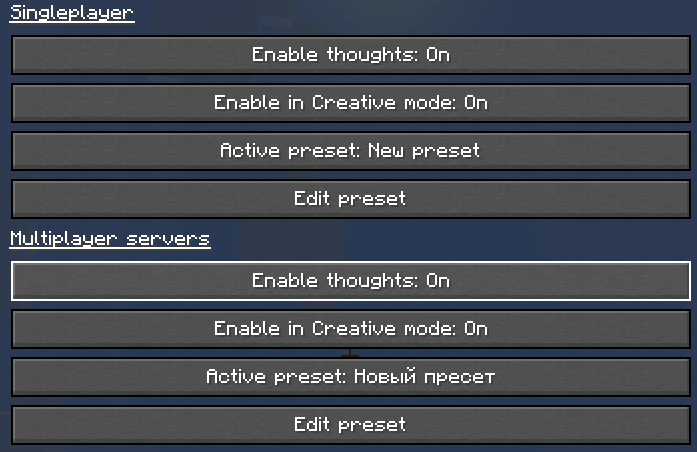
Separate Singleplayer and Servers blocks: enable the mod, enable in creative mode, choose the active preset.
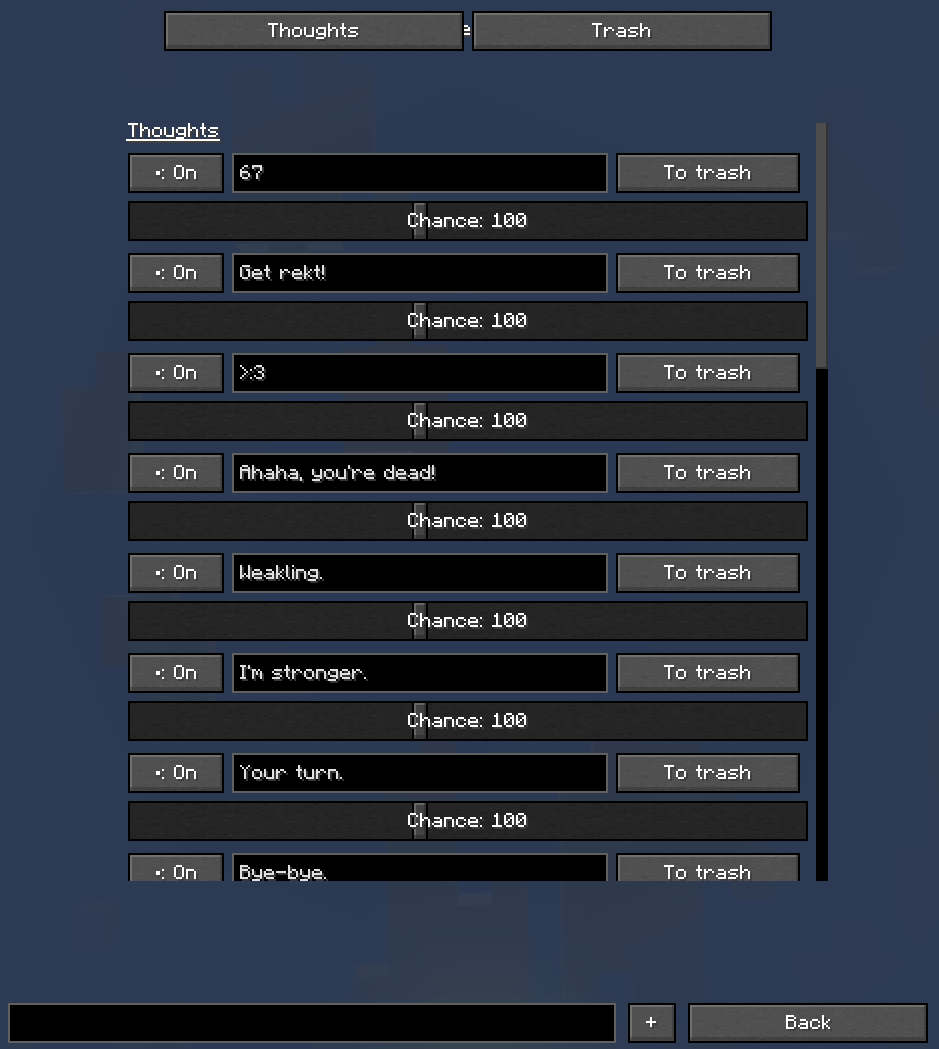
Preset management: create, duplicate, reset to default, delete. A preset is a set of categories and phrases – you can keep several and switch between them.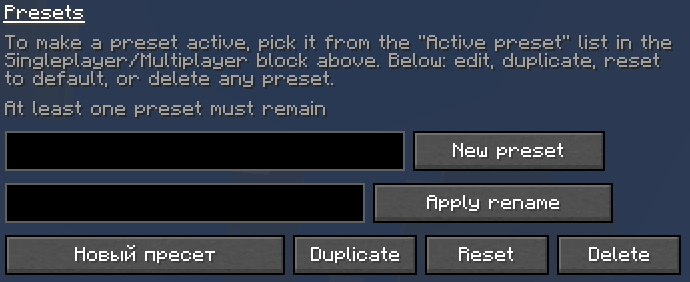
For each category: a list of phrases (enable/disable, occurrence probability, add custom phrases, delete).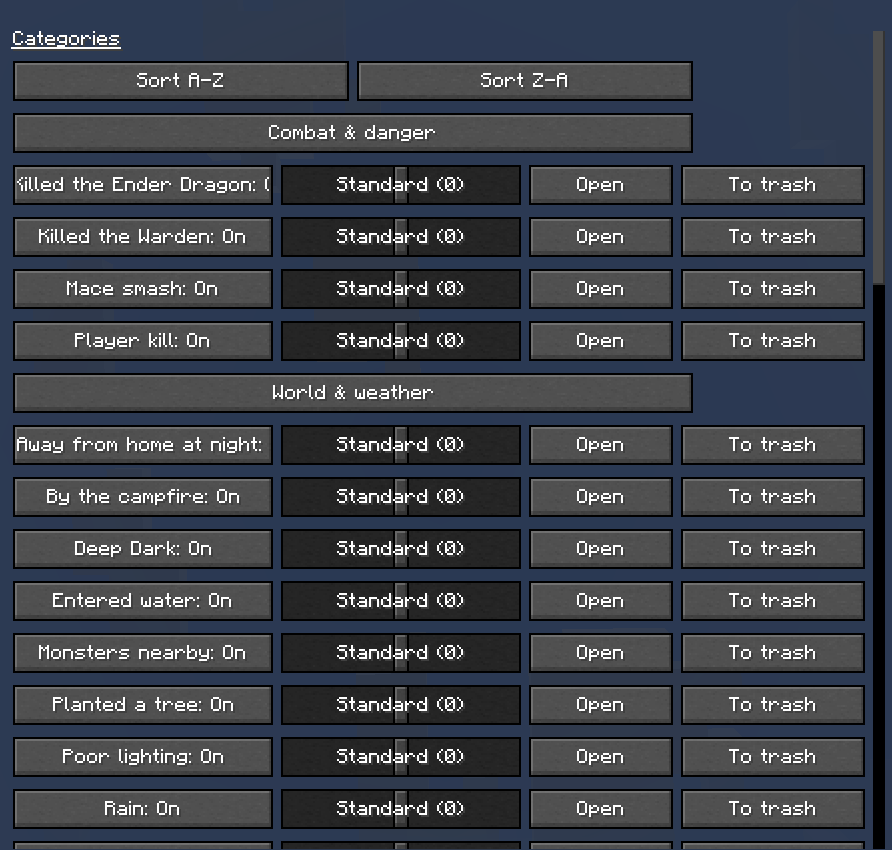
The repeating-thought mechanic
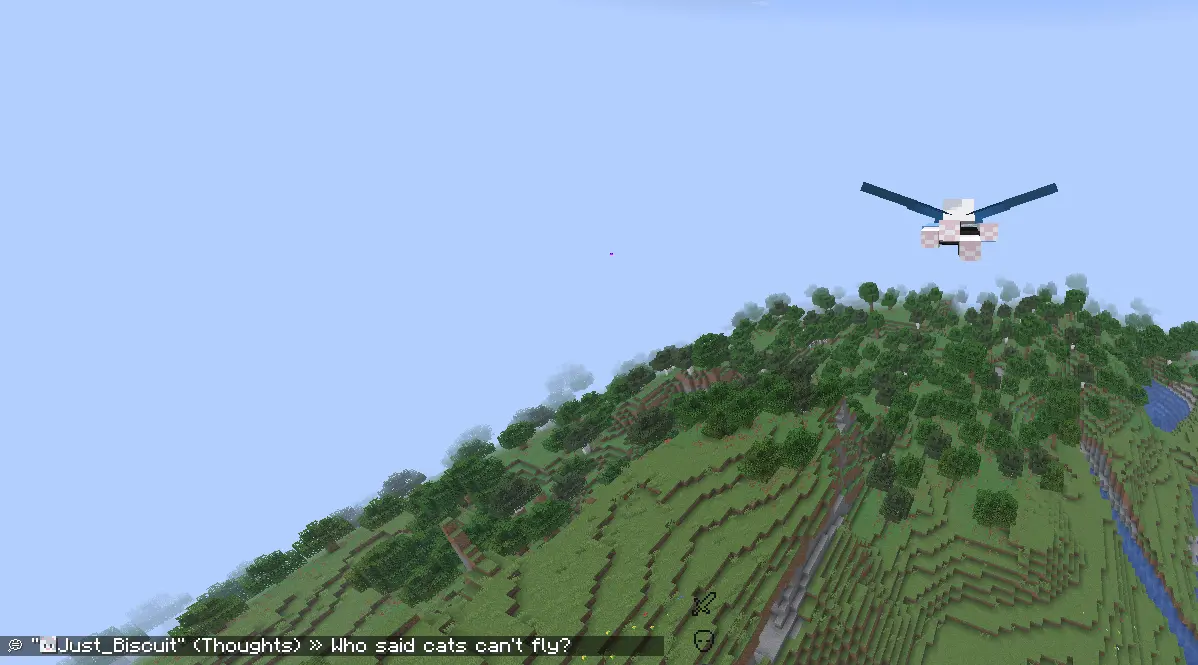
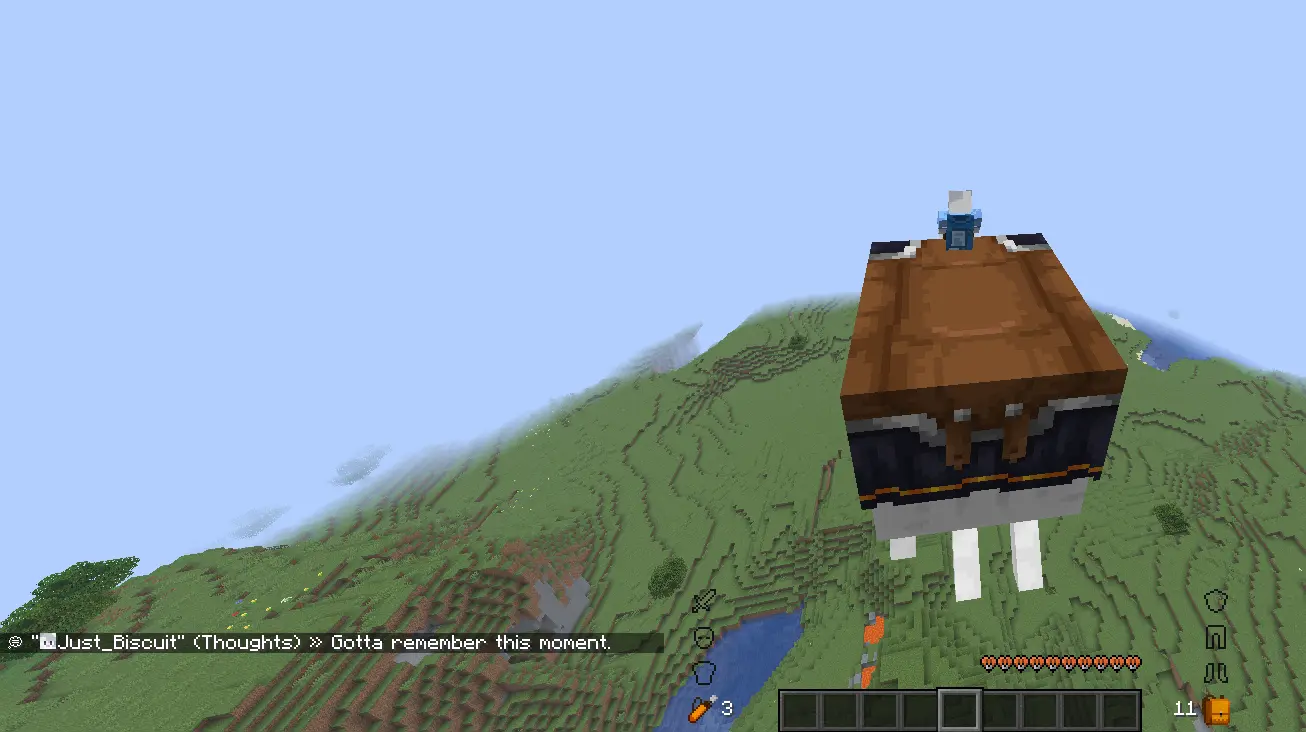
The logic for flying with elytra, riding the "Happy Ghast," and using the third-person (front-facing) view follows a specific pattern: silence until the initial thought occurs (with a configurable trigger threshold), followed by subsequent lines at random intervals; phrases do not repeat within a single "session," and each category has its own conditions for ending the session.
Other

Weather height
Darkness sensitivity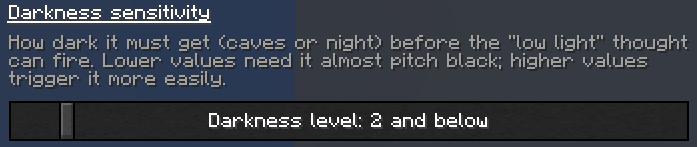
Message rate limit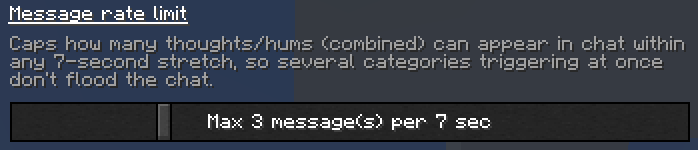
Elytra flight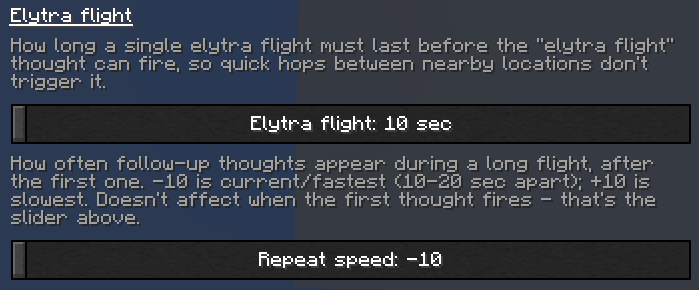
By the campfire – mode: always / evening to morning (default) / morning to evening / midnight only.
Self view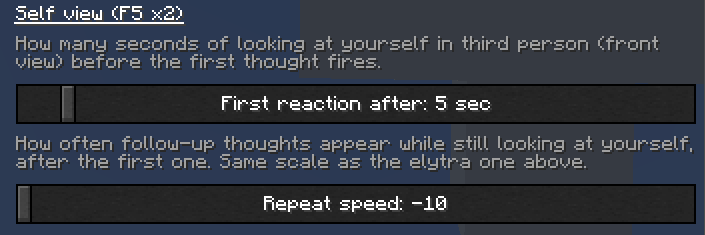
Bug report button.
Humming
If your character stands still for a while (without moving or opening other windows – such as a chest, though viewing your own inventory is allowed), they will occasionally hum a tune:
Separate settings for singleplayer and servers: enable, chance, how many minutes of AFK before checks start, and editing the lines.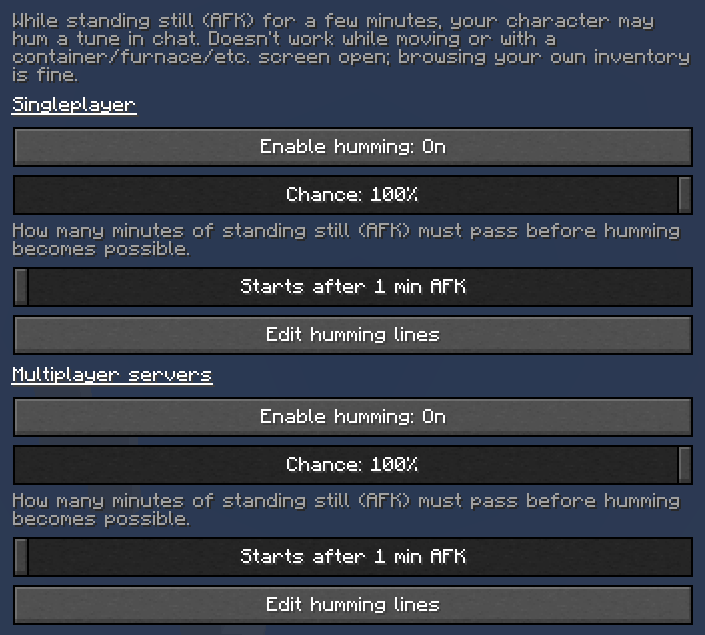
By default, the songs are performed in two languages – Russian and English – since they are, after all, songs. If you don't like them, feel free to delete them.
Sociophobia

Reacts when a living villager/wandering trader or another player is within 5 blocks (fixed). Invisible entities don't count.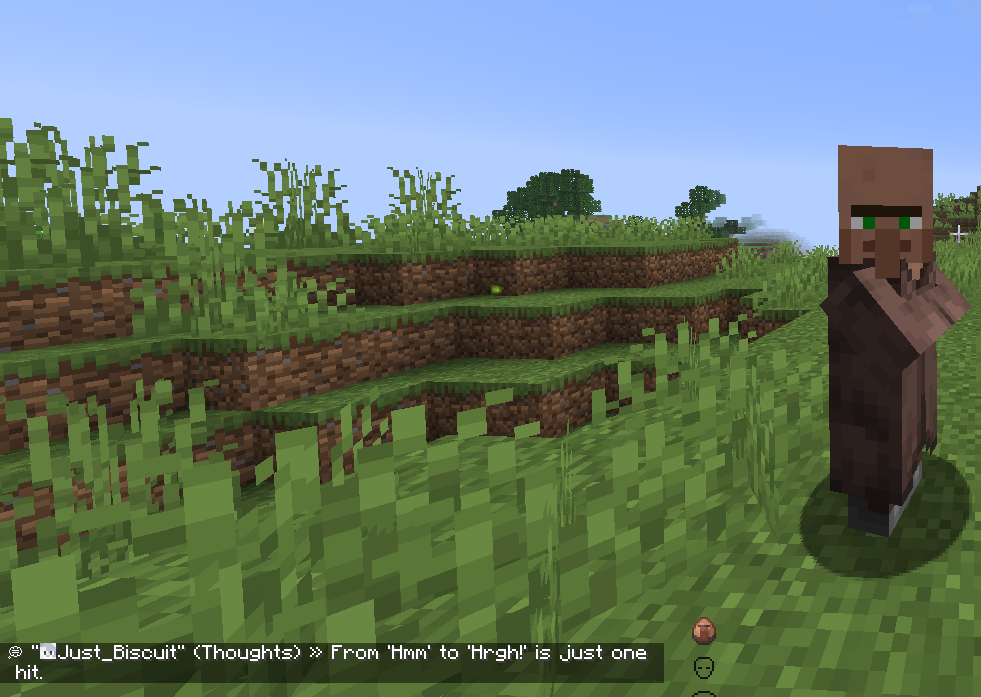
Villagers – feature activation and phrase configuration.
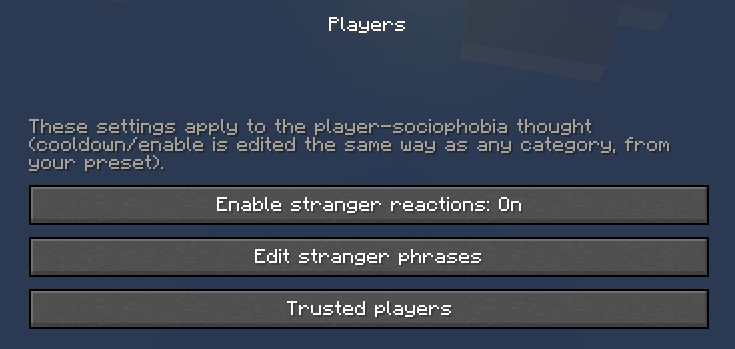
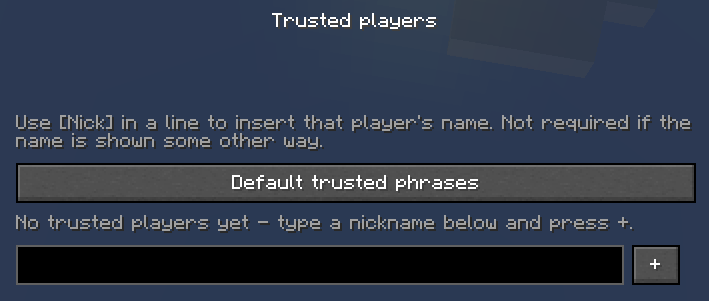
Players – feature activation, phrase configuration for "strangers," and a separate list of trusted players: nicknames with custom phrases (there is a default template that can be modified for specific players); if you include [Nick] in a phrase, the mod inserts the name of the trusted player. When encountering a trusted player, the corresponding phrase is triggered instead of the reaction to a stranger.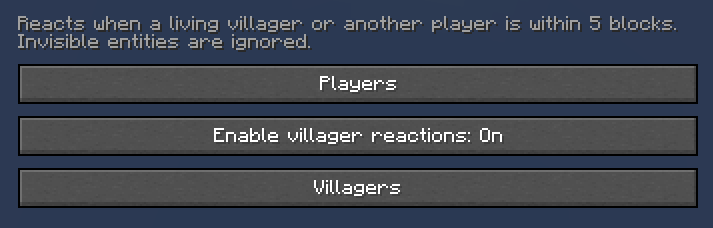
FAQ
Thoughts appear in Russian, even if English is selected in the mod settings. – By default, both the mod and the preset use Russian; click the button to create a new preset and delete the one that is in Russian.
The mod is silent. – Check: is it enabled for your current mode (singleplayer/server), is the hotkey mute active, are you in creative mode with that separately disabled?
I want different phrases. – Create a new preset (or duplicate the current one), edit it, and set it active.
I messed up a preset. – The "Reset" button in the preset list restores its default content (your edits to it will be lost).
Does it access the internet? – Everything runs locally, no internet access – no rank/tier-list lookups of any kind.
Thoughts from a cat's perspective? – Feel free to change the thoughts to ones that suit you.
Project description from CurseForge.
Pick your setup
Mysli by Minecraft version and loader
Choose the version and loader you play, then open the matching release.
Minecraft version
26.1.1
1 loader buildCheck the dependencies, then try the file in a copied instance before changing a world you care about.
Recent files
Mysli versions and loaders
mysli-2.3.5.jar
26 Jul 2026
Client Source doesn’t say Server Source doesn’t say Dependencies No extras listed Listed on Release listing
Check the 26.1.2 · Fabric setup Fabric26.1.126.1.2 release
Looking for an older file? The official CurseForge project page is in Resources.
 mod
CurseForge · Minecraft
Edible Backpacks
Required on both client and server — the server owns the slot data and the client draws the panels, so it genuinely needs both sides.
 mod
CurseForge · Minecraft
Murim Login
Wuxia / murim cultivation: pick a side, join a sect, climb from realm 10 to immortal with qi, a skill hotbar, scroll-learned arts, flying swords, quests and bosses. Thai or English.
 mod
CurseForge · Minecraft
Bestiary O’ Beasts
A living bestiary of every creature in your modpack. Watch them move, examine them in 3D, discover their habitats and drops, and control what spawns.