Fabric API Needed by WaypointsPlus waypoints-plus-mc26.1.2-fabric-1.0.7.jar
requiredMatching file found Matched file: [26.1.2] Fabric API 0.155.2+26.1.2

CurseForge · Minecraft mod
Create and manage waypoints on any multiplayer server with a clean in-game GUI.
Quick answer
WaypointsPlus waypoints-plus-mc26.1.2-fabric-1.0.7.jar targets 26.1.2 with Fabric. The project page does not say whether this file belongs on the client, dedicated server, or both. All 1 required mods have matching files.
Where it goes
The project page does not say whether this file belongs on the client, dedicated server, or both.
The source does not explicitly classify this release as client-only or server-only.
waypoints-plus-mc26.1.2-fabric-1.0.7.jar on 26.1.2. Every mod below is checked against that same setup.
Install Fabric API first. We found matching files for this game-version and loader setup.
We only count dependency files that match this setup. A file for another loader does not fill the gap.
Before you install it
Built for WaypointsPlus waypoints-plus-mc26.1.2-fabric-1.0.7.jar on 26.1.2. Pick another file and the loader, install side or required mods may change.
Use waypoints-plus-mc26.1.2-fabric-1.0.7.jar. It targets 26.1.2 with Fabric; another release may have different loader, side or dependency requirements.
Install Fabric API first. We found matching files for this game-version and loader setup.
The project page does not say whether this file belongs on the client, dedicated server, or both.
Use the “Get this file” button beside waypoints-plus-mc26.1.2-fabric-1.0.7.jar. It opens that exact file at the source.
About this project
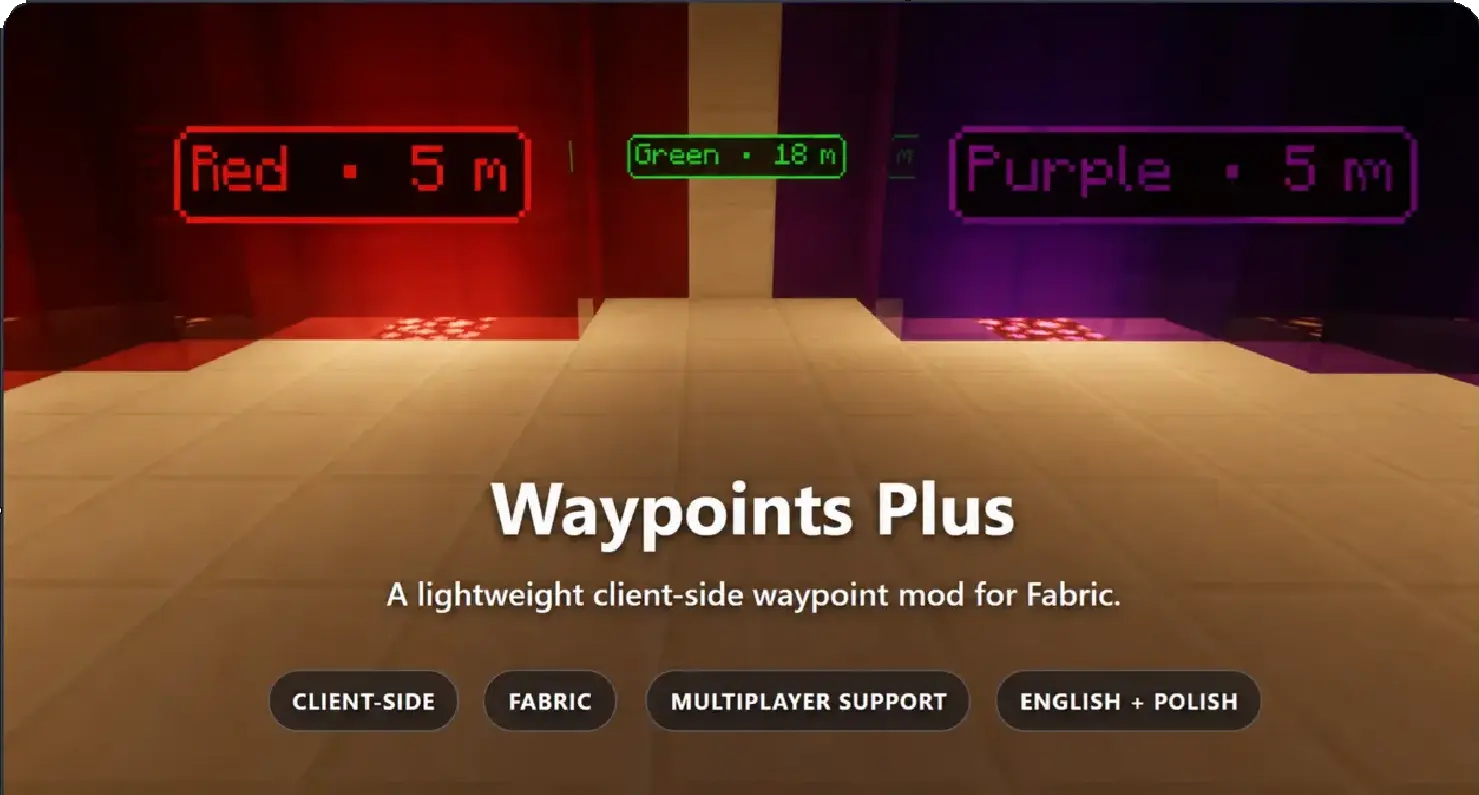
Waypoints Plus is a lightweight, client-side Fabric mod for creating smooth and customizable waypoint markers.
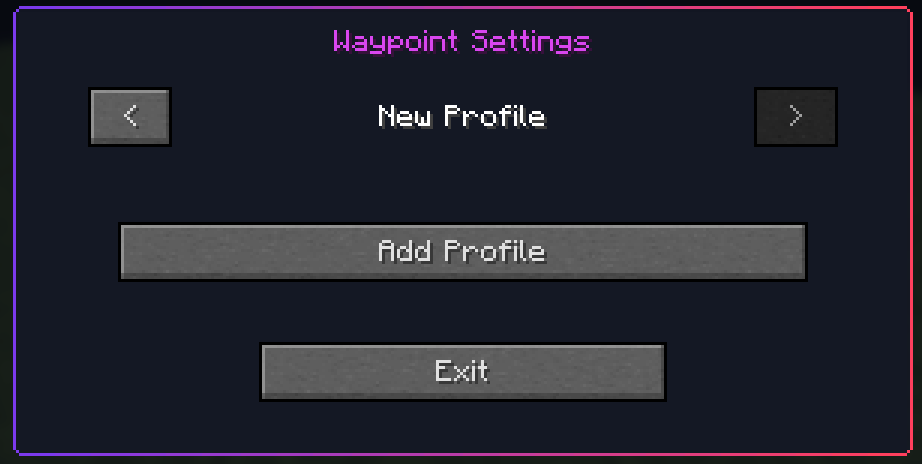
Create separate profiles, organize waypoints per server or singleplayer world, and customize their appearance directly in game. No server installation is required.
8:1 ratio.Keep different groups of waypoints separate without mixing everything into one list. Each server or world can contain multiple independent profiles.
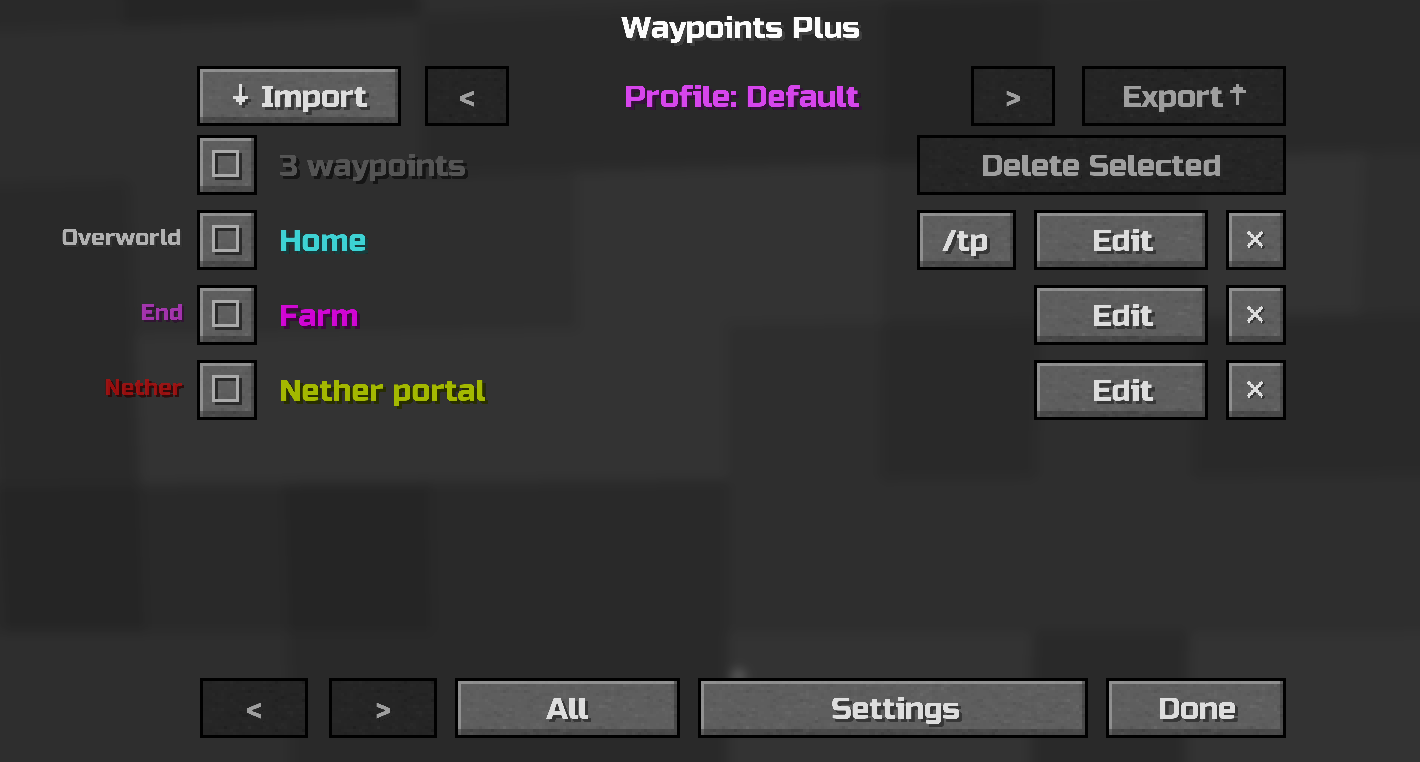
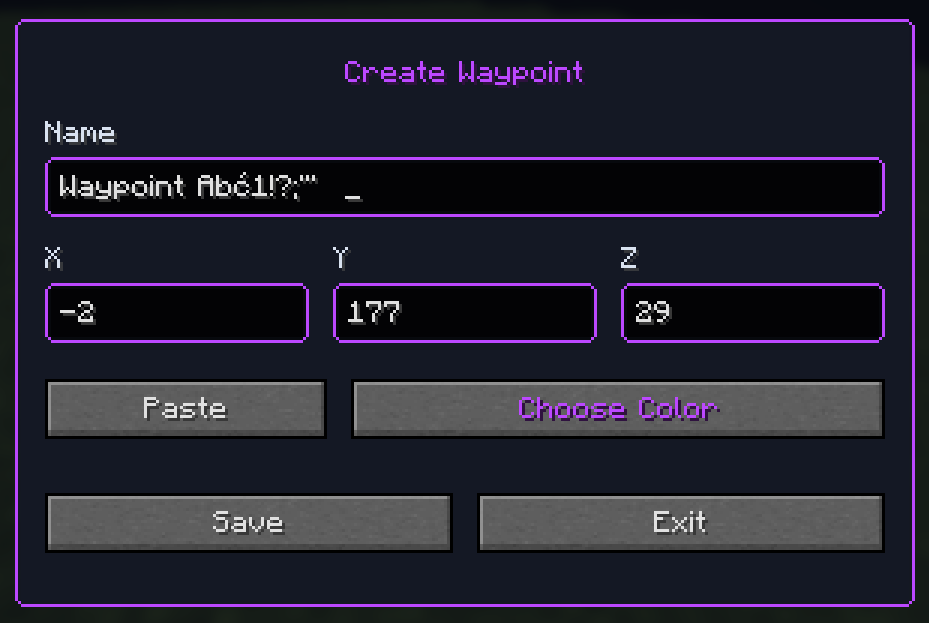
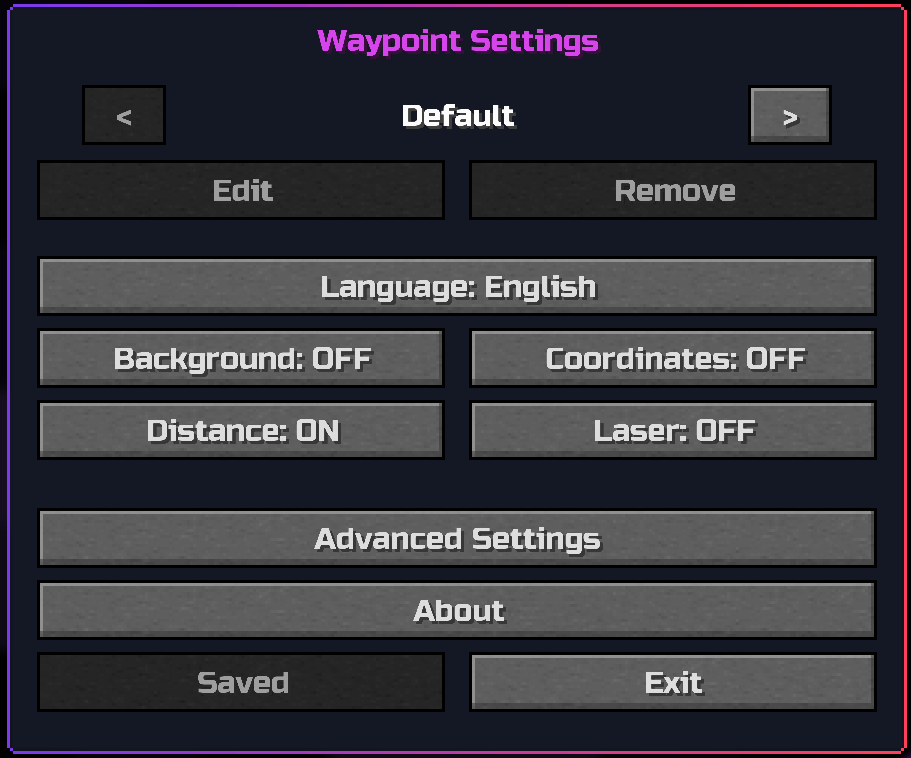
Create waypoints at your current position or enter custom coordinates. Existing waypoints can be renamed, moved, recolored, or removed directly from the management screen.
Control the information displayed on waypoint markers and adjust their appearance without editing configuration files manually.
Available options include:
| Action | Default key |
|---|---|
| Create Waypoint | b |
| Manage Waypoints | ; |
| Previous Waypoint Profile | Left Arrow |
| Next Waypoint Profile | Right Arrow |
| Reload Waypoints From File | Unassigned |
| Quick Waypoint | Unassigned |
| Copy Current Position | Unassigned |
All controls can be changed in Minecraft's standard Controls menu.
Waypoint coordinates and distance can be disabled independently. Turn them off before taking screenshots or recording when you do not want to reveal an exact location.
Waypoints Plus provides a separate, optimized JAR for each supported Minecraft version:
1.19.21.20.11.20.61.21.11.21.41.21.51.21.61.21.81.21.101.21.1126.1.226.2Always install the file marked for your exact Minecraft version.
Waypoints Plus is entirely client-side. It does not need to be installed on the server.
Configuration and waypoint data are stored in:
Project description from CurseForge.
Pick your setup
Choose the version and loader you play, then open the matching release.
Showing the newest 12 of 14 game versions. Older files are in the list below.
Check the dependencies, then try the file in a copied instance before changing a world you care about.
Recent files
21 Aug 2026
8 Aug 2026
4 Aug 2026
1 Aug 2026
31 Jul 2026
waypoints-plus-26.1.2-fabric-1.0.0.jar
27 Jul 2026
Looking for an older file? The official CurseForge project page is in Resources.
 mod
modThis mod makes lightning colorful instead of always white!
 mod
modThis mod lets you eat until your saturation is full instead of only until your hunger is full.
 mod
modThis mod makes chickens, cows, pigs, rabbits, sheep, and villagers fight back!