Fabric API Needed by WaypointsPlus One waypoints-plus-mc26.2-fabric-1.0.3.jar
requiredMatching file found Matched file: [26.2] Fabric API 0.156.0+26.2

CurseForge · Minecraft mod
Create and manage waypoints on any multiplayer server with a clean in-game GUI.
Quick answer
WaypointsPlus One waypoints-plus-mc26.2-fabric-1.0.3.jar targets 26.2 with Fabric. The project page does not say whether it belongs on the client. The project page does not say whether it belongs on the dedicated server. All 1 required mods have matching files.
Where it goes
The project page does not say whether it belongs on the client. The project page does not say whether it belongs on the dedicated server.
The source does not explicitly classify this release as client-only or server-only.
waypoints-plus-mc26.2-fabric-1.0.3.jar on 26.2. Every mod below is checked against that same setup.
Install Fabric API first. We found matching files for this game-version and loader setup.
We only count dependency files that match this setup. A file for another loader does not fill the gap.
Before you install it
Built for WaypointsPlus One waypoints-plus-mc26.2-fabric-1.0.3.jar on 26.2. Pick another file and the loader, install side or required mods may change.
Use waypoints-plus-mc26.2-fabric-1.0.3.jar. It targets 26.2 with Fabric; another release may have different loader, side or dependency requirements.
Install Fabric API first. We found matching files for this game-version and loader setup.
The project page does not say whether it belongs on the client. The project page does not say whether it belongs on the dedicated server.
Use the “Get this file” button beside waypoints-plus-mc26.2-fabric-1.0.3.jar. It opens that exact file at the source.
About this project
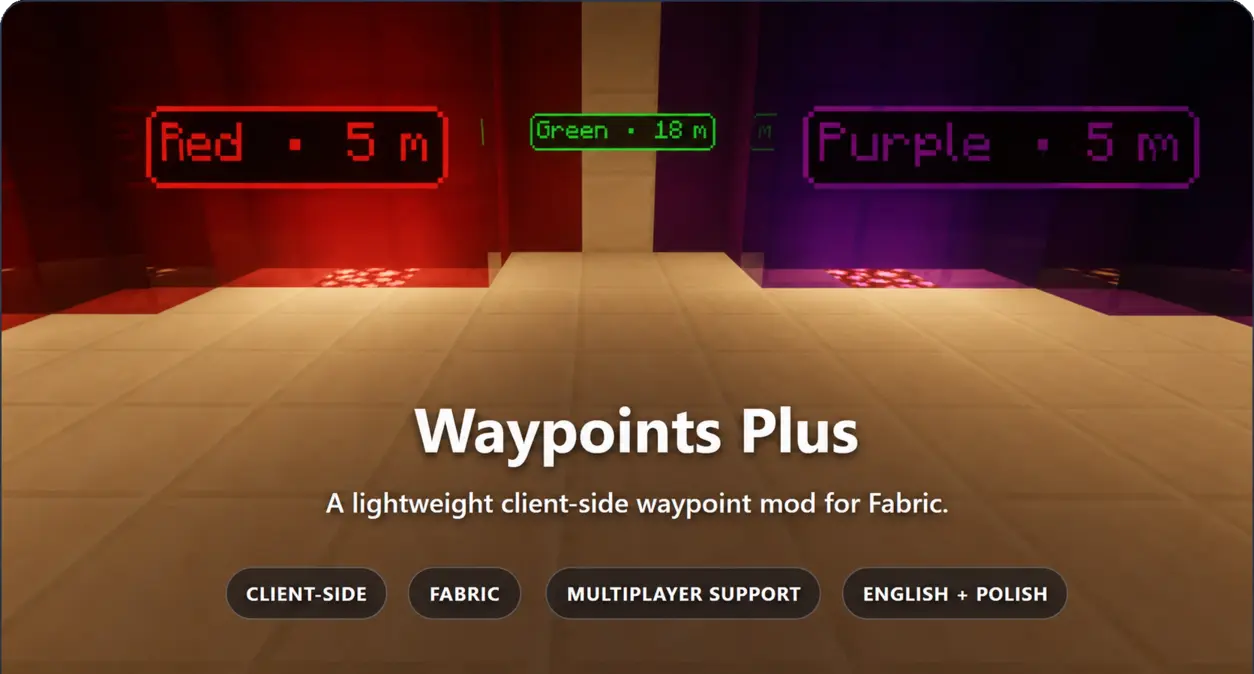
Waypoints Plus adds configurable world-space markers without requiring a server-side mod. Waypoints are stored separately for each multiplayer server and singleplayer save folder, and can be organized into profiles.
Modrinth Source Code
| World-space markers Labels face the camera and move smoothly while you walk or look around. |
Long-range visibility Markers remain visible through walls and beyond loaded chunks. |
|---|---|
| Separate storage Each multiplayer server and singleplayer save folder has its own waypoint file. |
Profiles Keep separate waypoint collections and switch between them with optional keybinds. |
| Overworld ↔ Nether Coordinates are converted automatically using Minecraft's vanilla 8:1 ratio. |
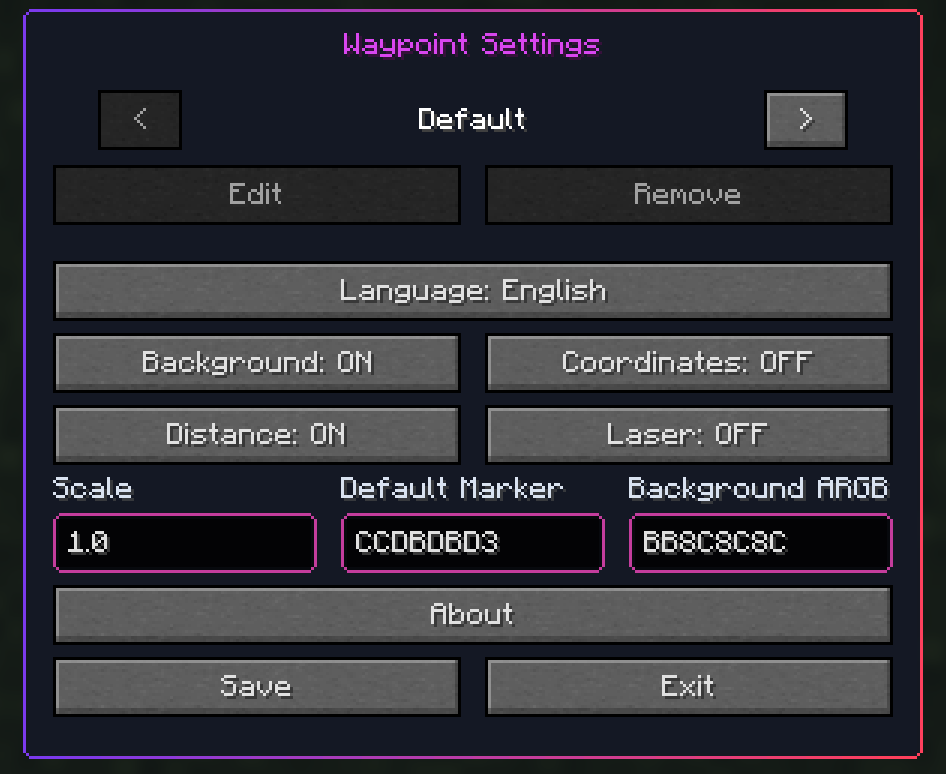
Display controls Background, distance, coordinates and lasers can be enabled independently. |
Every new waypoint is added to the active profile. Profiles belong to the current server or singleplayer world and can be created, renamed, removed or switched with keybinds. Death locations are saved in a separate Death Waypoints profile.
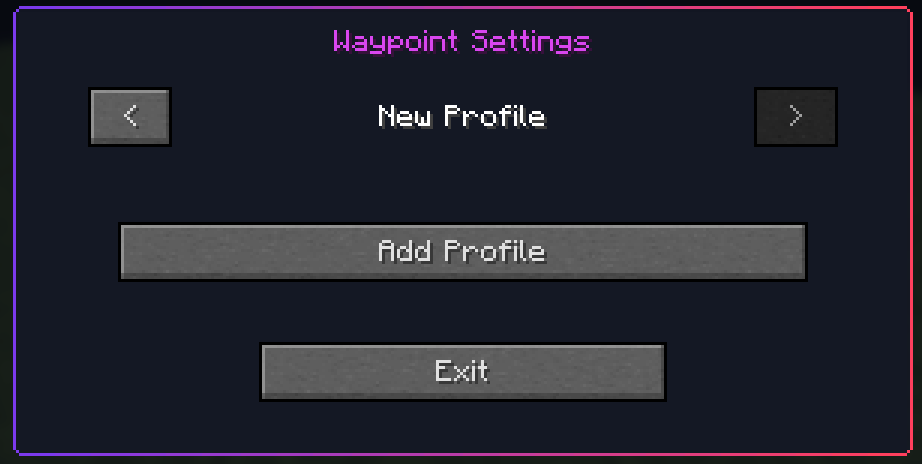
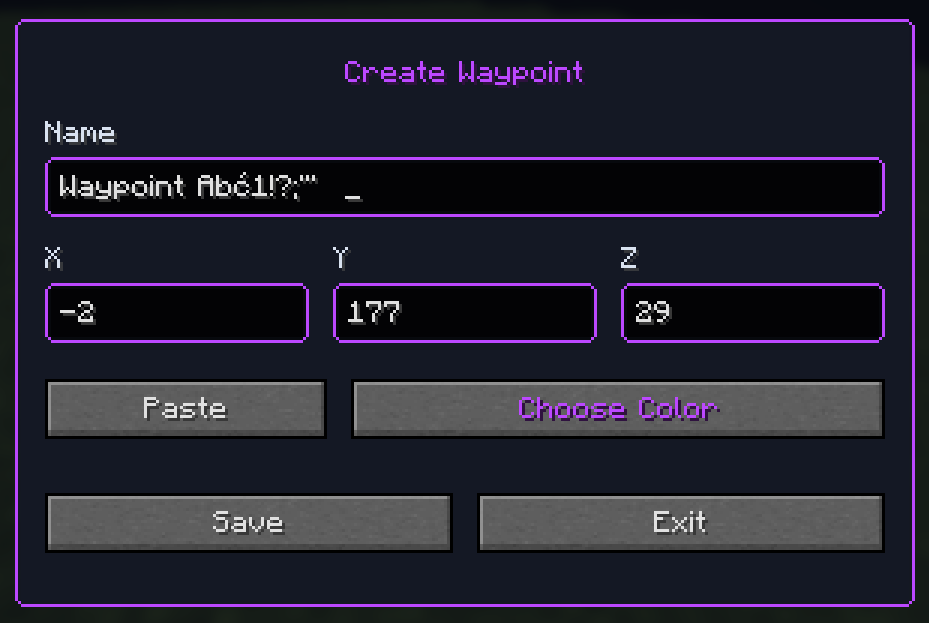
Choose which details appear on markers, set their scale and default colors, or switch the interface language. Advanced settings are shared between profiles.
| Action | Default key |
|---|---|
| Create Waypoint | B |
| Manage Waypoints | ; |
| Reload waypoint file | Unassigned |
| Previous profile | Unassigned |
| Next profile | Unassigned |
Every keybind can be changed in Minecraft's standard Controls menu.
Screenshot privacy: disable coordinates and distance before sharing screenshots or recordings when you do not want to reveal an exact location.
| Minecraft | Java |
|---|---|
| 1.19.2 and 1.20.1 | Java 17 |
| 1.20.6, 1.21.1, 1.21.2–1.21.6, 1.21.8, 1.21.10 and 1.21.11 | Java 21 |
| 26.1.2 and 26.2 | Java 25 |
Fabric Loader and Fabric API are required. Each Minecraft version receives a separately built JAR with exact version metadata. The mod is entirely client-side; the server does not need to install it.
Waypoint data is stored locally in readable, unencrypted per-server files:
config/waypointsplus/profiles.json
config/waypointsplus/waypoints/<server-file-id>.json
Files can be edited outside Minecraft. Use the optional reload keybind to refresh the active server or world file.
Modrinth Source Code Buy Me a Coffee
Created by Slogerski
Copyright © 2026 Slogerski. All rights reserved.
Project description from CurseForge.
Pick your setup
Choose the version and loader you play, then open the matching release.
Showing the newest 12 of 14 game versions. Older files are in the list below.
Check the dependencies, then try the file in a copied instance before changing a world you care about.
Recent files
1 Aug 2026
31 Jul 2026
29 Jul 2026
Looking for an older file? The official CurseForge project page is in Resources.
 mod
modA cute add-on for Farmer's Delight adding a new Bunny villager, placeable easter eggs and easter-themed foods!
 mod
modUse 4 new weapon, keeping all vanilla-like balance. Port of original Bren 1.20.1 for 26.2
 mod
modDon’t mess with the server Play Minecraft with your friends in 2 clicks