Minecraft version
Back to mods 
CurseForge · Minecraft mod
Ambient Camera
After a certain period of inactivity, the camera will automatically showcase the player, nearby mobs, and the surrounding scenery.
Choose a version Pick your version below, then grab the matching file.
Quick answer
Which Ambient Camera release matches 1.19.2 Forge?
Best match for your filters ambient_camera-forge-1.19.2-1.1.0.jar
Game version 1.19.2
Loader Forge
Ambient Camera ambient_camera-forge-1.19.2-1.1.0.jar targets 1.19.2 with Forge. The project page does not say whether this file belongs on the client, dedicated server, or both. No extra mods listed for this file.
Where it goes
Is Ambient Camera required on the client, server, or both?
The project page does not say whether this file belongs on the client, dedicated server, or both.
Client Source doesn’t say
Dedicated server Source doesn’t say
Loader for this release Forge
Required install it here Optional supported, not mandatory Not supported do not install here Source doesn’t say do not assume
The source does not explicitly classify this release as client-only or server-only.
What else does Ambient Camera ambient_camera-forge-1.19.2-1.1.0.jar need?
ambient_camera-forge-1.19.2-1.1.0.jar on 1.19.2 Forge. Every mod below is checked against that same setup.
This file does not list any required mods. Do not add a library just because a different file uses it.
This file does not list any required or optional mods.
Before you install it
Add Ambient Camera without breaking your instance.
Built for Ambient Camera ambient_camera-forge-1.19.2-1.1.0.jar on 1.19.2 Forge. Pick another file and the loader, install side or required mods may change.
- 01
Stick to this file
Use ambient_camera-forge-1.19.2-1.1.0.jar. It targets 1.19.2 with Forge; another release may have different loader, side or dependency requirements.
- 02
Bring the mods it needs
This file does not list any required mods. Do not add a library just because a different file uses it.
- 03
Put it on the correct side
The project page does not say whether this file belongs on the client, dedicated server, or both.
- 04
Pick the file you checked
Use the “Get this file” button beside ambient_camera-forge-1.19.2-1.1.0.jar. It opens that exact file at the source.
About this project
What does Ambient Camera add?
Ambient Camera
Ambient Camera turns moments of inactivity into cinematic views of your Minecraft world.
After a configurable period without keyboard or mouse input, the camera automatically begins moving between carefully selected views of your character, nearby scenery, and moving mobs. Any input immediately returns control to the player.
Features
- Automatically activates after a configurable period of inactivity
- Cinematic shots focused on:
- Your player
- The surrounding landscape
- Nearby moving mobs
- Elevated scenery views
- Smooth camera movement and subject tracking
- Configurable camera movement speed
- Configurable shot duration
- Adjustable scenery and mob detection ranges
- Optional camera wall clipping
- Automatically hides and restores the HUD
- Restores the previous camera perspective when finished
Shot Transitions
Choose the transition style between camera shots using an in-game slider:
- None
- Fade to Black
- Fade to White
- Horizontal Wipe
- Vertical Wipe
- FCross Dissolve
- Random Vertical Wipe
- Random Horizontal Wipe
The duration of the transition can also be adjusted.
Performance Options
Ambient Camera can apply a separate FPS limit while the cinematic camera is active.
Available options:
- Same as Minecraft Video Settings
- 5 FPS
- 10 FPS
- 30 FPS
- 60 FPS
- 120 FPS
Your previous FPS limit is restored when Ambient Camera stops.
Background and Menu Support
Ambient Camera can continue detecting inactivity while:
- Minecraft is not the active window
- Chat or command input is open
- An inventory or container screen is open
These behaviors can be changed in the configuration menu.
Configuration
All options can be changed directly in game:
Mods → Ambient Camera → Config
The configuration interface supports both English and Japanese.
Compatibility
- Minecraft 1.21.1
- NeoForge 21.1.x
- Client-side only
- No server installation required
- No additional dependencies required
License
Ambient Camera is available under the MIT License.
Project description from CurseForge.
Pick your setup
Ambient Camera by Minecraft version and loader
Choose the version and loader you play, then open the matching release.
Minecraft version
26.2
2 loader buildsMinecraft version
26.1.2
1 loader buildMinecraft version
26.1.1
1 loader buildMinecraft version
26.1
1 loader buildMinecraft version
1.21.11-snapshot
1 loader buildMinecraft version
1.21.11
1 loader buildMinecraft version
1.21.10
1 loader buildMinecraft version
1.21.8
2 loader buildsMinecraft version
1.21.5
1 loader buildMinecraft version
1.21.4
1 loader buildMinecraft version
1.21.1
2 loader buildsShowing the newest 12 of 16 game versions. Older files are in the list below.
Check the dependencies, then try the file in a copied instance before changing a world you care about.
Recent files
Ambient Camera versions and loaders
ambient_camera-forge-1.19.2-1.1.0.jar
26 Oct 2026
Client Source doesn’t say Server Source doesn’t say Dependencies No extras listed Listed on Release listing
Check the 1.19.2 · Forge setup Forge1.19.2 release
Looking for an older file? The official CurseForge project page is in Resources.
 mod
CurseForge + Modrinth · Minecraft
Supplementaries
Vanilla+ additions: Jars, signposts, faucets, weather vanes spring launchers, sconces, planters, lights, decoration and automation
 mod
CurseForge · Minecraft
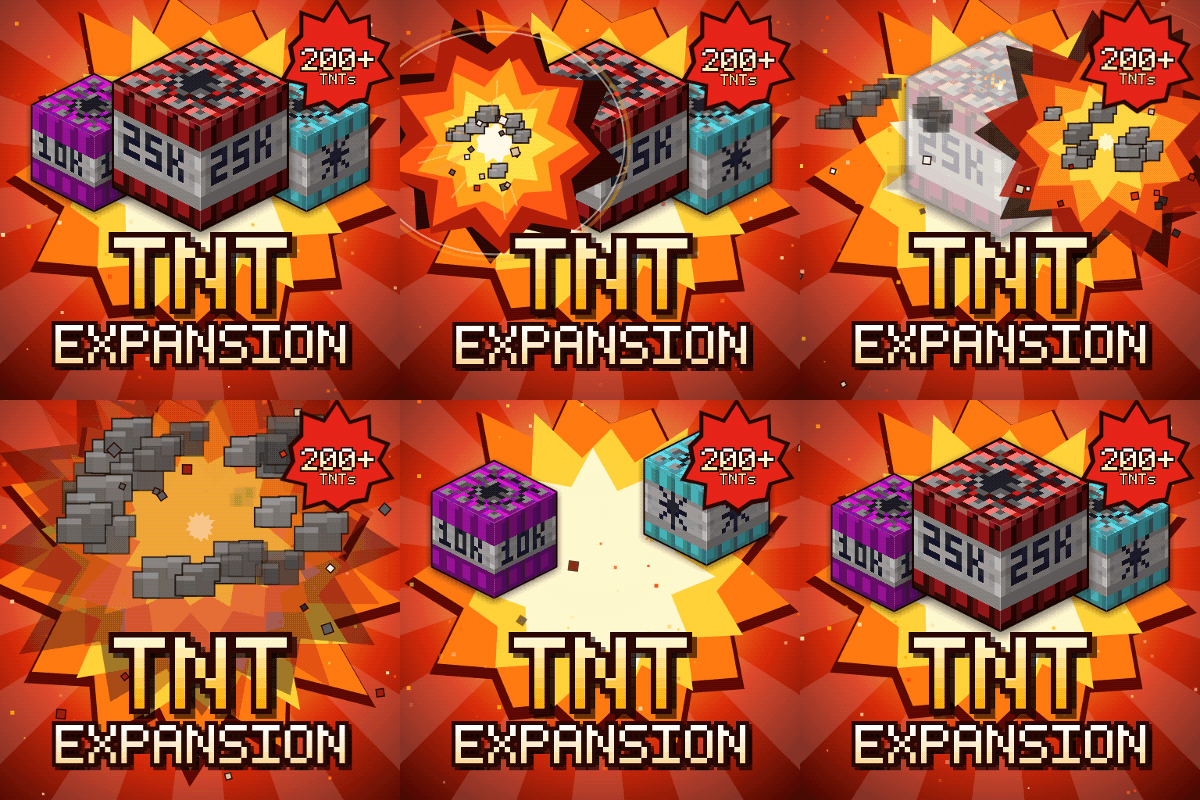
TNT Expansion (+200 new craftable TNT)
201 craftable TNTs, from harmless mini TNTs to nukes, tornadoes, volcanoes and black holes. Build your own at the Workbench and see every TNT in 3D in the new guide book. Or try Error 404: say goodbye to your world!
 mod
CurseForge + Modrinth · Minecraft
FallingTree
Break down your trees by only cutting one piece of it