Minecraft version
Back to mods 
CurseForge · Minecraft mod
vcam
Control Minecraft using your phone: gyro, touch, and joystick for full camera override, with live screen stream.
Choose a version Pick your version below, then grab the matching file.
Quick answer
Which vcam release should I use?
Latest stable file [Fabric 1.21.1] v1.0.1
Game version 1.21.1
Loader Fabric
vcam [Fabric 1.21.1] v1.0.1 targets 1.21.1 with Fabric. The project page does not say whether this file belongs on the client, dedicated server, or both. No extra mods listed for this file.
Where it goes
Is vcam required on the client, server, or both?
The project page does not say whether this file belongs on the client, dedicated server, or both.
Client Source doesn’t say
Dedicated server Source doesn’t say
Loader for this release Fabric
Required install it here Optional supported, not mandatory Not supported do not install here Source doesn’t say do not assume
The source does not explicitly classify this release as client-only or server-only.
What else does vcam [Fabric 1.21.1] v1.0.1 need?
[Fabric 1.21.1] v1.0.1. Change the file and its required mods may change too.
This file does not list any required mods. Do not add a library just because a different file uses it.
This file does not list any required or optional mods.
Before you install it
Add vcam without breaking your instance.
Built for vcam [Fabric 1.21.1] v1.0.1. Pick another file and the loader, install side or required mods may change.
- 01
Stick to this file
Use [Fabric 1.21.1] v1.0.1. It targets 1.21.1 with Fabric; another release may have different loader, side or dependency requirements.
- 02
Bring the mods it needs
This file does not list any required mods. Do not add a library just because a different file uses it.
- 03
Put it on the correct side
The project page does not say whether this file belongs on the client, dedicated server, or both.
- 04
Pick the file you checked
Use the “Get this file” button beside [Fabric 1.21.1] v1.0.1. It opens that exact file at the source.
About this project
What does vcam add?
Embed Removed: https://www.youtube-nocookie.com/embed/EzAjuX5gfyM
Control Minecraft using your phone — gyro, touch, and joystick for full camera override, with a live screen stream to your phone.
Turn any modern smartphone into a camera controller for Minecraft. Look around by moving your phone, swipe the screen for quick turns, and use the on-screen joystick to dolly forward/backward.
Features
- Gyroscope control — yaw, pitch, and roll mapped directly to in-game camera movement
- FPS-style touch drag — swipe the right half of the screen for quick 180s and fast turns
- Joystick — on-screen movement controls (forward/backward/strafe)
- Live screen stream — see your Minecraft gameplay on your phone via WebRTC / MSE (powered by go2rtc)
- Zoom — pinch-to-zoom adjusts camera FOV
- Configurable smoothing — adjust rotation and position smoothing to your liking
- Invert pitch toggle — works with any phone orientation convention
How it works
The mod listens on WebSocket port 4322 for sensor data (gyro + touch + joystick). A companion app (vcam.exe) serves the mobile web UI over HTTPS, streams your desktop via go2rtc, and handles TLS certificates automatically.
Quick Start
- Install the mod (
vcam-mod-<version>+mc1.21.1.jar) in yourmods/folder - Download
vcam.exefrom the GitHub releases and run it on your Windows PC - Open
https://<YOUR_LAN_IP>:4321/on your phone - Press START TRACKING on the phone, then press V in Minecraft to enable camera override
Requirements
- Fabric Loader
- Fabric API
- Windows or Linux Desktop (for the companion bootstrap app)
- A smartphone with a modern browser (Chrome, Safari, Brave — iOS 16+ / Android 10+)
Controls
| Input | Action |
|---|---|
| Phone movement | Look around |
| Swipe right side of screen | Quick camera turns |
| Bottom-left joystick | Dolly movement |
| Pinch / scroll | Zoom FOV |
| ⚙ (top-right) | Settings panel |
Notes
- The companion bootstrap app is open source and available on GitHub
- Screen capture can be disabled at startup for low-end PCs
- No account, cloud, or internet required — everything runs on your local network
Project description from CurseForge.
Pick your setup
vcam by Minecraft version and loader
Choose the version and loader you play, then open the matching release.
Check the dependencies, then try the file in a copied instance before changing a world you care about.
Recent files
vcam versions and loaders
[Fabric 1.21.1] v1.0.1
vcam-mod-1.0.1+mc1.21.1.jar
9 Aug 2026
Client Source doesn’t say Server Source doesn’t say Dependencies No extras listed Listed on Release listing
Check the 1.21.1 · Fabric setup Fabric1.21.1 release
[Fabric 1.21.1] v1.0.0
vcam-1.0.0.jar
28 Jul 2026
Client Source doesn’t say Server Source doesn’t say Dependencies No extras listed Listed on Release listing
Check the 1.21.1 · Fabric setup Fabric1.21.1 release
Looking for an older file? The official CurseForge project page is in Resources.
 mod
mod CurseForge · Minecraft
AE2 Recent Search
Adds clickable recent search history to AE2 terminals, making it easier to reuse item names, mod filters, tags, tooltips, and item ID searches.
 mod
mod CurseForge + Modrinth · Minecraft
Midnight Thoughts
Unique sleep overhaul and rest system
 mod
mod CurseForge · Minecraft
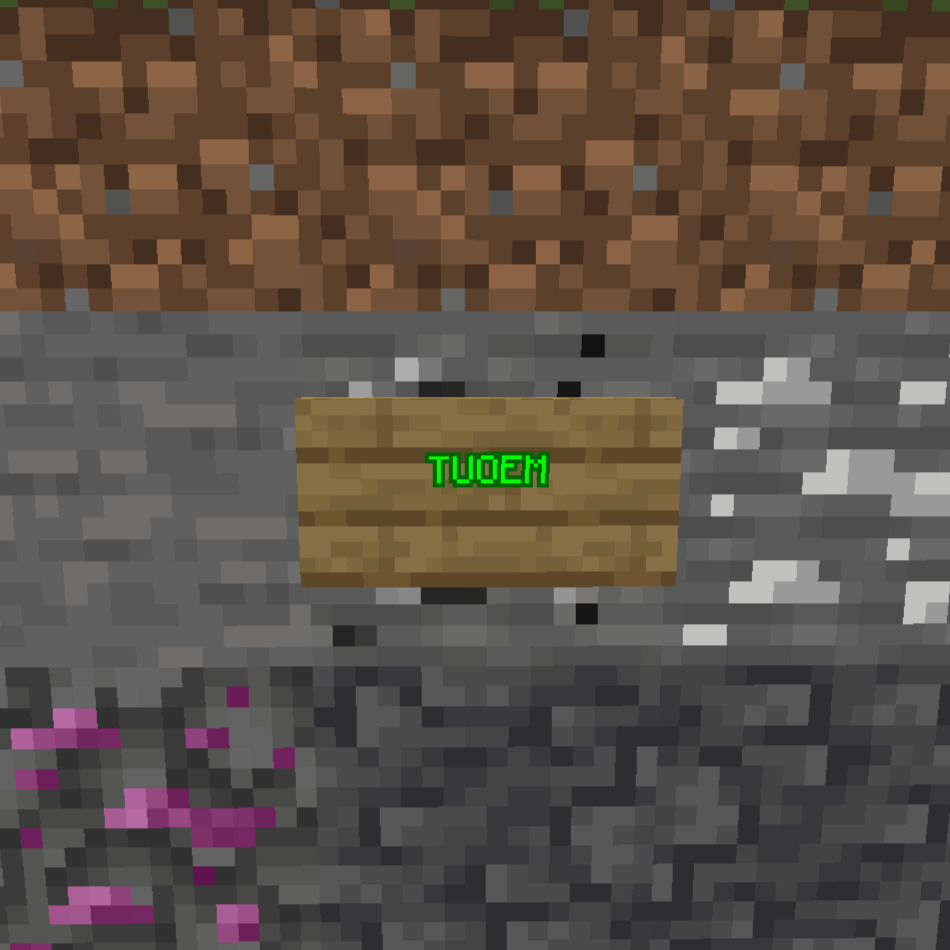
Cool Circle's TUOEM: ultimate ore expansion
A mod with ultimative big count of new ores and materials