EMI Optional for Create: Sulfuric Resonance-0.5.1 -- Afterburn Polishes/Fixes
optionalMatching file found Matched file: emi-1.1.24+1.21.1+neoforge
CurseForge · Minecraft mod
Build an entire thermochemical industry with Create — generate and transmit heat, harness sulfur chemistry and sulfuric acid, process advanced resonant materials, and automate increasingly complex industrial systems.
Quick answer
Create: Sulfuric Resonance-0.5.1 -- Afterburn Polishes/Fixes targets 1.21.1 with NeoForge. The project page does not say whether this file belongs on the client, dedicated server, or both. All 2 required mods have matching files.
Where it goes
The project page does not say whether this file belongs on the client, dedicated server, or both.
The source does not explicitly classify this release as client-only or server-only.
Create: Sulfuric Resonance-0.5.1 -- Afterburn Polishes/Fixes. Change the file and its required mods may change too.
Install Create, Create first. We found matching files for this game-version and loader setup. 2 come through another mod in the chain.
2 extra mods were pulled in by other dependencies. Indented rows show who needs each one. We only count dependency files that match this setup. A file for another loader does not fill the gap.
Before you install it
Built for Create: Sulfuric Resonance-0.5.1 -- Afterburn Polishes/Fixes. Pick another file and the loader, install side or required mods may change.
Use Create: Sulfuric Resonance-0.5.1 -- Afterburn Polishes/Fixes. It targets 1.21.1 with NeoForge; another release may have different loader, side or dependency requirements.
Install Create, Create first. We found matching files for this game-version and loader setup. 2 come through another mod in the chain.
The project page does not say whether this file belongs on the client, dedicated server, or both.
Use the “Get this file” button beside Create: Sulfuric Resonance-0.5.1 -- Afterburn Polishes/Fixes. It opens that exact file at the source.
About this project
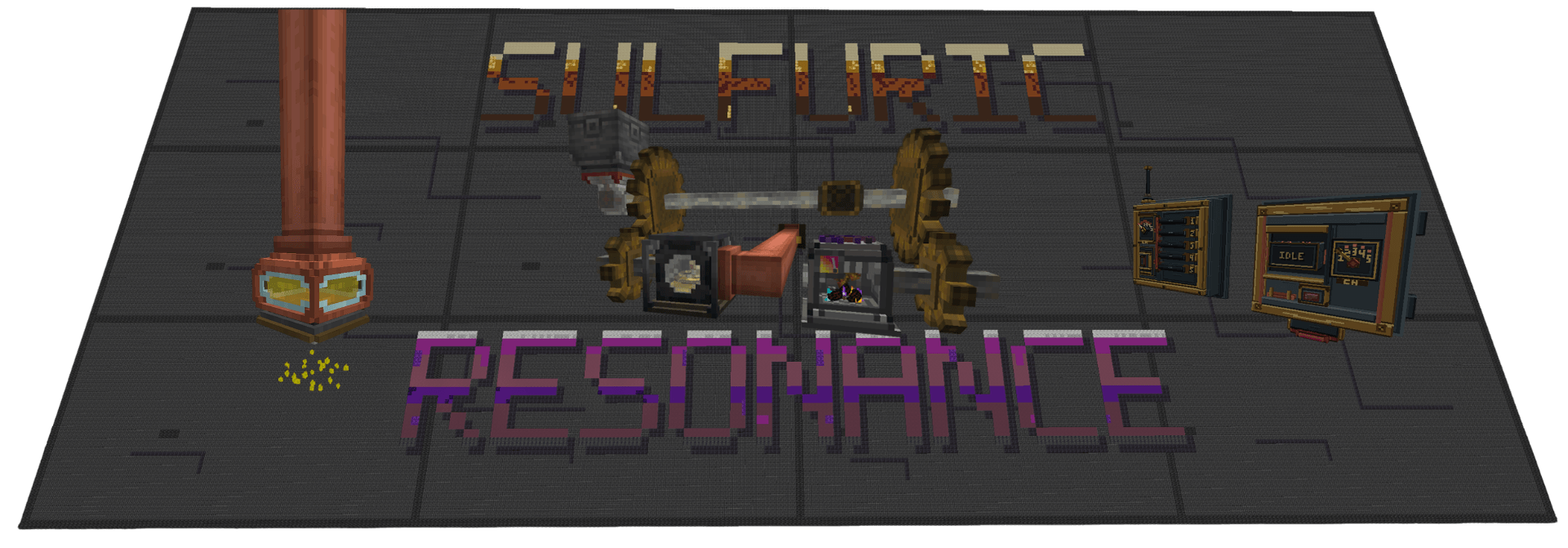
Create: Bits 'n' Bobs added compatibility with CSR in its 2.3.5 update.
Create: Sulfuric Resonance, or CSR, is a NeoForge addon for Create built around thermochemical heat, sulfur chemistry, advanced materials, resonance processing, and factory automation.
Create has heat, but outside of heating recipes there is not much you can actually do with it. CSR turns it into something you can build a factory around: generate it, move it through dedicated infrastructure, store it, combine it with rotation and chemistry, monitor it, interrupt it, and feed it into more advanced machinery.
I try to keep CSR feeling like part of Create rather than a separate tech mod sitting next to it. Shafts, Funnels, Belts, Chutes, Mechanical Arms, pipes, redstone, Wrenches, Engineer's Goggles, Ponder, and physical factory layouts are used wherever they make sense.
Not every recipe or interaction is listed here on purpose.
Ponder, advancements, JEI/EMI, and experimenting with the machines are part of learning the mod.
0.5.1 is a maintenance, balance, automation, and compatibility update built on top of 0.5.0 — Afterburn.
Afterburn remains the major content expansion of the 0.5.x release line, while 0.5.1 focuses on tightening those systems after wider gameplay testing.
The Thermal Battery now has finite kinetic stress capacity while generating rotation:
This keeps the Battery useful as temporary stored heat and kinetic support without allowing it to act as an unlimited rotational generator.
The Thermochemical Clutch also received another rendering pass. Its shaft halves now use local world lighting and normal face shading rather than appearing unnaturally bright or flat in certain environments.
Molten Rotor Furnace automation has also been expanded. Nether Stars and Dragon's Breath can now be inserted through automation, including compatible item-handling systems and Mechanical Arms.
0.5.1 highlights include:
0.5.1 does not replace the systems introduced in Afterburn. It is the stabilized continuation of that release line.
0.5.0 — Afterburn pushed CSR's thermochemical identity further while expanding the Molten Rotor Furnace and introducing persistent heat storage.
The update answered two questions:
"How do I store my heat for later use?"
and:
"Can the Molten Rotor Furnace be pushed further?"
The Molten Rotor Furnace can enter Afterburn, extending operation beyond the normal Radiant ceiling of 1599 °C and reaching a maximum of 2000 °C.
Afterburn is not a new heat tier. Radiant remains the highest normal tier. Afterburn is a higher-temperature operating state of the Rotor Furnace with stronger thermal persistence and slower cooling above the Radiant ceiling.
0.5.0 also introduced the Thermal Battery, a persistent thermochemical heat reservoir capable of storing roughly 5× the thermal capacity of a fully heated Molten Rotor Furnace.
Stored heat can later be discharged as Heated or Superheated heat. Radiant and Combustion-level output are intentionally outside the Battery's function.
Two new Molten Rotor fuels were also added. One is designed specifically for reaching Afterburn. The other is intentionally left undisclosed here for progression and discovery.
Afterburn highlights include:
sulfuricresonance:molten_rotor_fuel recipe type0.5.0 was not the end of CSR, nor anywhere near it. 0.5.1 continues directly from that foundation.
JEI and EMI can be installed separately or together.
Heat in CSR is part of the factory, not just a recipe condition.
The Molten Rotor Furnace can turn fuel into both rotation and thermochemical heat. From there, dedicated CSR machinery can carry that heat across a factory.
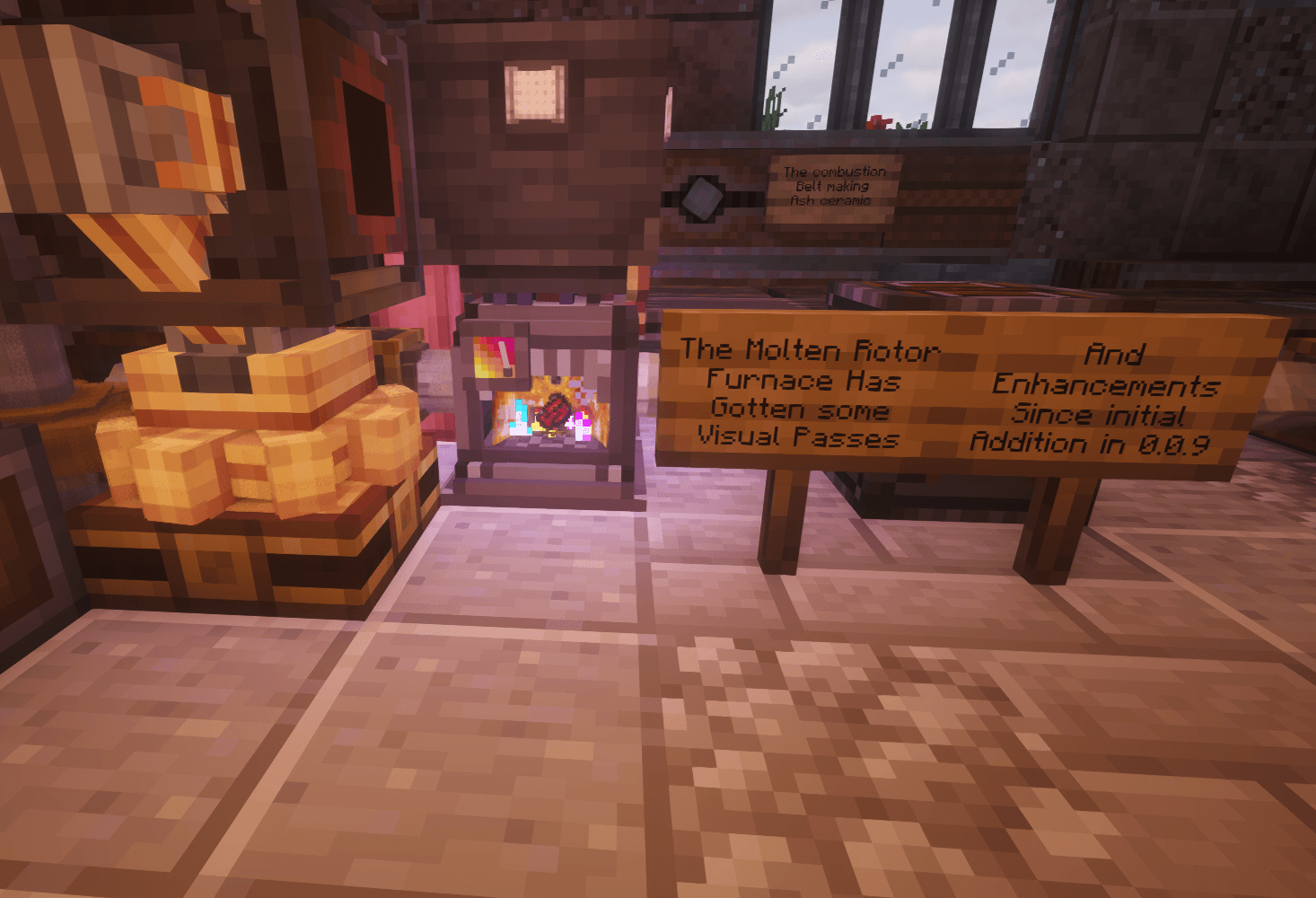
The network uses Thermochemical Shafts, Conduits, Gearboxes, Cogwheels, and the Thermochemical Clutch to carry, extend, split, route, and interrupt heat.
Regular Create cogwheels do not transmit CSR heat.
This is intentional. Heat shouldn't accidentally spread through every cogwheel in an existing factory just because two kinetic networks happen to touch.
Thermochemical infrastructure is meant to be another physical factory network that has to be planned, routed, and controlled.
The Combustion Belt processes compatible items while they travel through a heated production line.
It can also form part of a thermochemical network, allowing heat and item processing to exist inside the same Create-style factory layout.
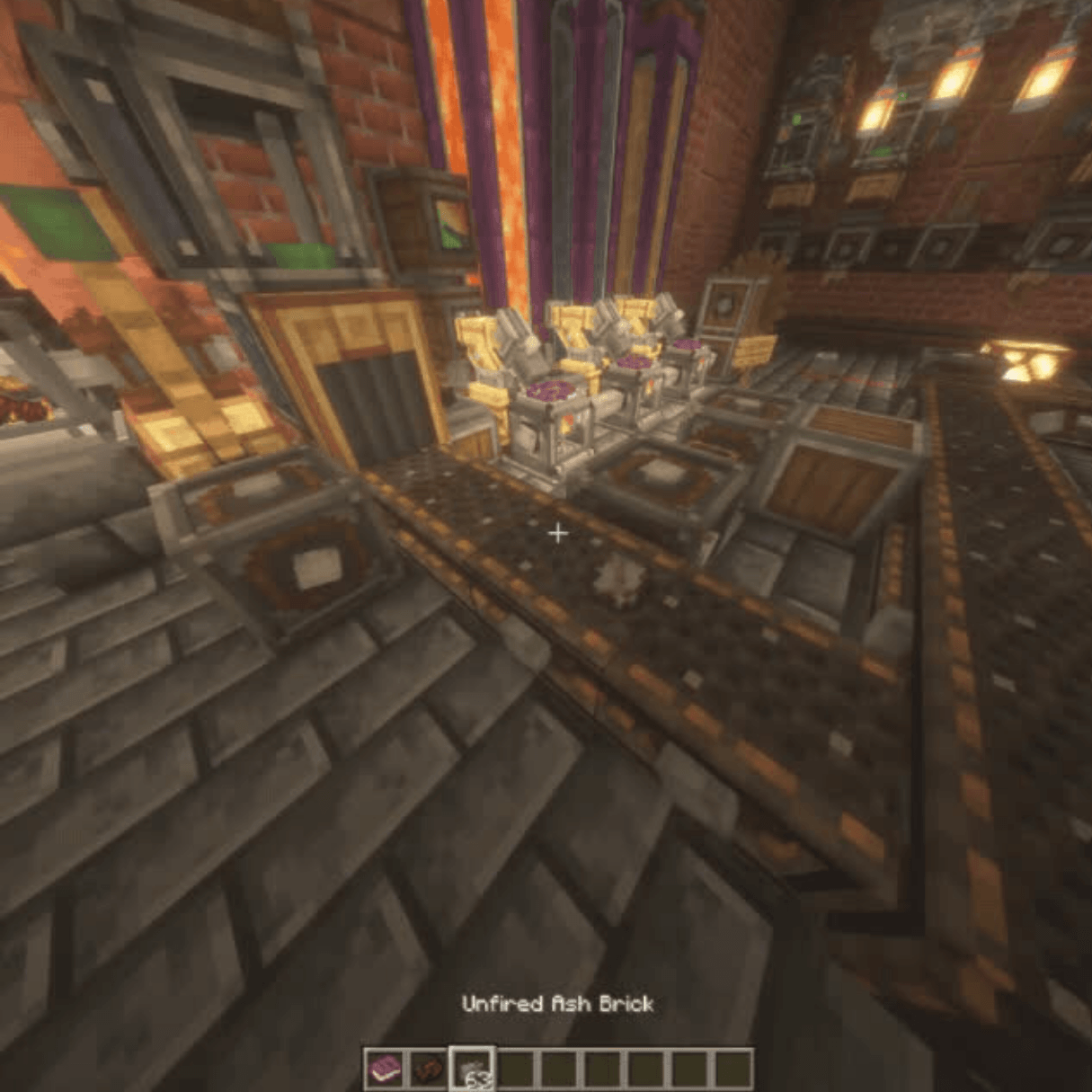
The Molten Rotor Furnace is CSR's main high-output heat and kinetic generator.
Its RPM and stress output change with temperature, fuel, weather, and operating state.
It supports:
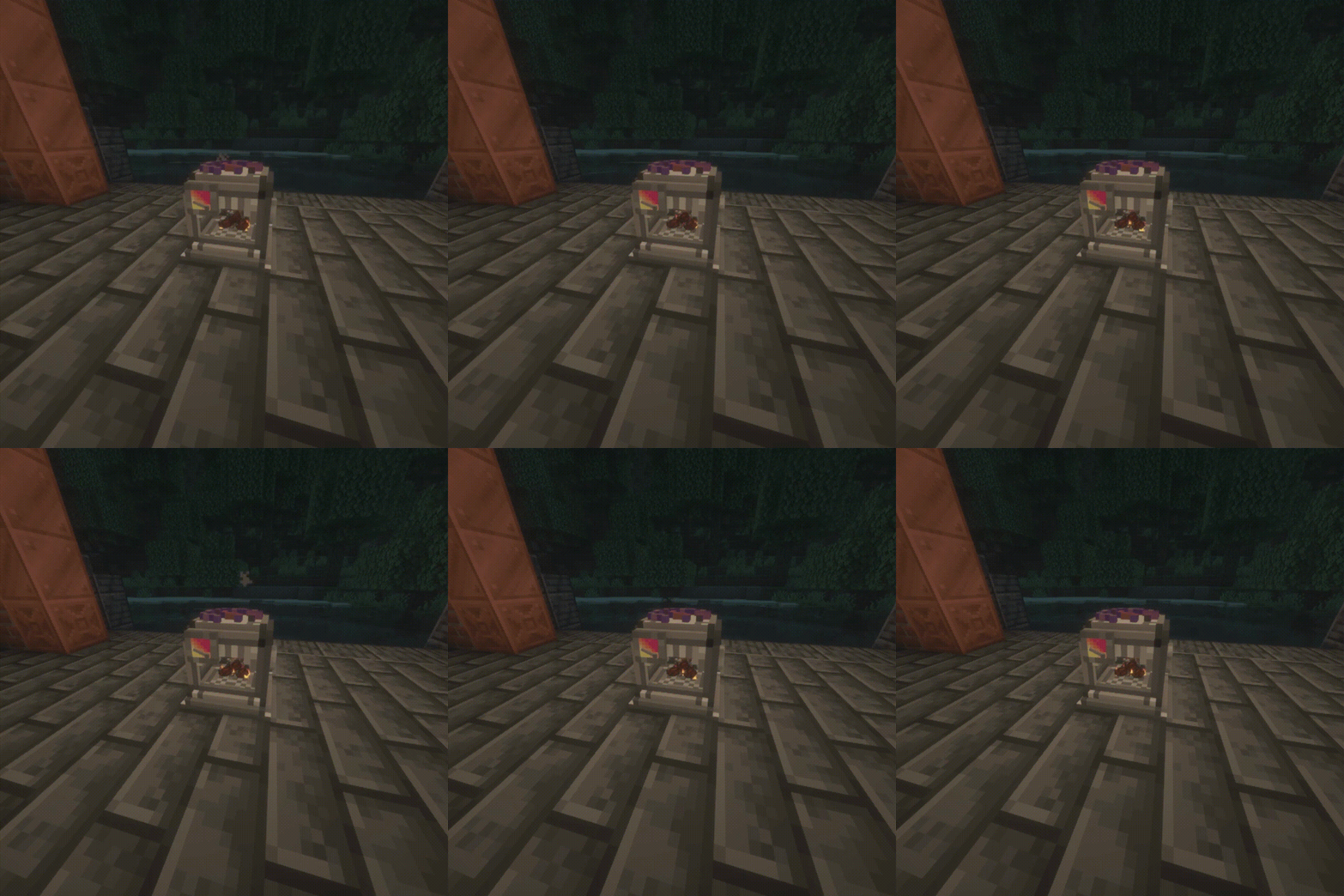
Different fuels can push the Rotor into very different operating ranges.
Standard fuel, specialized CSR fuel, Nether Stars, Dragon's Breath, and custom data-driven fuels can all contribute to different forms of Rotor operation.
Normal Radiant operation ends at 1599 °C.
With the appropriate fuel, the Rotor can enter Afterburn and continue heating up to 2000 °C.
Afterburn is an operating state, not a new heat tier.
It does not increase processing speed or RPM.
Instead, it:
Molten Rotor fuels are data-driven through the:
sulfuricresonance:molten_rotor_fuel
recipe type.
Datapacks and KubeJS can define custom Rotor fuels with their own:
This support does not require KubeJS.
Normal datapacks can define the same fuel recipes directly.
The Thermal Battery is a persistent thermochemical heat reservoir designed to store useful factory heat for later use.
A Battery can hold roughly 5× the thermal capacity of a fully heated Molten Rotor Furnace.
It stores Heated and Superheated reserves independently and can later discharge either state back into a thermochemical network.
It intentionally does not output Radiant or Combustion-level heat, so it complements the Molten Rotor Furnace rather than replacing it.
The Battery uses a single directional thermochemical shaft interface and can provide both thermochemical heat and kinetic output while enabled by redstone.
While discharging:
Its output is intentionally finite. The Battery is not an unlimited kinetic generator.
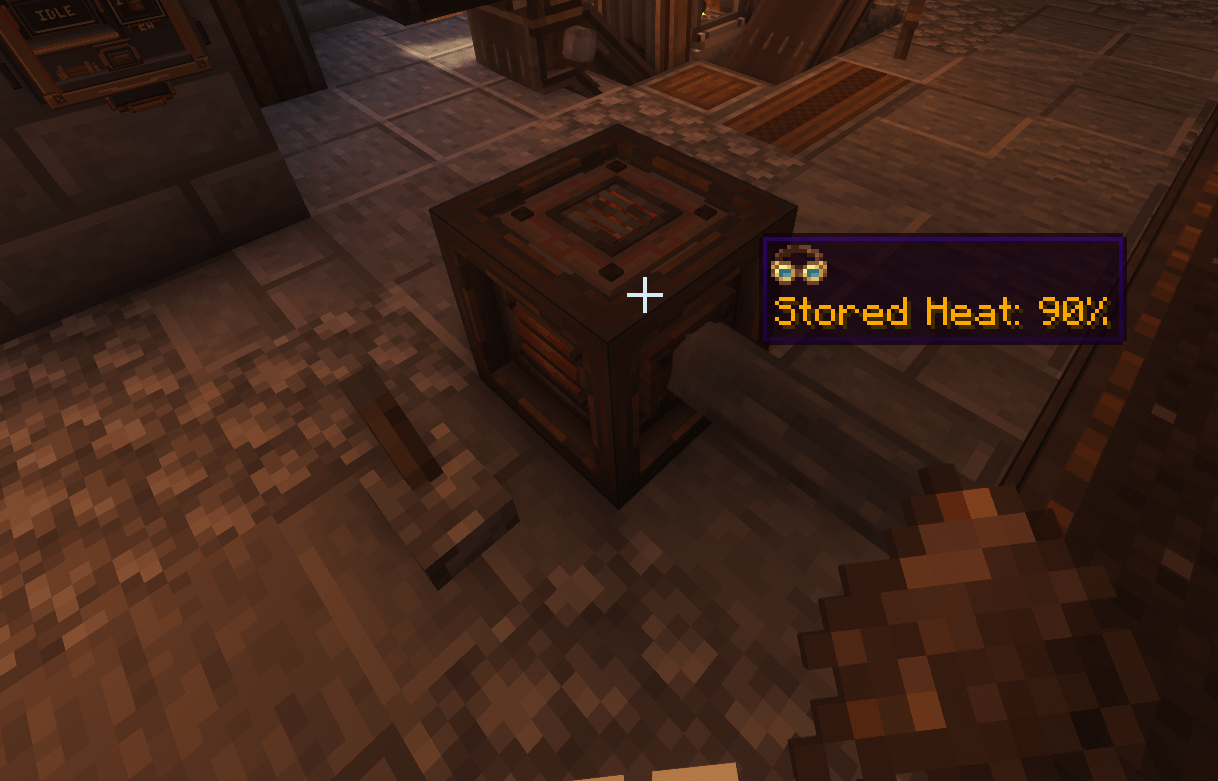
Its GUI shows:
Stored heat persists when the Battery is broken and placed again.
Engineer's Goggles provide current stored heat, generated RPM, and Stress Capacity information directly in-world.
The Battery's redstone-controlled output allows stored heat to be incorporated into automatic factory logic rather than requiring continued player interaction.
The Sulfur Burner is a smaller sulfur-powered heat source focused on thermochemical heat rather than rotation.
Its warmup, ignition, unstable burn, stabilization, shutdown, and afterglow are represented through sound, particles, and lighting.
The Burner can be supplied through normal factory item automation, allowing it to operate as part of a larger automated thermochemical network.
The Thermochemical Boiler Interface adds CSR heat support for Create steam boilers.
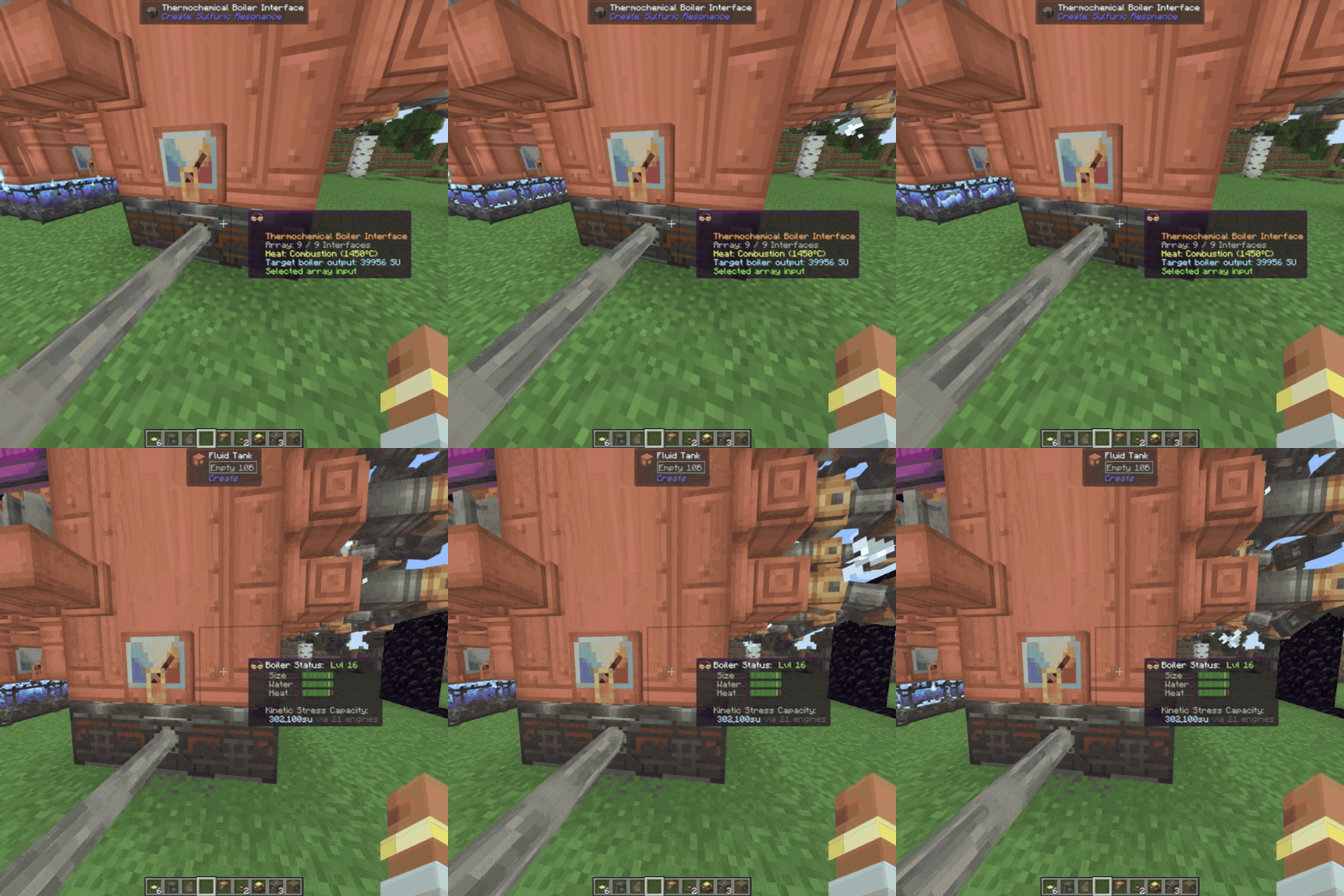
This gives CSR heat networks a direct connection to Create steam power.
Interfaces placed under a boiler form arrays up to 3×3; one thermochemical shaft can supply the whole array.
Larger arrays give more heating with diminishing returns, while normal boiler, water, and Steam Engine limits still apply.
The Interface does not consume or transmit kinetic Stress Units:
thermochemical heat → boiler → Steam Engine → rotation
Steam Engine output can also participate in CSR factory layouts through directly connected thermochemical integration where supported.
Sulfur runs through a large part of CSR's progression.
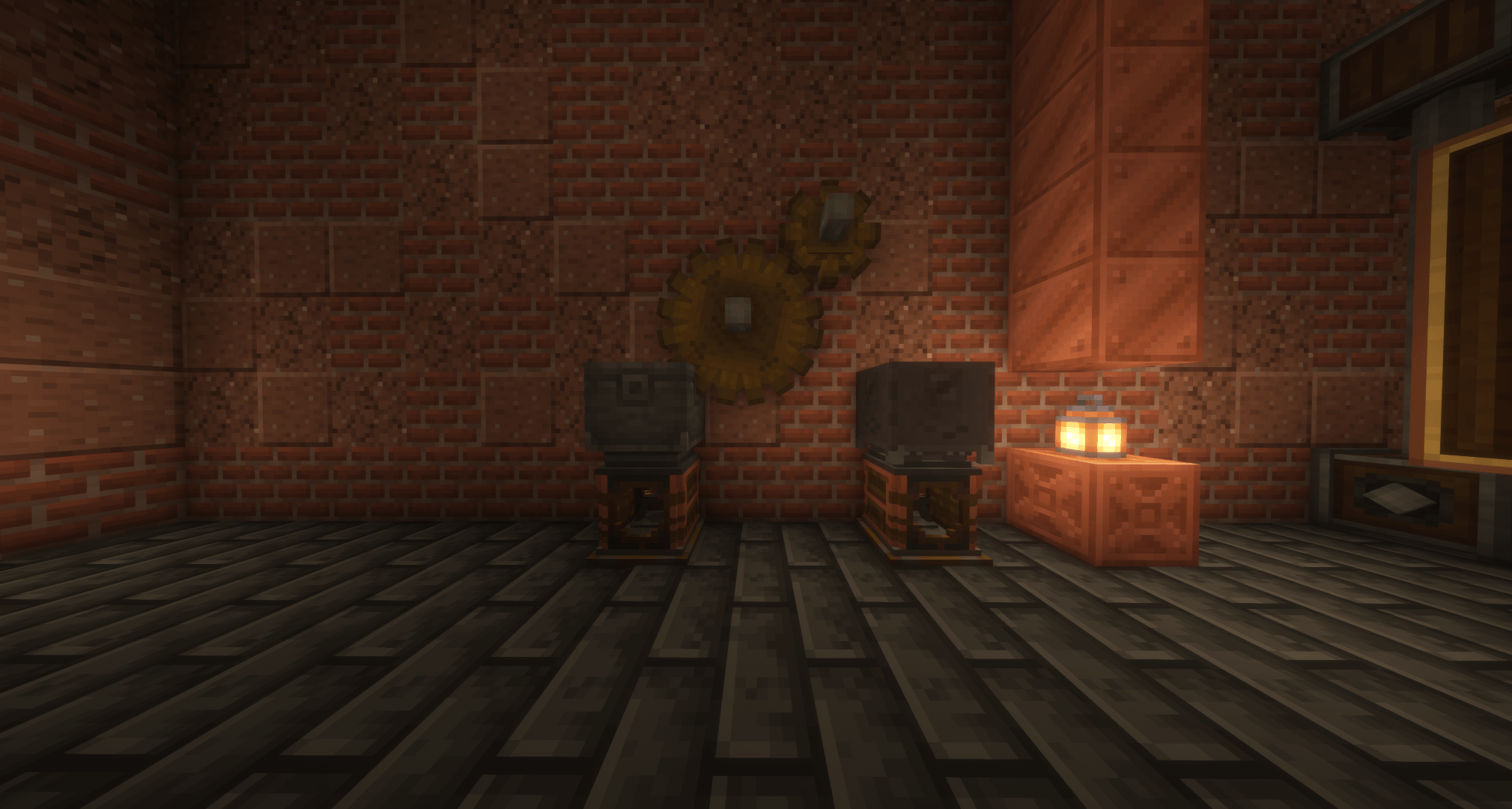
It is used for:
CSR uses common sulfur tags where practical to improve compatibility with other mods.
Sulfuric Acid is a hazardous fluid used throughout CSR's industrial chemistry.
It is involved in:
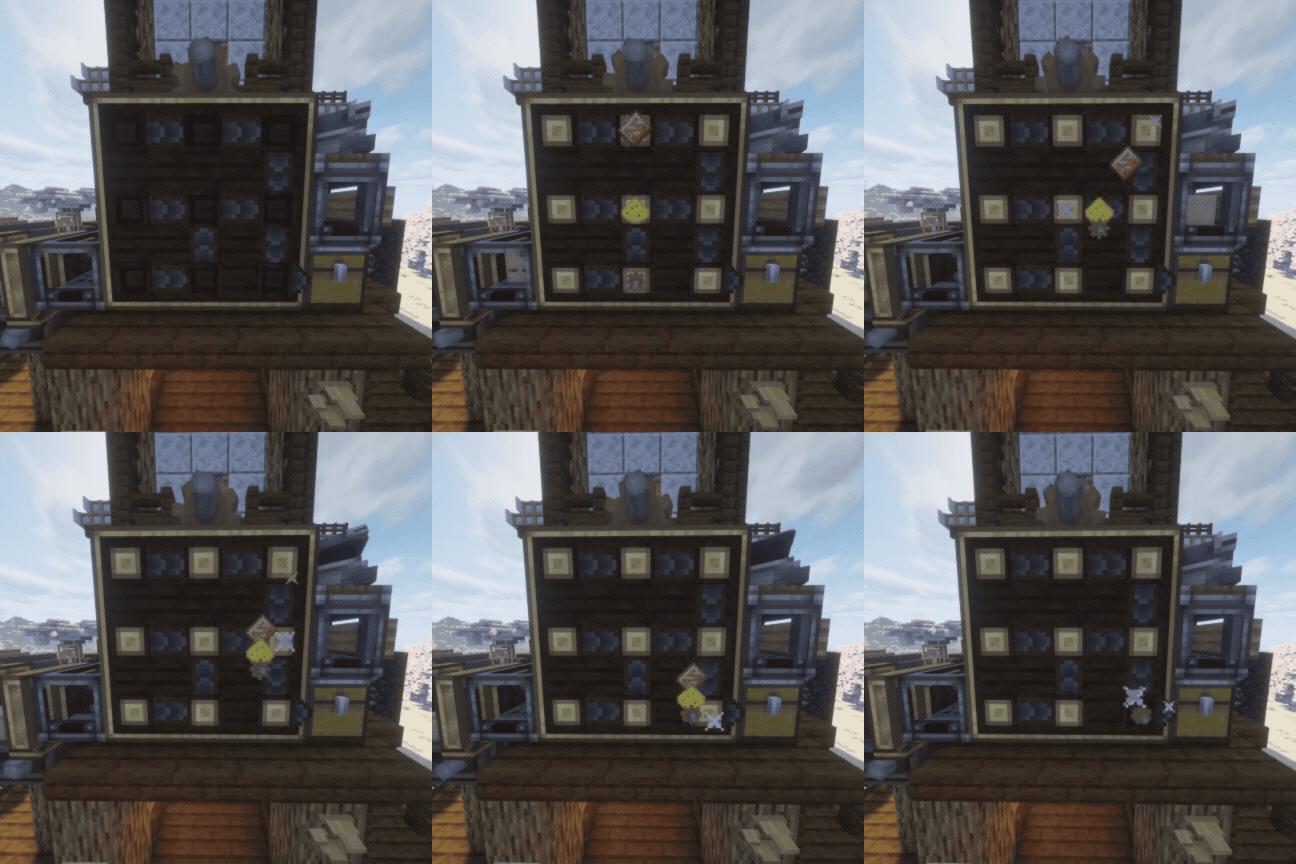
Sulfuric Acid can be moved through normal compatible fluid infrastructure and worked into automated processing lines.
CSR adds Combustion Belts, Combustion Mixing, Precision Processing, and Resonance Processing on top of normal Create manufacturing.
The Precision Spritzer adds configurable item and entity filtering to industrial spraying.
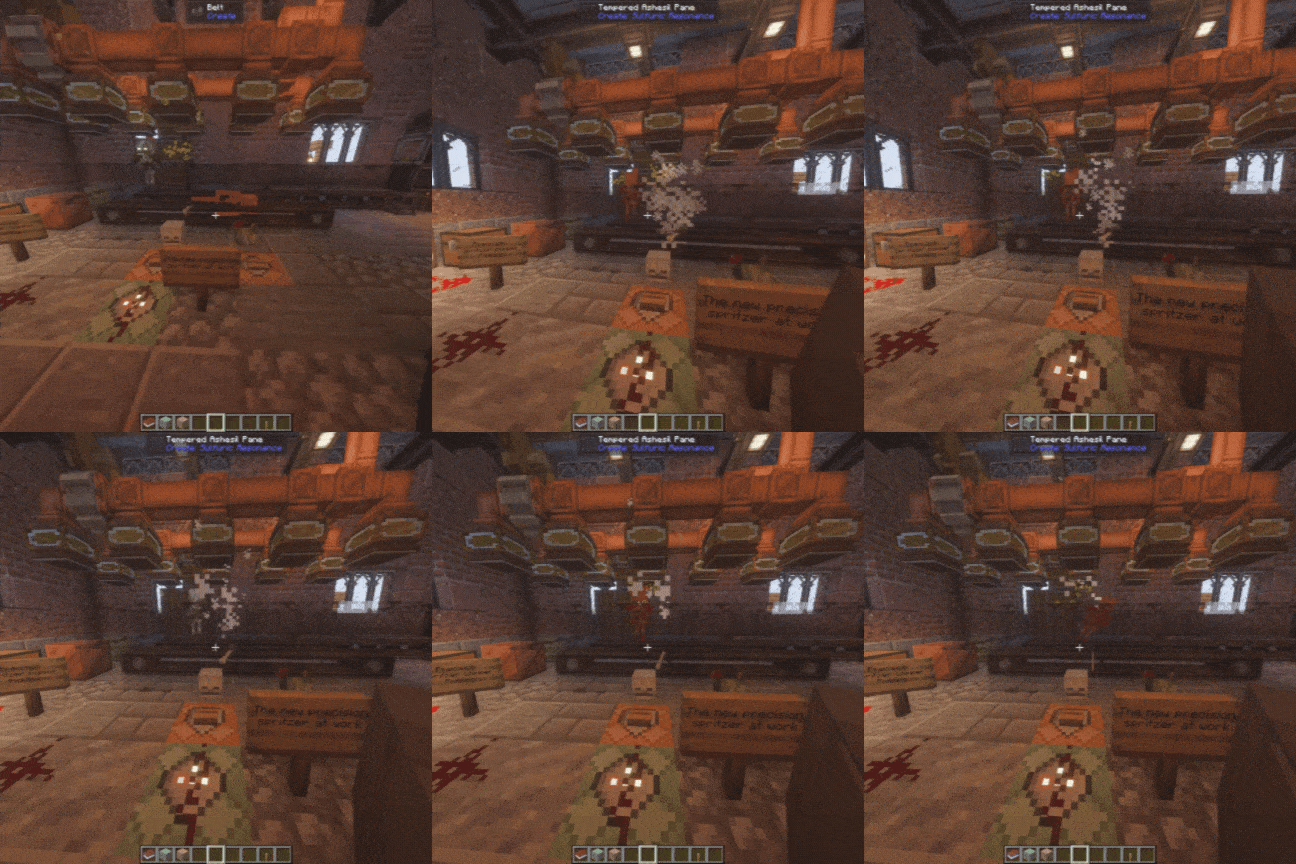
Later recipes can require combinations of:
Exact requirements are left to JEI/EMI and in-game discovery.
These systems are intended to remain compatible with automated Create-style production rather than becoming isolated manual machines.
Resonance is one of the later stages of CSR's progression.
It brings together heat, rotation, sulfur chemistry, specialized materials, and more demanding processing.
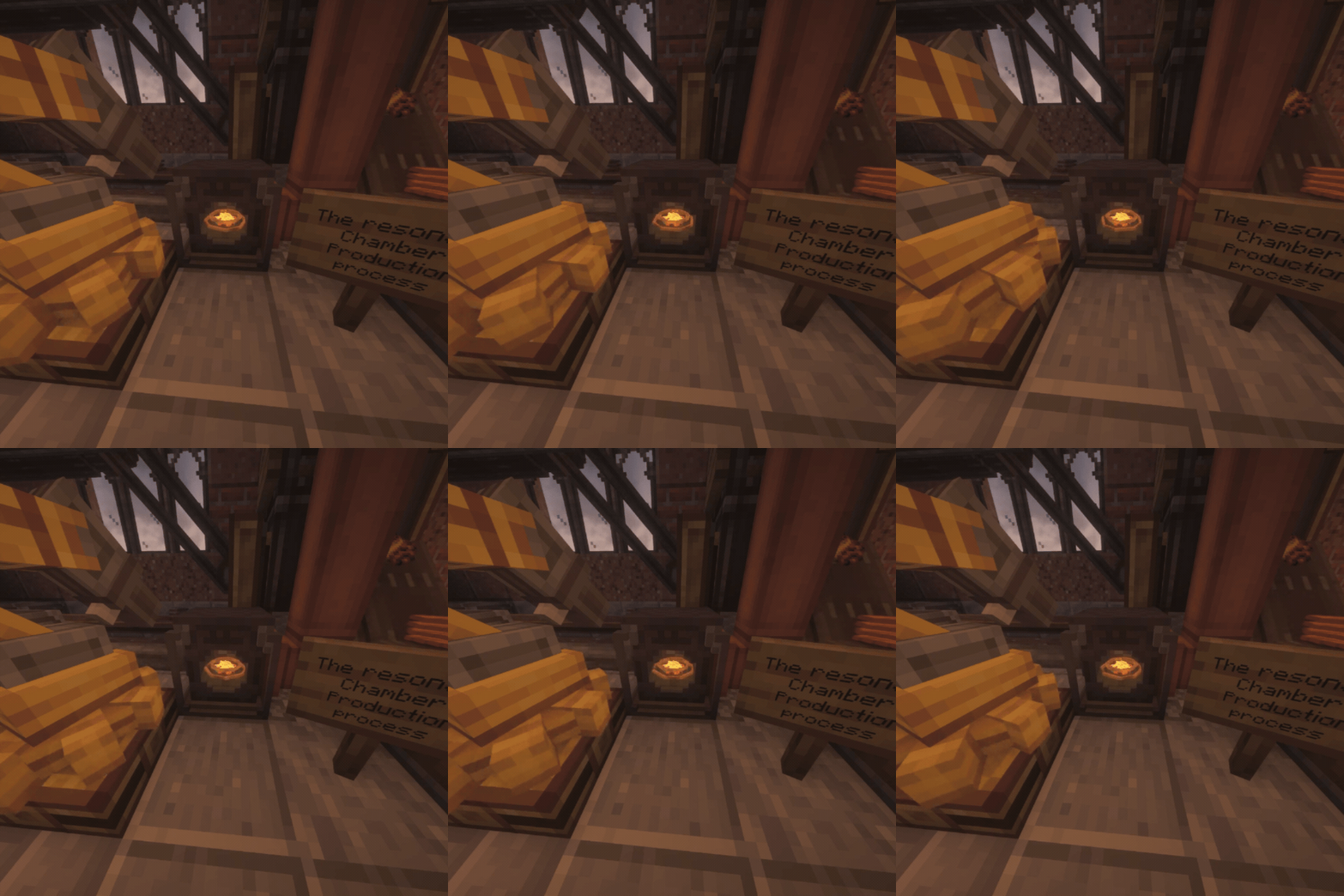
The Sulfuric Resonance Chamber is the main machine behind it.
The Chamber can process recipes with different combinations of:
Its reaction platform and rings respond to machine state, so insufficient heat, insufficient speed, READY, processing, completion, and blocked output no longer all look the same.
The Chamber supports item and fluid automation and is designed to sit inside a production line rather than require constant manual input.
The Catalyst Bed is placed directly beneath the Chamber.
It gives live recipes a 1.5× processing speed boost without changing their recipe requirements.
Only the Bed directly beneath the Chamber applies the effect, so multiple Catalyst Beds cannot stack the bonus.
0.3.0 introduced machine-state automation through Intelligent Industry.
CSR machines can report:
Process Monitors, Process Gauges, redstone output, warnings, thermochemical control, and precision processing can react to those states.
The point is not to turn CSR into a computer mod.
It gives normal Create-style automation more information to react to.
A production line can respond to what a machine is actually doing rather than relying entirely on timers.
CSR has material chains for machinery, heat infrastructure, chemistry, and factory construction.
These include:
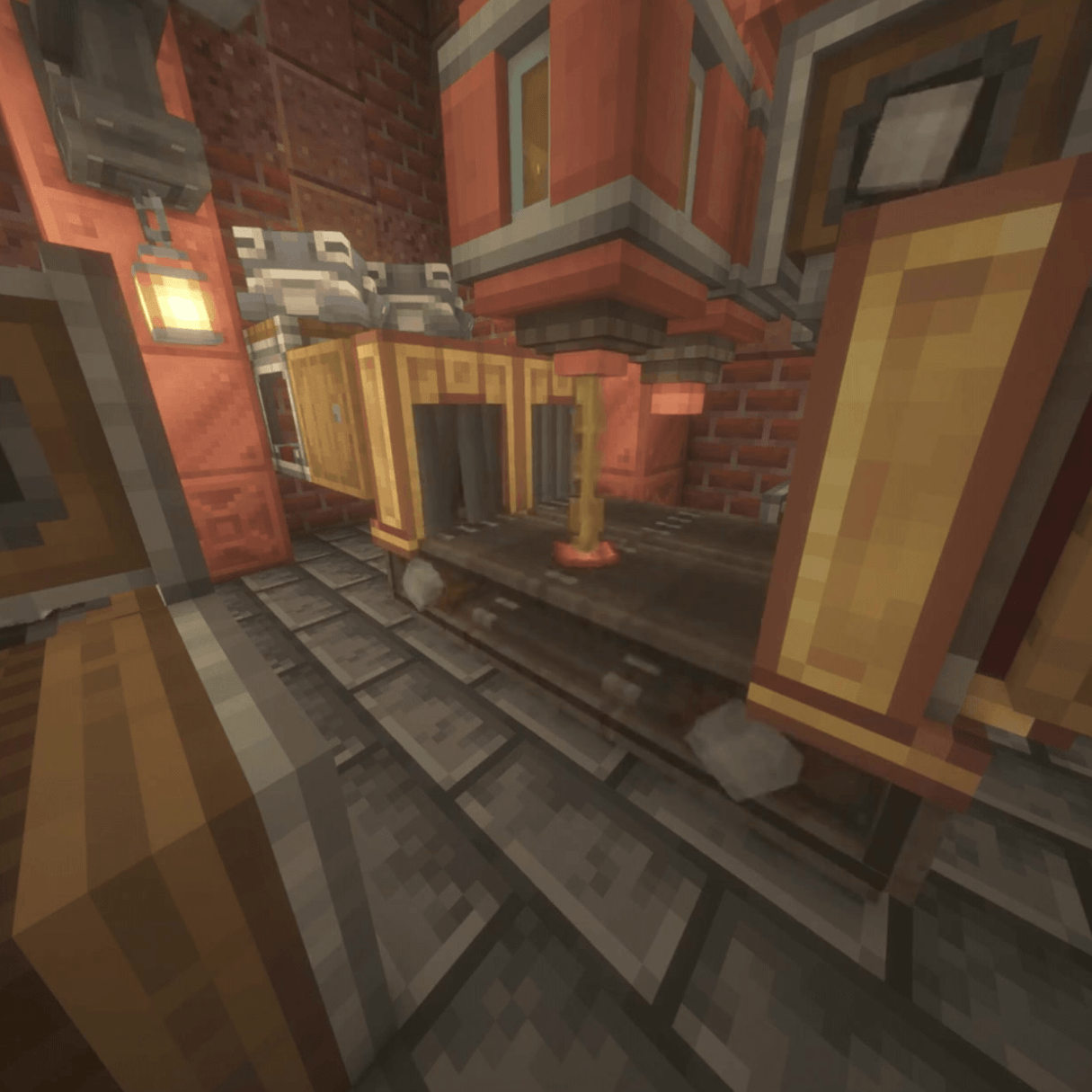
Not every intermediate item is listed here.
Tempered Ashesil and its Pane variant are explosion-resistant transparent building materials for hazardous processing areas and protected machinery.
They are intended for factories where visibility and blast resistance are both useful.
CSR includes a rubber-processing chain used throughout machinery and factory components.
Rubber Padding negates fall damage, bounces entities and dropped items, settles items after repeated impacts, and works with Mechanical Arms.
That allows it to serve both as a building material and as part of physical item-handling systems.
The Perforated Spritzer stores and disperses fluids downward.
Its supported interactions include:
The Precision Spritzer adds configurable item and entity filtering.
Both are designed to work inside automated fluid-processing systems.
Automation is a core part of CSR's design.
Most CSR machinery works with the same tools already used in Create factories, including:
Machines are meant to become parts of production lines, not isolated GUI boxes.
Some machines still require initial player configuration — such as choosing an output mode, configuring a filter, or linking monitoring equipment — but normal production can continue automatically afterward.
CSR's goal is for heat, chemistry, machine state, item transport, and Create's kinetic system to work together as one factory.
Most major CSR machinery has in-game Ponder documentation covering:
Ponder is intended to be one of the primary ways to learn CSR without needing to constantly leave the game for documentation.
CSR has dedicated JEI and EMI support for:
Both are optional and can be used separately or together.
Molten Rotor fuel displays include fuel behavior and operating information, including automation support where applicable.
CSR has its own advancement tree for major machines, materials, progression, and a few stranger interactions.
Some advancements are intentionally hidden until you discover what triggers them.
The advancement tree is intended to provide a loose progression path rather than force one exact factory layout.
CSR currently includes:
Localization covers major machinery, tooltips, GUIs, advancements, Ponder scenes, subtitles, and recipe-viewer text.
.jar in your mods folder.Create is required and must be installed separately.
0.5.1 is the current public release.
It is the maintenance, stabilization, automation, and compatibility update following 0.5.0 — Afterburn.
CSR is still under active development.
New systems, integrations, fixes, compatibility work, automation improvements, and general cleanup will continue in later versions.
As with any modded Minecraft update, backing up important worlds before changing large parts of a modpack is a good idea.
If something breaks, reproducible reports are much more useful than "it crashed."
Please include:
Dedicated issue forms are available for bugs, crashes, and feature requests.
Generative AI is used as a development assistant for portions of code, debugging, refactoring, and documentation/publishing text.
Game design, testing, integration, release decisions, and manually created project assets remain developer-directed and are reviewed before release.
Copyright © 2026 Hxney, Ł. All Rights Reserved.
Create: Sulfuric Resonance is proprietary software.
Official compiled releases may be used for personal, non-commercial gameplay.
Unauthorized redistribution, re-uploading, modified releases, forks, ports, source-code reuse, asset reuse, impersonation, or false claims of ownership are prohibited except where explicitly permitted by the included license.
Create: Sulfuric Resonance is an unofficial Create addon and is not affiliated with or endorsed by Mojang Studios, Microsoft, NeoForged, or the Create Team.
Project description from CurseForge.
Pick your setup
Choose the version and loader you play, then open the matching release.
Check the dependencies, then try the file in a copied instance before changing a world you care about.
Recent files
sulfuricresonance-0.5.1.jar
16 Sept 2026
sulfuricresonance-0.5.0.jar
12 Sept 2026
sulfuricresonance-0.4.1.jar
4 Sept 2026
sulfuricresonance-0.4.0.jar
4 Sept 2026
sulfuricresonance-0.3.1.jar
29 Aug 2026
sulfuricresonance-0.3.0.jar
21 Aug 2026
sulfuricresonance-0.2.9-beta.jar
15 Aug 2026
sulfuricresonance-0.2.8-beta-hotfix3.jar
12 Aug 2026
sulfuricresonance-0.2.8-beta-hotfix2.jar
12 Aug 2026
sulfuricresonance-0.2.8-beta-hotfix1.jar
11 Aug 2026
sulfuricresonance-0.2.8-beta-dev.jar
10 Aug 2026
sulfuricresonance-0.2.7-beta.jar
7 Aug 2026
Looking for an older file? The official CurseForge project page is in Resources.
 mod
modUniversal Bulk Storage Cell addon for Applied Energistics 2 - Huge capacity for one substance of any type; items, fluids, chemicals, anything.
 mod
modCraft EMI recipe trees in batches, count connected storage, and see missing materials.
 mod
modAn addon for Create Aeronautics and VS2, Adds many useful blocks and items, aiming to improve the experience with minimal bloat.