Minecraft version
Back to mods 
CurseForge · Minecraft mod
World Shop
World Shop adds a stage-gated team economy: 13 unlockable shops (tied to FTB Quests), a craftable auto-trading Trade Terminal block, and a shared currency wallet - with buy/sell prices fully editable via simple config files, no rebuild required.
Choose a version Pick your version below, then grab the matching file.
Quick answer
Which World Shop release should I use?
Latest stable file World Shop 0.1.0
Game version 26.1.2
Loader NeoForge
World Shop 0.1.0 targets 26.1.2 with NeoForge. The project page does not say whether this file belongs on the client, dedicated server, or both. No extra mods listed for this file.
Where it goes
Is World Shop required on the client, server, or both?
The project page does not say whether this file belongs on the client, dedicated server, or both.
Client Source doesn’t say
Dedicated server Source doesn’t say
Loader for this release NeoForge
Required install it here Optional supported, not mandatory Not supported do not install here Source doesn’t say do not assume
The source does not explicitly classify this release as client-only or server-only.
What else does World Shop 0.1.0 need?
World Shop 0.1.0. Change the file and its required mods may change too.
This file does not list any required mods. Do not add a library just because a different file uses it.
This file does not list any required or optional mods.
Before you install it
Add World Shop without breaking your instance.
Built for World Shop 0.1.0. Pick another file and the loader, install side or required mods may change.
- 01
Stick to this file
Use World Shop 0.1.0. It targets 26.1.2 with NeoForge; another release may have different loader, side or dependency requirements.
- 02
Bring the mods it needs
This file does not list any required mods. Do not add a library just because a different file uses it.
- 03
Put it on the correct side
The project page does not say whether this file belongs on the client, dedicated server, or both.
- 04
Pick the file you checked
Use the “Get this file” button beside World Shop 0.1.0. It opens that exact file at the source.
About this project
What does World Shop add?
World Shop turns your modpack's progression into a living, team-based economy. Players earn a shared team currency and unlock item shops as they hit milestones, buying and selling straight from a GUI or from a craftable in-world terminal.
Core Features
13 curated item shops, each unlocked independently: Stone & Earth, Wood & Timber, Farming & Crops, Animal & Livestock, Hostile Mob Drops, Food & Drinks, Ore & Minerals, Rare & Utility, Dimensions, Redstone & Components, Enchanted Books, Potions, and Spawners & Eggs.
Team-based currency wallet, integrated with FTB Teams — balances are shared across a team, with support for player-to-player/team payments.
Progressive unlocking via stages: each shop is gated behind a "stage" your players earn through gameplay. Ships with a ready-made FTB Quests chapter (13 quests, one per shop) that grants the matching stage on completion, auto-installed into config/ftbquests on first launch.
Trade Terminal block: a physical, craftable (Ender Chest + Hopper + Iron Ingot + Glass Pane) shop terminal you can place in the world. Set an item filter and it auto-restocks and sells to/from hoppers, refunds any unclaimed stock if broken, and can be cleared with shift-right-click.
Fully config-driven shops: every shop's item list, buy/sell prices, icons, and unlock requirements live in plain JSON files under config/worldshop/shops — editable by modpack authors without touching or rebuilding the mod.
FTB Quests loot crate integration: shop tooltips show possible loot table contents and drop chances for any loot crate items on sale.
Hub GUI: press Y (rebindable) to open a dashboard of every shop, showing locked/unlocked status at a glance, with quick navigation into each one.
Commands
All commands are namespaced under /worldshop:
/worldshop buy [shop] [offer] [[quantity]] — manage a player buy item with chat.
/worldshop sell [shop] [offer] [[quantity]] — manage a player sell item with chat.
/worldshop balance —— show player balance.
/worldshop currency give|take|set [player] — manage and transfer currency.
/worldshop shops — give a list info of locked and unlocked shops with related items.
/worldshop stage add|check|remove [player] [stage] — manage player related stages.
/worldshop reload — reload worldshop definitions from the config folder without restarting the server.
Project description from CurseForge.
Pick your setup
World Shop by Minecraft version and loader
Choose the version and loader you play, then open the matching release.
Check the dependencies, then try the file in a copied instance before changing a world you care about.
Recent files
World Shop versions and loaders
World Shop 0.1.0
world-shop-0.1.0.jar
25 Oct 2026
Client Source doesn’t say Server Source doesn’t say Dependencies No extras listed Listed on Release listing
Check the 26.1.2 · NeoForge setup NeoForge26.1.2 release
Looking for an older file? The official CurseForge project page is in Resources.
 mod
CurseForge + Modrinth · Minecraft
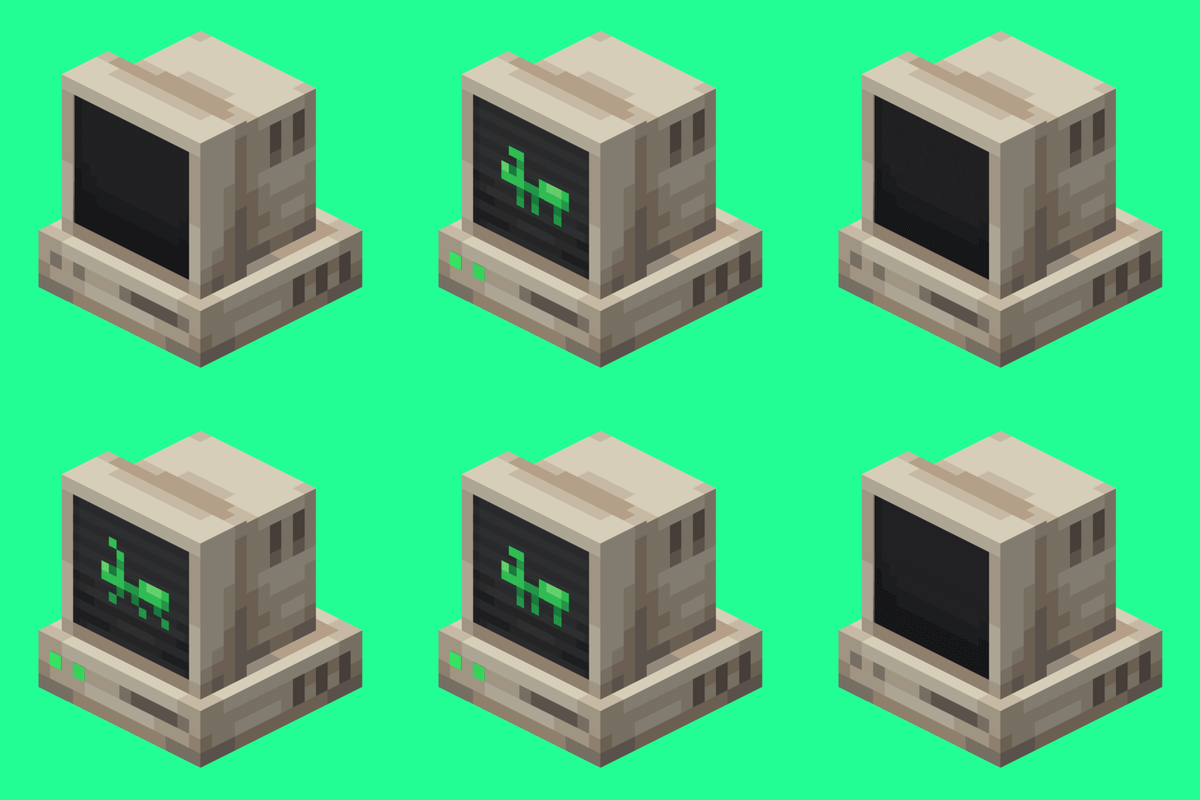
AntOS Computer | Quests + Guidebook
An immersive and fully functioning computer that provides an anternative to the stale and overused quest book and guide book
 mod
CurseForge + Modrinth · Minecraft
CreativeCore
a core mod
 mod
CurseForge + Modrinth · Minecraft
Oh My, Meteors! - A meteorite mod
A modern mod about Meteors and meteorites falling from the sky! With extreme configurability!