Minecraft version
Back to mods 
CurseForge · Minecraft mod
Chat Better
Paste images, send GIFs, voice messages and colour emoji straight in Minecraft chat, with smooth animations.
Choose a version Pick your version below, then grab the matching file.
Quick answer
Which Chat Better release should I use?
beta file chat-better-1.21.1-neoforge-0.2-beta.jar
Game version 1.21.1
Loader NeoForge
Chat Better chat-better-1.21.1-neoforge-0.2-beta.jar targets 1.21.1 with NeoForge. The project page does not say whether this file belongs on the client, dedicated server, or both. No extra mods listed for this file.
Where it goes
Is Chat Better required on the client, server, or both?
The project page does not say whether this file belongs on the client, dedicated server, or both.
Client Source doesn’t say
Dedicated server Source doesn’t say
Loader for this release NeoForge
Required install it here Optional supported, not mandatory Not supported do not install here Source doesn’t say do not assume
The source does not explicitly classify this release as client-only or server-only.
What else does Chat Better chat-better-1.21.1-neoforge-0.2-beta.jar need?
chat-better-1.21.1-neoforge-0.2-beta.jar. Change the file and its required mods may change too.
This file does not list any required mods. Do not add a library just because a different file uses it.
This file does not list any required or optional mods.
Before you install it
Add Chat Better without breaking your instance.
Built for Chat Better chat-better-1.21.1-neoforge-0.2-beta.jar. Pick another file and the loader, install side or required mods may change.
- 01
Stick to this file
Use chat-better-1.21.1-neoforge-0.2-beta.jar. It targets 1.21.1 with NeoForge; another release may have different loader, side or dependency requirements.
- 02
Bring the mods it needs
This file does not list any required mods. Do not add a library just because a different file uses it.
- 03
Put it on the correct side
The project page does not say whether this file belongs on the client, dedicated server, or both.
- 04
Pick the file you checked
Use the “Get this file” button beside chat-better-1.21.1-neoforge-0.2-beta.jar. It opens that exact file at the source.
About this project
What does Chat Better add?
Chat Better turns Minecraft chat into a modern messenger.
── WHAT IT DOES ──────────────────────────────
• Animated messages — nine entry styles (slide, fade, pop, bounce, unfold,
typewriter and more), with older messages sliding up smoothly instead of
snapping.
• Images — paste straight from your clipboard with Ctrl+V, or drag a file onto
the game window. They render inline in chat; click for a full-window view.
• GIFs — animated inline, properly frame-composited.
• Voice messages — hold a key to record, release to attach. Waveform with a play
button, and a live microphone level while recording so you can tell if you are
muted.
• Emoji — type :smile:, :fire:, :heart: and they render as colour images.
:) <3 xD and friends convert automatically. A picker is built into the chat bar.
• A dedicated "Chat Better" section in Options → Controls for every keybind.
• An archive — everything you send or receive is saved to a "Chat Better" folder
next to your other Minecraft folders, with an index of who sent what, when, and
on which server. Browse it in game with the gallery screen.
── MULTIPLAYER ───────────────────────────────
Attachments travel over your normal Minecraft server connection, split into small
chunks. Nothing is uploaded to any third-party service.
• Server has Chat Better → attachments are shared with everyone. Players without
the mod see a plain text line describing the attachment.
• Server does not have it → the mod still works and attachments stay on your
machine. The mod tells you which situation you are in when you join.
Server owners get their own "Chat Better" folder next to server.properties, with
size limits, a per-player cooldown, bandwidth pacing and a delivery radius in
server-config.json — enforced server side, so clients cannot raise them. It also
keeps an archive of what every player has sent, which can be turned off.
── REQUIREMENTS ──────────────────────────────
Minecraft 1.20.1 · Forge 47+ · Java 17
── PERMISSIONS ───────────────────────────────
✔ Modpacks: YES. You may include Chat Better in any modpack, public or private,
on CurseForge or elsewhere. No need to ask, and no need to credit me beyond
leaving the mod page linked where your pack lists its mods.
✔ Videos, screenshots, reviews: go ahead.
Project description from CurseForge.
Pick your setup
Chat Better by Minecraft version and loader
Choose the version and loader you play, then open the matching release.
Minecraft version
1.20.1
1 loader buildCheck the dependencies, then try the file in a copied instance before changing a world you care about.
Recent files
Chat Better versions and loaders
chat-better-1.21.1-neoforge-0.2-beta.jar
13 Aug 2026
Client Source doesn’t say Server Source doesn’t say Dependencies No extras listed Listed on Release listing
Check the 1.21.1 · NeoForge setup 1.21.1NeoForge beta
chat-better-Forge-0.2-beta.jar
chat-better-0.2-beta.jar
13 Aug 2026
Client Source doesn’t say Server Source doesn’t say Dependencies No extras listed Listed on Release listing
Check the 1.20.1 · Forge setup 1.20.1Forge beta
chat-better-1.21.1-neoforge-0.1-beta.jar
2 Aug 2026
Client Source doesn’t say Server Source doesn’t say Dependencies No extras listed Listed on Release listing
Check the 1.21.1 · NeoForge setup 1.21.1NeoForge beta
chat-better-0.1-beta.jar
1 Aug 2026
Client Source doesn’t say Server Source doesn’t say Dependencies No extras listed Listed on Release listing
Check the 1.20.1 · Forge setup 1.20.1Forge beta
Looking for an older file? The official CurseForge project page is in Resources.
 mod
mod CurseForge + Modrinth · Minecraft
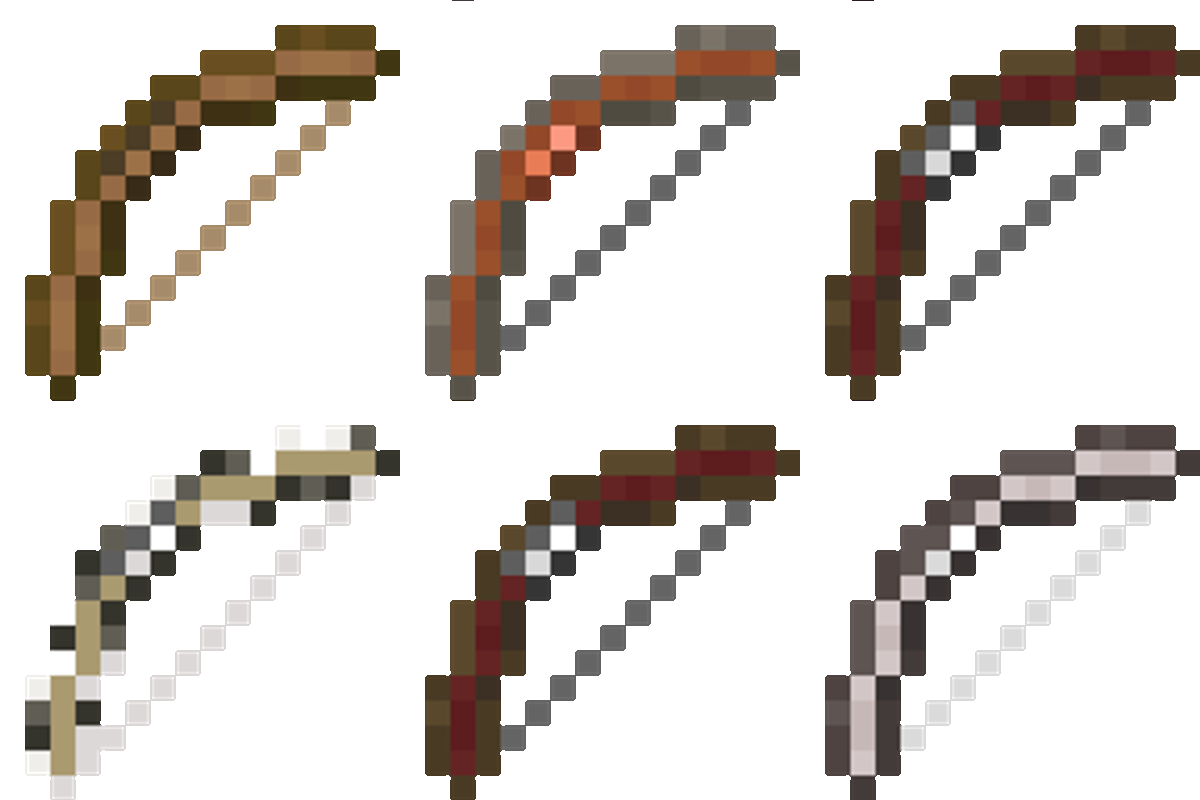
Fletcher's Trestle - Archery Mod
Fletcher’s Trestle overhauls Minecraft’s archery by replacing the basic crafting table bow with a modular system. From the raw log to the perfect release, every step of the process is in your hands. Modular bows, crossbows, arrows, in the palm of your hand
 mod
mod CurseForge + Modrinth · Minecraft
Krylix
Krylix is a client-side kill feed and PvP tracking mod for Minecraft Forge. It shows every kill in real time with player and mob heads, weapon icons, and a health readout, tracks hostile-mob kills for your world, gives you a crosshair health indicator, and
 mod
mod CurseForge + Modrinth · Minecraft
Reconnectible Chains
A multiloader fork of Connectible Chains: Connect your fences/walls with a decorative chain!