Fix Flashback Optional for Create: Flashback create_flashback-1.0.2.jar
optionalMatching file found Matched file: fix_flashback-1.0.2.jar

CurseForge · Minecraft mod
Create mod compatibility for Flashback running on NeoForge via Sinytra Connector
Quick answer
Create: Flashback create_flashback-1.0.2.jar targets 1.21.1 with NeoForge. The project page does not say whether this file belongs on the client, dedicated server, or both. All 1 required mods have matching files.
Where it goes
The project page does not say whether this file belongs on the client, dedicated server, or both.
The source does not explicitly classify this release as client-only or server-only.
create_flashback-1.0.2.jar. Change the file and its required mods may change too.
Install Create first. We found matching files for this game-version and loader setup.
We only count dependency files that match this setup. A file for another loader does not fill the gap.
Before you install it
Built for Create: Flashback create_flashback-1.0.2.jar. Pick another file and the loader, install side or required mods may change.
Use create_flashback-1.0.2.jar. It targets 1.21.1 with NeoForge; another release may have different loader, side or dependency requirements.
Install Create first. We found matching files for this game-version and loader setup.
The project page does not say whether this file belongs on the client, dedicated server, or both.
Use the “Get this file” button beside create_flashback-1.0.2.jar. It opens that exact file at the source.
About this project
A mod that lets you properly record and replay Create's machines (spinning blocks, trains, etc.) with Flashback.
Create machines are sent to the client in a different way than normal mods, so without this mod they show up empty or vanish during replay. This mod fixes that.
Create: Aeronautics Flashback helps you record Create: Aeronautics (Sable) sub-level machines.
Recommend introducing Fix Flashback to fix the bug.
create_flashback-<version>.jar into your mods folder.create_aeronautics_flashback.If you are using the latest versions of Sable and Aeronautics along with Iris Shaders, please use Sodium version 0.8.12-beta.2 and Iris Shaders version 1.8.14-beta.1.
1.21.121.1.x0.30+ (via Sinytra Connector)6.0+The following mods interfere with Flashback's replay features. If you install them, the corresponding feature stops working. Remove or disable them to use that feature:
| Mod | Feature broken |
|---|---|
| BadOptimizations | Night vision is no longer applied during replays |
| Create: Steam 'n' Rails | Spectator camera stops working |
| Smooth Movement | Time override stops working |
These only affect Flashback's replay features; the rest of the mods work normally.
advanced_add_entity payload. This mod includes that data in Flashback's replay snapshot.MIT © tatuto-riku
Since this mod is currently under development, it may not work correctly.
Project description from CurseForge.
Pick your setup
Choose the version and loader you play, then open the matching release.
Check the dependencies, then try the file in a copied instance before changing a world you care about.
Recent files
9 Aug 2026
6 Aug 2026
Looking for an older file? The official CurseForge project page is in Resources.
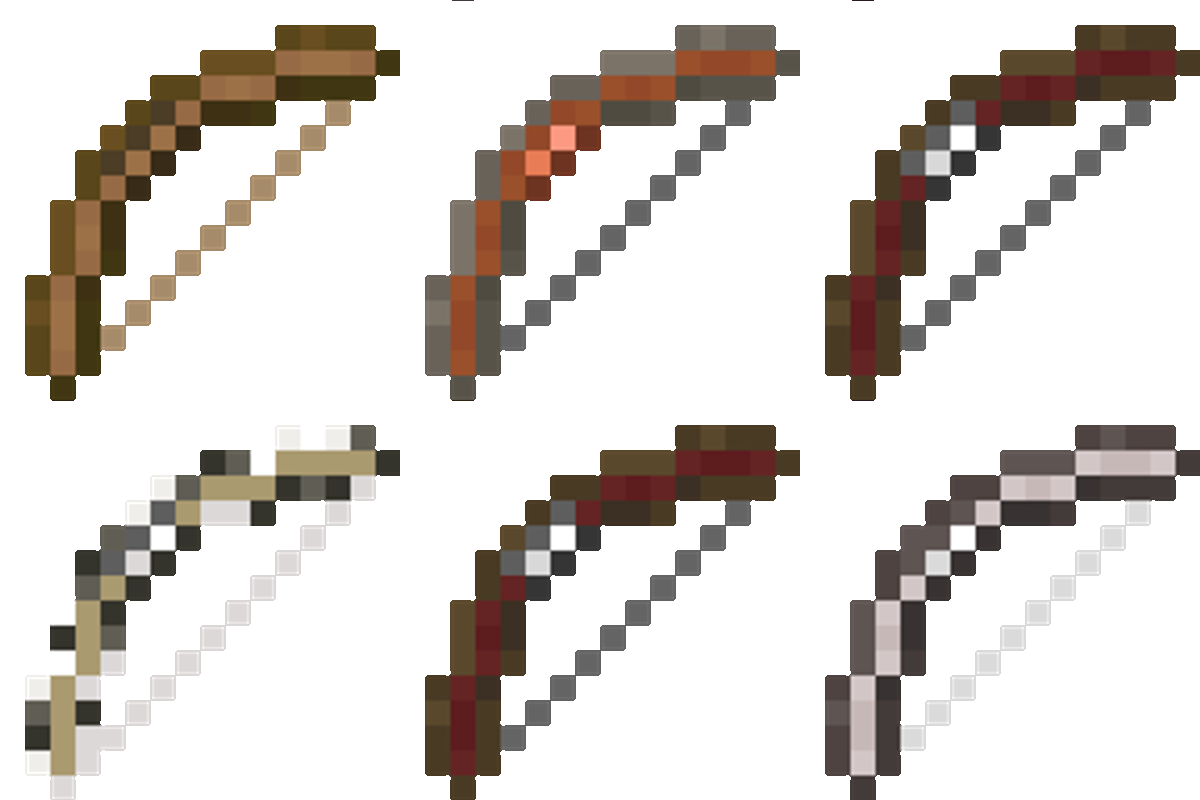 mod
modFletcher’s Trestle overhauls Minecraft’s archery by replacing the basic crafting table bow with a modular system. From the raw log to the perfect release, every step of the process is in your hands. Modular bows, crossbows, arrows, in the palm of your hand
 mod
modA lightweight server-side API providing shared modules, player states, events, and audit infrastructure for the Just mod ecosystem.
 mod
modYet another solo leveling inspired mod