Minecraft version
Back to mods 
CurseForge · Minecraft mod
Simplest Wireless Redstone
Wireless redstone made simple: handheld remote triggers, pulse/toggle receivers, and laser-linked directional signal gates.
Choose a version Pick your version below, then grab the matching file.
Quick answer
Which Simplest Wireless Redstone release should I use?
Latest stable file Wireless Redstone v1.0.0
Game version 1.21.1
Loader NeoForge
Simplest Wireless Redstone Wireless Redstone v1.0.0 targets 1.21.1 with NeoForge. The project page does not say whether this file belongs on the client, dedicated server, or both. No extra mods listed for this file.
Where it goes
Is Simplest Wireless Redstone required on the client, server, or both?
The project page does not say whether this file belongs on the client, dedicated server, or both.
Client Source doesn’t say
Dedicated server Source doesn’t say
Loader for this release NeoForge
Required install it here Optional supported, not mandatory Not supported do not install here Source doesn’t say do not assume
The source does not explicitly classify this release as client-only or server-only.
What else does Simplest Wireless Redstone Wireless Redstone v1.0.0 need?
Wireless Redstone v1.0.0. Change the file and its required mods may change too.
This file does not list any required mods. Do not add a library just because a different file uses it.
This file does not list any required or optional mods.
Before you install it
Add Simplest Wireless Redstone without breaking your instance.
Built for Simplest Wireless Redstone Wireless Redstone v1.0.0. Pick another file and the loader, install side or required mods may change.
- 01
Stick to this file
Use Wireless Redstone v1.0.0. It targets 1.21.1 with NeoForge; another release may have different loader, side or dependency requirements.
- 02
Bring the mods it needs
This file does not list any required mods. Do not add a library just because a different file uses it.
- 03
Put it on the correct side
The project page does not say whether this file belongs on the client, dedicated server, or both.
- 04
Pick the file you checked
Use the “Get this file” button beside Wireless Redstone v1.0.0. It opens that exact file at the source.
About this project
What does Simplest Wireless Redstone add?
📡 Wireless Redstone
Cut the clutter of long redstone runs! Wireless Redstone adds handheld remote activation, customizable signal modes, and directional wireless gates with live particle overlays to your Minecraft world.
🔑 Core Features
📡 Remote Controller
- Pairing: Right-click any Receiver Block to pair the remote.
- Activation: Right-click in the air or on any block to activate your linked Receiver Block from anywhere in loaded chunks.
- Visual Tracking: Holding the remote displays a glowing red particle ring orbiting the paired Receiver Block.
- Unpairing: Right-click the same Receiver Block again to unpair.
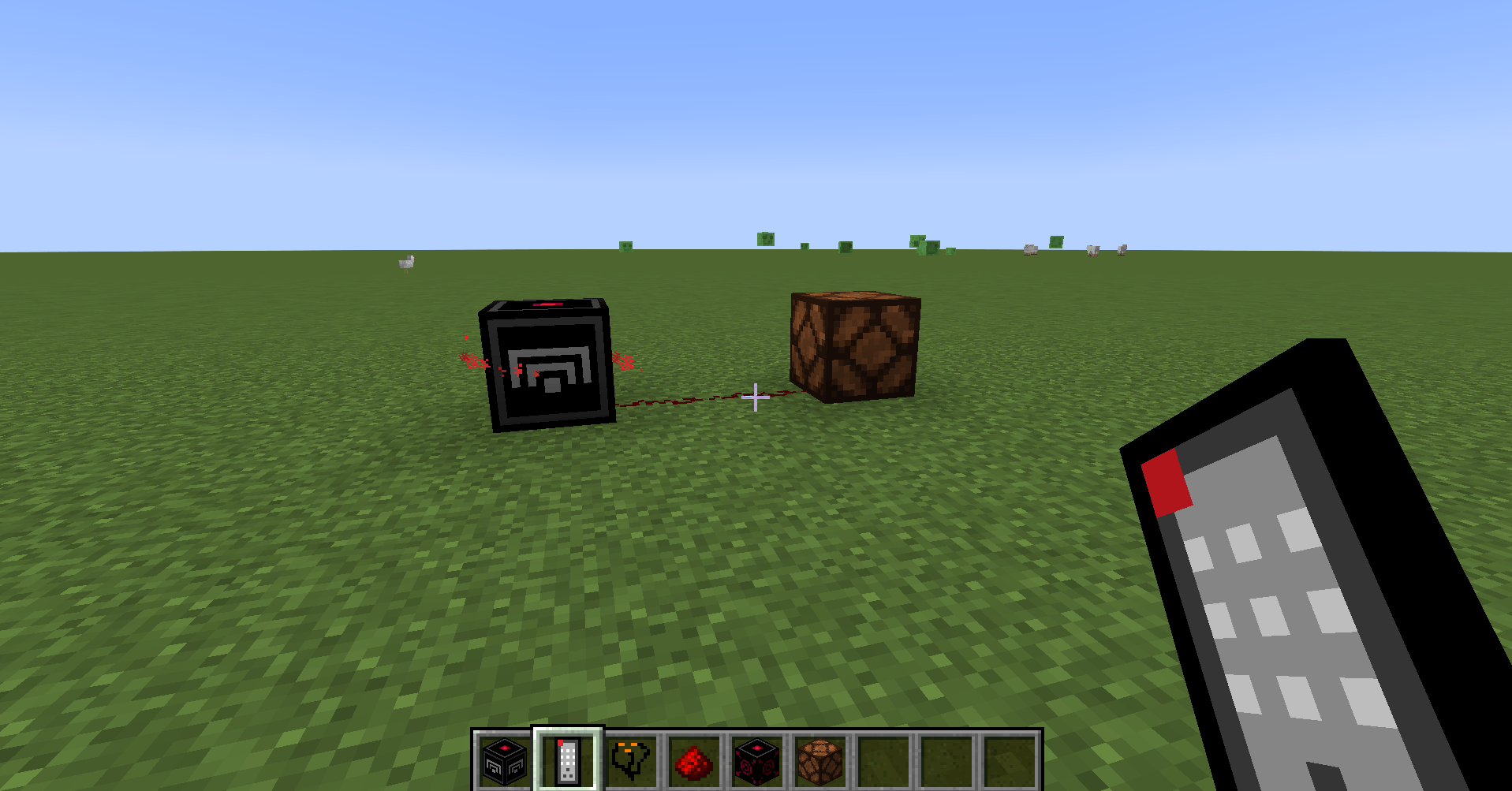 Triggering a remote paired to a Receiver Block linked to a redstone lamp.
📻 Receiver Block & 🔧 Rewiring Kit
- Signal Output: Emits a full redstone signal (strength 15) when triggered.
- Dual Modes:
- Pulse Mode (Default): Emits a 1-second (20-tick) redstone signal upon trigger.
- Toggle Mode: Latches ON/OFF permanently until triggered again.
- Rewiring Kit: Right-click a placed Receiver Block with the Rewiring Kit to switch between Pulse and Toggle modes. Right-clicking with an empty hand checks current connections and active mode.
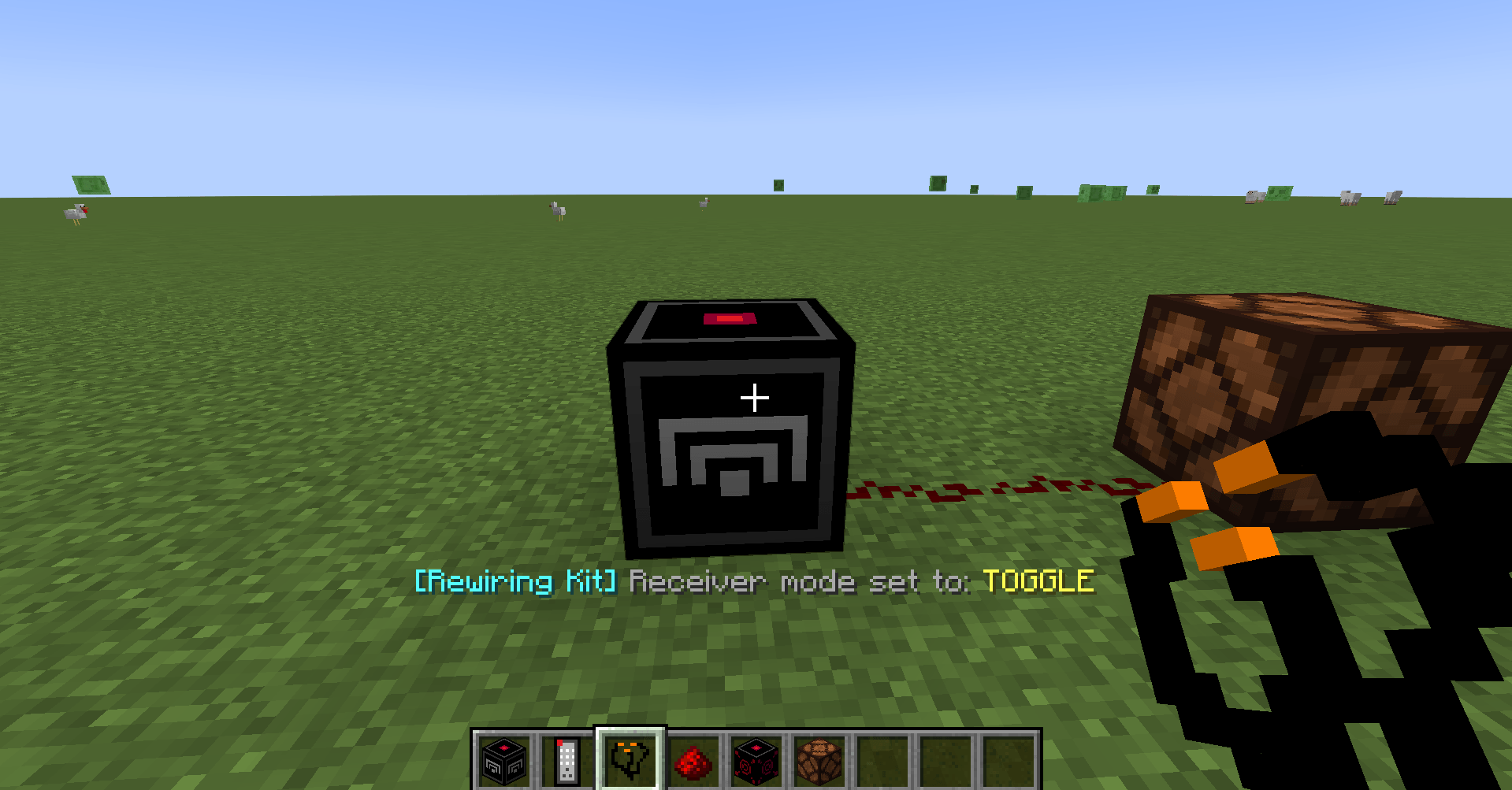 Using the Rewiring Kit to configure Receiver Block modes and inspect settings.
⚡ Wireless Gate
- Transmits redstone signals wirelessly from a Source Gate to a Target Gate.
- 1-Way Relay: When the source gate receives power, it instantly updates and powers the target gate.
- Visual Wire Overlay: Holding a Rewiring Kit or Wireless Gate reveals live animated cyan particle streams flowing from Source -> Target.
- Quick Unlink: Right-click an existing linked gate with the Rewiring Kit or Shift + Right-click to clear the connection.
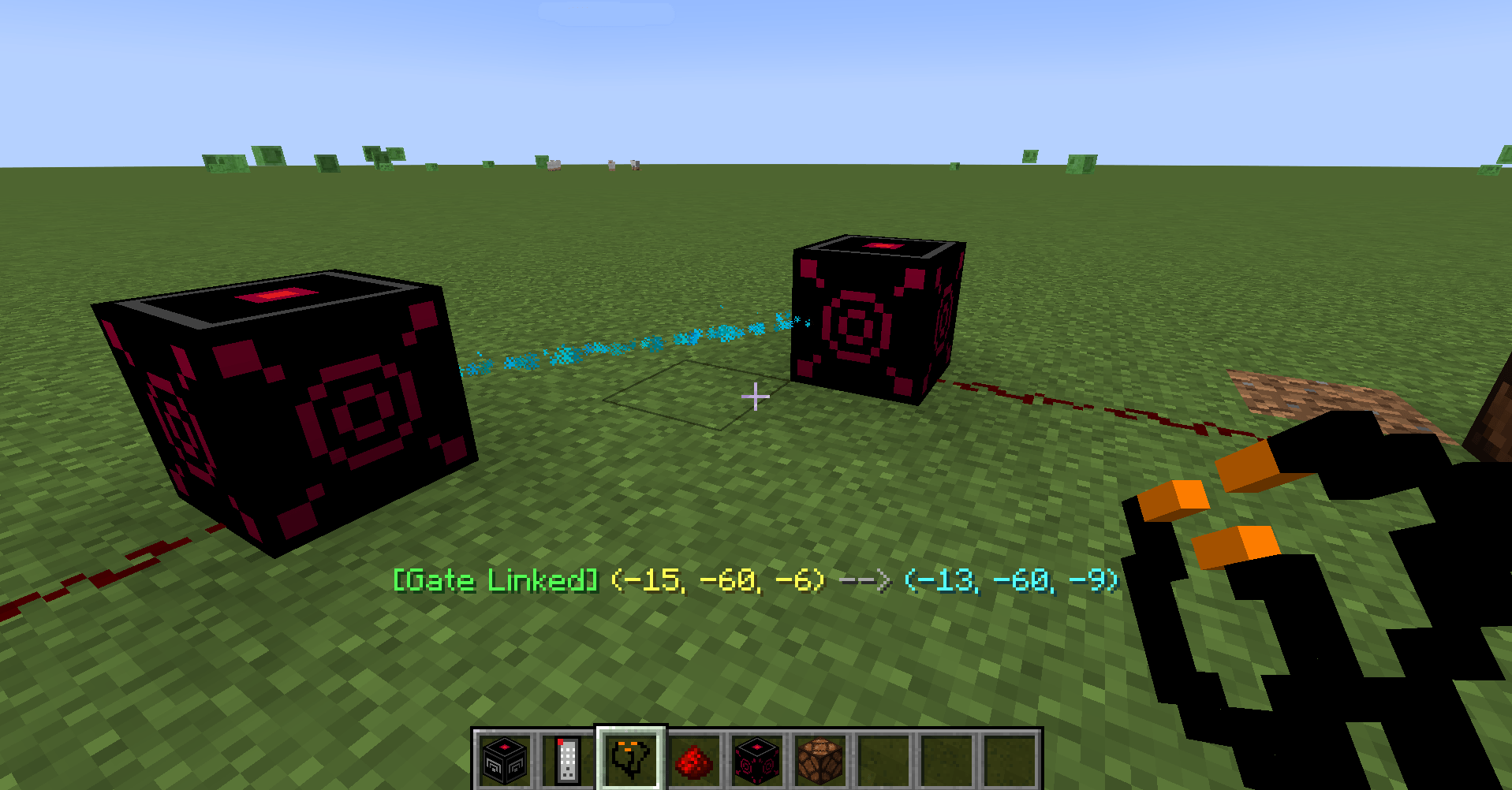
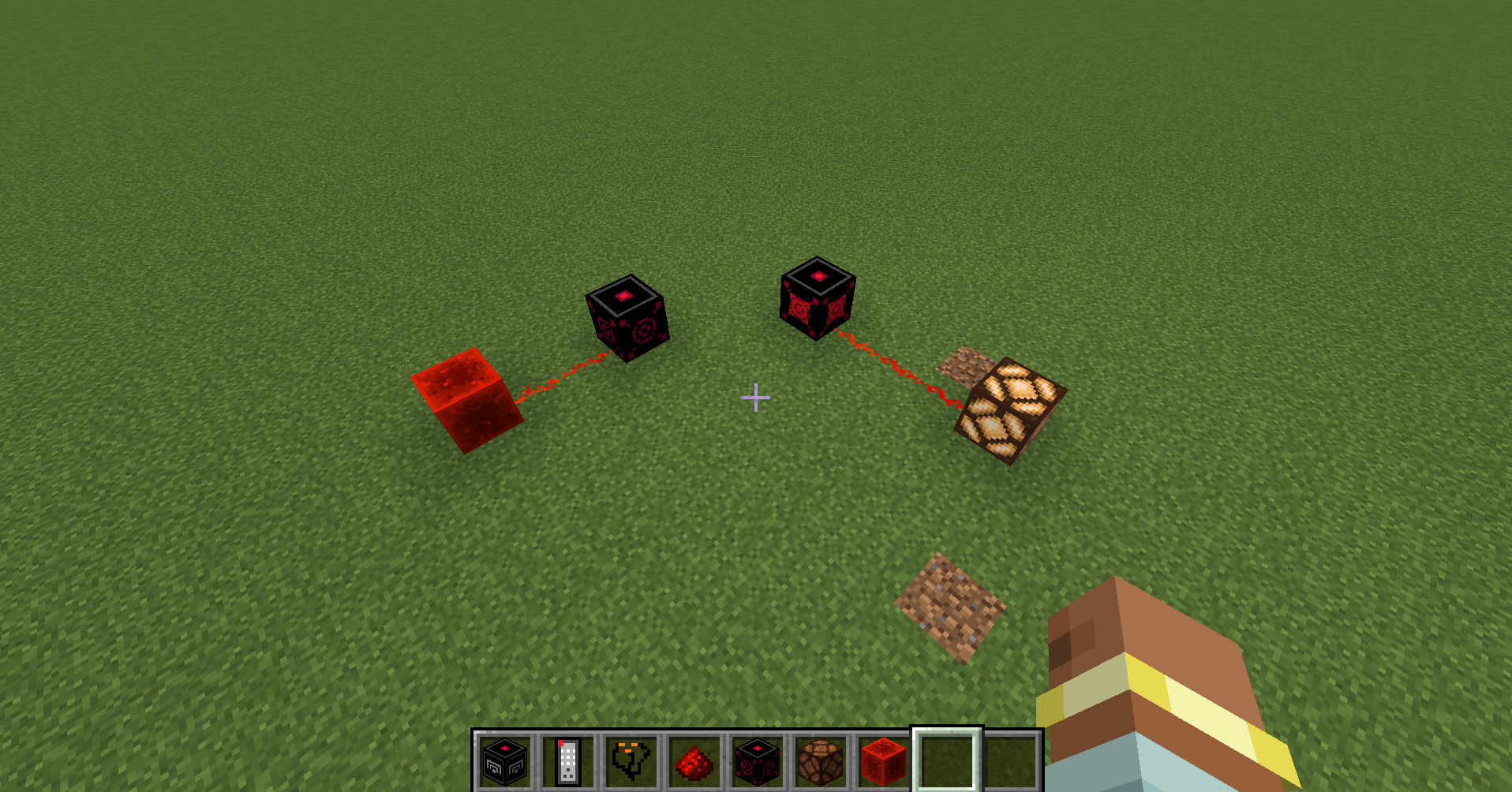 Live particle wires indicating directional signal flows between linked Wireless Gates.
Project description from CurseForge.
Pick your setup
Simplest Wireless Redstone by Minecraft version and loader
Choose the version and loader you play, then open the matching release.
Check the dependencies, then try the file in a copied instance before changing a world you care about.
Recent files
Simplest Wireless Redstone versions and loaders
Wireless Redstone v1.0.0
wirelessredstone-1.0.0.jar
8 Aug 2026
Client Source doesn’t say Server Source doesn’t say Dependencies No extras listed Listed on Release listing
Check the 1.21.1 · NeoForge setup 1.21.1NeoForge release
Looking for an older file? The official CurseForge project page is in Resources.
 mod
CurseForge · Minecraft
Profet's Timber
Chop one log and the whole tree comes down, cartoon style: it creaks, tips over, bursts into leaves and pops apart into its drops. Only needed on the server.
 mod
CurseForge · Minecraft
Mystic's Monstrosity Fixes
various fixes for mods in Mystic's Monstrosity
 mod
CurseForge · Minecraft
Safekeep
World backups that keep themselves: the world is zipped every hour and the oldest zips are deleted. /backup now, /backup list.