lwjgl3ify Needed by Uni GUI UniGUI 1.6.2 for Minecraft 1.7.10 (GTNH)
requiredMatching file found Matched file: lwjgl3ify-3.0.42.jar

CurseForge · Minecraft mod
A library for UI designed for maximum performance
Quick answer
Uni GUI UniGUI 1.6.2 for Minecraft 1.7.10 (GTNH) targets 1.7.10 with Forge. The project page does not say whether this file belongs on the client, dedicated server, or both. All 2 required mods have matching files.
Where it goes
The project page does not say whether this file belongs on the client, dedicated server, or both.
The source does not explicitly classify this release as client-only or server-only.
UniGUI 1.6.2 for Minecraft 1.7.10 (GTNH). Change the file and its required mods may change too.
Install lwjgl3ify, UniMixins first. We found matching files for this game-version and loader setup. 1 comes through another mod in the chain.
1 extra mod was pulled in by another dependency. Indented rows show who needs each one. We only count dependency files that match this setup. A file for another loader does not fill the gap.
Before you install it
Built for Uni GUI UniGUI 1.6.2 for Minecraft 1.7.10 (GTNH). Pick another file and the loader, install side or required mods may change.
Use UniGUI 1.6.2 for Minecraft 1.7.10 (GTNH). It targets 1.7.10 with Forge; another release may have different loader, side or dependency requirements.
Install lwjgl3ify, UniMixins first. We found matching files for this game-version and loader setup. 1 comes through another mod in the chain.
The project page does not say whether this file belongs on the client, dedicated server, or both.
Use the “Get this file” button beside UniGUI 1.6.2 for Minecraft 1.7.10 (GTNH). It opens that exact file at the source.
About this project




A retained-mode UI toolkit for Minecraft mods.
Build interfaces from widgets, then render them in screens, overlays, and HUD layers.
UniGUI is engineered for seamless portability across different Minecraft versions and underlying graphics APIs. A UI designed for 1.7.10 can be deployed to modern versions with minimal modifications to the core logic.
Designed with high-end architectural standards, the library draws direct inspiration from industry frameworks like Unigine UI, NoesisGUI, and Dear ImGui. The core implements proven UI paradigms, layout systems, and rendering methods.
The toolkit is continuously evolving. New widgets are regularly introduced, and existing components are optimized to ensure a smooth and intuitive developer experience.
Includes a comprehensive interactive Demo Screen accessible via the /unigui command. This acts as a live catalog of all available widgets and provides quick access to implementation templates.
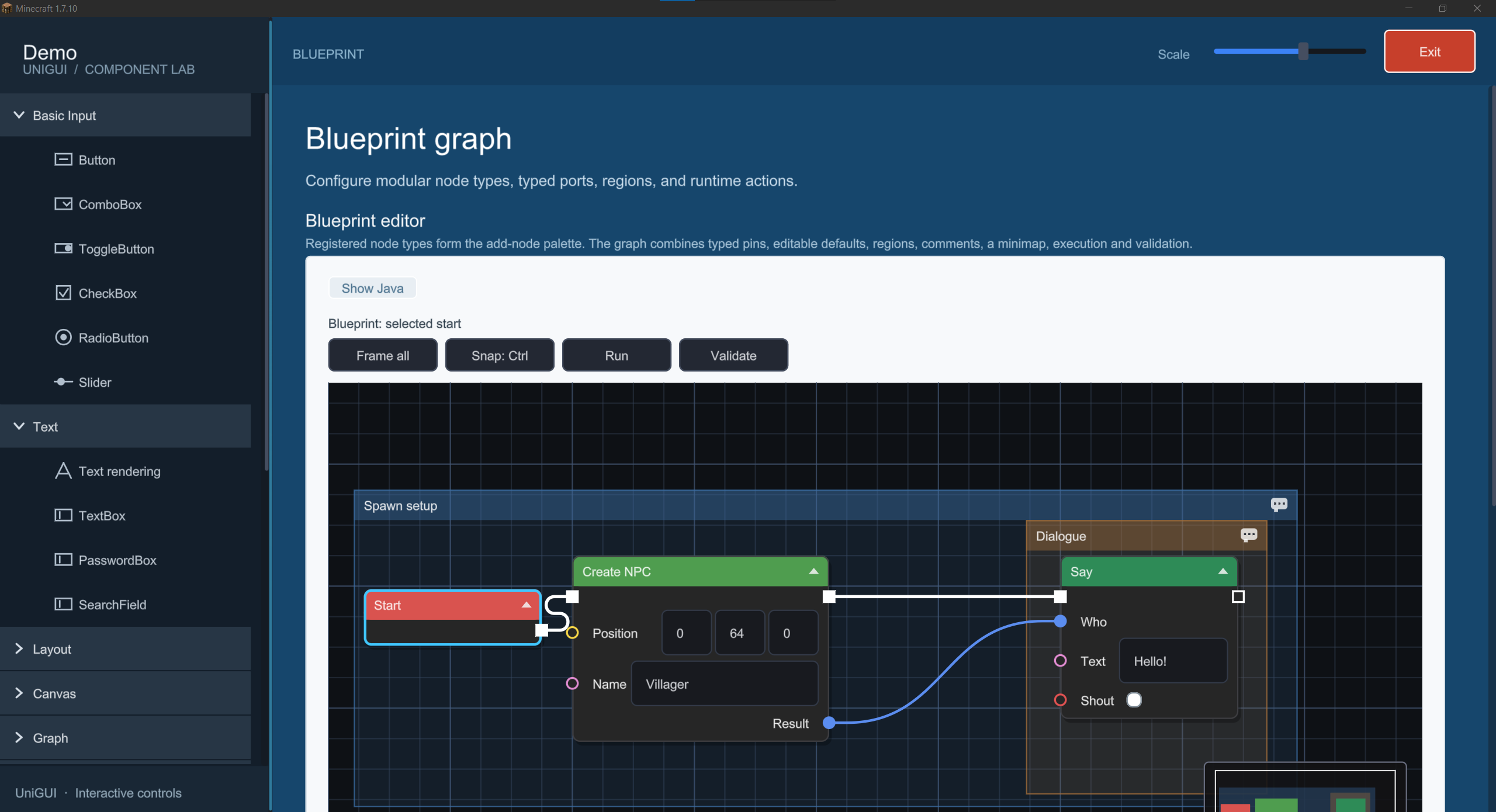
In-game widget catalog demo
Interactive catalog of all available widgets.
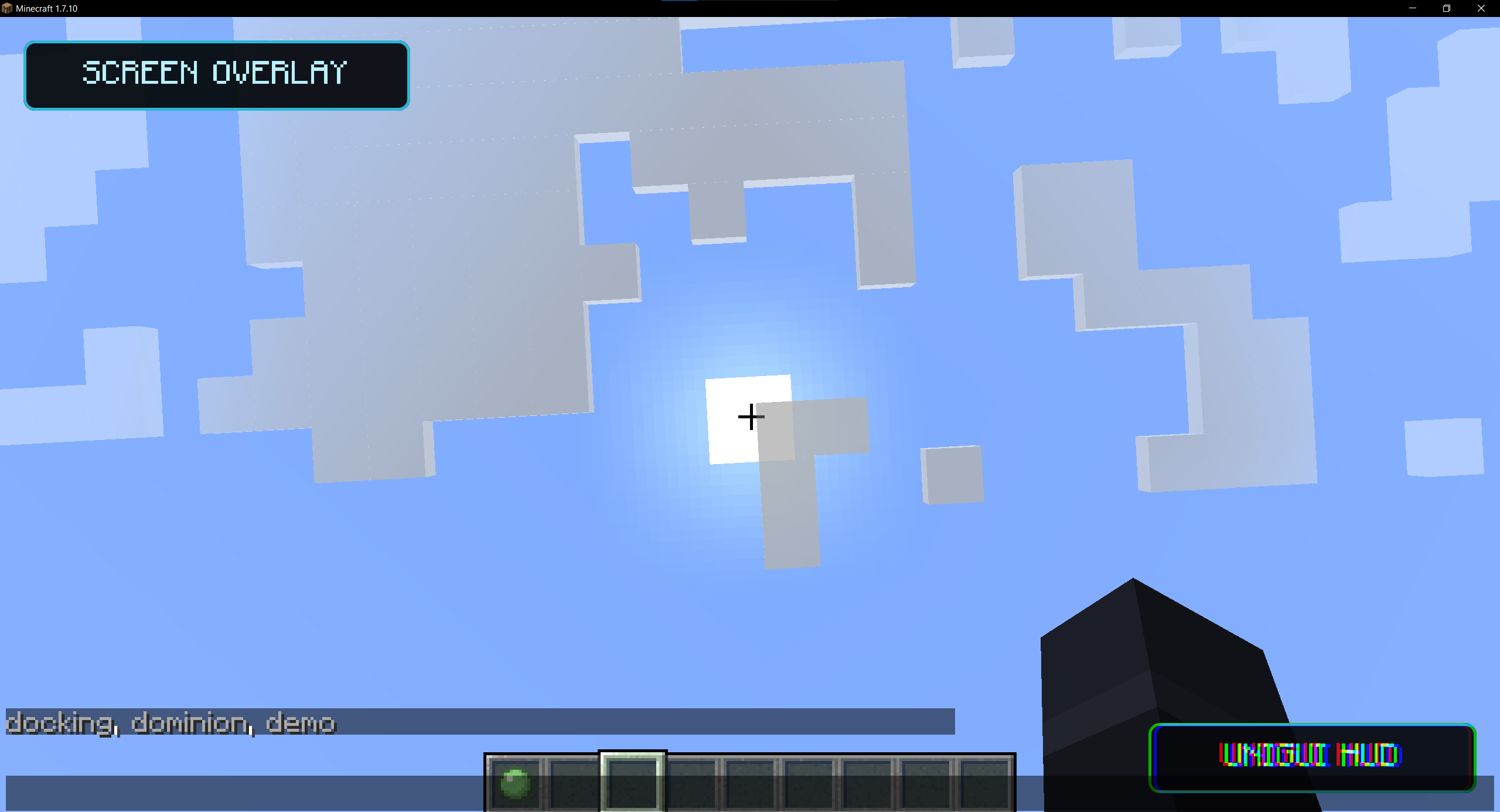
Native screen and HUD overlays
Native screen and HUD overlays.
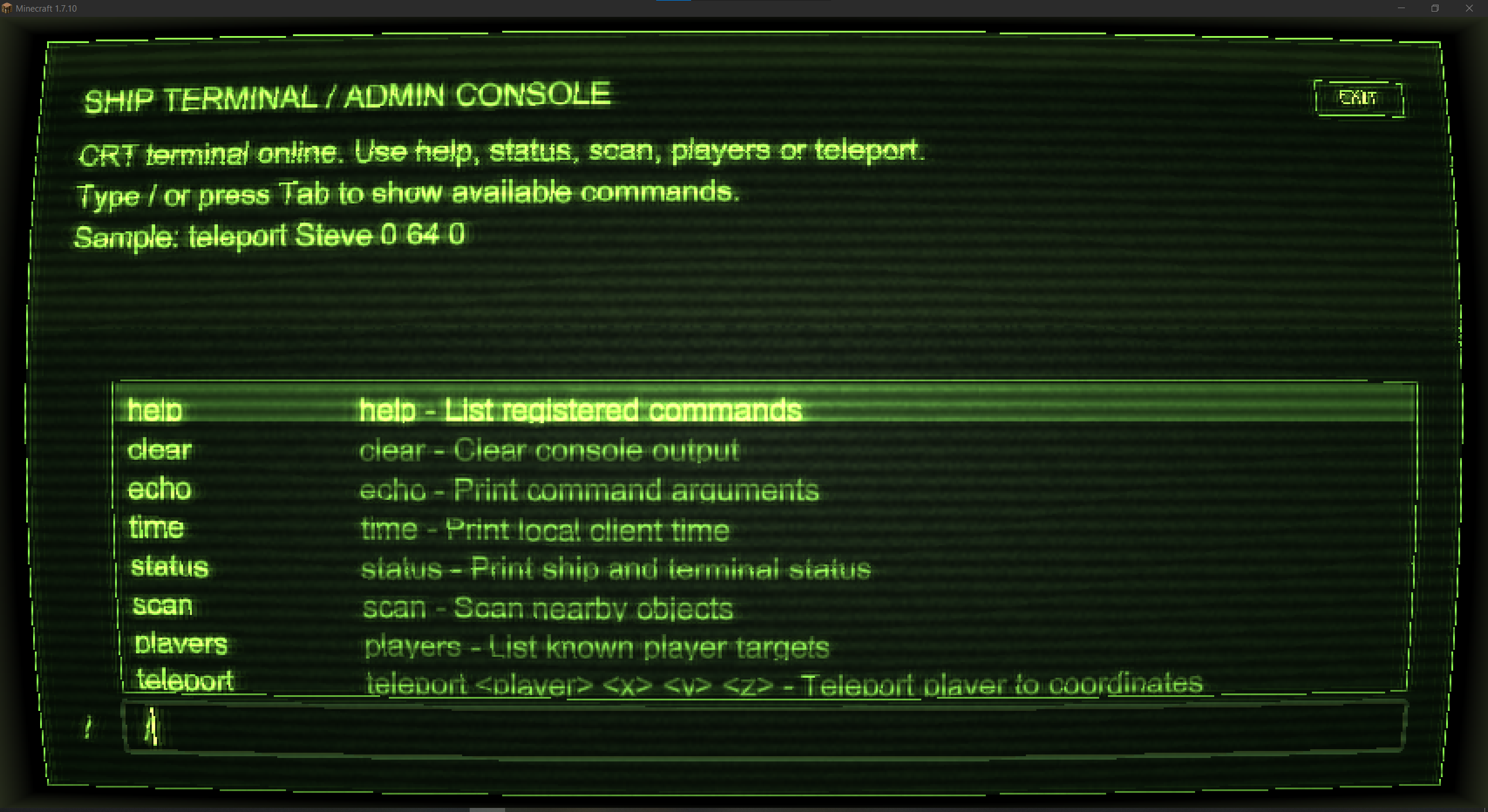
Retro terminal interface
Retro terminal interface.
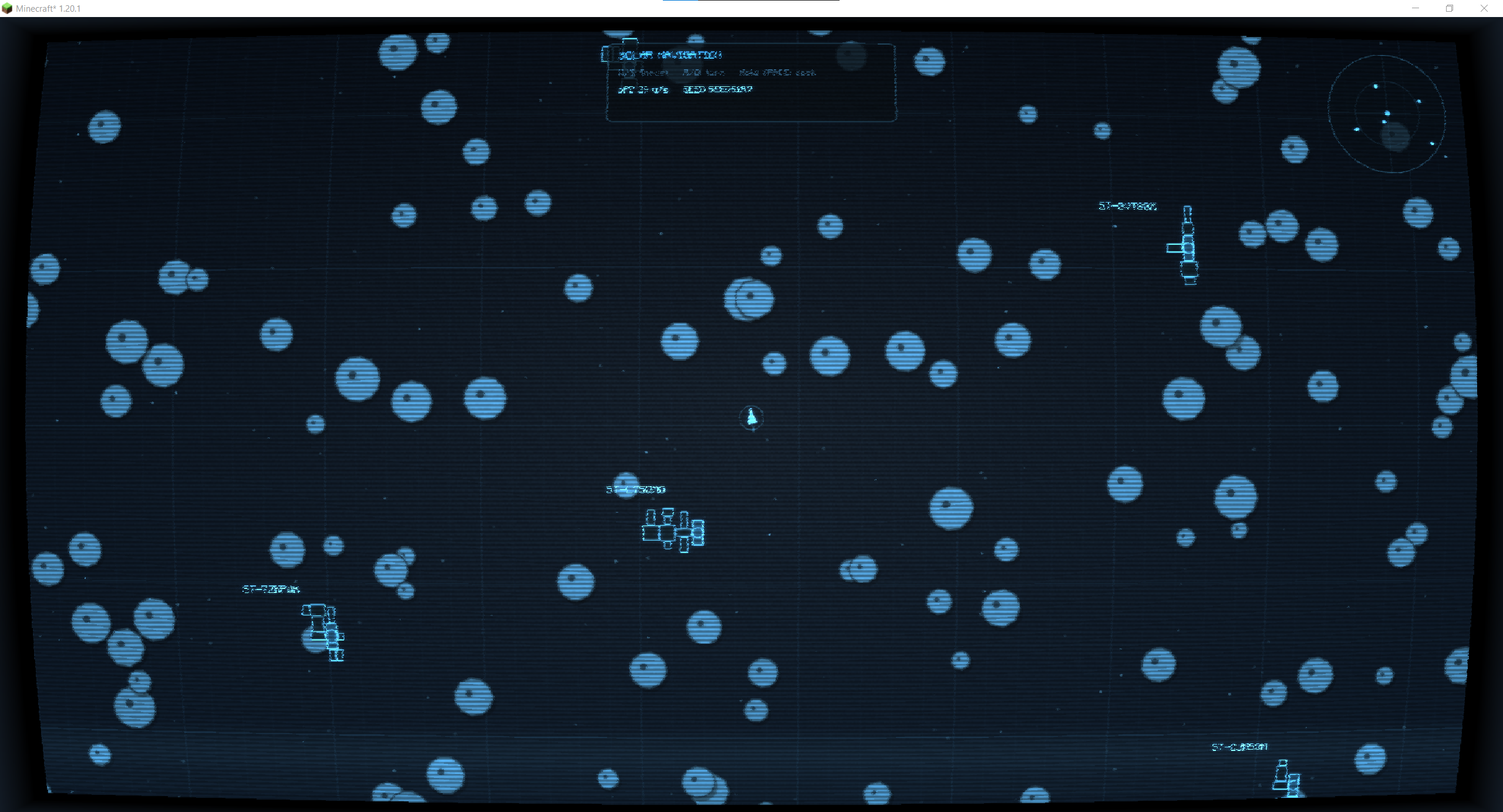
Complex spacecraft navigation interface
Complex spacecraft navigation interface.
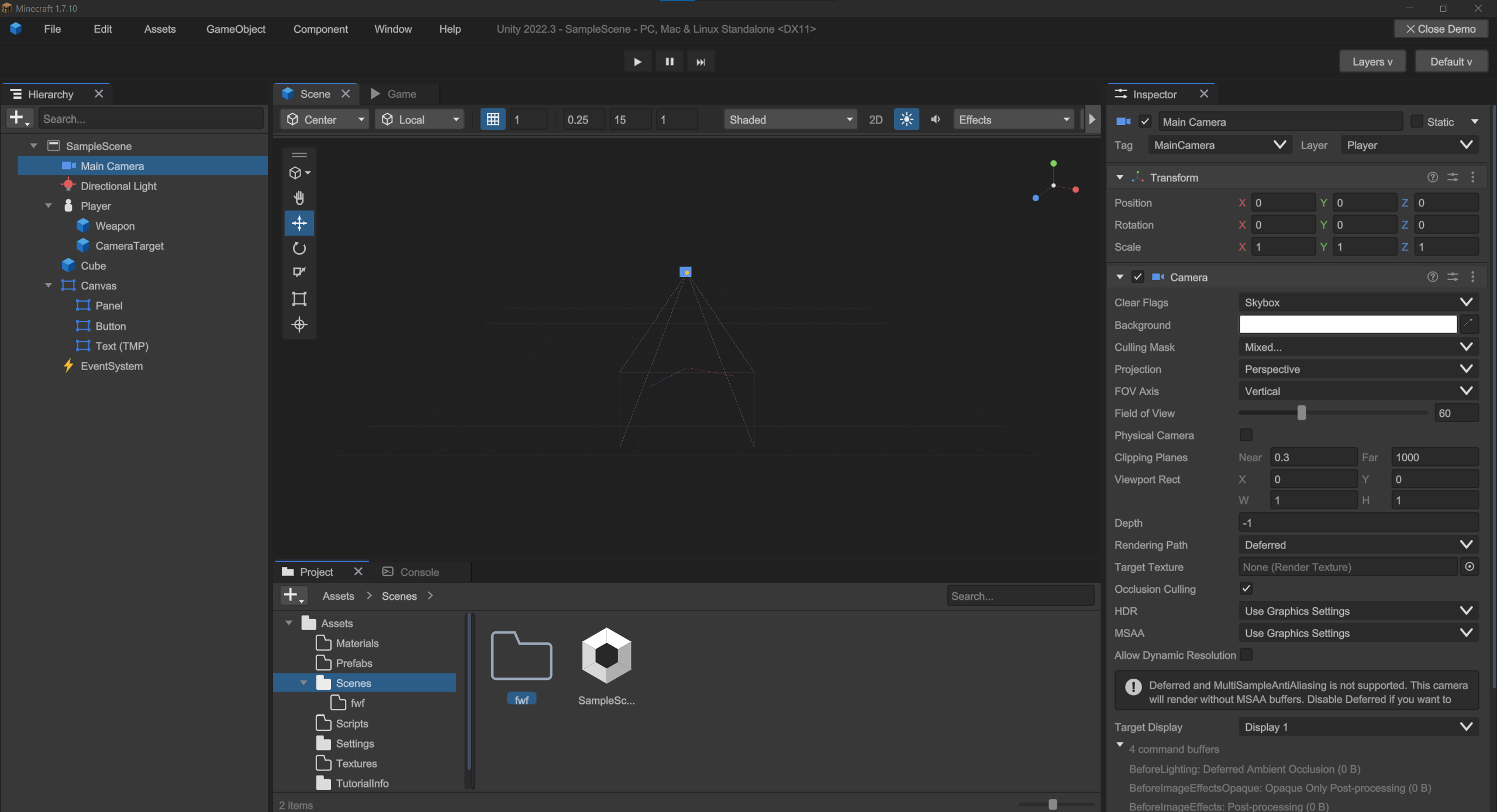
Structurally complex Unity-inspired interface
Structurally complex Unity-inspired interface.
Project description from CurseForge.
Pick your setup
Choose the version and loader you play, then open the matching release.
Check the dependencies, then try the file in a copied instance before changing a world you care about.
Recent files
unigui-gtnh-1.7.10-1.6.2.jar
2 Nov 2026
unigui-cleanroom-1.12.2-1.6.2.jar
2 Nov 2026
unigui-neoforge-1.21.1-1.6.2.jar
2 Nov 2026
unigui-fabric-1.21.1-1.6.2.jar
2 Nov 2026
unigui-forge-1.21.1-1.6.2.jar
2 Nov 2026
unigui-fabric-1.20.1-1.6.2.jar
2 Nov 2026
unigui-forge-1.20.1-1.6.2.jar
2 Nov 2026
23 Oct 2026
23 Oct 2026
23 Oct 2026
23 Oct 2026
12 Aug 2026
Looking for an older file? The official CurseForge project page is in Resources.
 mod
Nations, claims, economy, markets, and wars for NeoForge servers.
 mod
An enchantment type mod based on the Elden Ring game
 mod
Celeritas Extra is an unofficial client-side add-on for Celeritas, Actinium or Nothirium

