Create Fly Needed by Create: Connected (Fly Port) create_connected-fly-1.3.3-mc26.2-2.jar
requiredMatching file found Matched file: Create 6.0.9 build-1 for 26.2-rc-2
CurseForge · Minecraft mod
Unofficial Fabric port of Create: Connected for Minecraft 26.2 — adds gearboxes, kinetic batteries, item silos, copycats and more on top of Create Fly.
Quick answer
Create: Connected (Fly Port) create_connected-fly-1.3.3-mc26.2-2.jar targets 26.2 with Fabric. The project page does not say whether this file belongs on the client, dedicated server, or both. All 2 required mods have matching files.
Where it goes
The project page does not say whether this file belongs on the client, dedicated server, or both.
The source does not explicitly classify this release as client-only or server-only.
create_connected-fly-1.3.3-mc26.2-2.jar. Change the file and its required mods may change too.
Install Create Fly, Fabric API first. We found matching files for this game-version and loader setup.
We only count dependency files that match this setup. A file for another loader does not fill the gap.
Before you install it
Built for Create: Connected (Fly Port) create_connected-fly-1.3.3-mc26.2-2.jar. Pick another file and the loader, install side or required mods may change.
Use create_connected-fly-1.3.3-mc26.2-2.jar. It targets 26.2 with Fabric; another release may have different loader, side or dependency requirements.
Install Create Fly, Fabric API first. We found matching files for this game-version and loader setup.
The project page does not say whether this file belongs on the client, dedicated server, or both.
Use the “Get this file” button beside create_connected-fly-1.3.3-mc26.2-2.jar. It opens that exact file at the source.
About this project
⚠️ Unofficial port
This is an unofficial Fabric / Minecraft 26.2 port of Create: Connected by Lysine, built on Create Fly by ZurrTum.
Posted with the original author's permission. It is still not Lysine's release and he does not maintain it — please report issues here, not on the original mod's tracker.
All credit for the mod itself goes to Lysine and the Create: Connected contributors, and for the Fabric port of Create to ZurrTum.
26.2-rc-2-6.0.9-1Create Fly replaces Create, Flywheel, Ponder and Catnip — it embeds all of them. Do not install Create alongside it.
Everything Create: Connected 1.3.2 adds, running on Fabric: parallel, six-way and brass gearboxes, the crank wheel, kinetic batteries and bridges, chain cogwheels, the inverted and centrifugal clutches, shear pins, cross connectors, item silos and fluid vessels, linked transmitters and analog levers, brass chutes, the dashboard, fan catalysts, and nine copycat shapes.
Release. All 24 block entity renderers and Flywheel visuals are registered, connected textures are wired, block tints are registered, and kinetics propagate.
Both rendering paths have been walked: with Flywheel on (the default) and with the Flywheel backend forced off, which is what runs if you use Sodium. A dedicated server loads cleanly.
None of these break anything, but they are absent on purpose:
create:copycat; they joined Create's block entity type instead of registering a second one. One-way, but no 26.2 world predates it1.3.2 is upstream's. This port is built on Lysine's newest commit, so the feature set matches Create: Connected 1.3.2 exactly. The trailing -2 counts builds of this port against that same upstream version — it does not mean new content.
AGPL-3.0-or-later, plus the additional terms at the end of the original LICENSE: distinct name and icon, links back to the original, issues handled here. Full text in the repository.
Project description from CurseForge.
Pick your setup
Choose the version and loader you play, then open the matching release.
Check the dependencies, then try the file in a copied instance before changing a world you care about.
Recent files
27 Sept 2026
26 Sept 2026
26 Sept 2026
21 Sept 2026
9 Sept 2026
13 Aug 2026
Looking for an older file? The official CurseForge project page is in Resources.
 mod
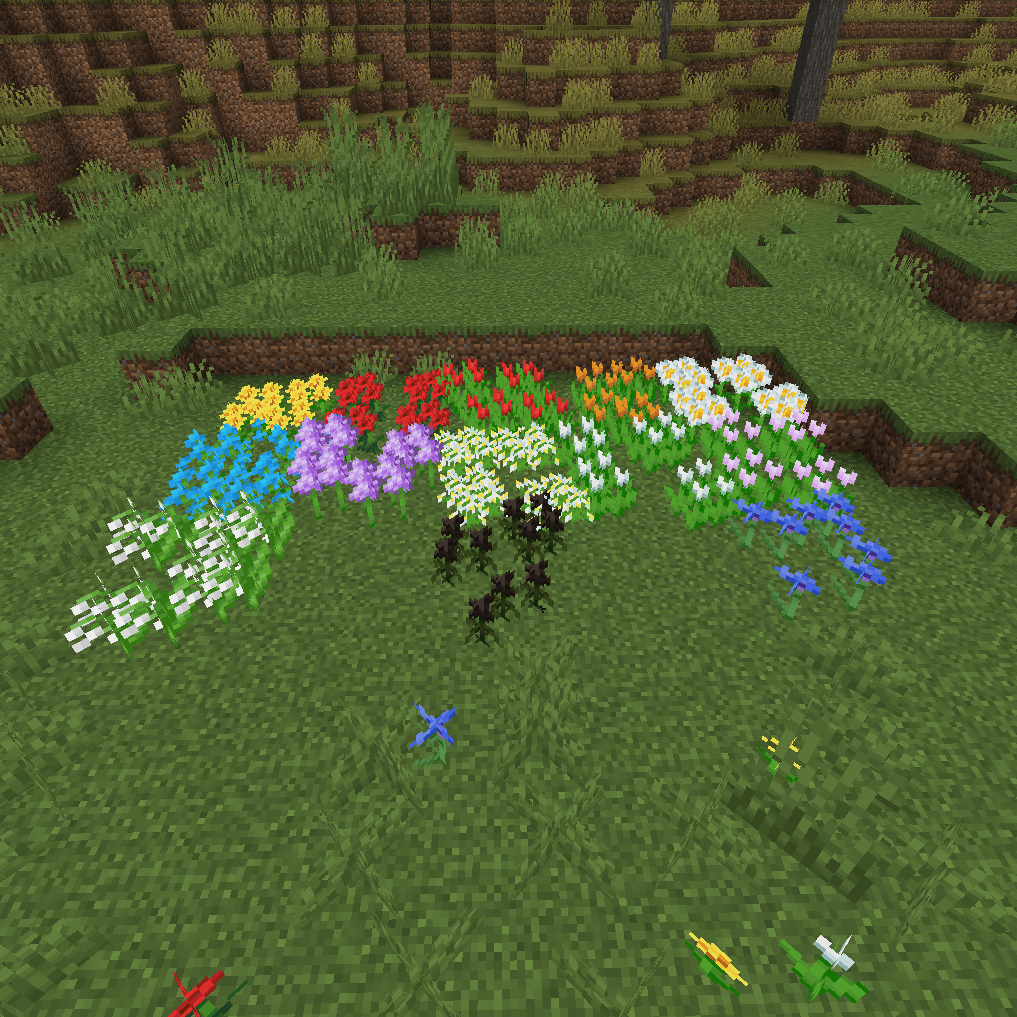
modAllows you to bunch together flowers into a single blockspace similar to pickles
 mod
modThe Pillagers have expanded their Civilization! They have set up encampments and fortresses all over the world! Do you have what it takes to overcome these new threats, and seize their precious loot?
 mod
modMake Copper Golems interact with Copper Buttons, like originally intended, and boost your builds with new decorative blocks!