Player Animation Library Needed by VIVID MOVE! vivid_move-1.4.3+universal-mc1.21.1.jar
requiredMatching file found Matched file: 1.1.6+1.21.1-NeoForge
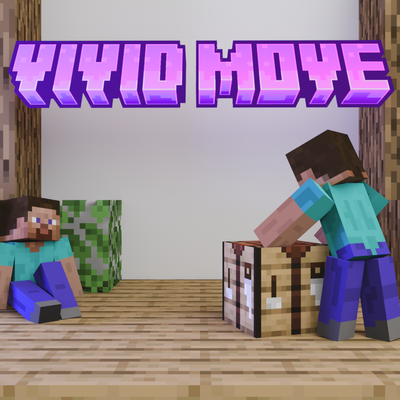
CurseForge · Minecraft mod
Improvment to every move you done, inculding player's animation, physics and particles!
Quick answer
VIVID MOVE! vivid_move-1.4.3+universal-mc1.21.1.jar targets 1.21.1 with Fabric, NeoForge. The project page does not say whether this file belongs on the client, dedicated server, or both. All 2 required mods have matching files.
Where it goes
The project page does not say whether this file belongs on the client, dedicated server, or both.
The source does not explicitly classify this release as client-only or server-only.
vivid_move-1.4.3+universal-mc1.21.1.jar. Change the file and its required mods may change too.
Install Player Animation Library, Cloth Config API (Fabric/Forge/NeoForge) first. We found matching files for this game-version and loader setup.
We only count dependency files that match this setup. A file for another loader does not fill the gap.
Before you install it
Built for VIVID MOVE! vivid_move-1.4.3+universal-mc1.21.1.jar. Pick another file and the loader, install side or required mods may change.
Use vivid_move-1.4.3+universal-mc1.21.1.jar. It targets 1.21.1 with Fabric, NeoForge; another release may have different loader, side or dependency requirements.
Install Player Animation Library, Cloth Config API (Fabric/Forge/NeoForge) first. We found matching files for this game-version and loader setup.
The project page does not say whether this file belongs on the client, dedicated server, or both.
Use the “Get this file” button beside vivid_move-1.4.3+universal-mc1.21.1.jar. It opens that exact file at the source.
About this project
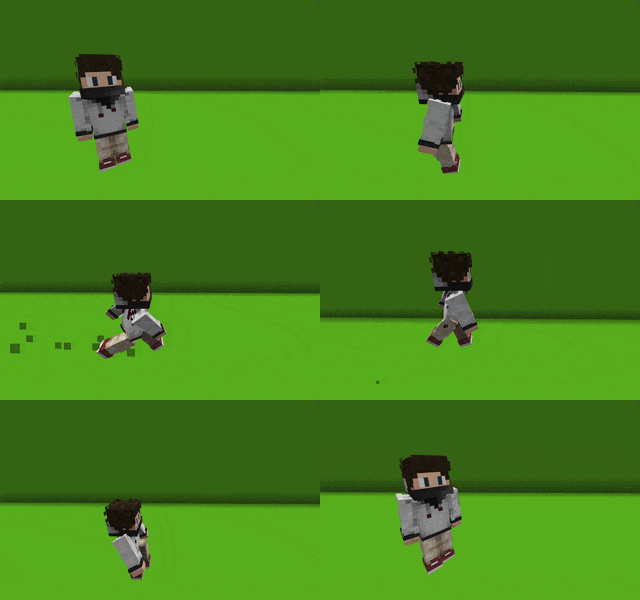
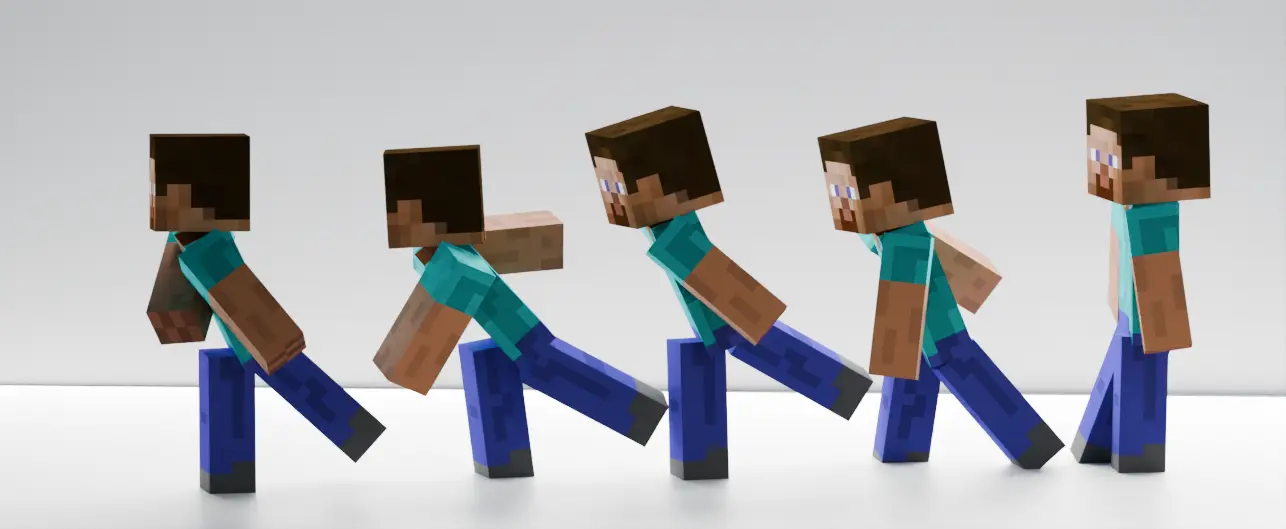
This mod adds animation to the player's every move. Beyond that, the velocity and knockback on the player now show in physical changes. Enjoy animations that are detailed & smooth, with over 80 animation clips.
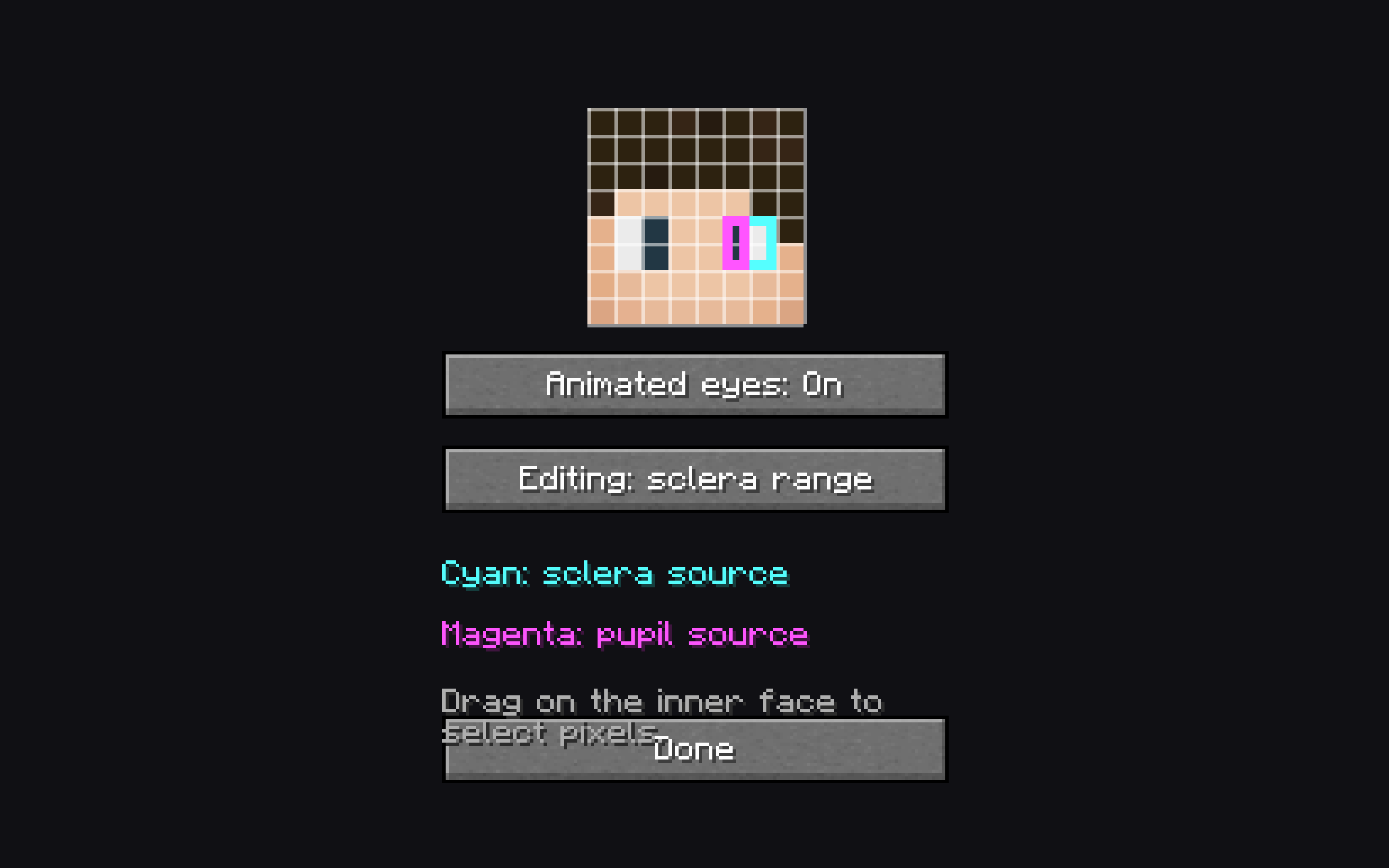
You can select the pixel of your eye in the custom skin setting, and make the eyes of your character move! They will react based on the environment, camera, and other stuff.
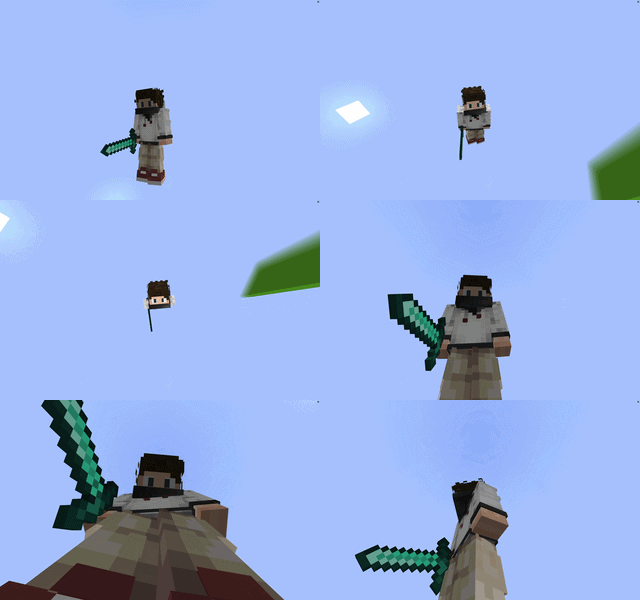
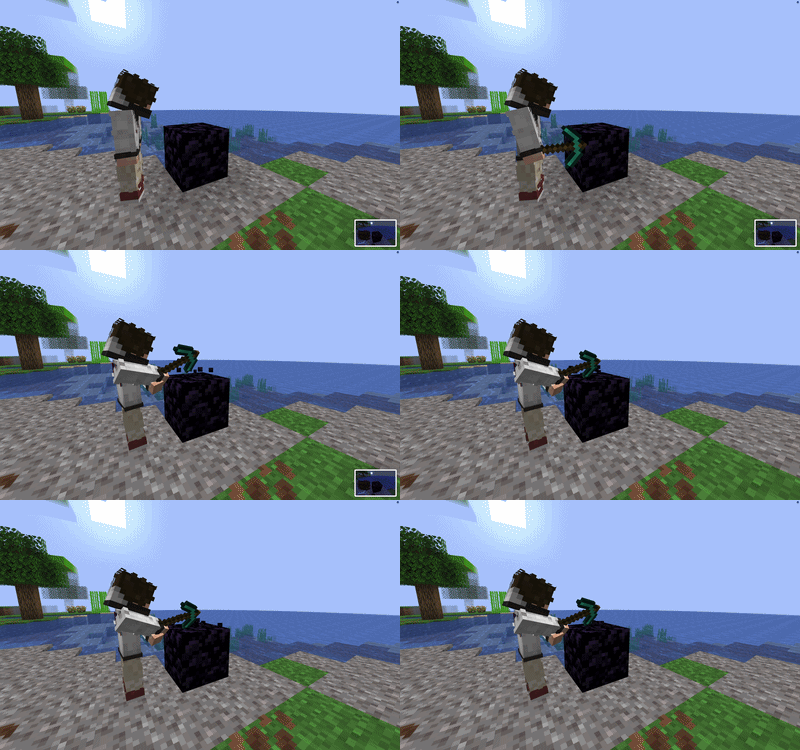
This mod also adds special effects that make the world respond to your movement, from the tilt of the boat to the shake of blocks when breaking them. When you hit a mob, it will also react to it.
If the mod is on the server side, it will provide a combat system that allows the player to hit mobs without having to aim so precisely, and more attack moves that allow different kinds of knockback.
Project description from CurseForge.
Pick your setup
Choose the version and loader you play, then open the matching release.
Check the dependencies, then try the file in a copied instance before changing a world you care about.
Recent files
31 Aug 2026
31 Aug 2026
31 Aug 2026
30 Aug 2026
30 Aug 2026
30 Aug 2026
29 Aug 2026
29 Aug 2026
29 Aug 2026
28 Aug 2026
28 Aug 2026
28 Aug 2026
Looking for an older file? The official CurseForge project page is in Resources.
 mod
moda multiplayer mod
 mod
modThis mod combines the major tree-felling mods – FallingTree, Panda's Falling Trees, HT's TreeChop, and Tree Harvester – and includes all their features. You can configure everything in-game, and the mod menu is opened by pressing G by default.
 mod
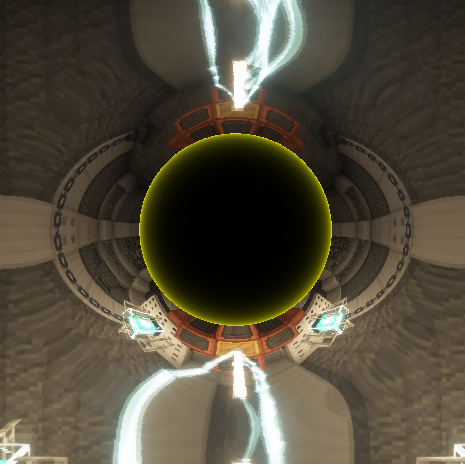
modAn addon for Reinforced Black Holes that adds Singularity Rifle