Back to mods
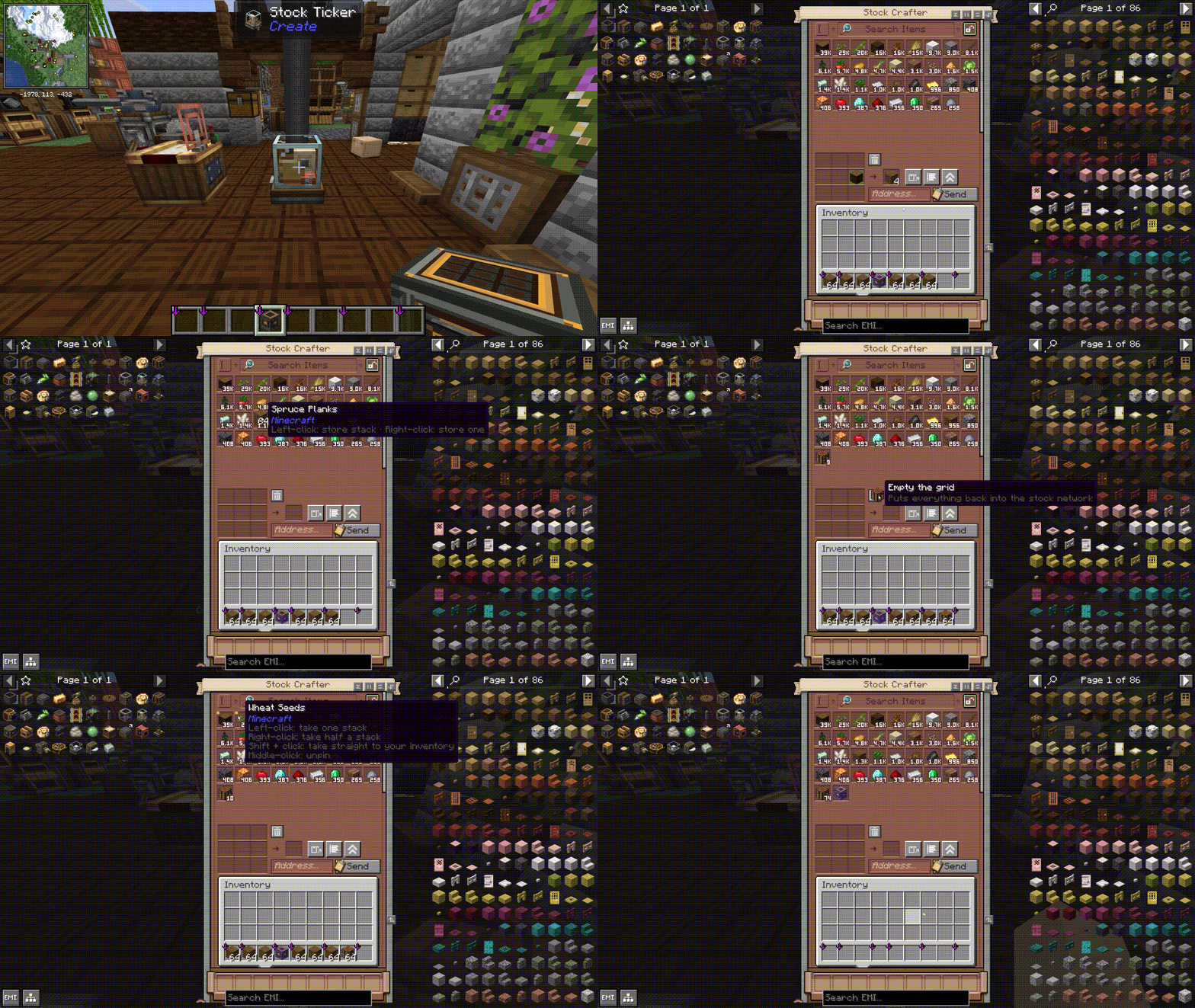
Create: Stock Instant Craft project artwork

CurseForge · Minecraft mod

Create: Stock Instant Craft

Adds a Stock Crafter that crafts directly from connected Item Vaults and other storage on your Create stock network using a real, automatically refilling 3×3 grid.

Choose a version Pick your version below, then grab the matching file.

Quick answer

Which Create: Stock Instant Craft release should I use?

Updated 23 days ago
Latest stable file stockinstantcraft-neoforge-1.21.1-1.2.0.jar
Game version 1.21.1
Loader NeoForge

Create: Stock Instant Craft stockinstantcraft-neoforge-1.21.1-1.2.0.jar targets 1.21.1 with NeoForge. The project page does not say whether this file belongs on the client, dedicated server, or both. All 1 required mods have matching files.

Where it goes

Is Create: Stock Instant Craft required on the client, server, or both?

The project page does not say whether this file belongs on the client, dedicated server, or both.

Client Source doesn’t say
Dedicated server Source doesn’t say
Loader for this release NeoForge
Required install it here Optional supported, not mandatory Not supported do not install here Source doesn’t say do not assume

The source does not explicitly classify this release as client-only or server-only.

What else does Create: Stock Instant Craft stockinstantcraft-neoforge-1.21.1-1.2.0.jar need?

stockinstantcraft-neoforge-1.21.1-1.2.0.jar. Change the file and its required mods may change too.

All 1 required mods have matching files

Install Create first. We found matching files for this game-version and loader setup. 4 come through another mod in the chain.

4 listed on this file 4 pulled in by those mods
Just Enough Items (JEI) Optional for Create: Stock Instant Craft stockinstantcraft-neoforge-1.21.1-1.2.0.jar
optional
Matching file found Matched file: 19.71.0.470 for NeoForge 1.21.1
Create Needed by Create: Stock Instant Craft stockinstantcraft-neoforge-1.21.1-1.2.0.jar
required
Matching file found Matched file: Create 6.0.10 for mc1.21.1
Create: Factory Controller Optional for Create: Stock Instant Craft stockinstantcraft-neoforge-1.21.1-1.2.0.jar
optional
Matching file found Matched file: createfactorycontroller-1.2.4-neoforge-1.21.1.jar
EMI Optional for Create: Stock Instant Craft stockinstantcraft-neoforge-1.21.1-1.2.0.jar
optional
Matching file found Matched file: emi-1.1.24+1.21.1+neoforge
MezzConfigGUI Needed by Just Enough Items (JEI)
pulled in
Matching file found Matched file: MezzConfig GUI mc1.21.1-0.7.1 for NeoForge
MezzConfig Needed by Just Enough Items (JEI)
pulled in
Matching file found Matched file: MezzConfig 0.7.1 for NeoForge 1.21.1
Create: Deployer API Needed by Create: Factory Controller
pulled in
Matching file found Matched file: Deployer [0.1.3]
Create: Repackaged Needed by Create: Deployer API
pulled in
Matching file found Matched file: Create: Repackaged [0.0.7]

4 extra mods were pulled in by other dependencies. Indented rows show who needs each one. We only count dependency files that match this setup. A file for another loader does not fill the gap.

Before you install it

Add Create: Stock Instant Craft without breaking your instance.

Built for Create: Stock Instant Craft stockinstantcraft-neoforge-1.21.1-1.2.0.jar. Pick another file and the loader, install side or required mods may change.

  1. 01

    Stick to this file

    Use stockinstantcraft-neoforge-1.21.1-1.2.0.jar. It targets 1.21.1 with NeoForge; another release may have different loader, side or dependency requirements.

  2. 02

    Bring the mods it needs

    Install Create first. We found matching files for this game-version and loader setup. 4 come through another mod in the chain.

  3. 03

    Put it on the correct side

    The project page does not say whether this file belongs on the client, dedicated server, or both.

  4. 04

    Pick the file you checked

    Use the “Get this file” button beside stockinstantcraft-neoforge-1.21.1-1.2.0.jar. It opens that exact file at the source.

About this project

What does Create: Stock Instant Craft add?

Create: Instant Stock Crafting

Create: Instant Stock Crafting adds a dedicated Stock Crafter that lets you craft directly from the inventories connected to a Create stock network.

The Stock Crafter combines Create’s stock network with a real 3×3 crafting grid, allowing you to craft directly with items stored in connected inventories such as Item Vaults. After each craft, used ingredients are automatically pulled from the network to refill the grid.

Features✅

  • A real 3×3 crafting grid inside Create’s stock interface
  • Direct access to Item Vaults and other connected storage inventories
  • Automatic item refilling after every craft
  • Grid cells turn green when the network can refill them and red when it cannot
  • Send crafted items directly into the stock network
  • Return unused items to storage, with overflow returned to the player (trash button or the C key)
  • NEW: Filter categories – split the stock listing into your own sections with filters, just like on a Stock Keeper
  • Wireless Stock Crafter – open a bound Stock Crafter from a distance (64 blocks by default, configurable)
  • JEI/TMRV and EMI recipe transfer support, showing exactly which ingredients are missing
  • Shift-click to move one stack directly into your inventory.
  • Scroll over a stored item while holding a stack to store or take one item at a time.
  • Middle-click to pin or unpin an item. Pinned items always remain at the Top.
  • Use the sort button to switch between quantity (highest item amount first) and name (A–Z).
  • Optional integration with Create: Factory Controller Production Orders alt text

How to use⚙️

  • Craft the Stock Crafter out from a Stock Ticker, Precision Mechanism, and Crafting Table.
  • Hold the Stock Crafter in hand and right-click a block on the Stock network like Stock Ticker to link it.
  • Place and open the Stock Crafter.
  • Crafting manually or transfer a recipe with JEI/TMRV or EMI.
  • Click to craft once, or Shift-click to craft a full stack.*
  • Use the network button to Craft items directly into connected storage.*
  • Use the trash button (or press C) to clear the crafting grid.
  • Use the categories button to add filter sections to the stock listing (stand within 4 blocks of the Stock Crafter).
  • Use the view button to switch to Create’s Stock Keeper or compatible Production Orders screen.

Wireless Stock Crafter📡

  • Craft it from a Transmitter, Precision Mechanism, and Brass Sheet.
  • Sneak + right-click a Stock Crafter to bind it.
  • Right-click anywhere to open the bound Stock Crafter from a distance.
  • Everything in the crafting grid works remotely. Ordering packages is only available at the block.

Requirements🖥️

  • Minecraft 1.21.1
  • NeoForge 21.1.229 or newer
  • Create 6.0.10 or newer — required
  • Java 21
  • Install on both client and server

JEI or EMI is not required, but it is recommended. Recipe transfer makes it much faster to fill the crafting grid from items stored across the stock network.

Create: Factory Controller is also optional. When installed, the Stock Crafter can hand its current ingredients directly to the Production Orders screen.

Credits and licensing

Create: Instant Stock Crafting is an independent addon for Create and is not affiliated with or endorsed by the Create Team.
Portions of the Stock Crafter interface are adapted from the MIT-licensed Create codebase:
Optional compatibility is provided for Create: Factory Controller:
No graphical, audio, or other binary assets from Create or Create: Factory Controller are bundled with this addon.
Create: Instant Stock Crafting is licensed under the MIT License.

Project description from CurseForge.

Pick your setup

Create: Stock Instant Craft by Minecraft version and loader

Choose the version and loader you play, then open the matching release.

1 available setups

Check the dependencies, then try the file in a copied instance before changing a world you care about.

Recent files

Create: Stock Instant Craft versions and loaders

5 of 5 releases match

Looking for an older file? The official CurseForge project page is in Resources.