Embeddium Needed by ac130-3.0.0.jar
requiredMatching file found Matched file: [1.20.1] Embeddium 0.3.31

CurseForge · Minecraft mod
Like an AC130, circle in the air and keep providing fire support
Quick answer
ac130-3.0.0.jar targets 1.20.1 with Forge. The project page does not say whether this file belongs on the client, dedicated server, or both. All 1 required mods have matching files.
Where it goes
The project page does not say whether this file belongs on the client, dedicated server, or both.
The source does not explicitly classify this release as client-only or server-only.
ac130-3.0.0.jar. Change the file and its required mods may change too.
Install Embeddium first. We found matching files for this game-version and loader setup.
We only count dependency files that match this setup. A file for another loader does not fill the gap.
Before you install it
Built for ac130-3.0.0.jar. Pick another file and the loader, install side or required mods may change.
Use ac130-3.0.0.jar. It targets 1.20.1 with Forge; another release may have different loader, side or dependency requirements.
Install Embeddium first. We found matching files for this game-version and loader setup.
The project page does not say whether this file belongs on the client, dedicated server, or both.
Use the “Get this file” button beside ac130-3.0.0.jar. It opens that exact file at the source.
About this project
Call in an AC-130, plan its route on a live map of your world, and work the guns from the sensor operator's seat — while your body stays exactly where you left it, standing on the ground.
The gunship is called with an Air Support Beacon. Hold it and press Y to open the flight planner: a top-down map of the terrain around you, drawn from real world data.
Either way the red edge of the flight path marks the gun side, so you can set up your pass before you commit.
Confirm, and the aircraft arrives — a fly-by down the length of the fuselage, then you cut to the gun camera. The beacon is consumed. Everyone else on the server sees and hears the aircraft overhead.
You are never teleported. The whole time you're flying the guns, your player stands where you left them — visible, hittable, no different from being AFK.
Terrain and mobs around the aircraft are streamed to you privately so you can actually see your targets from altitude, and all of it is cleanly undone when you leave.
On a PvP server this makes calling a gunship a real commitment. Someone can walk up and kill you while you're up there.
Three weapons, switched with the scroll wheel.
| Weapon | Designation | Character |
|---|---|---|
| 25mm | GAU-12/U Equalizer | The gatling. High rate of fire, visible tracers, configurable spread. Chews through crowds. |
| 40mm | Bofors L/60 | A slower explosive autocannon. One shell, one crater. |
| Missile | AGM-114 Hellfire | Single-shot guided missile with a motor plume and anamorphic lens flare. Release and press again for each launch. |
Right-click zooms, each weapon at its own magnification. R reloads manually. Every weapon has its own magazine size, reload time, rate of fire, damage, recoil and muzzle velocity in the config.
Ground players hear your fire arrive late, with distance falloff, the way it should be.
Gunship damage ignores potion resistance and armor enchantments — Protection IV and a Resistance bucket won't save anyone.
Press X for the thermal channel. Living things glow against a cold world, heat sources in the terrain read hot, and heat falls off with distance and weather.
Explosions leave genuinely hot smoke that cools and fades. Cold smoke is culled from the thermal image entirely, so a smoke cloud never hides a target that infrared would see straight through.
Thermal vision requires Embeddium. Without it the feature turns itself off and everything else works normally.
A rebuilt explosion system:
Preferred the older, simpler effect? It's still in there. Two independent switches let you keep the new effect in normal view and the old one in thermal, or the other way round.
Explosive yield is set in TNT units — 1.0 blows exactly the crater one TNT block would.
| Vanilla source | In TNT |
|---|---|
| TNT | 1 |
| Creeper | 0.75 |
| Charged creeper | 1.5 |
| End crystal | 1.5 |
| Bed / respawn anchor | 1.25 |
| Wither spawning | 1.75 |
| Ghast fireball | 0.25 |
| Wither skull | 0.25 |
Block damage can also be turned off completely, leaving the visuals and entity damage intact.
| Key | Action |
|---|---|
Y |
Open the flight planner / leave gunship view |
Mouse |
Aim — right-click to zoom |
Scroll |
Switch weapon |
Left-click |
Fire |
R |
Reload |
X |
Thermal vision |
C |
Toggle hostile mob markers |
Markers are color coded: green is you on the ground, red is another player, orange is a hostile mob.
Everything lives in config/ac130-common.toml:
Run /ac130 reload to apply changes without restarting.
The config file writes itself in your language. Play in Chinese and the comments are Chinese; anything else gets English. Same for the in-game interface.
Shader packs (Iris / Oculus) — supported. The shockwave refraction stands down automatically while a shader pack is loaded, since it can't share the framebuffer with them. Particles, thermal vision and tracers are unaffected.
| Requirement | |
|---|---|
| Minecraft | 1.20.1 |
| Loader | Forge 47.4.1+ |
| Embeddium | Optional — needed only for thermal vision |
Project description from CurseForge.
Pick your setup
Choose the version and loader you play, then open the matching release.
Check the dependencies, then try the file in a copied instance before changing a world you care about.
Recent files
26 Oct 2026
5 Sept 2026
5 Sept 2026
24 Aug 2026
23 Aug 2026
18 Aug 2026
17 Aug 2026
17 Aug 2026
17 Aug 2026
Looking for an older file? The official CurseForge project page is in Resources.
 mod
modA mod/datapack that adds structures to your cobblemon experience.
 mod
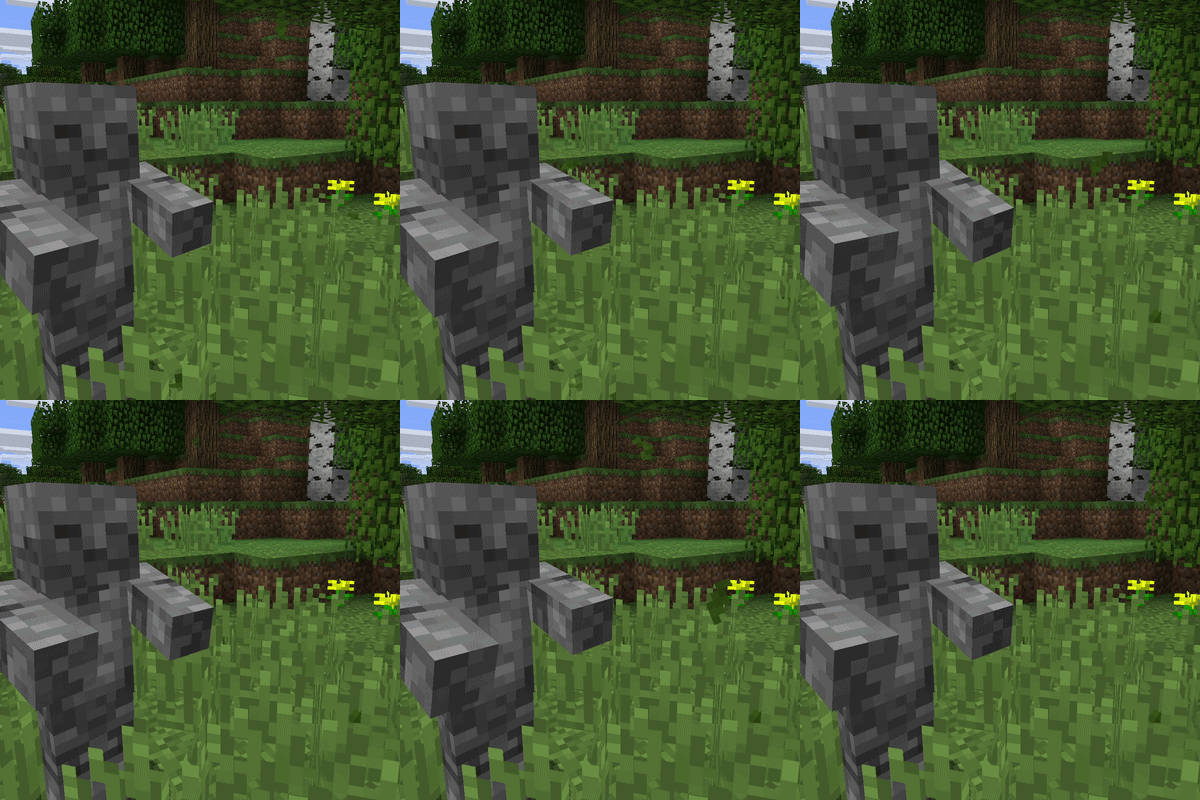
modBuild golems, arrow turrets and rideable giants to defend your base. Also adds walking furnaces and mobile crafters so you can take your whole operation with you.
 mod
modThis is a naruto inspired mod, bringing the ninja world to minecraft!