Minecraft version
Back to mods 
CurseForge · Minecraft mod
KeyBindProfiles
Create, save, and instantly switch between different keybinding profiles in Minecraft.
Choose a version Pick your version below, then grab the matching file.
Quick answer
Which KeyBindProfiles release should I use?
Latest stable file keybindprofiles-1.0.3-26.3.jar
Game version 26.3
Loader Fabric
keybindprofiles-1.0.3-26.3.jar targets 26.3 with Fabric. The project page does not say whether this file belongs on the client, dedicated server, or both. No extra mods listed for this file.
Where it goes
Is KeyBindProfiles required on the client, server, or both?
The project page does not say whether this file belongs on the client, dedicated server, or both.
Client Source doesn’t say
Dedicated server Source doesn’t say
Loader for this release Fabric
Required install it here Optional supported, not mandatory Not supported do not install here Source doesn’t say do not assume
The source does not explicitly classify this release as client-only or server-only.
What else does keybindprofiles-1.0.3-26.3.jar need?
keybindprofiles-1.0.3-26.3.jar. Change the file and its required mods may change too.
This file does not list any required mods. Do not add a library just because a different file uses it.
This file does not list any required or optional mods.
Before you install it
Add KeyBindProfiles without breaking your instance.
Built for keybindprofiles-1.0.3-26.3.jar. Pick another file and the loader, install side or required mods may change.
- 01
Stick to this file
Use keybindprofiles-1.0.3-26.3.jar. It targets 26.3 with Fabric; another release may have different loader, side or dependency requirements.
- 02
Bring the mods it needs
This file does not list any required mods. Do not add a library just because a different file uses it.
- 03
Put it on the correct side
The project page does not say whether this file belongs on the client, dedicated server, or both.
- 04
Pick the file you checked
Use the “Get this file” button beside keybindprofiles-1.0.3-26.3.jar. It opens that exact file at the source.
About this project
What does KeyBindProfiles add?
English:
KeyBindProfiles is a client-side Fabric mod for Minecraft that allows you to create and manage multiple sets of keybindings (profiles).
Why do you need this? If you play in different styles (e.g., building, survival, PvP), you likely have different control preferences. This mod eliminates the need to manually reassign keys every time. Simply create a separate profile for each playstyle and switch between them with a single button press!
Key Features:
- Create Profiles: Save your current keybindings as a named profile.
- Switch Profiles: Instantly apply any saved profile.
- Rename & Delete: Manage your profiles as needed.
- Auto-load: The last used profile is automatically loaded when you start the game.
- Settings Integration: Adds a convenient "Manage Profiles" button directly into the standard keybindings menu (Options -> Controls).
- Hotkey: Open the profile manager anytime using a customizable hotkey (default is O).
Future versions plan to add:
- Hotkey assignment to profiles — Assign hotkeys for quick switching between profiles.
- Import/Export profiles — Share your settings with friends or transfer them between different installations.
- Search and filter profiles — Quickly find the profile you need in a long list.
- Context-dependent profiles (Auto-switching) — Automatically switch profiles based on certain conditions (e.g., joining a server).
- "On-the-fly" profile editor — Edit saved profiles directly from the manager without applying them.
Русский:
KeyBindProfiles — это клиентский Fabric мод для Minecraft, который позволяет вам создавать и управлять несколькими наборами привязок клавиш (профили).
Зачем это нужно? Если вы играете в разных стилях (например, строительство, выживание, PvP), у вас, вероятно, разные предпочтения по управлению. Этот мод избавляет от необходимости каждый раз вручную переназначать клавиши. Просто создайте отдельный профиль для каждого стиля игры и переключайтесь между ними одним нажатием кнопки!
Основные возможности:
- Создание профилей: Сохраняйте текущие привязки клавиш как именованный профиль.
- Переключение профилей: Мгновенно применяйте любой сохраненный профиль.
- Переименование и удаление: Управляйте своими профилями по мере необходимости.
- Автозагрузка: При запуске игры автоматически загружается последний использованный профиль.
- Интеграция с настройками: Добавляет удобную кнопку "Управление профилями" в меню управления клавишами (Настройки -> Управление).
- Горячая клавиша: Открывайте менеджер профилей в любое время с помощью настраиваемой горячей клавиши (по умолчанию O).
В будущих версиях планируется добавить:
- Привязка горячих клавиш к профилям — Назначайте горячие клавиши для быстрого переключения между профилями.
- Импорт/Экспорт профилей — Делитесь своими настройками с друзьями или переносите их между разными установками.
- Поиск и фильтрация профилей — Быстро находите нужный профиль в длинном списке.
- Контекстно-зависимые профили (Автопереключение) — Автоматическое переключение профилей при определенных условиях (например, при входе на сервер).
- Редактор профиля "на лету" — Изменяйте сохраненные профили прямо из менеджера, не применяя их.
Project description from CurseForge.
Pick your setup
KeyBindProfiles by Minecraft version and loader
Choose the version and loader you play, then open the matching release.
Minecraft version
26.2
1 loader buildMinecraft version
26.1.2
1 loader buildMinecraft version
26.1.1
1 loader buildMinecraft version
26.1
1 loader buildMinecraft version
1.21.11
1 loader buildMinecraft version
1.21.10
1 loader buildMinecraft version
1.21.9
1 loader buildMinecraft version
1.21.8
1 loader buildMinecraft version
1.21.7
1 loader buildMinecraft version
1.21.6
1 loader buildMinecraft version
1.21.5
1 loader buildShowing the newest 12 of 17 game versions. Older files are in the list below.
Check the dependencies, then try the file in a copied instance before changing a world you care about.
Recent files
KeyBindProfiles versions and loaders
keybindprofiles-1.0.3-26.3.jar
21 Sept 2026
Client Source doesn’t say Server Source doesn’t say Dependencies No extras listed Listed on Release listing
Check the 26.3 · Fabric setup Fabric26.3 release
keybindprofiles-1.0.3-26.2.jar
18 Aug 2026
Client Source doesn’t say Server Source doesn’t say Dependencies No extras listed Listed on Release listing
Check the 26.2 · Fabric setup Fabric26.2 release
keybindprofiles-1.0.3-26.1-26.1.2.jar
18 Aug 2026
Client Source doesn’t say Server Source doesn’t say Dependencies No extras listed Listed on Release listing
Check the 26.1.2 · Fabric setup Fabric26.126.1.126.1.2 release
keybindprofiles-1.0.3-1.21.9-11.jar
18 Aug 2026
Client Source doesn’t say Server Source doesn’t say Dependencies No extras listed Listed on Release listing
Check the 1.21.11 · Fabric setup Fabric1.21.91.21.101.21.11 release
keybindprofiles-1.0.3-1.21.6-8.jar
18 Aug 2026
Client Source doesn’t say Server Source doesn’t say Dependencies No extras listed Listed on Release listing
Check the 1.21.8 · Fabric setup Fabric1.21.81.21.61.21.7 release
keybindprofiles-1.0.3-1.21.1-1.21.5.jar
18 Aug 2026
Client Source doesn’t say Server Source doesn’t say Dependencies No extras listed Listed on Release listing
Check the 1.21.5 · Fabric setup 1.21Fabric1.21.51.21.4 release
1.0.2
keybindprofiles-1.0.2.jar
2 Apr 2026
Client Required Server Not supported Dependencies No extras listed Listed on Release listing
Check the 26.1.1 · Fabric setup 26.126.1.1Fabric release
1.0.2
keybindprofiles-1.0.2.jar
1 Feb 2026
Client Required Server Not supported Dependencies No extras listed Listed on Release listing
Check the 1.21.11 · Fabric setup 1.21.91.21.101.21.11Fabric release
1.0.2
keybindprofiles-1.0.2.jar
1 Feb 2026
Client Required Server Not supported Dependencies No extras listed Listed on Release listing
Check the 1.21.8 · Fabric setup 1.21.61.21.71.21.8Fabric release
1.0.2
keybindprofiles-1.0.2.jar
1 Feb 2026
Client Required Server Not supported Dependencies No extras listed Listed on Release listing
Check the 1.21.5 · Fabric setup 1.211.21.11.21.21.21.3 release
1.0.1
keybindprofiles-1.0.1.jar
28 Jan 2026
Client Required Server Not supported Dependencies No extras listed Listed on Release listing
Check the 1.21.11 · Fabric setup 1.21.91.21.101.21.11Fabric release
1.0.1
keybindprofiles-1.0.1.jar
28 Jan 2026
Client Required Server Not supported Dependencies No extras listed Listed on Release listing
Check the 1.21.8 · Fabric setup 1.21.61.21.71.21.8Fabric release
Looking for an older file? The official CurseForge project page is in Resources.
 mod
mod CurseForge · Minecraft
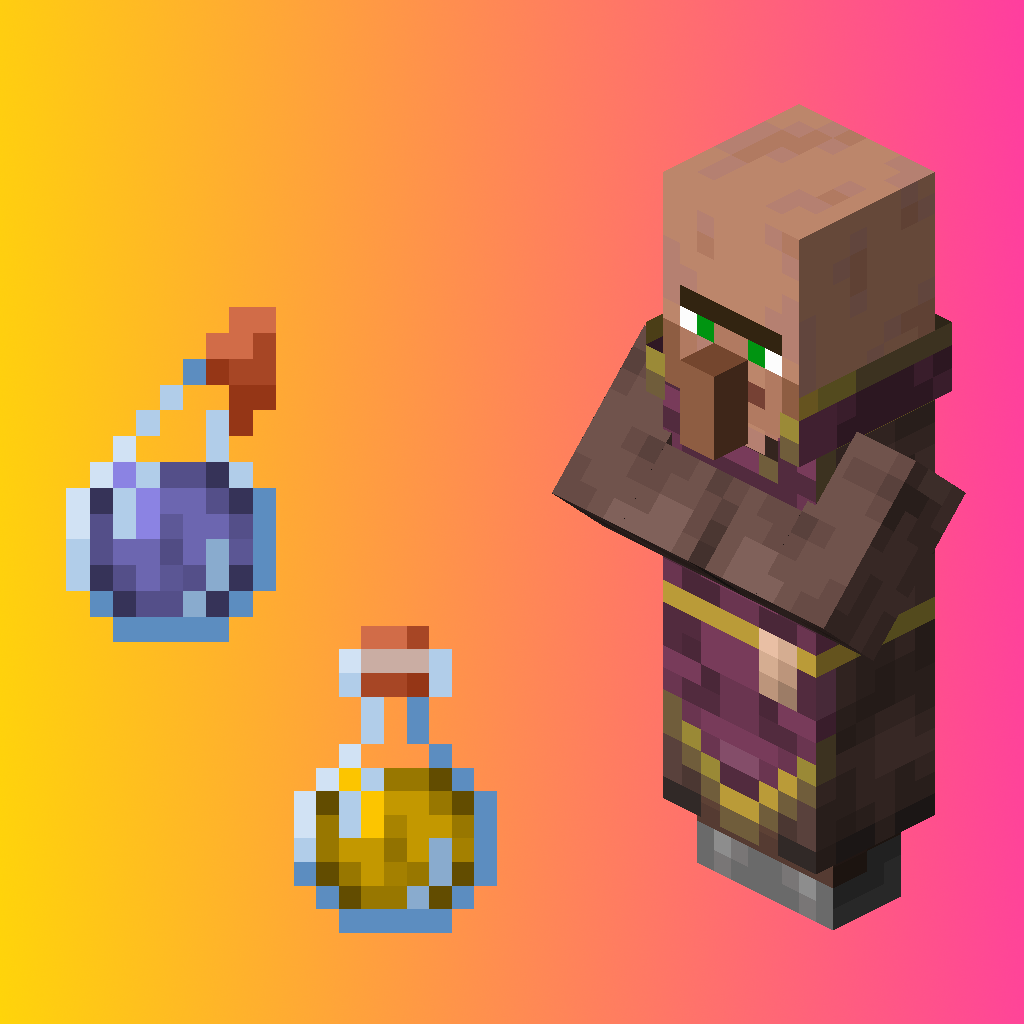
Tradable Potions
Allows to trade potions with Cleric
 mod
mod CurseForge · Minecraft
NeroSpace
Mine alien ore, build machines to refine it, and craft tiered rockets to blast off to new planet-dimensions full of exotic ores. A space-exploration tech mod that turns survival into a journey from your first pickaxe to interstellar travel.
 mod
mod CurseForge · Minecraft
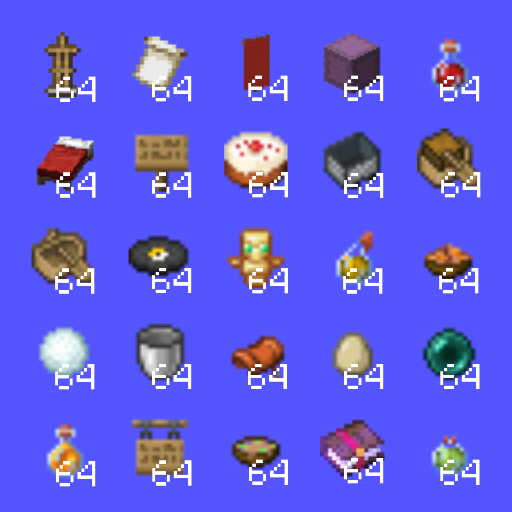
Bigger Stack Size
Stack size of 64 for all items!