Cloth Config API (Fabric/Forge/NeoForge) Optional for SmoothPlayerAnimations 2.1.0 - Fabric 26.3
optionalMatching file found Matched file: [Fabric 26.3] v26.3.158

CurseForge · Minecraft mod
A lightweight player animation enhancement mod for Minecraft.
Quick answer
SmoothPlayerAnimations 2.1.0 - Fabric 26.3 targets 26.3 with Fabric. The project page does not say whether this file belongs on the client, dedicated server, or both. All 1 required mods have matching files.
Where it goes
The project page does not say whether this file belongs on the client, dedicated server, or both.
The source does not explicitly classify this release as client-only or server-only.
SmoothPlayerAnimations 2.1.0 - Fabric 26.3 on Fabric. Every mod below is checked against that same setup.
Install Fabric API first. We found matching files for this game-version and loader setup.
We only count dependency files that match this setup. A file for another loader does not fill the gap.
Before you install it
Built for SmoothPlayerAnimations 2.1.0 - Fabric 26.3 on Fabric. Pick another file and the loader, install side or required mods may change.
Use SmoothPlayerAnimations 2.1.0 - Fabric 26.3. It targets 26.3 with Fabric; another release may have different loader, side or dependency requirements.
Install Fabric API first. We found matching files for this game-version and loader setup.
The project page does not say whether this file belongs on the client, dedicated server, or both.
Use the “Get this file” button beside SmoothPlayerAnimations 2.1.0 - Fabric 26.3. It opens that exact file at the source.
About this project
Smooth, highly compatible player animations for Minecraft, with a player model whose elbows, knees and spine bend.
You can create your own animations. Click here to view.
You can switch between two styles in the mod's settings with the CEM engine option.
| CEM engine off (default) | CEM engine on | |
|---|---|---|
| Player model | Bending model: elbows, knees and back bend | Classic Minecraft model with straight limbs |
| Movement animations | This mod's own animations | From the Fresh Animations: Player Extension resource pack |
| Hand actions (sword combo, eating, drinking, holding items, …) | This mod | This mod adds what Fresh Animations doesn't have |
| Cape and lantern physics | ✓ | ✓ |
| Armor | Bends with the body | Follows Fresh Animations' poses |
| What you need | Nothing else | Fresh Animations and its Player Extension, enabled as resource packs |


Since 2.0, the CEM engine only provides extension animations like these, with Fresh Animations as the base.


These were recorded before 2.0, on the classic model.
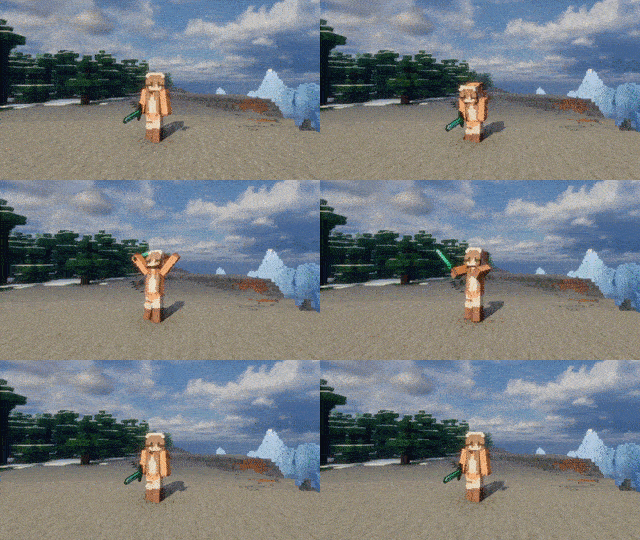
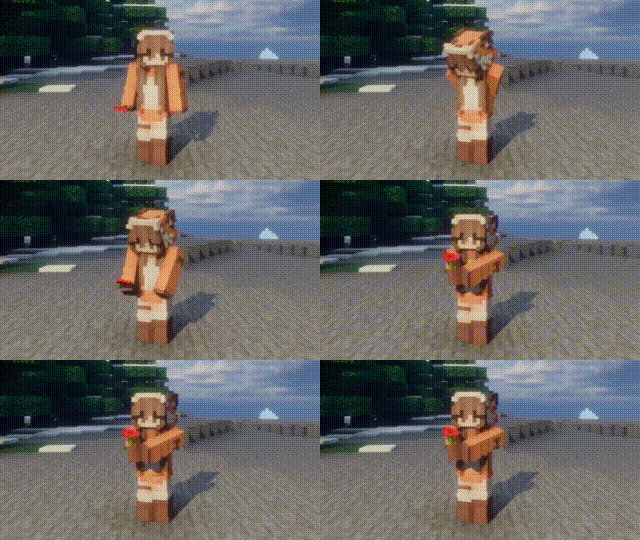
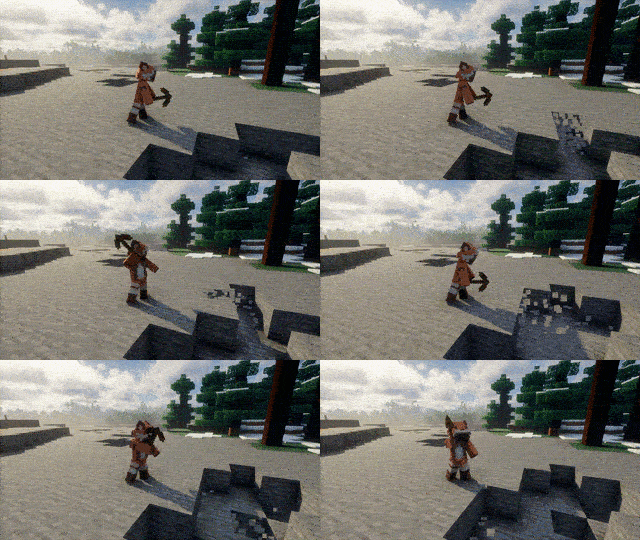
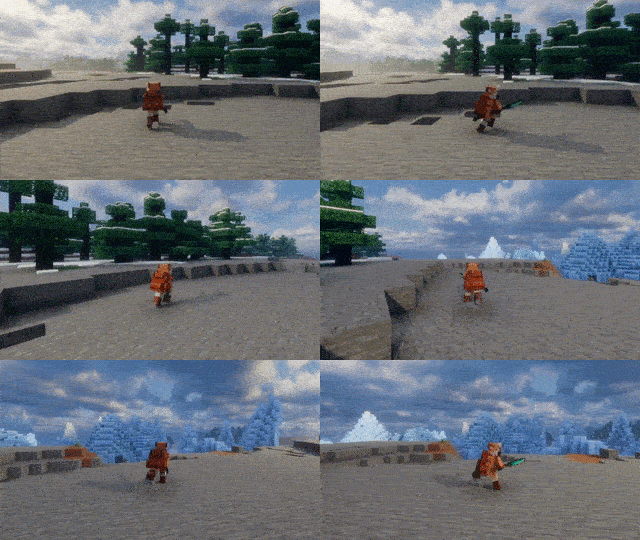
Works alongside many popular mods, including:
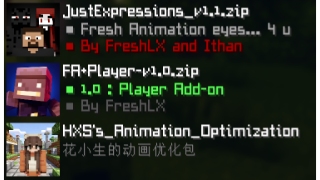
Lightweight and suitable for:
Player Animation Library, playerAnimator and the resource pack are no longer needed.
Updating from a version before 2.0: delete the old jar first. Settings start fresh, and the old animation resource pack is no longer used.
Versions before 2.0 used animations from KelvinsBetterPlayerAnimations (MIT). All animations since 2.0 are original.
Thanks to everyone who provides feedback, testing, bug reports and suggestions. Without their help, this project would not have been possible.
Embed Removed: https://www.youtube-nocookie.com/embed/tDek5ZMuOHU Embed Removed: https://www.youtube-nocookie.com/embed/vgMVHfhKYyc
Project description from CurseForge.
Pick your setup
Choose the version and loader you play, then open the matching release.
Check the dependencies, then try the file in a copied instance before changing a world you care about.
Recent files
SmoothPlayerAnimations_Fabric_26.3_2.1.0.jar
10 Nov 2026
SmoothPlayerAnimations_Fabric_26.2_2.1.0.jar
10 Nov 2026
SmoothPlayerAnimations_Fabric_26.1_2.1.0.jar
10 Nov 2026
SmoothPlayerAnimations_Fabric_1.21.11_2.1.0.jar
10 Nov 2026
SmoothPlayerAnimations_Fabric_1.21.10_2.1.0.jar
10 Nov 2026
SmoothPlayerAnimations_Fabric_1.21.8_2.1.0.jar
10 Nov 2026
SmoothPlayerAnimations_Fabric_1.21.1_2.1.0.jar
10 Nov 2026
SmoothPlayerAnimations_Fabric_1.20.1_2.1.0.jar
10 Nov 2026
29 Oct 2026
29 Oct 2026
29 Oct 2026
29 Oct 2026
Looking for an older file? The official CurseForge project page is in Resources.
 mod
A lightweight Fabric mod that makes dark areas fully visible, perfect for caves, mining, and nighttime exploration.
 mod
Catch real fish in Minecraft. Watch nearby fish swim to your bobber, bite, and get reeled in.
 mod
Hang a lantern on your belt: it lights your way hands-free with smooth moving light and swings as you move. Works client-only on any server.