Minecraft version
Back to mods 
CurseForge · Minecraft mod
Doom Block
Doom Block adds a deadly block with instant damage to the game. Flexible settings and full compatibility with NeoForge 1.1x.x.
Choose a version Pick your version below, then grab the matching file.
Quick answer
Which Doom Block release should I use?
Latest stable file doom_block-1.1.3-neoforge-1.21.4.jar
Game version 1.21.4
Loader NeoForge
Doom Block doom_block-1.1.3-neoforge-1.21.4.jar targets 1.21.4 with NeoForge. The project page does not say whether this file belongs on the client, dedicated server, or both. No extra mods listed for this file.
Where it goes
Is Doom Block required on the client, server, or both?
The project page does not say whether this file belongs on the client, dedicated server, or both.
Client Source doesn’t say
Dedicated server Source doesn’t say
Loader for this release NeoForge
Required install it here Optional supported, not mandatory Not supported do not install here Source doesn’t say do not assume
The source does not explicitly classify this release as client-only or server-only.
What else does Doom Block doom_block-1.1.3-neoforge-1.21.4.jar need?
doom_block-1.1.3-neoforge-1.21.4.jar. Change the file and its required mods may change too.
This file does not list any required mods. Do not add a library just because a different file uses it.
This file does not list any required or optional mods.
Before you install it
Add Doom Block without breaking your instance.
Built for Doom Block doom_block-1.1.3-neoforge-1.21.4.jar. Pick another file and the loader, install side or required mods may change.
- 01
Stick to this file
Use doom_block-1.1.3-neoforge-1.21.4.jar. It targets 1.21.4 with NeoForge; another release may have different loader, side or dependency requirements.
- 02
Bring the mods it needs
This file does not list any required mods. Do not add a library just because a different file uses it.
- 03
Put it on the correct side
The project page does not say whether this file belongs on the client, dedicated server, or both.
- 04
Pick the file you checked
Use the “Get this file” button beside doom_block-1.1.3-neoforge-1.21.4.jar. It opens that exact file at the source.
About this project
What does Doom Block add?
Doom Block — A Deadly Trap in the Style of a Cult Shooter 💥
Do you want to know what's new in this fashion?😎
🔥Below is the answer to your question!🔥
Tired of traps that players can bypass with armor or potions? Doom Block ignores armor and most protection effects, dealing 500 damage on contact — one wrong step is the end. Turn your Minecraft world into a brutal survival arena inspired by cult shooters.
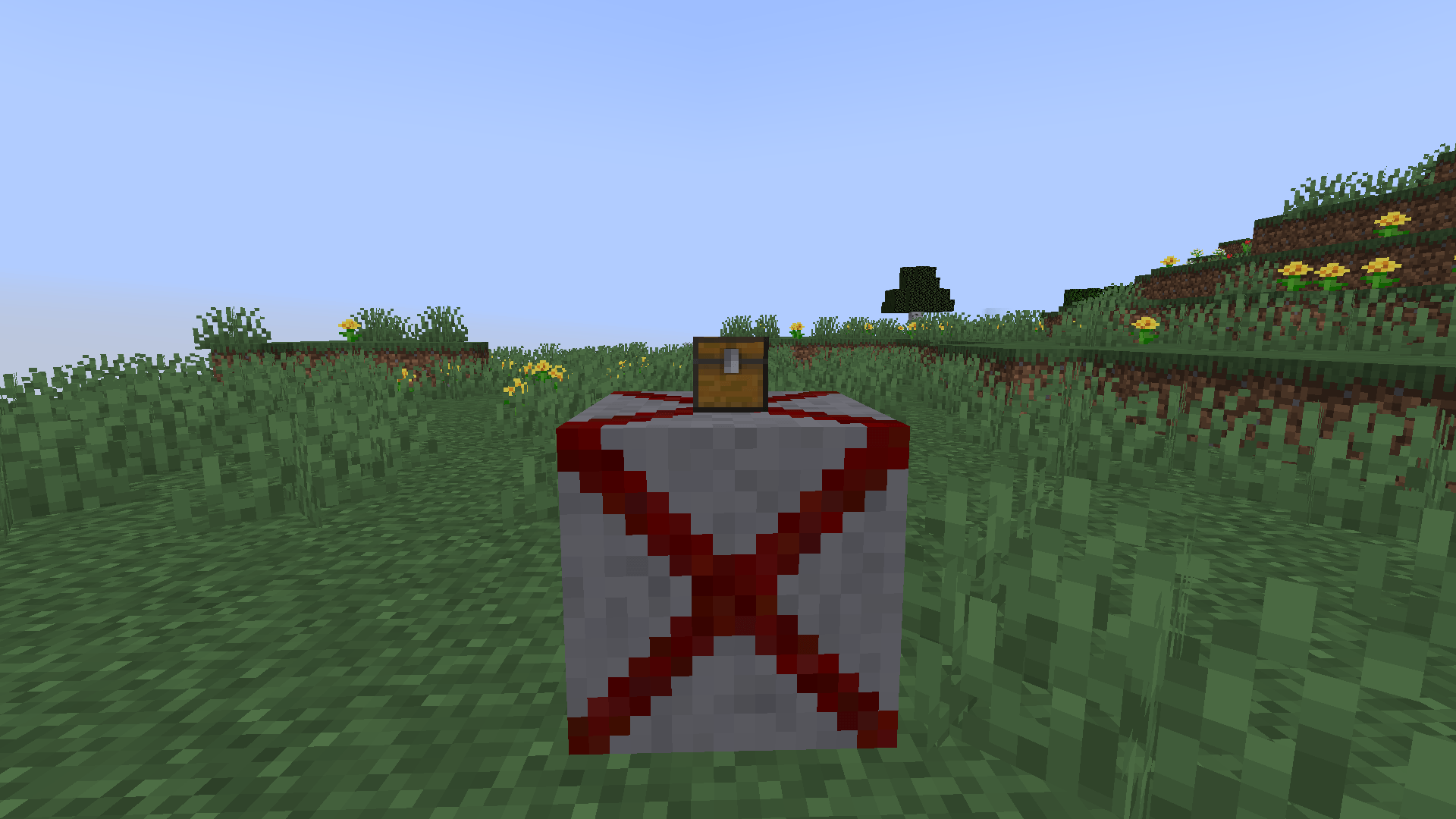
How to Activate the Trap
Choose your method:
- Redstone signal. Connect a lever, button, or sensor — perfect for custom automatic systems.
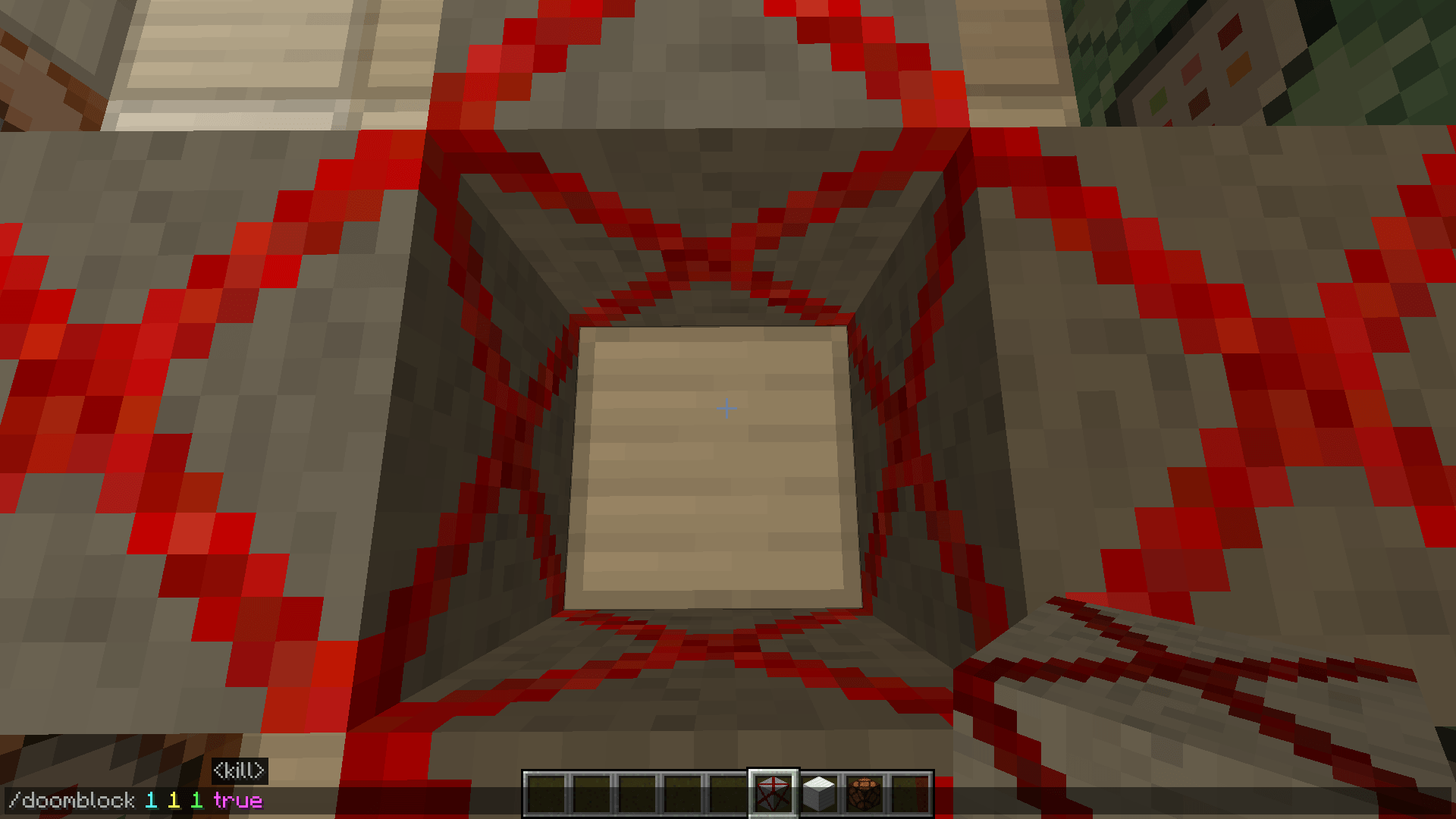
/doomblockcommand. Place blocks or entire zones instantly without building circuits. Example:/doomblock 1 1 1 trueinstantly activates a deadly zone.
Perfect For
- Challenge Maps. Build deadly corridors and rooms where survival depends on a single correct step.
- Parkour. Add real tension: players won't just be jumping — they'll be terrified to touch an extra block.
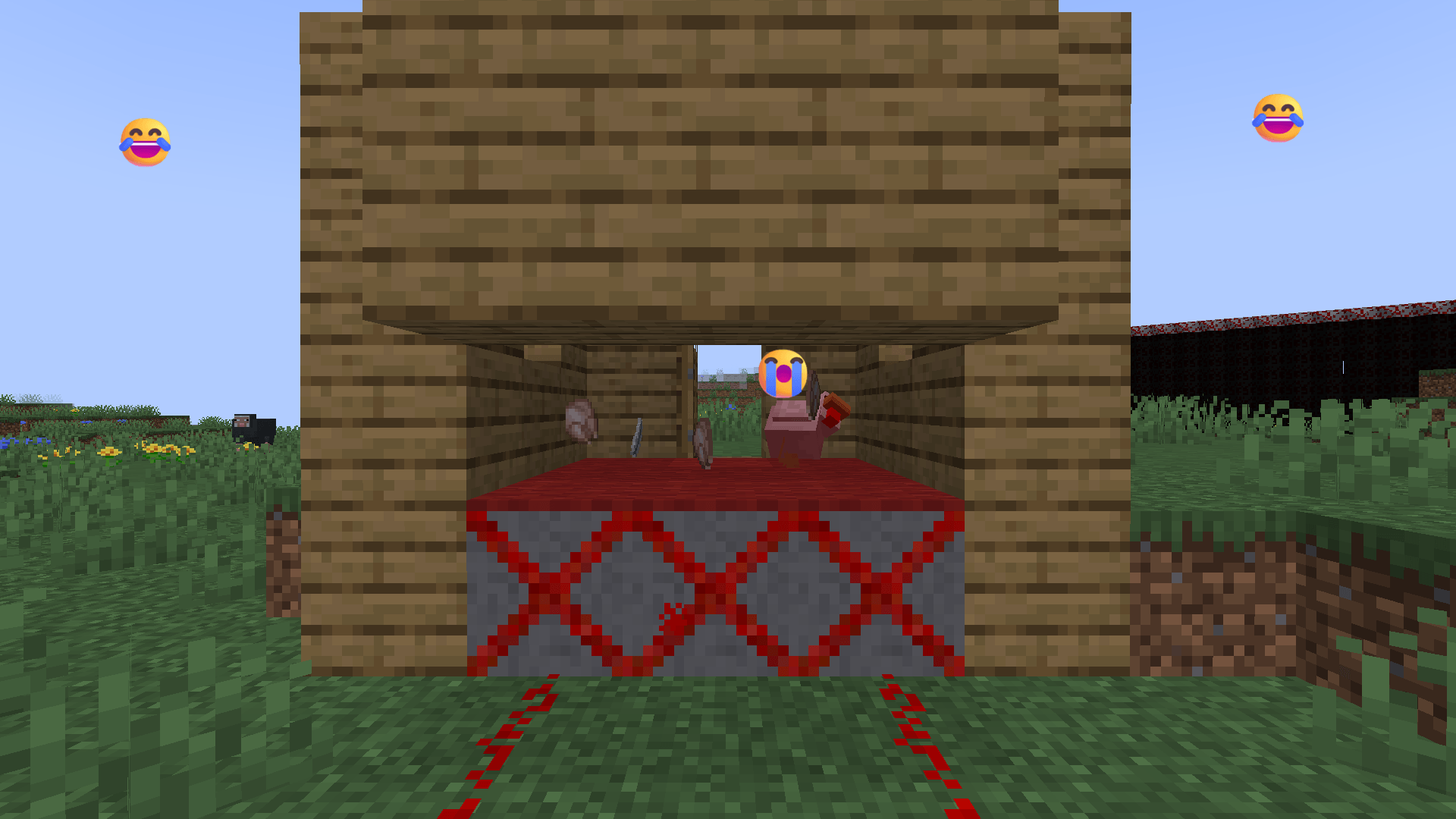
- Trolling Friends. Set up ambushes in the most innocent places: under a rug, inside a chest, or as a fake button. 😈
Core Mechanics
- Instant lethality. 500 damage on contact, ignores armor and most protective effects.
- Flexible placement. Use redstone or the
/doomblockcommand for precise trap zones. - Configurable danger. Toggle the block's lethality with the
blockKillsEntitiesgame rule — ideal for safe testing.
🔥 DOOM BLOCK 1.1.3 — SMART BLOCKS + FINE-TUNING! 😎🎮
💾 Basic Info
- Size: ~448 KB
- Platform: NeoForge 1.21.1
⚠️ IMPORTANT NOTICE
Now the game mode actually affects the drop!
- Creative Mode: Blocks simply disappear — no extra particles or items.
- Survival Mode: Classic experience — loot, effects, and adrenaline! 💥🧠
🧱 WHAT’S NEW
| Feature | Description |
|---|---|
| Loot Tables | Now distinguish between game modes — no confusion between Creative and Survival!📋✨ |
| Redstone Control | Raining & Snowing blocks now work only on command — flip the lever to schedule your storm!⚡🌩️ |
| Snow Accumulation | Snow builds up in layers — up to 8 levels under your feet! Each minute = +1 layer.❄️📈 |
| Particle Optimization | Cleaner particles: rain without unnecessary splash; snow reaches the block exactly — no mid-air vanishing!🌨️👁️ |
| Collision Tuning | Collision set to 15.99 — catches touch at the perfect moment, neither too early nor too late!🎯🧩 |
| Property Logic | kill and killing_with_a_touch properties work flawlessly — clear logic, zero conflicts!🔧🧠 |
| Visual Cleanup | Removed unnecessary shadows from transparent blocks — Invisible, Raining, and Snowing are now truly “lightweight”!👻🎨 |
| Asset Optimization | Fixed textures and removed redundant models — clean code, clean visuals!🧹🖼️ |
📝 FROM THE DEVELOPER (MisterCosmos)
“In this version, I focused on precision and control: every effect now triggers exactly when it should, and unnecessary overhead is gone. I’m especially proud of how the snow accumulation and Redstone logic work now — this is exactly the mechanics I wanted from the start. The mod isn’t just mean anymore — it’s smart! 😎🔥 More awesome features are coming soon!”
😈 Ready for New Challenges? 🎮💥
Recipes Doom blocks:
Doom Block

Red Doom Block

Orange Doom Block

Yellow Doom Block

Lime Doom Block

Light Blue Doom Block

Cyan Doom Block

Blue Doom Block

Purple Doom Block

Pink Doom Block

White Doom Block

Fire Doom Block

Raining Doom Block

Snowing Doom Block

Technical Details
- Platform: Minecraft NeoForge: 1.21.1, 1.21.4 and 1.21.8.
- Loader: NeoForge only (not compatible with Forge or Fabric).
- Localization: English and Russian.
🎬 Need help setting up complex mechanisms without breaking the server? Check out the detailed tutorial on YouTube: https://youtube.com/shorts/KceCdkydwd0
In the world of Doom Block, it is forbidden to change the game rules. The world will not give instructions, will not warn and will not forgive mistakes. But if you're crazy enough to try it, somewhere between the skulk sensors and the diamond structure, something awaits you that is not described in any guide. If you survive.
Project description from CurseForge.
Pick your setup
Doom Block by Minecraft version and loader
Choose the version and loader you play, then open the matching release.
Minecraft version
1.21.8
1 loader buildMinecraft version
1.21.4
1 loader buildMinecraft version
1.21.1
1 loader buildCheck the dependencies, then try the file in a copied instance before changing a world you care about.
Recent files
Doom Block versions and loaders
doom_block-1.1.3-neoforge-1.21.4.jar
25 Oct 2026
Client Source doesn’t say Server Source doesn’t say Dependencies No extras listed Listed on Release listing
Check the 1.21.4 · NeoForge setup 1.21.4NeoForge release
doom_block-1.1.3-neoforge-1.21.1.jar
23 Oct 2026
Client Source doesn’t say Server Source doesn’t say Dependencies No extras listed Listed on Release listing
Check the 1.21.1 · NeoForge setup 1.21.1NeoForge release
doom_block-1.1.2-neoforge-26.1.2.jar
21 Oct 2026
Client Source doesn’t say Server Source doesn’t say Dependencies No extras listed Listed on Release listing
Check the 26.1.2 · NeoForge setup NeoForge26.1.2 release
doom_block-1.1.2-neoforge-1.21.8.jar
20 Oct 2026
Client Source doesn’t say Server Source doesn’t say Dependencies No extras listed Listed on Release listing
Check the 1.21.8 · NeoForge setup 1.21.8NeoForge release
doom_block-1.1.2-neoforge-1.21.4.jar
19 Oct 2026
Client Source doesn’t say Server Source doesn’t say Dependencies No extras listed Listed on Release listing
Check the 1.21.4 · NeoForge setup 1.21.4NeoForge release
doom_block-1.1.2-neoforge-1.21.1.jar
18 Oct 2026
Client Source doesn’t say Server Source doesn’t say Dependencies No extras listed Listed on Release listing
Check the 1.21.1 · NeoForge setup 1.21.1NeoForge release
doom_block-1.1.1-neoforge-26.1.2.jar
16 Oct 2026
Client Source doesn’t say Server Source doesn’t say Dependencies No extras listed Listed on Release listing
Check the 26.1.2 · NeoForge setup NeoForge26.1.2 release
doom_block-1.1.1-neoforge-26.1.2.jar
16 Oct 2026
Client Source doesn’t say Server Source doesn’t say Dependencies No extras listed Listed on Release listing
Check the 26.1.2 · NeoForge setup NeoForge26.1.2 beta
doom_block-1.1.1-neoforge-26.1.2.jar
16 Oct 2026
Client Source doesn’t say Server Source doesn’t say Dependencies No extras listed Listed on Release listing
Check the 26.1.2 · NeoForge setup NeoForge26.1.2 beta
doom_block-1.1.1-neoforge-1.21.8.jar
13 Oct 2026
Client Source doesn’t say Server Source doesn’t say Dependencies No extras listed Listed on Release listing
Check the 1.21.8 · NeoForge setup 1.21.8NeoForge release
doom_block-1.1.1-neoforge-1.21.4.jar
12 Oct 2026
Client Source doesn’t say Server Source doesn’t say Dependencies No extras listed Listed on Release listing
Check the 1.21.4 · NeoForge setup 1.21.4NeoForge release
doom_block-1.1.1-neoforge-1.21.1.jar
11 Oct 2026
Client Source doesn’t say Server Source doesn’t say Dependencies No extras listed Listed on Release listing
Check the 1.21.1 · NeoForge setup 1.21.1NeoForge release
Looking for an older file? The official CurseForge project page is in Resources.
 mod
mod CurseForge + Modrinth · Minecraft
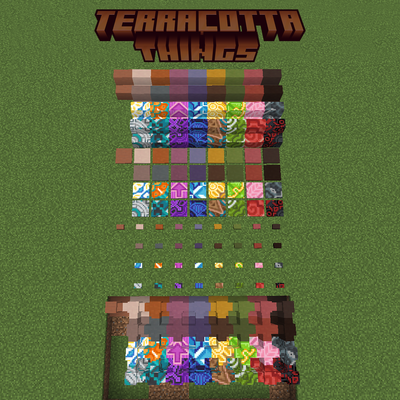
Terracotta Things
Add stairs, slabs, walls, pressure plates, and buttons for every terracotta and glazed terracotta.
 mod
mod CurseForge · Minecraft
Arda's Uncrafting Table [ Uncraft / Recycle / Deconstruct Mod ]
Arda's Uncrafting Table allows you to reverse crafting recipes seamlessly. Retrieve ingredients from unused items, supports damaged tools with a fair probability system, and works automatically with both vanilla and modded recipes.
 mod
mod CurseForge · Minecraft
Interstellaris
A space exploration and technology mod where you build your own spaceship, develop advanced technologies, build megastructures and explore the universe. [WIP]