Polymer Needed by Spores & Shadows spores--shadows-1.2.0.jar
requiredMatching file found Matched file: polymer-bundled-0.9.19+1.21.1.jar
CurseForge · Minecraft mod
Watch your world decay. Introduces dynamic mold infections that spread across blocks, corrupting logs, planks, and entire structures.
Quick answer
Spores & Shadows spores--shadows-1.2.0.jar targets 1.21.1 with Fabric, Quilt. The project page does not say whether this file belongs on the client, dedicated server, or both. All 3 required mods have matching files.
Where it goes
The project page does not say whether this file belongs on the client, dedicated server, or both.
The source does not explicitly classify this release as client-only or server-only.
spores--shadows-1.2.0.jar. Change the file and its required mods may change too.
Install Polymer, Fabric API, Cloth Config API (Fabric/Forge/NeoForge) first. We found matching files for this game-version and loader setup. 4 come through another mod in the chain.
4 extra mods were pulled in by other dependencies. Indented rows show who needs each one. We only count dependency files that match this setup. A file for another loader does not fill the gap.
Before you install it
Built for Spores & Shadows spores--shadows-1.2.0.jar. Pick another file and the loader, install side or required mods may change.
Use spores--shadows-1.2.0.jar. It targets 1.21.1 with Fabric, Quilt; another release may have different loader, side or dependency requirements.
Install Polymer, Fabric API, Cloth Config API (Fabric/Forge/NeoForge) first. We found matching files for this game-version and loader setup. 4 come through another mod in the chain.
The project page does not say whether this file belongs on the client, dedicated server, or both.
Use the “Get this file” button beside spores--shadows-1.2.0.jar. It opens that exact file at the source.
About this project
Fabric 1.21.1 | 1,400+ Blocks | Multi-Language (EN/IT/DE/ES/FR)
In vanilla Minecraft, wood lasts forever. Not anymore. Darkness, humidity, and subterranean air rot your structures and release lethal toxic miasma. Will your timber kingdom survive?
📖 Full guides, blueprints, and config options on the GitHub Wiki.
Project description from CurseForge.
Pick your setup
Choose the version and loader you play, then open the matching release.
Check the dependencies, then try the file in a copied instance before changing a world you care about.
Recent files
20 Sept 2026
27 Aug 2026
26 Aug 2026
25 Aug 2026
25 Aug 2026
Looking for an older file? The official CurseForge project page is in Resources.
 mod
A mod focused on adding random tweaks, visual changes, small backports and etc. Useful for modpacks!
 mod
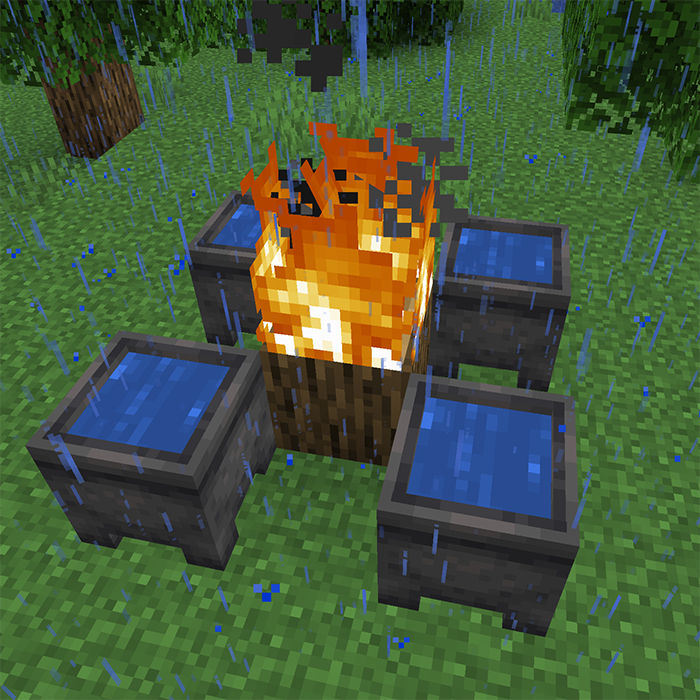
🌧 Adds the ability to stop the rain via a multi-block structure ritual in survival.
 mod
A menu modification that allows for team creation, perfect for players who enjoy gaming with friends and wish to divide into teams.