Fzzy Config Needed by quicify-neoforge-0.1.0-beta.3+26.2.jar
requiredMatching file found Matched file: fzzy_config-0.7.7+26.2+neoforge

CurseForge · Minecraft mod
Blazing fast QUIC transport for Minecraft networking
Quick answer
quicify-neoforge-0.1.0-beta.3+26.2.jar targets 26.2 with NeoForge. The project page does not say whether this file belongs on the client, dedicated server, or both. All 2 required mods have matching files.
Where it goes
The project page does not say whether this file belongs on the client, dedicated server, or both.
The source does not explicitly classify this release as client-only or server-only.
quicify-neoforge-0.1.0-beta.3+26.2.jar on 26.2 NeoForge. Every mod below is checked against that same setup.
Install Fzzy Config, Kotlin for Forge first. We found matching files for this game-version and loader setup. 1 comes through another mod in the chain.
1 extra mod was pulled in by another dependency. Indented rows show who needs each one. We only count dependency files that match this setup. A file for another loader does not fill the gap.
Before you install it
Built for quicify-neoforge-0.1.0-beta.3+26.2.jar on 26.2 NeoForge. Pick another file and the loader, install side or required mods may change.
Use quicify-neoforge-0.1.0-beta.3+26.2.jar. It targets 26.2 with NeoForge; another release may have different loader, side or dependency requirements.
Install Fzzy Config, Kotlin for Forge first. We found matching files for this game-version and loader setup. 1 comes through another mod in the chain.
The project page does not say whether this file belongs on the client, dedicated server, or both.
Use the “Get this file” button beside quicify-neoforge-0.1.0-beta.3+26.2.jar. It opens that exact file at the source.
About this project
A modern network transport for Minecraft, built on QUIC. It replaces the game's plain TCP connection with an encrypted, multiplexed, zstd-compressed one, so chunk loading stops holding up your chat, your movement and your keepalives.
Unlike other networking mods, QUICify needs no special address, no manual prefix and no port juggling: a server running it simply advertises QUIC in its status ping, and a client running it picks that up and connects over QUIC on its own. If anything at all goes wrong, the connection quietly falls back to vanilla TCP. Vanilla clients and vanilla servers never see a difference.
Please share with us your experience with this mod on our Discord!
Install QUICify on both the server and the client. The server is what advertises QUIC, the client is what acts on the announcement. Either side alone changes nothing: the connection stays on vanilla TCP.
Nothing needs configuring. The server binds its QUIC listener on the same port number as its TCP one (UDP instead of TCP), so in most cases the only thing to do is open that port for UDP in your firewall. Everything else has a working default.
Settings live in Options → Online → QUICify, or through Mod Menu if you have it: connection mode (auto / force TCP / force QUIC), UDP port, multiplexing, compression level and window, congestion control, handshake timeout.
The QUIC and zstd native libraries are bundled for Windows, Linux and macOS. On any other platform the mod loads, detects it cannot start QUIC, and does nothing at all: the game runs on vanilla TCP exactly as before.
Real-world results depend on your connection! QUIC helps most where TCP hurts most: packet loss, mobile and satellite links, long round trips. On a clean local network, expect the multiplexing and the compression to carry the improvement rather than the transport itself.
Licensed under MIT.
Project description from CurseForge.
Pick your setup
Choose the version and loader you play, then open the matching release.
Check the dependencies, then try the file in a copied instance before changing a world you care about.
Recent files
13 Sept 2026
28 Aug 2026
Looking for an older file? The official CurseForge project page is in Resources.
 mod
Adds compact, easy-to-type command shortcuts for gamemodes, teleportation, items, time, weather, healing, and custom aliases.
 mod
Bellows make furnaces burn twice as fast, water wheels and windmills work them for you, and a grinder turns every ore into two dusts.
 mod
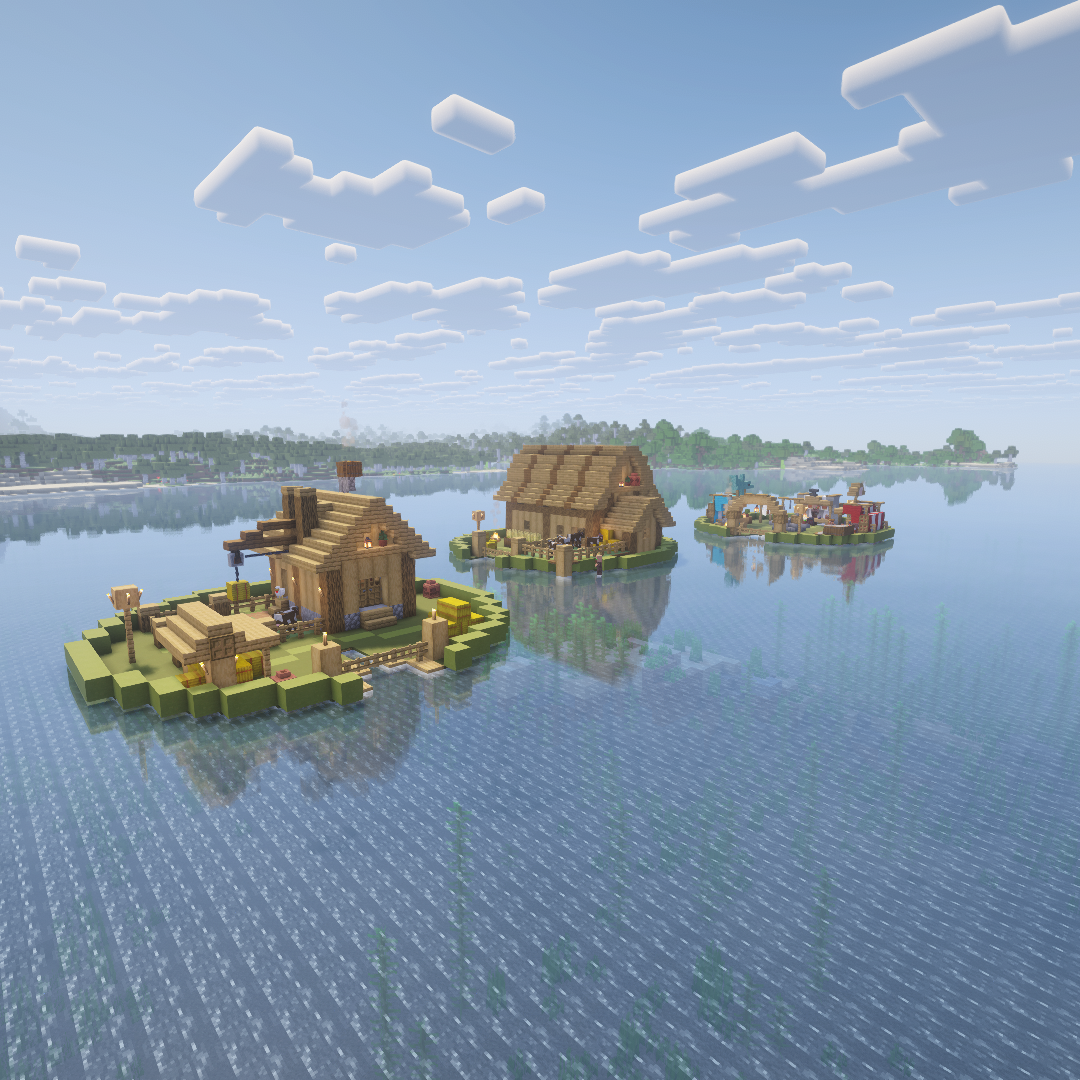
Adds villages floating on giant lily pads to ocean biomes.