Sable Needed by Sable: Sublevel Detection sable_sublevel_detection-1.1.jar
requiredMatching file found Matched file: Sable NeoForge 2.0.6 for mc1.21.1
CurseForge · Minecraft mod
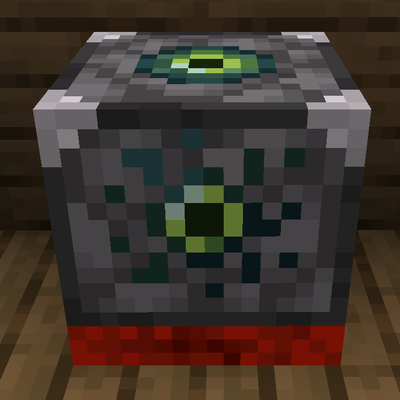
A sensor that gives you Redstone and optionally CC: Tweaked feedback to the occupancy state of your Sable sublevels.
Quick answer
Sable: Sublevel Detection sable_sublevel_detection-1.1.jar targets 1.21.1 with NeoForge. The project page does not say whether this file belongs on the client, dedicated server, or both. All 1 required mods have matching files.
Where it goes
The project page does not say whether this file belongs on the client, dedicated server, or both.
The source does not explicitly classify this release as client-only or server-only.
sable_sublevel_detection-1.1.jar. Change the file and its required mods may change too.
Install Sable first. We found matching files for this game-version and loader setup. 2 come through another mod in the chain.
2 extra mods were pulled in by other dependencies. Indented rows show who needs each one. We only count dependency files that match this setup. A file for another loader does not fill the gap.
Before you install it
Built for Sable: Sublevel Detection sable_sublevel_detection-1.1.jar. Pick another file and the loader, install side or required mods may change.
Use sable_sublevel_detection-1.1.jar. It targets 1.21.1 with NeoForge; another release may have different loader, side or dependency requirements.
Install Sable first. We found matching files for this game-version and loader setup. 2 come through another mod in the chain.
The project page does not say whether this file belongs on the client, dedicated server, or both.
Use the “Get this file” button beside sable_sublevel_detection-1.1.jar. It opens that exact file at the source.
About this project
Sable 2.0.0+ Required (Tested 2.0.5)
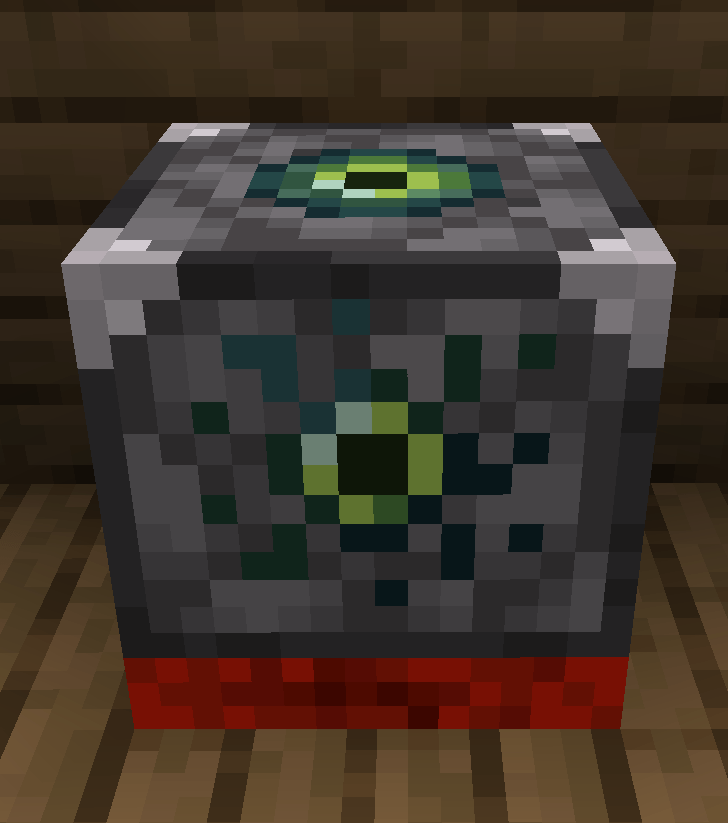
This mod adds two new redstone component with direct interaction with Sable sublevels.
Occupancy Sensor:
Seated Occupancy Sensor:
Sensor Swapping:
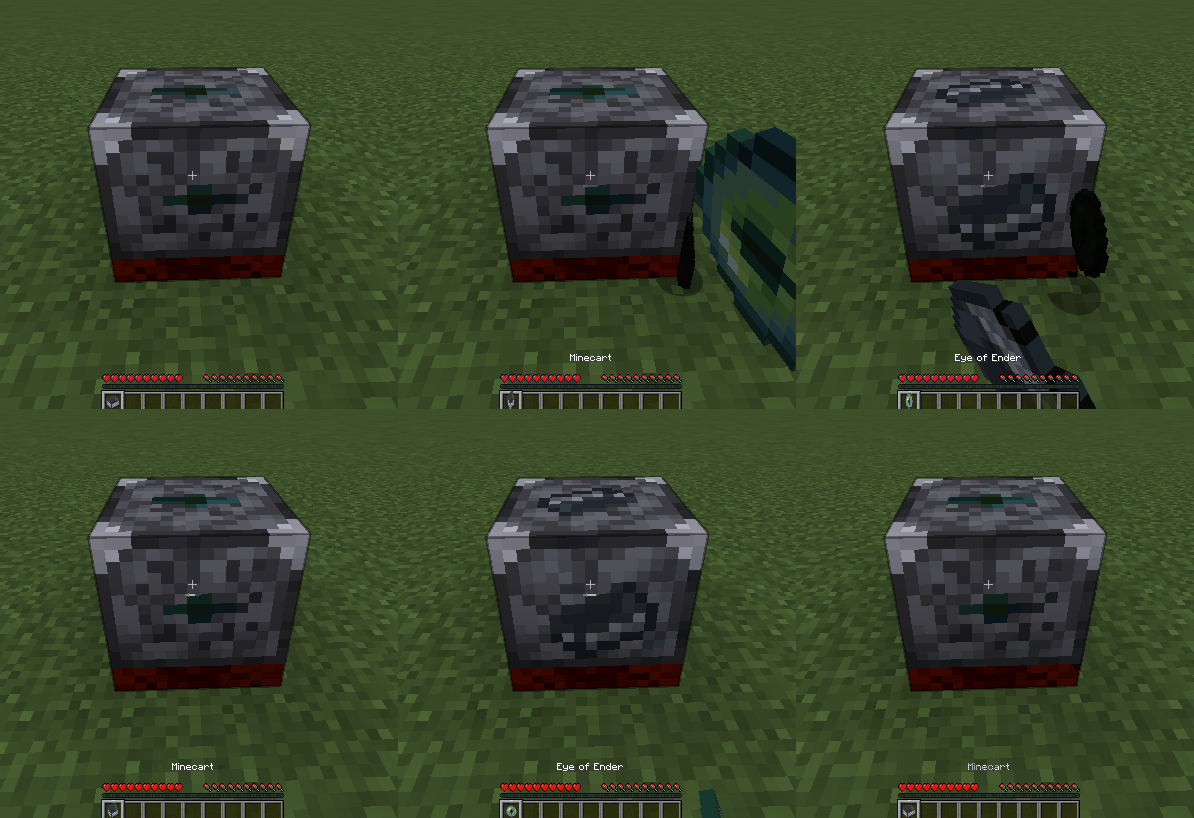
This mod was developed around the concept of a Dead Man's Switch. Simply place the Occupancy Sensor next to a clutch, providing rotational power to your mode of propulsion, and set it to inverted mode. Now when you leave the vessel, it will register as unoccupied and the redstone signal from the sensor will shut off power from your engine.
While this may seem simple, the possibility for usage goes deeper than it seems, especially when augmented with the optional CC: Tweaked support. If CC: Tweaked is installed, you can wrap the occupancy sensor through the Peripheral API and gain access to 5 new functions in CraftOS.
• getOccupancyCount() - Returns an integer of how many players are currently occupying the sublevel.
• getOccupantsNames() - Returns a table containing every occupant's in-game name.
• getOccupantsUUIDs() - Returns a table containing every occupant's UUID.
• getInversionState() - Returns a boolean denoting whether the sensor is currently inverted.
• setInversionState(boolean) - Alters the inversion state of the sensor.
Using these functions, this sensor transcends simple redstone logic and allows you to use sublevels as a way to query regional game state, automating logistics based on if someone is present and who.
A few examples of this could be:
• A Create: Coasters Simulated rollercoaster that automatically starts a countdown once a specified amount of passengers have boarded
• A cafe that keeps track of new customers waiting to be tended to.
• A parkour course with platforms that start to move as a player lands on them.
• A cockpit whose door only opens once the Captain's UUID is present on board.
• A home where every room's floor is a unique sublevel, allowing a security system to tell you exactly what room an intruder is in.
There are plenty of vessel protocols, minigames, home automations, and roleplay applications that are opened up by this little block.
This is my first mod ever, and as such, there may be some unforeseen bugs. Please provide any relevant details, screenshots, videos, or steps to reproduce it in a GitHub ticket should you stumble across one.
Credit to Tefra_K for art.
Project description from CurseForge.
Pick your setup
Choose the version and loader you play, then open the matching release.
Check the dependencies, then try the file in a copied instance before changing a world you care about.
Recent files
6 Sept 2026
27 Aug 2026
Looking for an older file? The official CurseForge project page is in Resources.
 mod
modAdds a quest system designed to make info conveyance in modpacks far more intuitive!
 mod
modA minimap and world map drawn at an angle, like a model of your world on a table. Towers stand up, cliffs have faces and trees cast shadows.
 mod
modComplete overhaul of the minecraft inventory