Lootr (Forge & NeoForge) Needed by Shared Lootr 1.3.3 — 1.21 NeoForge
requiredMatching file found Matched file: lootr-neoforge-1.21-1.10.35.96

CurseForge · Minecraft mod
Share Lootr container inventories globally or per team (FTB Teams / vanilla teams) while keeping Lootr protections, visuals, advancements, and refresh.
Quick answer
Shared Lootr 1.3.3 — 1.21 NeoForge targets 1.21 with NeoForge. The project page does not say whether this file belongs on the client, dedicated server, or both. 1 required mod needs a matching file.
Where it goes
The project page does not say whether this file belongs on the client, dedicated server, or both.
The source does not explicitly classify this release as client-only or server-only.
Shared Lootr 1.3.3 — 1.21 NeoForge on 1.21. Every mod below is checked against that same setup.
Install Lootr (Forge & NeoForge), RinLib, Lootr (Forge & NeoForge) first, but 1 required mod has no matching file for this setup. Do not mix loader builds to force a match. 3 come through another mod in the chain.
3 extra mods were pulled in by other dependencies. Indented rows show who needs each one. We only count dependency files that match this setup. A file for another loader does not fill the gap.
Before you install it
Built for Shared Lootr 1.3.3 — 1.21 NeoForge on 1.21. Pick another file and the loader, install side or required mods may change.
Use Shared Lootr 1.3.3 — 1.21 NeoForge. It targets 1.21 with NeoForge; another release may have different loader, side or dependency requirements.
Install Lootr (Forge & NeoForge), RinLib, Lootr (Forge & NeoForge) first, but 1 required mod has no matching file for this setup. Do not mix loader builds to force a match. 3 come through another mod in the chain.
The project page does not say whether this file belongs on the client, dedicated server, or both.
Use the “Get this file” button beside Shared Lootr 1.3.3 — 1.21 NeoForge. It opens that exact file at the source.
About this project
Shared Lootr keeps the best parts of Lootr — chest break protection, golden unopened highlights, advancements, and refresh/decay timers — without multiplying dungeon loot by player count on multiplayer servers. Instead of generating a separate chest copy for every player who walks by, each Lootr container shares a single inventory across the whole server (GLOBAL) or within each team (TEAMS).
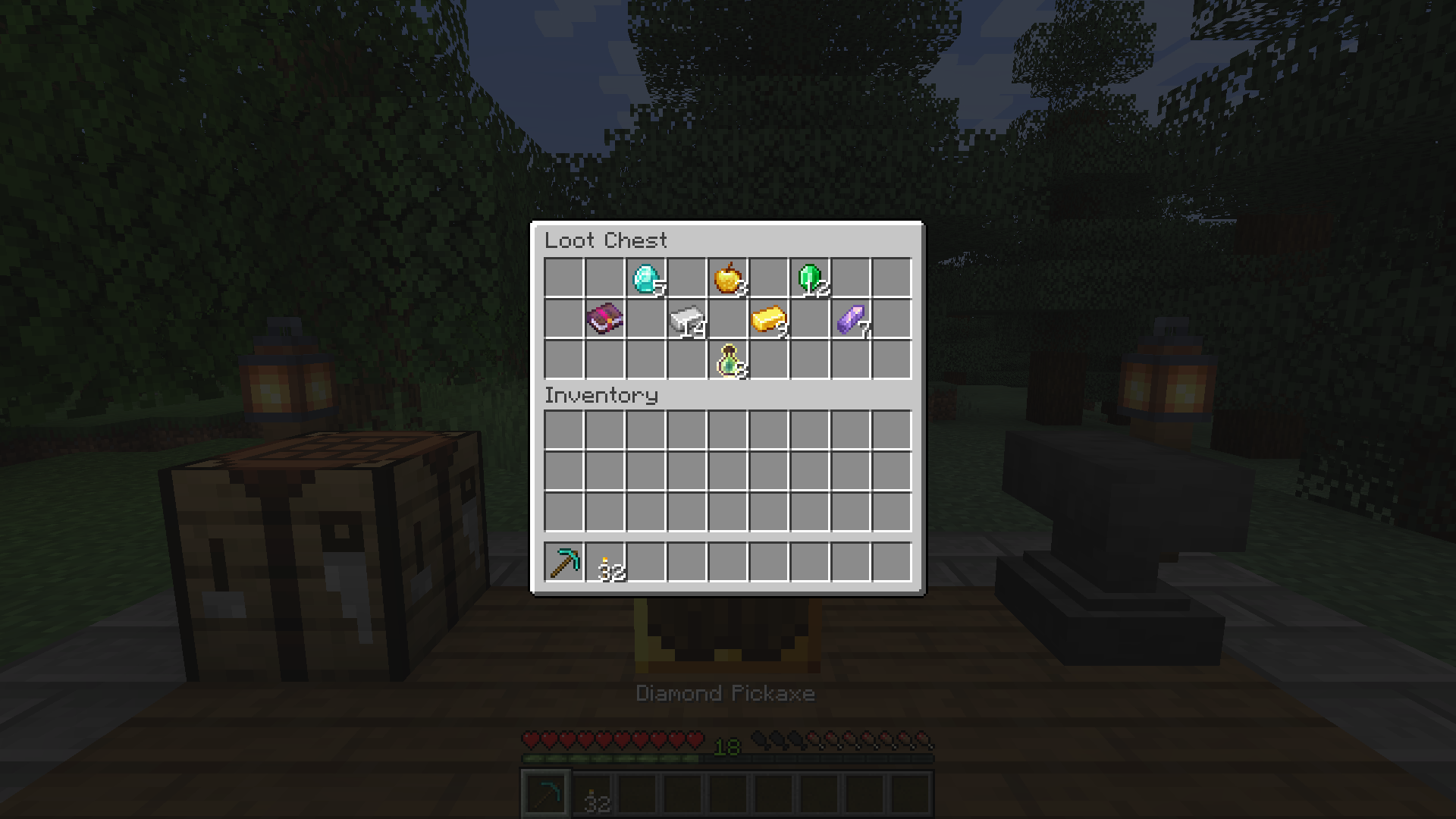
config/shared_lootr.toml)GLOBAL (Default) — Everyone on the server shares the same loot inside each Lootr container. Once someone opens and loots a chest, its contents and opened visual state update for everyone else.TEAMS — Teammates share one chest inventory together, while separate teams still get independent loot:/team scoreboard teams when FTB Teams is not used.soloPlayersSharePool = false), or can share one common pool (soloPlayersSharePool = true).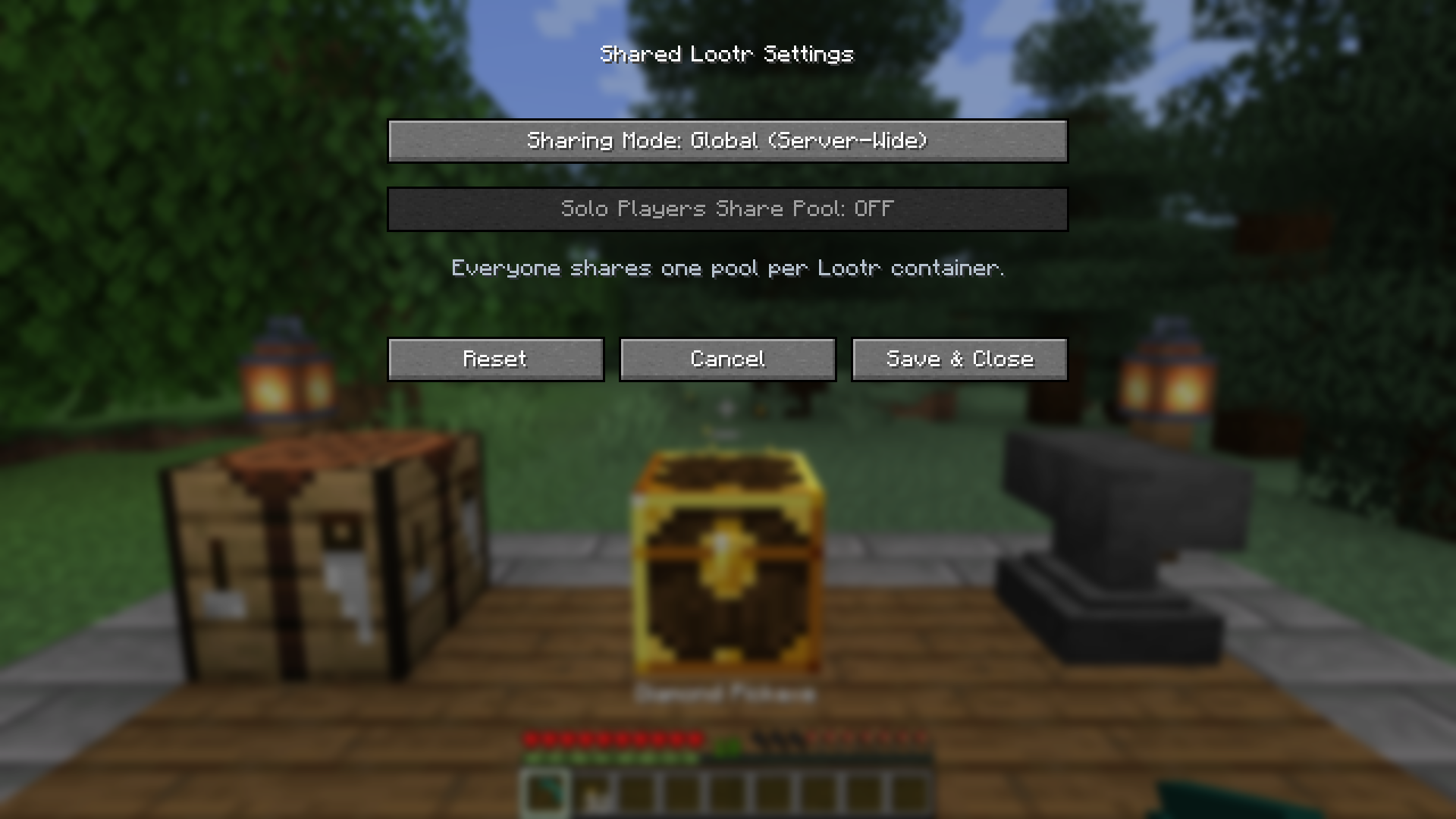
Change modes anytime in-game via Mod Menu (Fabric) or Mods → Config (Forge / NeoForge), or by editing config/shared_lootr.toml.
Requires Lootr.
Thanks to noobanidus (author of Lootr) for adding official team-resolution hooks in modern Lootr releases.
Project description from CurseForge.
Pick your setup
Choose the version and loader you play, then open the matching release.
Showing the newest 12 of 14 game versions. Older files are in the list below.
Check the dependencies, then try the file in a copied instance before changing a world you care about.
Recent files
shared_lootr-neoforge-1.3.3+1.21.jar
10 Oct 2026
shared_lootr-fabric-1.3.3+1.21.jar
10 Oct 2026
Looking for an older file? The official CurseForge project page is in Resources.
 mod
A Minecraft mod that adds customizable timestamps to chat!
 mod
A mod featuring maids and Touhou Project, adding Touhou Project style maid models.
 mod
Java Minecraft mod using Bedrock models to create custom models and animations for items, blocks, entities