GeckoLib Needed by stickipedia-26.1.jar
requiredNo matching file
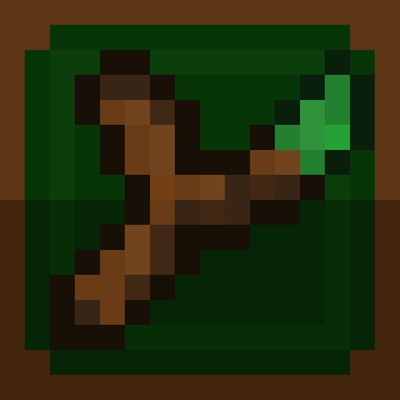
CurseForge · Minecraft mod
StickiPedia turns the forest floor into something worth exploring.
Quick answer
stickipedia-26.1.jar targets 26.1, 26.1.1, 26.1.2 with Fabric. The project page does not say whether this file belongs on the client, dedicated server, or both. 1 required mod needs a matching file.
Where it goes
The project page does not say whether this file belongs on the client, dedicated server, or both.
The source does not explicitly classify this release as client-only or server-only.
stickipedia-26.1.jar on 26.1. Every mod below is checked against that same setup.
Install GeckoLib, Fabric API first, but 1 required mod has no matching file for this setup. Do not mix loader builds to force a match.
We only count dependency files that match this setup. A file for another loader does not fill the gap.
Before you install it
Built for stickipedia-26.1.jar on 26.1. Pick another file and the loader, install side or required mods may change.
Use stickipedia-26.1.jar. It targets 26.1, 26.1.1, 26.1.2 with Fabric; another release may have different loader, side or dependency requirements.
Install GeckoLib, Fabric API first, but 1 required mod has no matching file for this setup. Do not mix loader builds to force a match.
The project page does not say whether this file belongs on the client, dedicated server, or both.
Use the “Get this file” button beside stickipedia-26.1.jar. It opens that exact file at the source.
About this project
StickiPedia turns the forest floor into something worth exploring. Walk through woodlands and you’ll find unique sticks scattered on the ground — collect them, craft them into weapons and tools, and survive the creatures that hunt you for them.
Features Natural sticks on the ground — decorative wood sticks that spawn in the world (with rarities from Common to Legendary)
Weapons & power items — craft hammers, fire sticks, boomerangs, wizard staves, and more Hostile (and friendly) stick entities — Stickies that stalk you… and allies you can recruit.
Splinter status effect — a painful reminder that walking through stiks has consequences Wooden decoration — place sticks as ground décor for atmosphere.
In-game StickiPedia collection — unlock entries as you discover sticks and craftables (pause menu)
World sticks Scattered sticks appear as placeable blocks on the forest floor. Pick them up, place them back for decoration, or use them in crafting.
_Notable finds include the Walking Stick, Snake Stick, Straight Stick, Big Boy Stick, Dragon Stick, pareidolia Stick, and The Stick — each with its own look and catalog description. _ _Tip: Hold a stick and press the inspect key to study it up close. _
The Splinter effect Walking through ground sticks has a chance to apply Splinter (about 5 minutes).
While Splinter is active:
Moving (walking / sprinting) can hurt you. Standing still is safe. Removing it: use the Remove Splinter key (controls settings). A small tweezers mini-game lets you pull the splinter out. Fail or ignore it, and the pain keeps coming every time you move.
Stickies can also inflict Splinter when they hit you.
Items & how they work Item How it works Stick Hammer Melee weapon crafted from planks + straight sticks Fire Stick Right-click to shoot a blaze-style fireball (hits entities; doesn’t set the world on fire).
Short cooldown Boomerang Stick Right-click to throw; it damages on the way out and on return. Sneak-throw for a straighter path. Limited durability
Stick Wizard Hold right-click (~3s) to befriend nearby Stickies — they fight for you like loyal pets
Sticky Scarecrow Place on the ground; forces mobs targeting you to attack the scarecrow instead (10 HP decoy)
Pinecone / Pinecone Bomb Pinecones generate under spruce trees; craft bombs with TNT, then throw for a small explosion
Sticky Wizard Heart Collectible sticky cube (catalog item) Many items use custom 3D models (GeckoLib) in hand, with flat icons in the inventory.
Entities Sticky — silent stalkers with zombie-like combat. They don’t burn in sunlight. Hits can apply Splinter.
Sticky Wizard — a ranged Sticky that shoots fireballs like the Fire Stick.
Sticky Scarecrow — player-placed decoy that steals aggro from anything hunting you.
Befriend Stickies with the Stick Wizard staff to build your own wooden warband.
Collection Open StickiPedia from the pause menu to browse every stick and special item you’ve unlocked. Locked entries stay hidden until you find or craft them.
_Requirements Fabric Loader Fabric API GeckoLib Available for multiple game versions — pick the jar matching your Minecraft version. _ by FroXaL
Project description from CurseForge.
Pick your setup
Choose the version and loader you play, then open the matching release.
Check the dependencies, then try the file in a copied instance before changing a world you care about.
Recent files
stickipedia-1.0.0-mc26.1.jar
6 Sept 2026
Looking for an older file? The official CurseForge project page is in Resources.
 mod
Revive your friends.
 mod
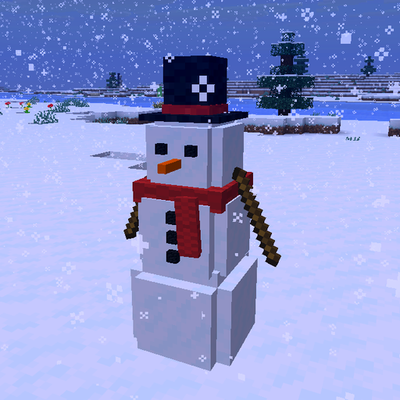
Roll giant snowballs, stack them and decorate your own snowman with a scarf and top hat
 mod
Have you ever wanted to tame a friendly Enderman? Build relationships, chat with custom dialogue, and turn Minecraft’s tall mystery mob into your loyal companion!