Embeddium Optional for Maps 3D maps3d-neoforge-1.21.4-1.0.0.jar
optionalMatching file found Matched file: [1.21.4] Embeddium 1.0.12-beta.1
CurseForge · Minecraft mod
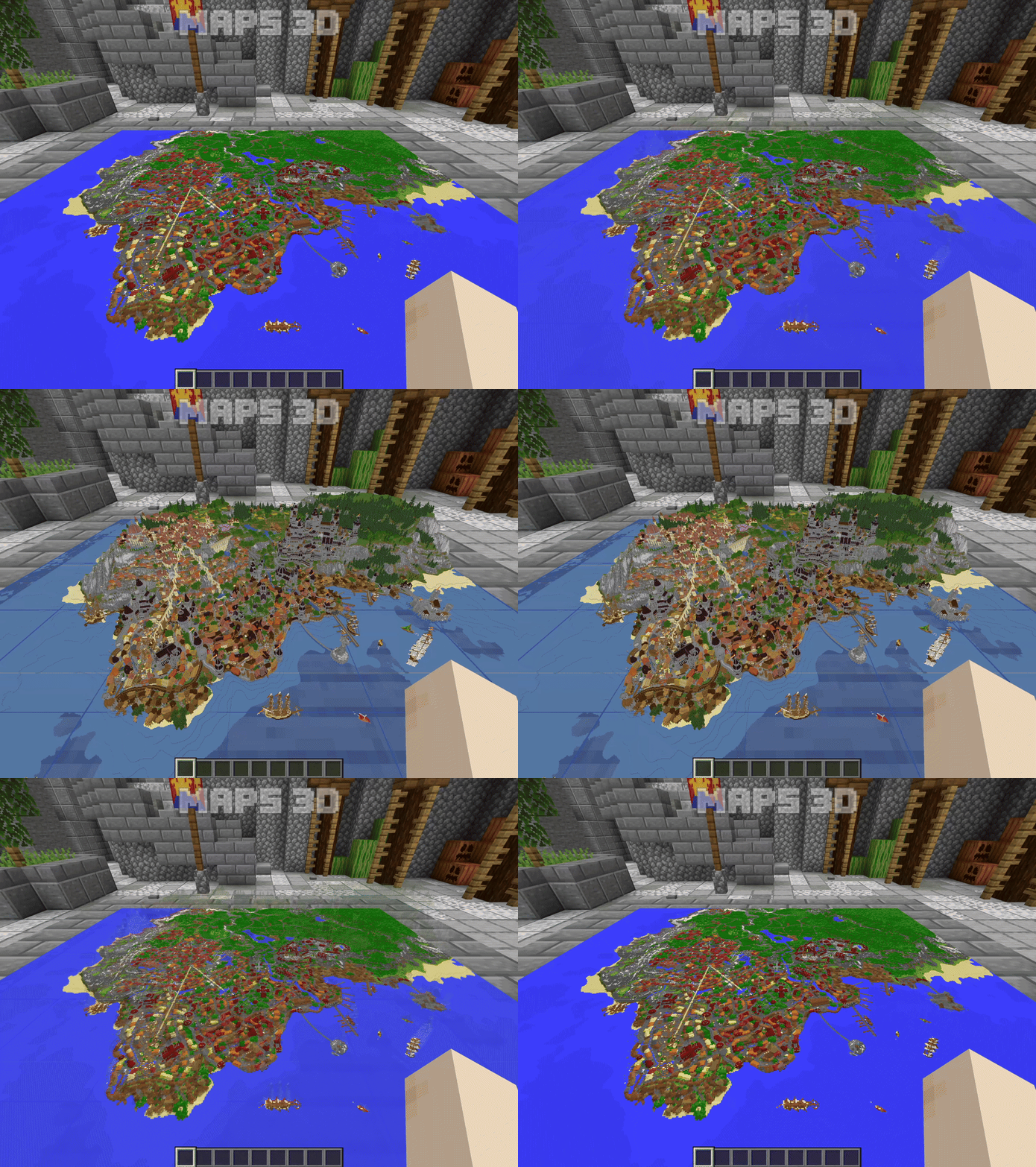
Vanilla maps, but in 3D! Hold a little piece of the world in your hands or show it off in a map item frame.
Quick answer
Maps 3D maps3d-neoforge-1.21.4-1.0.0.jar targets 1.21.4 with NeoForge. The project page does not say whether this file belongs on the client, dedicated server, or both. No extra mods listed for this file.
Where it goes
The project page does not say whether this file belongs on the client, dedicated server, or both.
The source does not explicitly classify this release as client-only or server-only.
maps3d-neoforge-1.21.4-1.0.0.jar. Change the file and its required mods may change too.
This file does not list any required mods. Do not add a library just because a different file uses it.
We only count dependency files that match this setup. A file for another loader does not fill the gap.
Before you install it
Built for Maps 3D maps3d-neoforge-1.21.4-1.0.0.jar. Pick another file and the loader, install side or required mods may change.
Use maps3d-neoforge-1.21.4-1.0.0.jar. It targets 1.21.4 with NeoForge; another release may have different loader, side or dependency requirements.
This file does not list any required mods. Do not add a library just because a different file uses it.
The project page does not say whether this file belongs on the client, dedicated server, or both.
Use the “Get this file” button beside maps3d-neoforge-1.21.4-1.0.0.jar. It opens that exact file at the source.
About this project





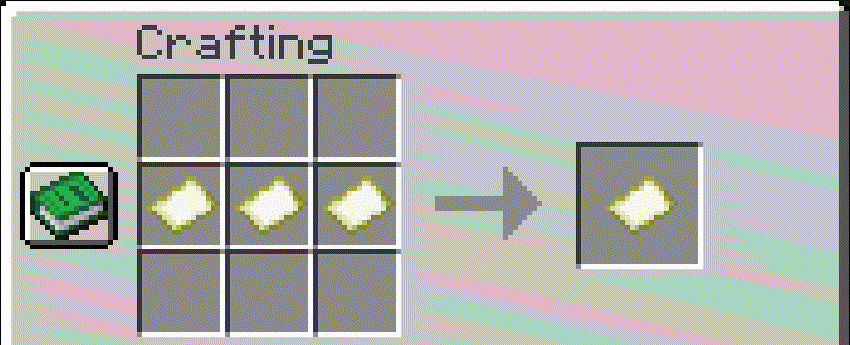
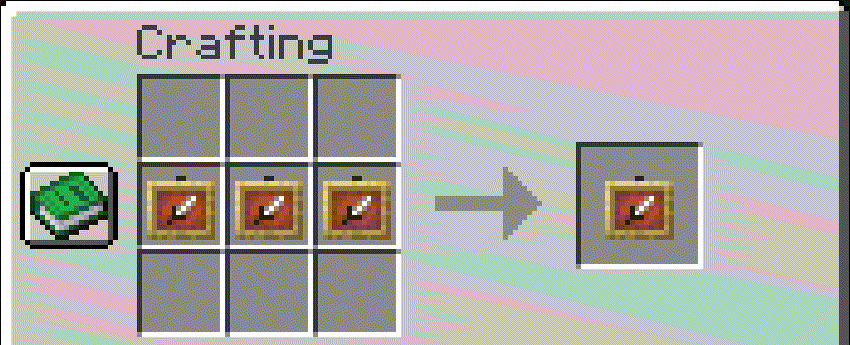
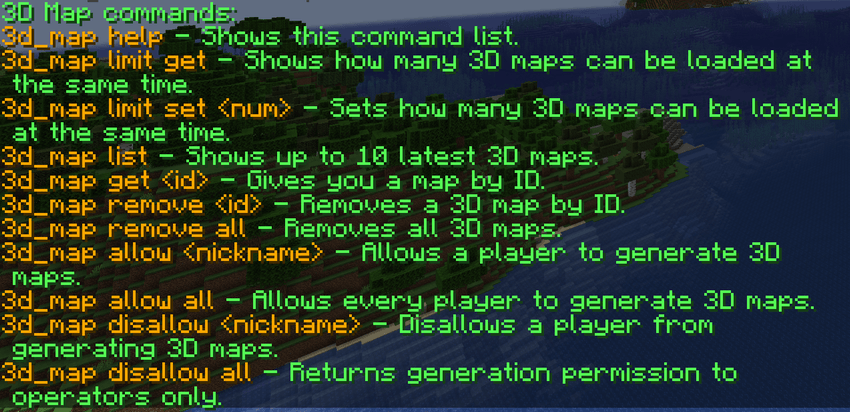
/3d_map help — Shows available mod commands./3d_map limit get — Shows the current client map cache limit./3d_map limit set <num> — Sets the client map cache limit (1–1000)./3d_map list — Shows up to 10 of the latest 3D maps./3d_map get <id> — Gives you a map by ID. Requires cheats./3d_map remove <id> — Deletes a 3D map and its stored data./3d_map remove all — Deletes all 3D maps and their stored data./3d_map help — Shows available mod commands./3d_map limit get — Shows your client map cache limit./3d_map limit set <num> — Sets your client map cache limit (1–1000).Available to OPs and the LAN host:
/3d_map list — Shows up to 10 of the latest 3D maps./3d_map get <id> — Gives you a map by ID. Always requires permission level 2; the LAN host needs cheats enabled./3d_map remove <id> — Deletes a 3D map and its stored data./3d_map remove all — Deletes all 3D maps and their stored data./3d_map allow <nickname> — Allows a player to generate 3D maps./3d_map allow all — Allows everyone to generate 3D maps and clears individual denials./3d_map disallow <nickname> — Revokes a player’s permission to generate 3D maps./3d_map disallow all — Clears all grants, restricting generation to operators and the world owner.Operators and the world owner always retain generation access. Allow/disallow commands become available when a singleplayer world is opened to LAN.
Project description from CurseForge.
Pick your setup
Choose the version and loader you play, then open the matching release.
Check the dependencies, then try the file in a copied instance before changing a world you care about.
Recent files
11 Sept 2026
11 Sept 2026
11 Sept 2026
11 Sept 2026
11 Sept 2026
11 Sept 2026
11 Sept 2026
11 Sept 2026
11 Sept 2026
Looking for an older file? The official CurseForge project page is in Resources.
 mod
Revive your friends.
 mod
An utility library to simplify mod creation with playable content
 mod
The mod adds NPCs like Professor Smiley from Blue Archive, and you'll go on an adventure story.