Minecraft version
Back to mods 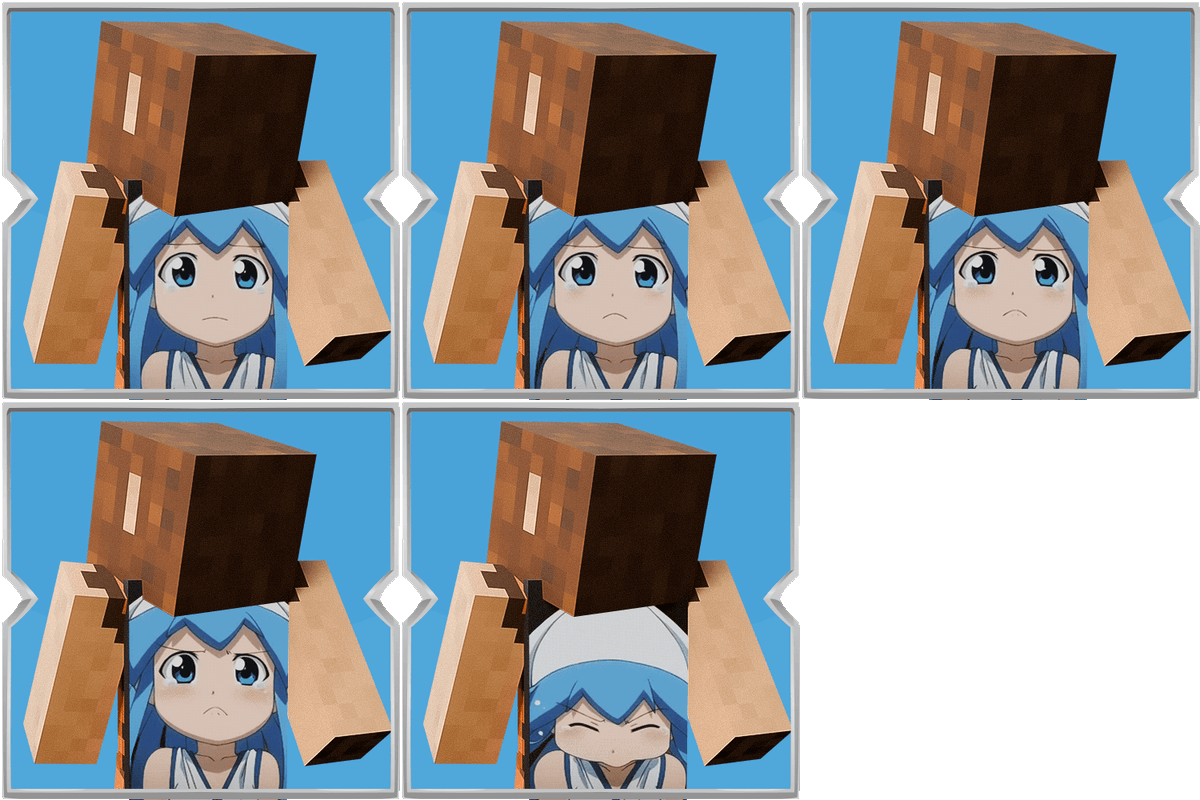
CurseForge · Minecraft mod
Animated Capes
Replace your equipped cape with a custom GIF or image, with simple in-game controls for choosing the file and animation speed.
Choose a version Pick your version below, then grab the matching file.
Quick answer
Which Animated Capes release should I use?
Latest stable file Animated Capes 1.0.1
Game version 1.20.1
Loader Fabric
Animated Capes 1.0.1 targets 1.20.1 with Fabric. The project page does not say whether this file belongs on the client, dedicated server, or both. No extra mods listed for this file.
Where it goes
Is Animated Capes required on the client, server, or both?
The project page does not say whether this file belongs on the client, dedicated server, or both.
Client Source doesn’t say
Dedicated server Source doesn’t say
Loader for this release Fabric
Required install it here Optional supported, not mandatory Not supported do not install here Source doesn’t say do not assume
The source does not explicitly classify this release as client-only or server-only.
What else does Animated Capes 1.0.1 need?
Animated Capes 1.0.1. Change the file and its required mods may change too.
This file does not list any required mods. Do not add a library just because a different file uses it.
This file does not list any required or optional mods.
Before you install it
Add Animated Capes without breaking your instance.
Built for Animated Capes 1.0.1. Pick another file and the loader, install side or required mods may change.
- 01
Stick to this file
Use Animated Capes 1.0.1. It targets 1.20.1 with Fabric; another release may have different loader, side or dependency requirements.
- 02
Bring the mods it needs
This file does not list any required mods. Do not add a library just because a different file uses it.
- 03
Put it on the correct side
The project page does not say whether this file belongs on the client, dedicated server, or both.
- 04
Pick the file you checked
Use the “Get this file” button beside Animated Capes 1.0.1. It opens that exact file at the source.
About this project
What does Animated Capes add?
This mod lets you put a custom animated GIF or a static image onto your cape. If you already have a cape equipped, it will display the image or animation you choose instead of the normal cape look.
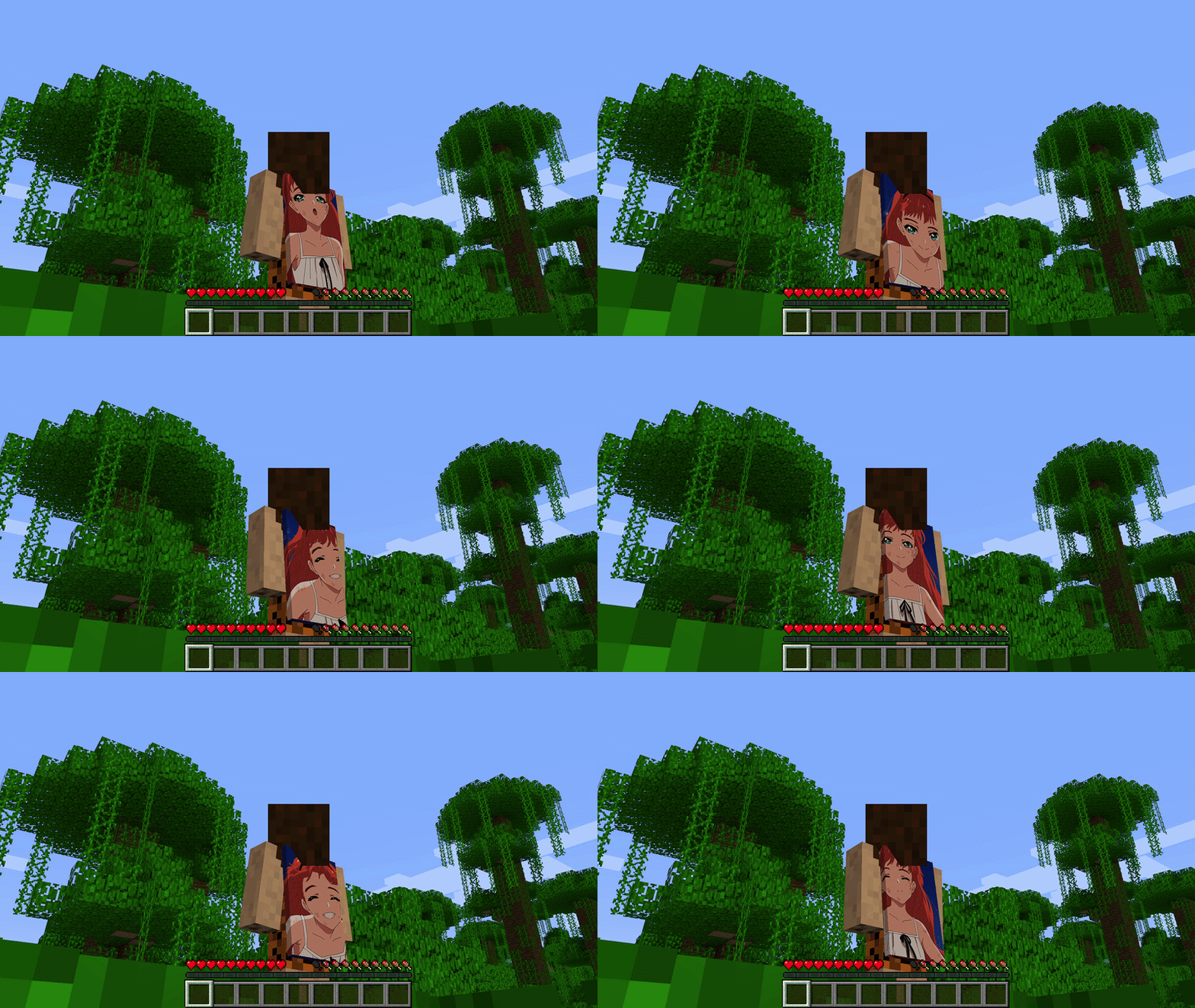
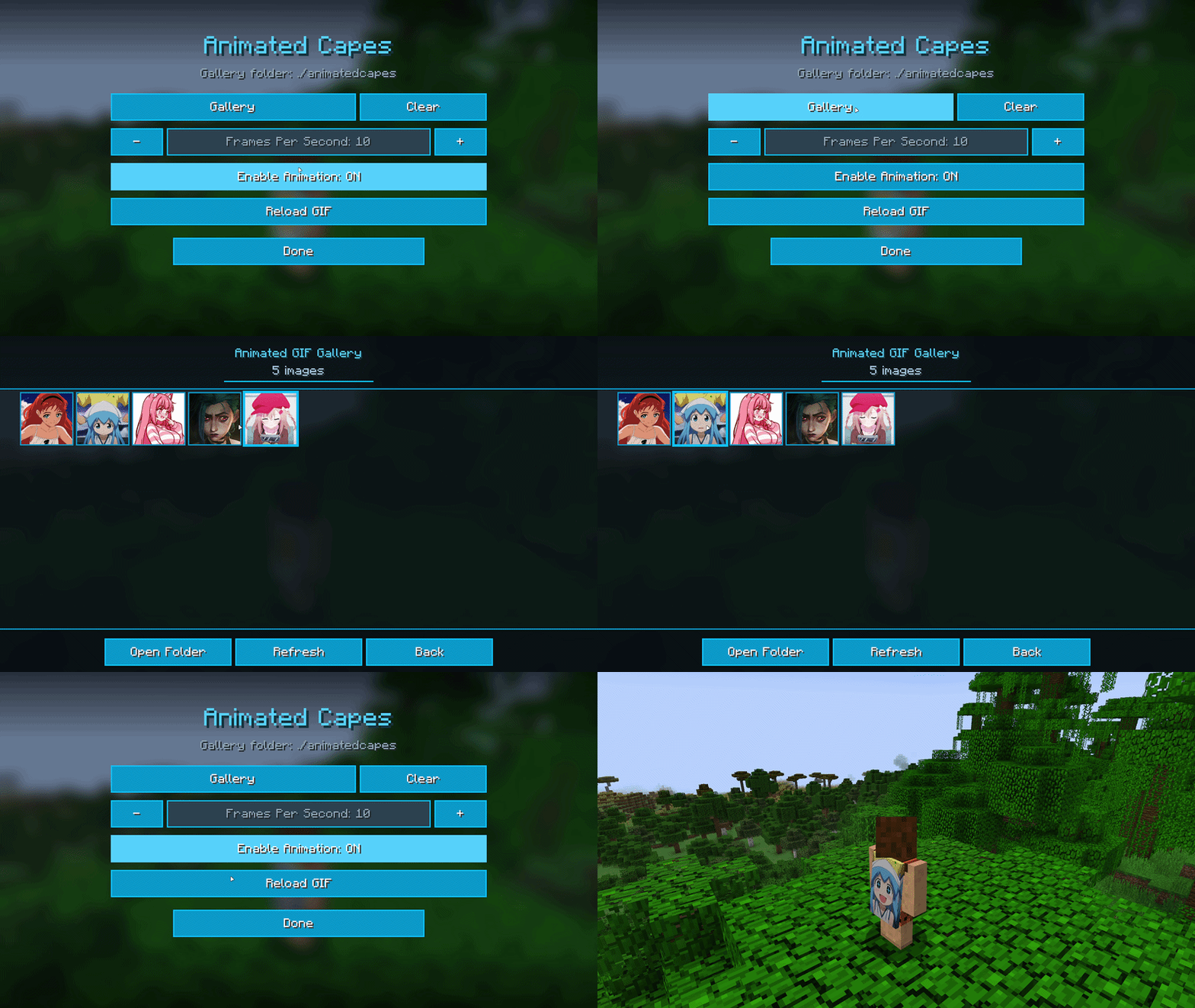
You can open the settings menu with the L key, or with the command /animatedcapes. From there you pick your file, set how fast the animation plays, and turn the effect on or off. Put your GIF, PNG, or JPG files in the animatedcapes folder in your game directory, then select them from the in-game gallery.
Your chosen cape design appears on both the front and back of the cape. Other players who also have the mod installed can see your animated cape in multiplayer.
Project description from CurseForge.
Pick your setup
Animated Capes by Minecraft version and loader
Choose the version and loader you play, then open the matching release.
Check the dependencies, then try the file in a copied instance before changing a world you care about.
Recent files
Animated Capes versions and loaders
Animated Capes 1.0.1
animated_capes-fabric-1.20.1-1.0.0.jar
19 Sept 2026
Client Source doesn’t say Server Source doesn’t say Dependencies No extras listed Listed on Release listing
Check the 1.20.1 · Fabric setup Fabric1.20.1 release
Animated Capes 1.0.0
animated_capes-forge-1.20.1-1.0.0.jar
12 Sept 2026
Client Source doesn’t say Server Source doesn’t say Dependencies No extras listed Listed on Release listing
Check the 1.20.1 · Forge setup 1.20.1Forge release
Animated Capes 1.0.0
animated_capes-fabric-1.20.1-1.0.0.jar
12 Sept 2026
Client Source doesn’t say Server Source doesn’t say Dependencies No extras listed Listed on Release listing
Check the 1.20.1 · Fabric setup Fabric1.20.1 release
Looking for an older file? The official CurseForge project page is in Resources.
 mod
mod CurseForge · Minecraft
The Abysmal
Expect exploding bugs, wheelchairs, cannons that shoot intestine and many more abysmal utilities!
 mod
mod CurseForge · Minecraft
Fusion (Connected Textures)
Fusion allows resource packs to use additional texture and model types such as connected textures!
 mod
mod CurseForge · Minecraft
NeroSpace
Mine alien ore, build machines to refine it, and craft tiered rockets to blast off to new planet-dimensions full of exotic ores. A space-exploration tech mod that turns survival into a journey from your first pickaxe to interstellar travel.