[UNOFFICIAL] TaCZ NeoForge Port Needed by TACZ Tools tacztools-0.3.1.jar
requiredMatching file found Matched file: [TaCZ] Timeless & Classics Guns: Zero 1.1.8-hotfix-r7
CurseForge · Minecraft mod
TACZ Tools is a lightweight mod that adds free looking and some good dev tools for designing weapons and skins
Quick answer
TACZ Tools tacztools-0.3.1.jar targets 1.21.1 with NeoForge. The project page does not say whether this file belongs on the client, dedicated server, or both. All 1 required mods have matching files.
Where it goes
The project page does not say whether this file belongs on the client, dedicated server, or both.
The source does not explicitly classify this release as client-only or server-only.
tacztools-0.3.1.jar. Change the file and its required mods may change too.
Install [UNOFFICIAL] TaCZ NeoForge Port first. We found matching files for this game-version and loader setup.
We only count dependency files that match this setup. A file for another loader does not fill the gap.
Before you install it
Built for TACZ Tools tacztools-0.3.1.jar. Pick another file and the loader, install side or required mods may change.
Use tacztools-0.3.1.jar. It targets 1.21.1 with NeoForge; another release may have different loader, side or dependency requirements.
Install [UNOFFICIAL] TaCZ NeoForge Port first. We found matching files for this game-version and loader setup.
The project page does not say whether this file belongs on the client, dedicated server, or both.
Use the “Get this file” button beside tacztools-0.3.1.jar. It opens that exact file at the source.
About this project
FREE LOOKING
Similar to games like Tarkov or Arma, hold Mouse3 to free look without moving your arms
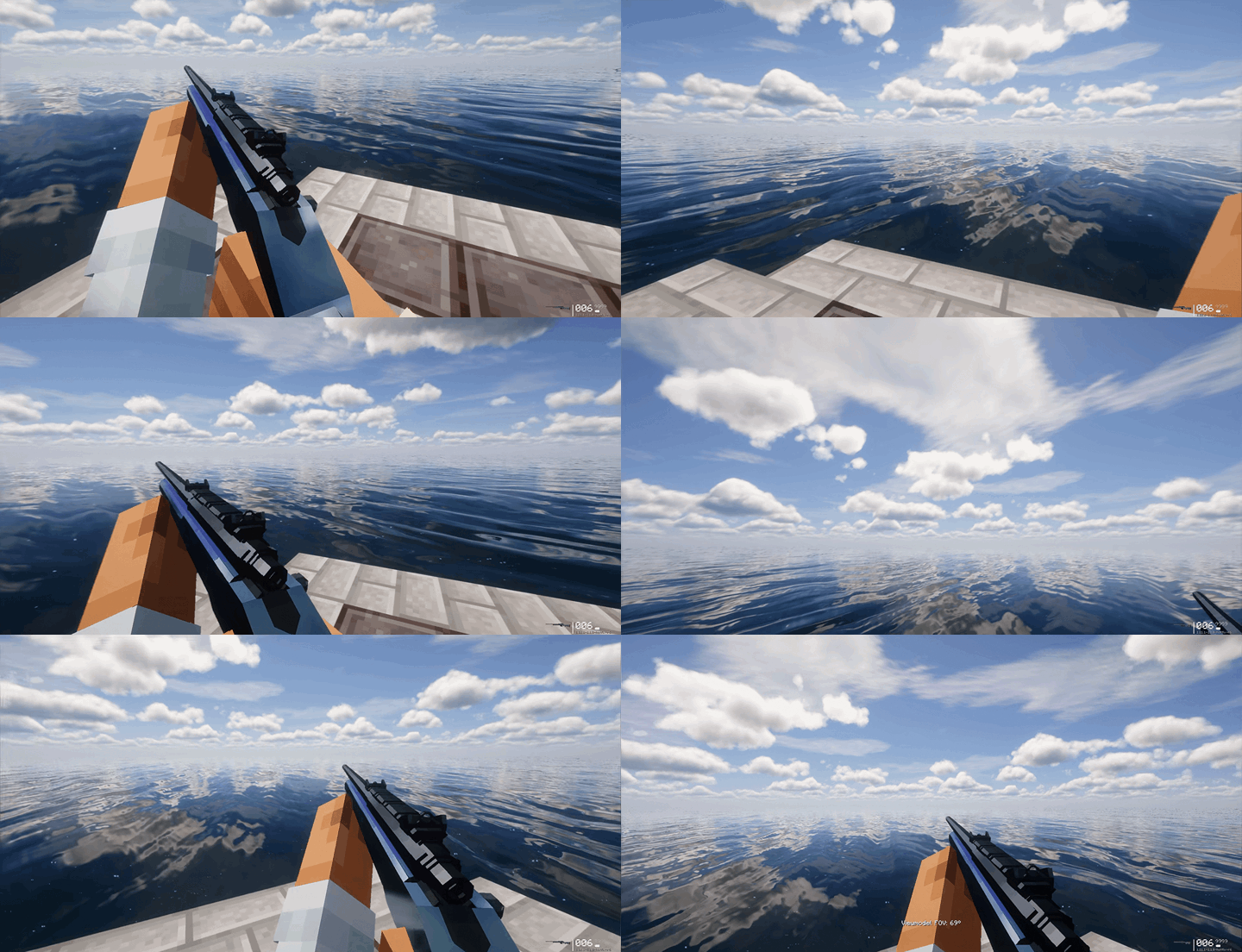
Press '[' and ']' to scale arms FOV up or down. Press '' to reset FOV

ANIMATION SPEED
Use arrow keys ↑ and ↓ to adjust gun animation speeds. Key ← to reset speed and key → to pause/resume animation.
Sounds should pitch up/down with playback speed

ANIMATION SCRUBBING
While animation is paused, use MWheel to scrub current animation timeline (HUD coming soon)
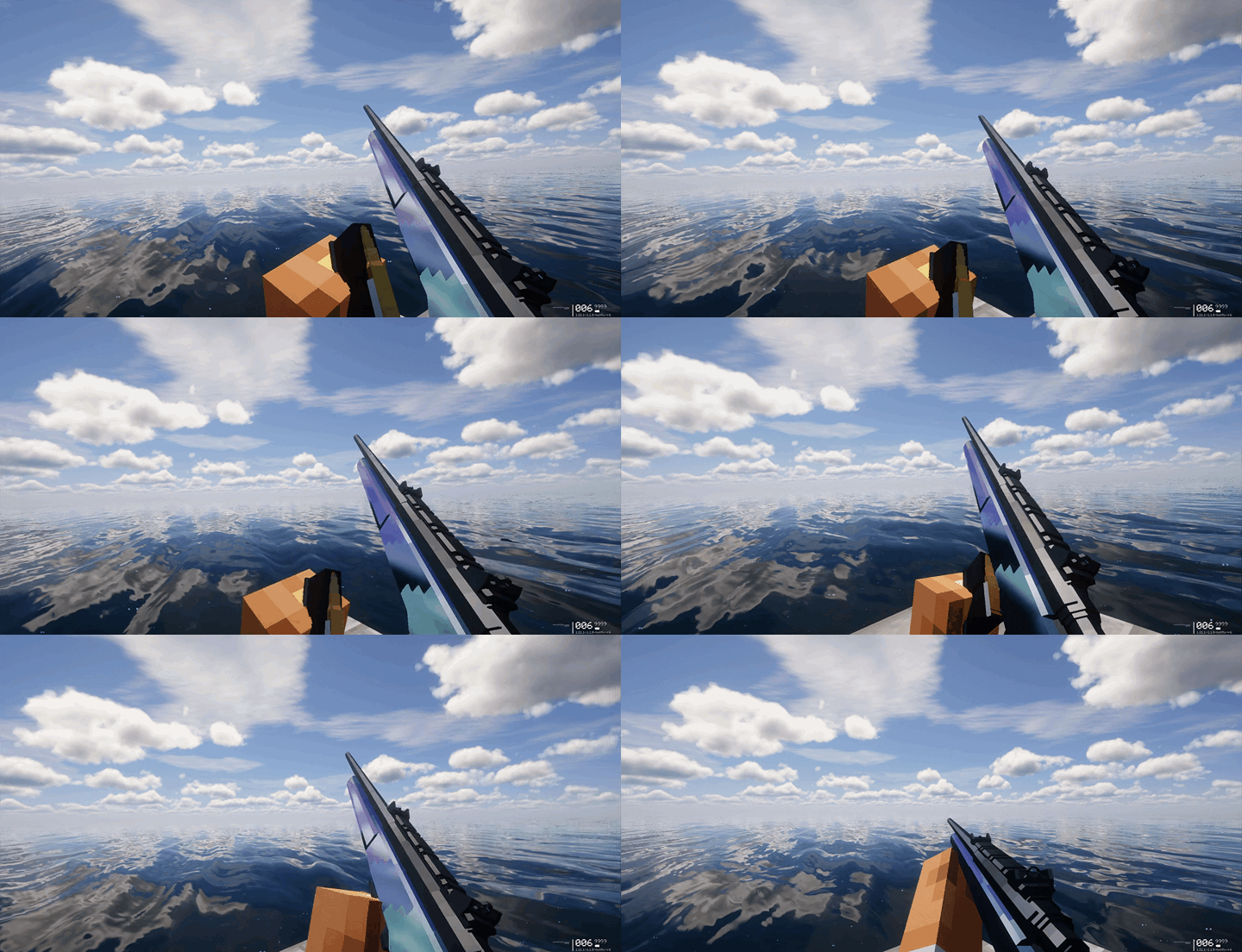
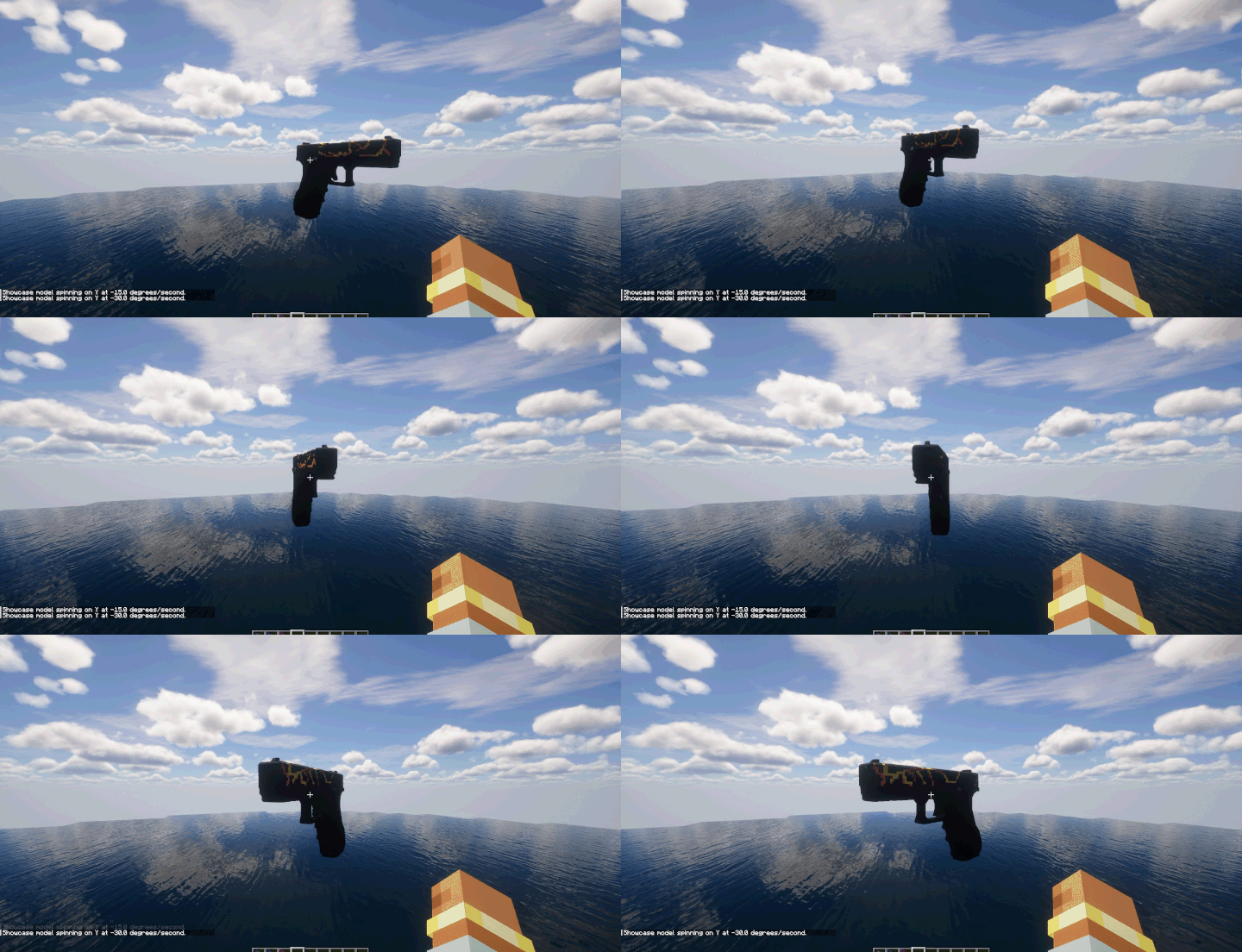
/tacztools showcase spawn <scale>
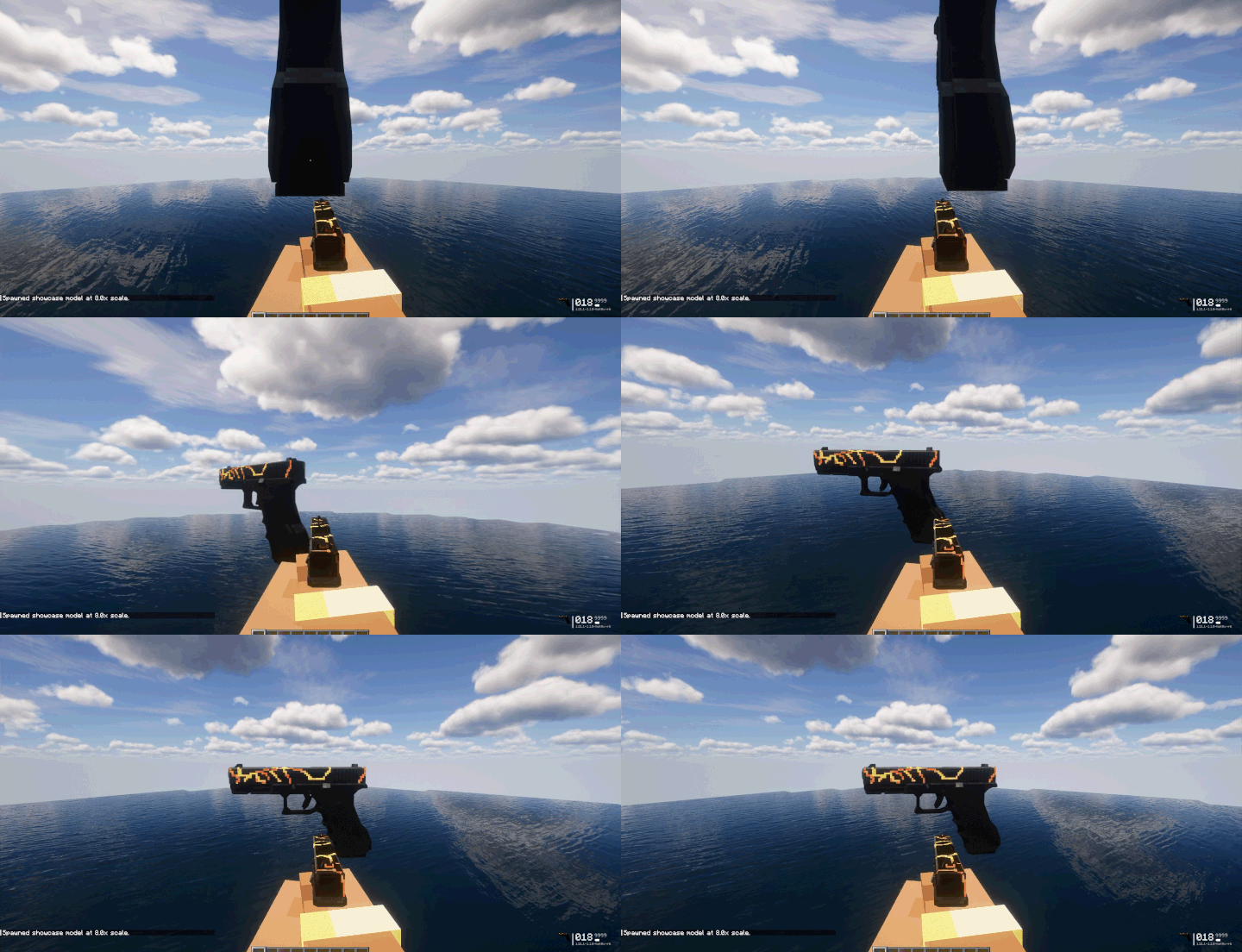
/tacztools showcase rotate <x> <y> <z>
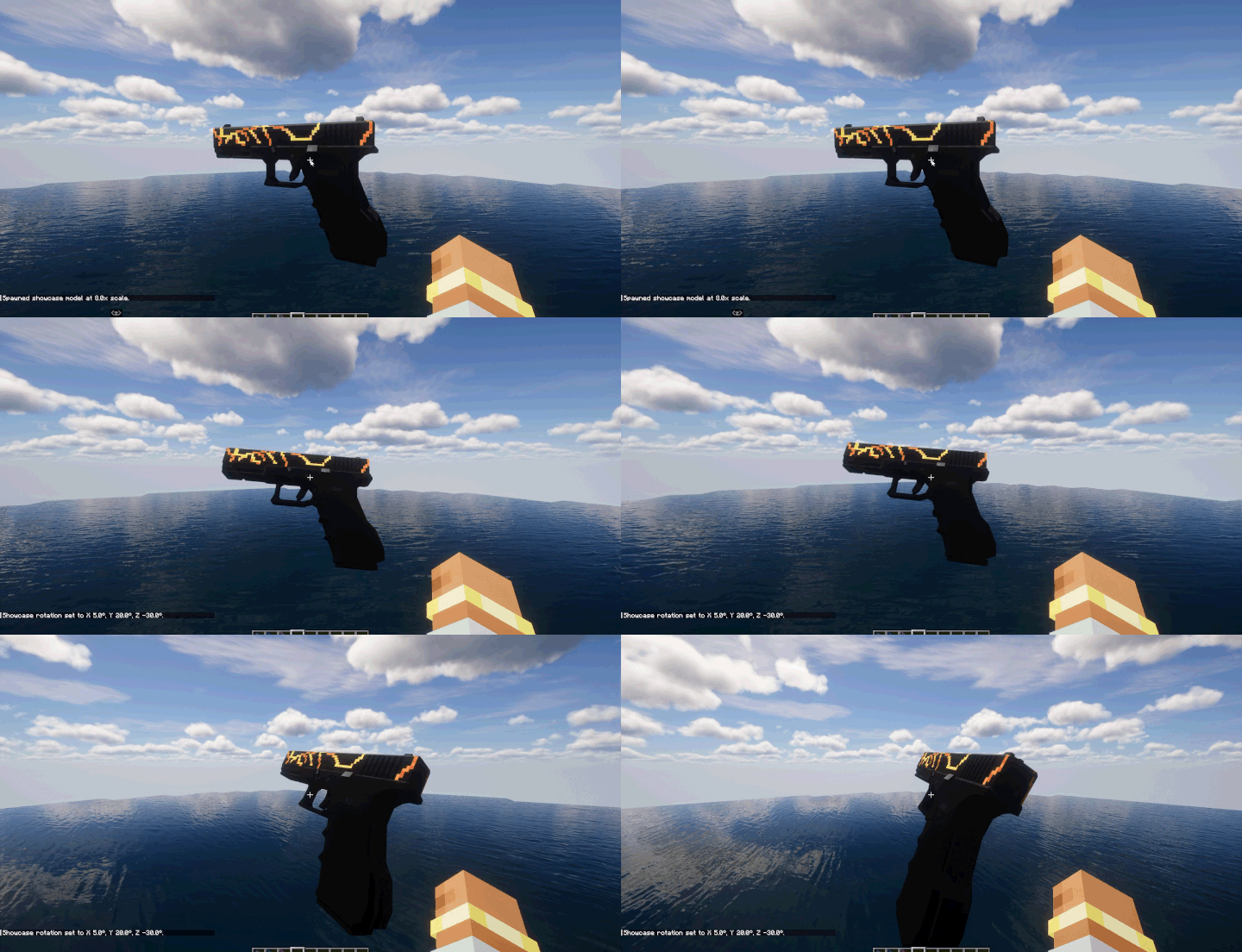
/tacztools showcase spin <axis> <speed>
Project description from CurseForge.
Pick your setup
Choose the version and loader you play, then open the matching release.
Check the dependencies, then try the file in a copied instance before changing a world you care about.
Recent files
29 Oct 2026
24 Sept 2026
21 Sept 2026
12 Sept 2026
Looking for an older file? The official CurseForge project page is in Resources.
 mod
A (Neo)Forge mod for Minecraft 1.20.1-26.3 that lets players showcase inventory items directly in chat.
 mod
Allows you to set your brightness beyond default levels.
 mod
This is a mod inspired by the anime Naruto, and adds over 260+ custom jutsus, and over 180 unique missions. This mod is for usage on the official Kageborne server.