Bloom API Needed by Bloom Audio - Jukebox+ BloomAudio-JukeboxPlus-Fabric-26.3-v2.0.4.jar
requiredMatching file found Matched file: BloomAPI-Fabric-26.3-v1.4.16.jar

CurseForge · Minecraft mod
Transforms vanilla jukeboxes into persistent multi-disc music players with playlists, playback controls, repeat modes, per-jukebox volume and automation support.
Quick answer
Bloom Audio - Jukebox+ BloomAudio-JukeboxPlus-Fabric-26.3-v2.0.4.jar targets 26.3 with Fabric. The project page does not say whether this file belongs on the client, dedicated server, or both. All 1 required mods have matching files.
Where it goes
The project page does not say whether this file belongs on the client, dedicated server, or both.
The source does not explicitly classify this release as client-only or server-only.
BloomAudio-JukeboxPlus-Fabric-26.3-v2.0.4.jar. Change the file and its required mods may change too.
Install Bloom API first. We found matching files for this game-version and loader setup.
We only count dependency files that match this setup. A file for another loader does not fill the gap.
Before you install it
Built for Bloom Audio - Jukebox+ BloomAudio-JukeboxPlus-Fabric-26.3-v2.0.4.jar. Pick another file and the loader, install side or required mods may change.
Use BloomAudio-JukeboxPlus-Fabric-26.3-v2.0.4.jar. It targets 26.3 with Fabric; another release may have different loader, side or dependency requirements.
Install Bloom API first. We found matching files for this game-version and loader setup.
The project page does not say whether this file belongs on the client, dedicated server, or both.
Use the “Get this file” button beside BloomAudio-JukeboxPlus-Fabric-26.3-v2.0.4.jar. It opens that exact file at the source.
About this project

Bloom Audio - Jukebox+ turns vanilla jukeboxes into persistent multi-disc music machines, with physical records, an analog-style interface and one local playlist per jukebox.
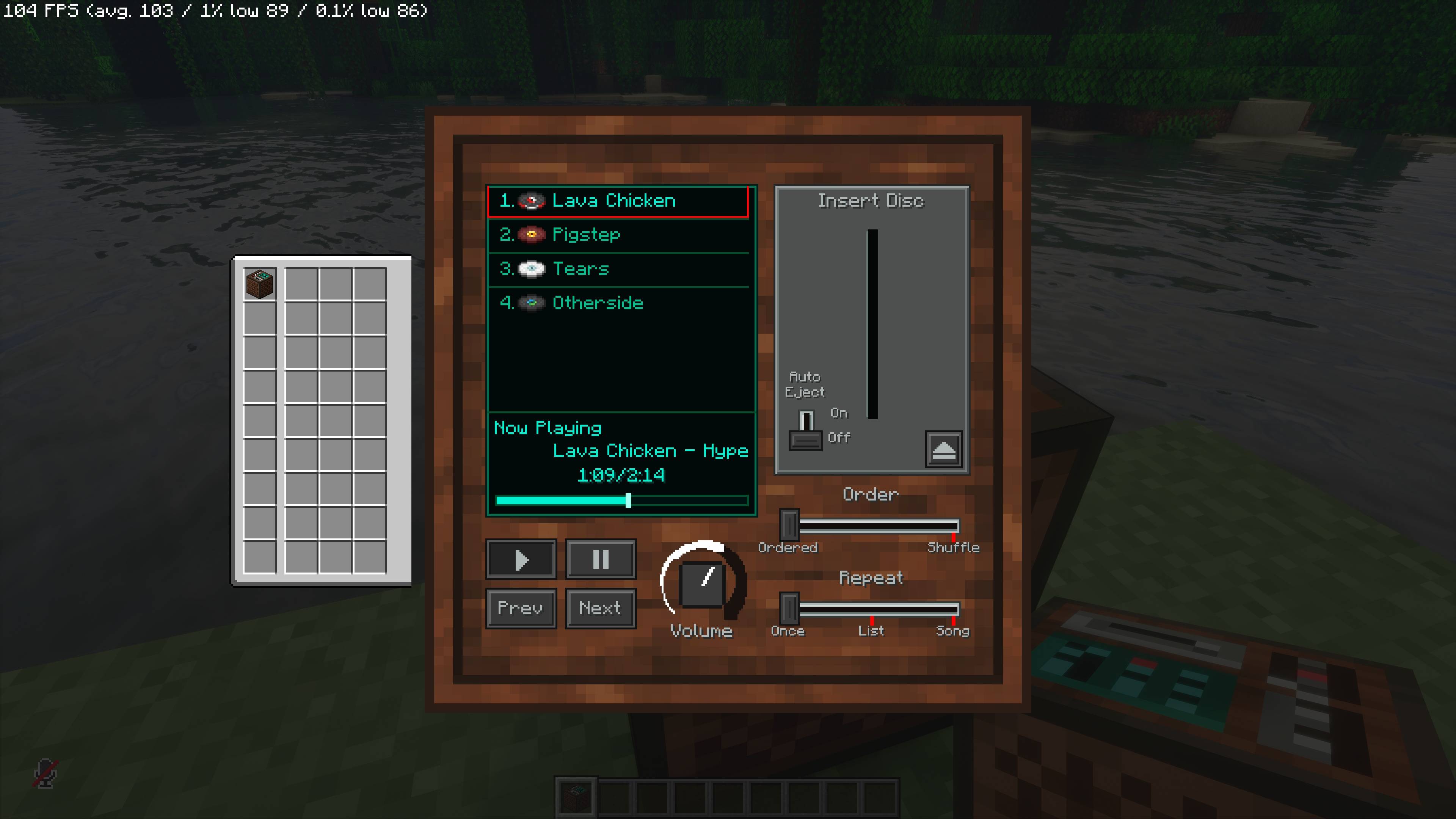
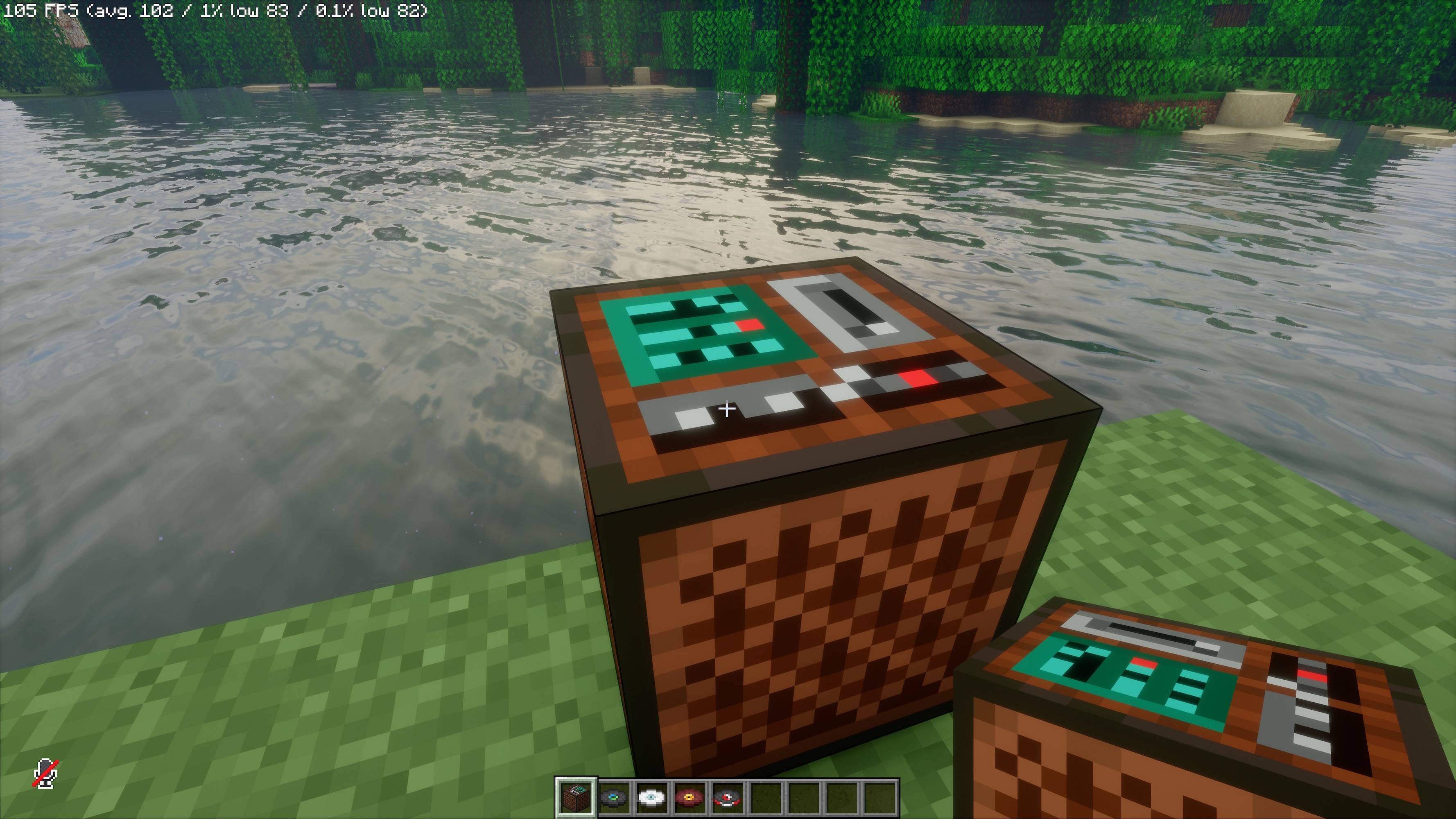
Interact with any face of a jukebox to open its controls, then place a disc into the insertion slot.
Play starts the selected song. Pause releases Play and holds the song position. Releasing Pause alone does not start playback; press Play to start or resume.
The Play state persists with the jukebox, including when its library is empty.
The mod runs on both client and server. Multiplayer use needs it on the server and connecting players' clients.
Playback stays positional at the jukebox. Inventory and playback settings are controlled by the server and synchronized with listeners.
Project description from CurseForge.
Pick your setup
Choose the version and loader you play, then open the matching release.
Check the dependencies, then try the file in a copied instance before changing a world you care about.
Recent files
20 Oct 2026
14 Sept 2026
Looking for an older file? The official CurseForge project page is in Resources.
 mod
View broken and disabled recipes directly in JEI to instantly identify missing mods, items, or empty tags in your modpack.
 mod
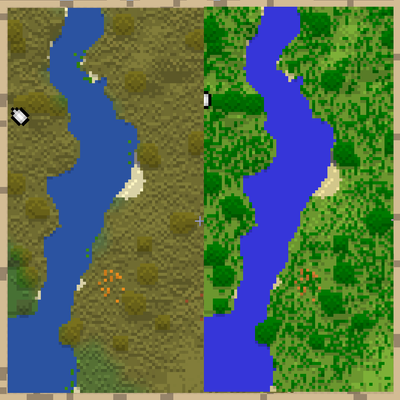
Lightweight Quality of Life mod that give maps a more color accurate to the minecraft world
 mod
Craft and smelt with your own hands: the crafting table and the furnace open right on the block, with no menu screen. Client-side.