Bloom API Needed by Bloom Skyborn - Main Menu BloomSkyborn-MainMenu-Fabric-26.3-v1.0.3.jar
requiredMatching file found Matched file: BloomAPI-Fabric-26.3-v1.4.16.jar
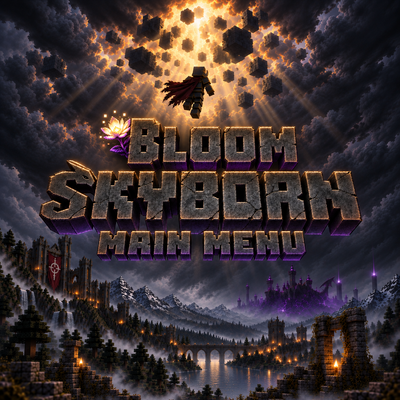
CurseForge · Minecraft mod
Replaces Minecraft’s title screen with a layered, animated Skyborn scene featuring atmospheric motion, dynamic lightning, custom menu controls, a cinematic launch transition, and dedicated menu music.
Quick answer
Bloom Skyborn - Main Menu BloomSkyborn-MainMenu-Fabric-26.3-v1.0.3.jar targets 26.3 with Fabric. The project page does not say whether this file belongs on the client, dedicated server, or both. All 1 required mods have matching files.
Where it goes
The project page does not say whether this file belongs on the client, dedicated server, or both.
The source does not explicitly classify this release as client-only or server-only.
BloomSkyborn-MainMenu-Fabric-26.3-v1.0.3.jar. Change the file and its required mods may change too.
Install Bloom API first. We found matching files for this game-version and loader setup.
We only count dependency files that match this setup. A file for another loader does not fill the gap.
Before you install it
Built for Bloom Skyborn - Main Menu BloomSkyborn-MainMenu-Fabric-26.3-v1.0.3.jar. Pick another file and the loader, install side or required mods may change.
Use BloomSkyborn-MainMenu-Fabric-26.3-v1.0.3.jar. It targets 26.3 with Fabric; another release may have different loader, side or dependency requirements.
Install Bloom API first. We found matching files for this game-version and loader setup.
The project page does not say whether this file belongs on the client, dedicated server, or both.
Use the “Get this file” button beside BloomSkyborn-MainMenu-Fabric-26.3-v1.0.3.jar. It opens that exact file at the source.
About this project

Bloom Skyborn - Main Menu replaces Minecraft’s vanilla title screen with a fully layered and animated Skyborn scene. It preserves the standard menu functions while rebuilding their presentation around custom artwork, atmospheric motion, dedicated controls and a music-driven launch transition.
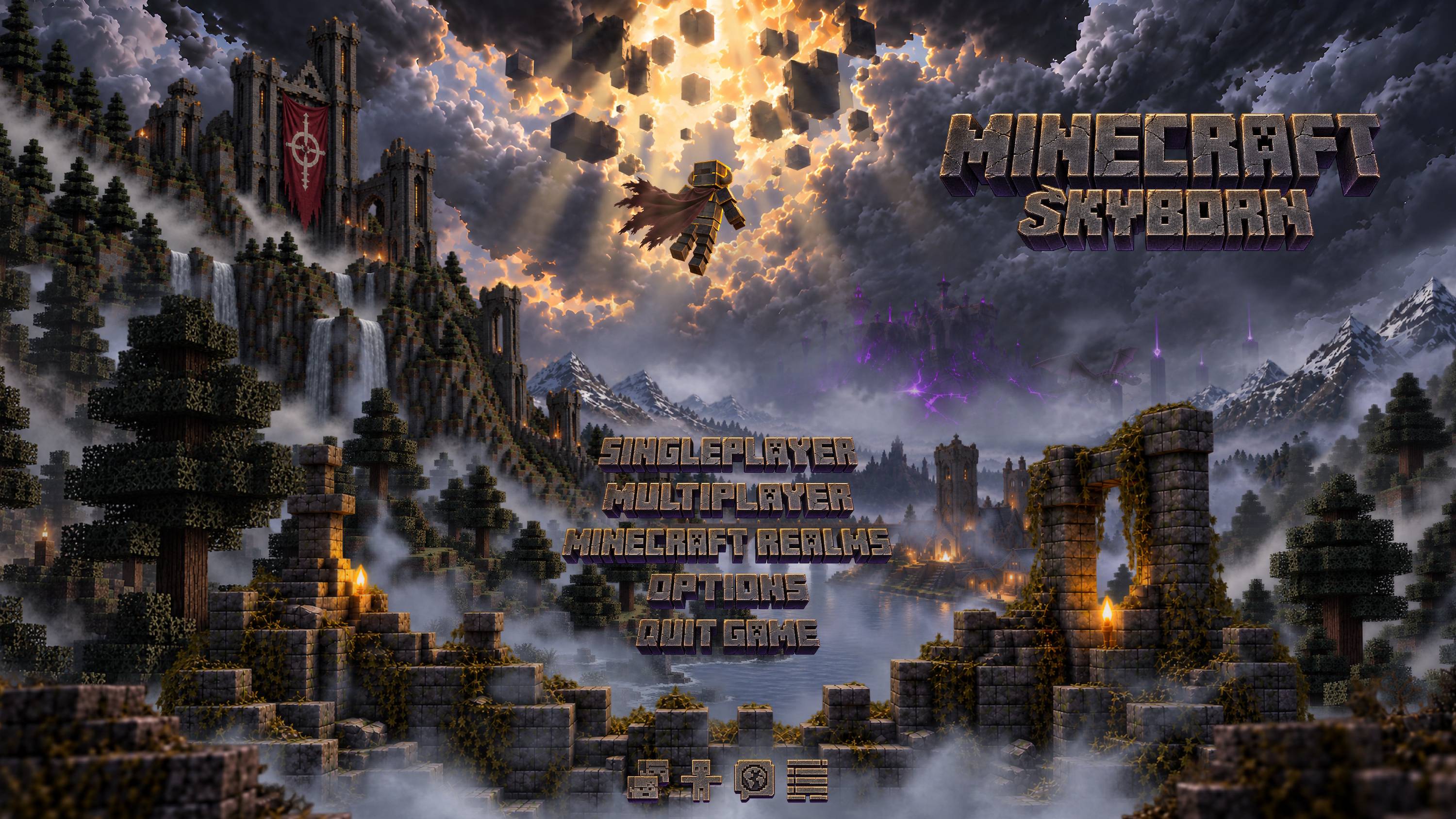
Install the mod and launch Minecraft. The Skyborn title screen automatically replaces the vanilla main menu after loading finishes.
All standard menu controls continue to perform their original functions through the new interface.
The mod is entirely client-side. Multiplayer servers do not need to install it.
It does not modify worlds, gameplay or server behavior. Bloom Audio - Music Systems Overhaul support is optional; the title screen and its dedicated music continue to function without it.
Project description from CurseForge.
Pick your setup
Choose the version and loader you play, then open the matching release.
Check the dependencies, then try the file in a copied instance before changing a world you care about.
Recent files
20 Oct 2026
20 Sept 2026
Looking for an older file? The official CurseForge project page is in Resources.
 mod
modOne endless ocean in place of the Overworld. Set sail on a custom houseboat.
 mod
modA minecraft teleportation mod. Add, link and teleport!
 mod
modThis is an add-on for "Touhou Maid". It aims to enrich the maid raising system, improve players' efficiency in raising maids, and increase maids' survival chance in combat.