Minecraft version
Back to mods 
CurseForge · Minecraft mod
MipmapFix
Ever noticed that textures become very fuzzy when introducing a mod or two, maybe a resource pack? Here's your fix.
Choose a version Pick your version below, then grab the matching file.
Quick answer
Which MipmapFix release should I use?
Latest stable file MipmapFix-1.0.0.jar
Game version 1.21, 1.19.3, 1.20.2
Loader Fabric
MipmapFix-1.0.0.jar targets 1.21, 1.19.3, 1.20.2 with Fabric. The project page does not say whether this file belongs on the client, dedicated server, or both. No extra mods listed for this file.
Where it goes
Is MipmapFix required on the client, server, or both?
The project page does not say whether this file belongs on the client, dedicated server, or both.
Client Source doesn’t say
Dedicated server Source doesn’t say
Loader for this release Fabric
Required install it here Optional supported, not mandatory Not supported do not install here Source doesn’t say do not assume
The source does not explicitly classify this release as client-only or server-only.
What else does MipmapFix-1.0.0.jar need?
MipmapFix-1.0.0.jar. Change the file and its required mods may change too.
This file does not list any required mods. Do not add a library just because a different file uses it.
This file does not list any required or optional mods.
Before you install it
Add MipmapFix without breaking your instance.
Built for MipmapFix-1.0.0.jar. Pick another file and the loader, install side or required mods may change.
- 01
Stick to this file
Use MipmapFix-1.0.0.jar. It targets 1.21, 1.19.3, 1.20.2 with Fabric; another release may have different loader, side or dependency requirements.
- 02
Bring the mods it needs
This file does not list any required mods. Do not add a library just because a different file uses it.
- 03
Put it on the correct side
The project page does not say whether this file belongs on the client, dedicated server, or both.
- 04
Pick the file you checked
Use the “Get this file” button beside MipmapFix-1.0.0.jar. It opens that exact file at the source.
About this project
What does MipmapFix add?
Ever noticed that distant textures become very fuzzy when introducing a mod or two, maybe a resource pack? Here's your fix.
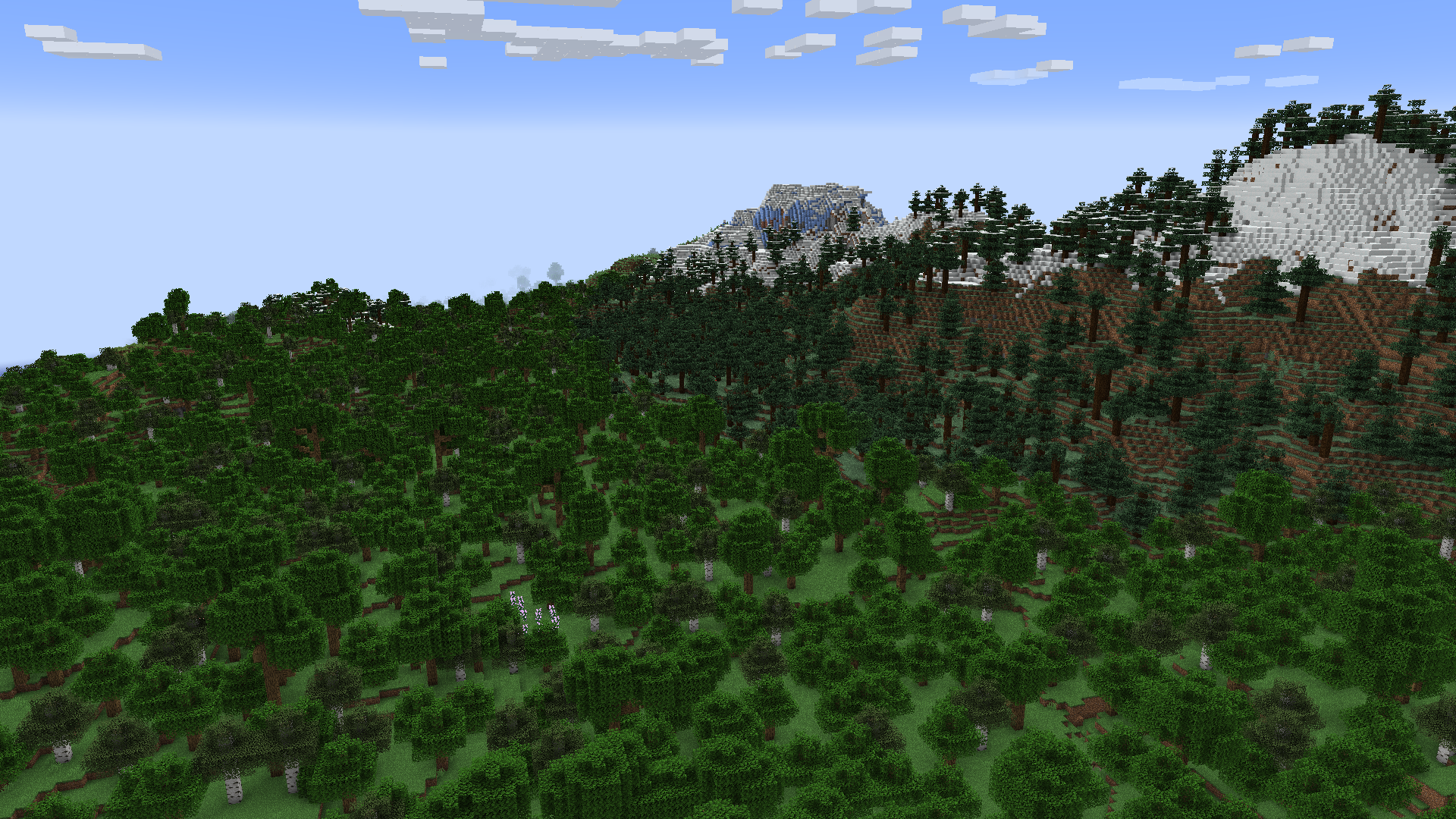
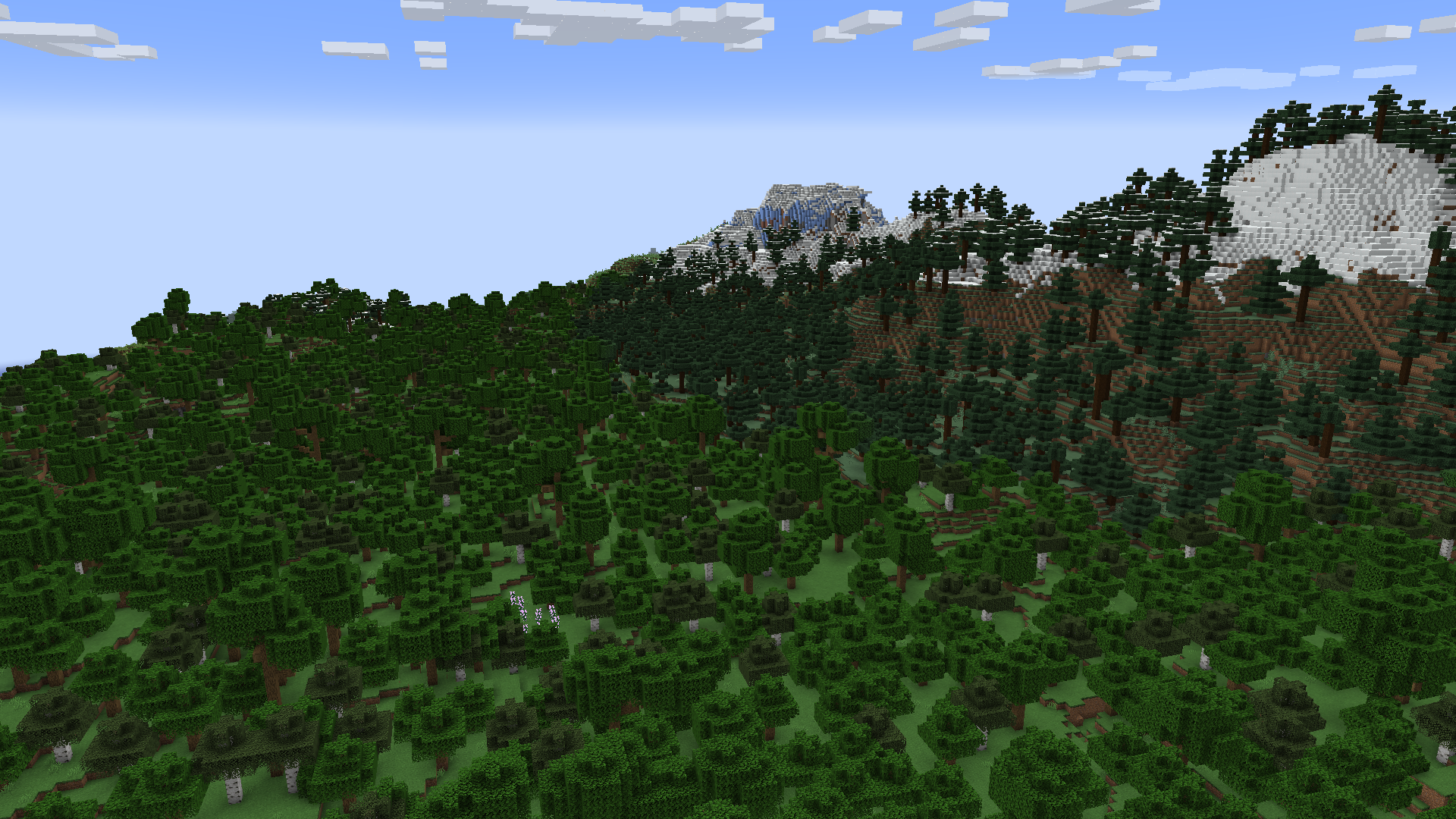
Visual Comparison
The difference is not actually immediately noticeable, unless you look closely at the images.
Before vs After
Why does this happen?
One of your mods or resource packs has a texture that isn't a power of two being used in the blocks or items. A power of two texture is 16x16, 32x32, 64x64, 128x128, etc.
Your textures should always be a power of two regardless, even if they're being added to a texture atlas that is already a power of two. It's nice to have a standard, and for any textures that aren't on an atlas, they would provide some rendering optimizations on their own.
Why doesn't this happen on (Neo)Forge?
They have their own fix for this, which I ported to mixin into Kilt, then adapted into its own mod because for some reason no one else has done this. Everyone that has is all me.
Project description from CurseForge.
Pick your setup
MipmapFix by Minecraft version and loader
Choose the version and loader you play, then open the matching release.
Minecraft version
1.21
1 loader buildMinecraft version
1.20.6
1 loader buildMinecraft version
1.20.5
1 loader buildMinecraft version
1.20.4
1 loader buildMinecraft version
1.20.3
1 loader buildMinecraft version
1.20.2
1 loader buildMinecraft version
1.20.1
1 loader buildMinecraft version
1.20
1 loader buildMinecraft version
1.19.4
1 loader buildMinecraft version
1.19.3
1 loader buildCheck the dependencies, then try the file in a copied instance before changing a world you care about.
Recent files
MipmapFix versions and loaders
MipmapFix-1.0.0.jar
21 Sept 2026
Client Source doesn’t say Server Source doesn’t say Dependencies No extras listed Listed on Release listing
Check the 1.21.1 · Fabric setup 1.211.19.31.20.21.19.4 release
Looking for an older file? The official CurseForge project page is in Resources.
 mod
GitHub · Minecraft
modpacks-ch-github-test
Disposable public fixture for testing the Modpacks.ch GitHub catalogue flow
 mod
CurseForge · Minecraft
Spawn Point: Desktop
Remembers and restores your Minecraft window’s display, position, and style.
 mod
Modrinth · Minecraft
Adrenaline
Generation multithreading, but better