Minecraft version
Back to mods 
CurseForge · Minecraft mod
Story Chat
A mod that modifies the chat and adds useful features and extensive capabilities. It is perfect for both story-driven maps and everyday gameplay.
Choose a version Pick your version below, then grab the matching file.
Quick answer
Which Story Chat release should I use?
Latest stable file Story Chat v1.0.1
Game version 1.21.1
Loader NeoForge
Story Chat v1.0.1 targets 1.21.1 with NeoForge. The project page does not say whether this file belongs on the client, dedicated server, or both. No extra mods listed for this file.
Where it goes
Is Story Chat required on the client, server, or both?
The project page does not say whether this file belongs on the client, dedicated server, or both.
Client Source doesn’t say
Dedicated server Source doesn’t say
Loader for this release NeoForge
Required install it here Optional supported, not mandatory Not supported do not install here Source doesn’t say do not assume
The source does not explicitly classify this release as client-only or server-only.
What else does Story Chat v1.0.1 need?
Story Chat v1.0.1. Change the file and its required mods may change too.
This file does not list any required mods. Do not add a library just because a different file uses it.
This file does not list any required or optional mods.
Before you install it
Add Story Chat without breaking your instance.
Built for Story Chat v1.0.1. Pick another file and the loader, install side or required mods may change.
- 01
Stick to this file
Use Story Chat v1.0.1. It targets 1.21.1 with NeoForge; another release may have different loader, side or dependency requirements.
- 02
Bring the mods it needs
This file does not list any required mods. Do not add a library just because a different file uses it.
- 03
Put it on the correct side
The project page does not say whether this file belongs on the client, dedicated server, or both.
- 04
Pick the file you checked
Use the “Get this file” button beside Story Chat v1.0.1. It opens that exact file at the source.
About this project
What does Story Chat add?
Story Chat
Story Chat is a lightweight interface mod that completely overhauls the vanilla Minecraft chat. It modernizes text display, improves readability, and adds deep customization — a great fit for custom modpacks, RP servers, story-driven maps, or everyday gameplay.
What the Mod Changes
- Two Chat Styles: Switch between Story Chat and Vanilla+ at any time.
- Custom Character Portraits: Story maps can display a custom character head instead of a player head for narration and dialogue.
- Nickname Colors: Choose your own color, and pick between a uniform color for everyone or each player's own personal color.
- Smooth Animations & HEX Colors: Fade-in messages and precise HEX color input for UI and nicknames.
- Config & History Screens: Built-in settings menu, custom chat position, and a scrollable message history bound to hotkeys.
Compatibility
- This mod is required on both client and server for full functionality (nickname color sync, character portraits). It changes core chat rendering, so it will likely conflict with other chat-overhaul mods.
Permissions
- Modpacks: You are very welcome to include this mod in your modpacks. Linking back to this page is appreciated so users can always find the latest updates and help the project grow!
- Videos/Content: You are free to use this mod in your videos, streams, or screenshots.
- Redistribution: Please do not re-upload this mod to other websites. Always link to this official page.
- Modifications: Do not modify, decompile, or create "forks" of this mod without my permission.
- Disclaimer: I am not responsible for any issues or conflicts that may arise from using this mod in third-party modpacks or custom maps.
| Command | Description |
|---|---|
/storychat mode <story/vanilla> |
Change chat mode |
/storychat position <position> |
Change chat position |
/storychat guiAnimation <true/false> |
Toggle menu animations |
/storychat animation <true/false> |
Toggle message pop-up |
/storychat historyAnimation <true/false> |
Toggle history slide-in |
/storychat print <true/false> |
Toggle typewriter effect |
/storychat duration <seconds> |
Set message display time |
/storychat theme <HEX> |
Set a custom chat theme color |
/storychat nickcolor <HEX> |
Change nickname color |
/storychat nickcolor reset |
Reset nickname color |
/storychat nickcolormode <uniform/per_player> |
How other players' name colors are shown to you |
/storychat feedback <true/false> |
Toggle command confirmation messages |
Project description from CurseForge.
Pick your setup
Story Chat by Minecraft version and loader
Choose the version and loader you play, then open the matching release.
Check the dependencies, then try the file in a copied instance before changing a world you care about.
Recent files
Story Chat versions and loaders
Story Chat v1.0.1
StoryChat-v1.0.1.jar
29 Nov 2026
Client Source doesn’t say Server Source doesn’t say Dependencies No extras listed Listed on Release listing
Check the 1.21.1 · NeoForge setup 1.21.1NeoForge release
Story Chat v1.0.0
StoryChat_v1.0.0rel.jar
28 Oct 2026
Client Source doesn’t say Server Source doesn’t say Dependencies No extras listed Listed on Release listing
Check the 1.21.1 · NeoForge setup 1.21.1NeoForge release
Looking for an older file? The official CurseForge project page is in Resources.
 mod
CurseForge · Minecraft
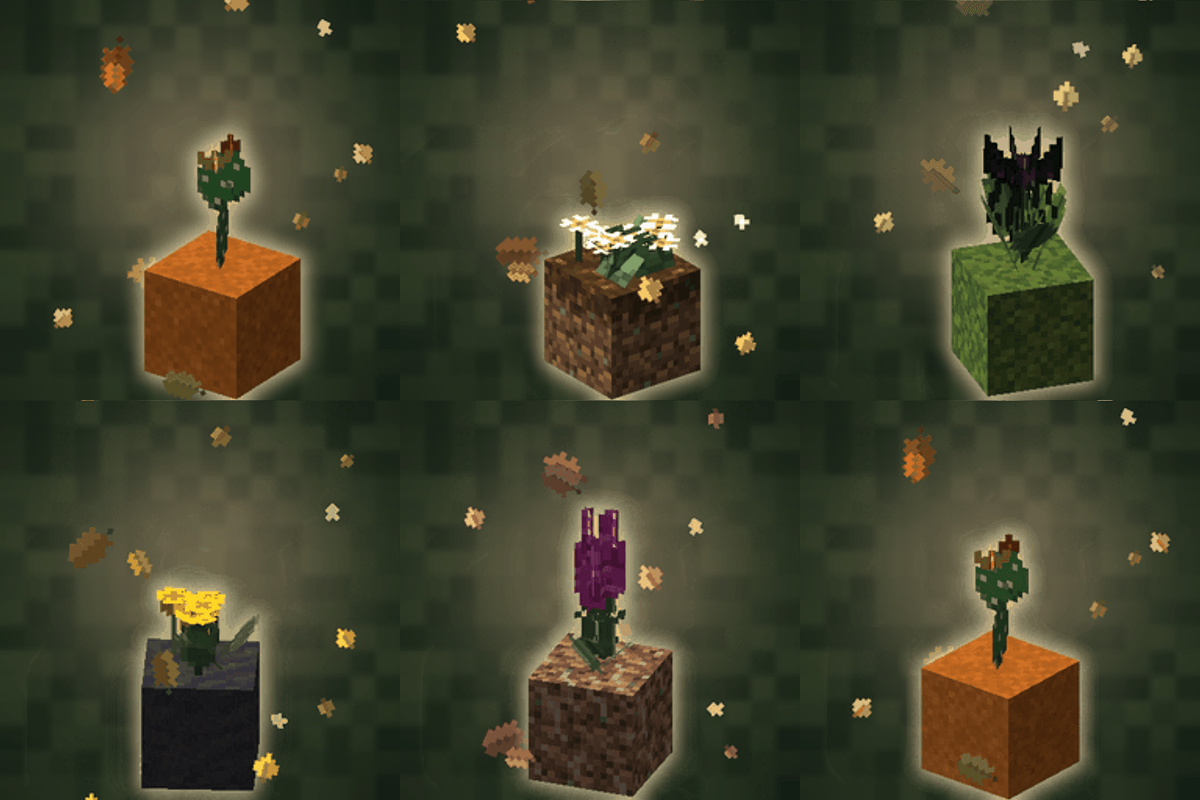
Litter & Flowers: Foliage, Flowers & Ivy Decoration
Leaf litter under every tree, 3D flowers, ivy and grapevines that grow on ruins, wild plants, bushes and water lilies. Vanilla style.
 mod
CurseForge · Minecraft
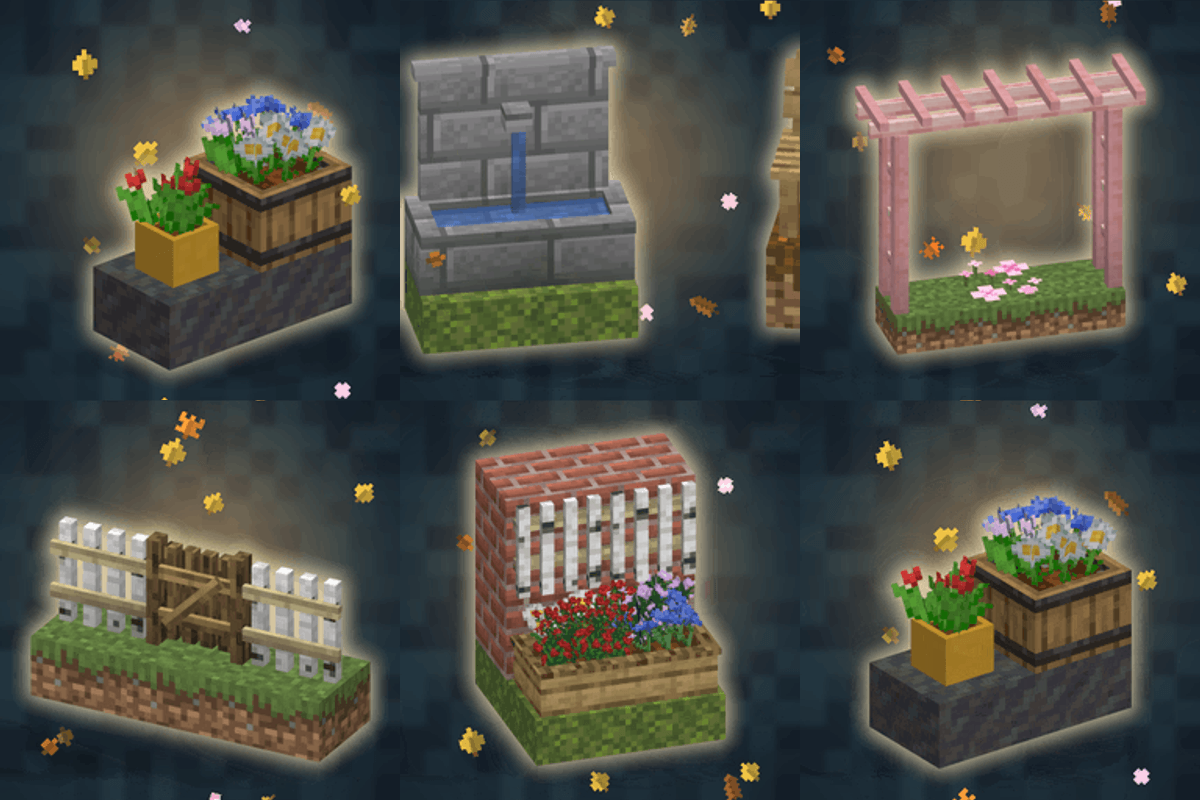
Garden Furniture
Vanilla-style garden furniture: planters and pots for any plant that join into beds, benches, tables, arches, picket fences and gates, trellises, lanterns and fountains.
 mod
Modrinth · Minecraft
Story Chat
A mod that modifies the chat and adds useful features and extensive capabilities. It is perfect for both story-driven maps and everyday gameplay.