Overgeared Optional for Erosion build 8 snapshot 9447194931198005391
optionalMatching file found Matched file: overgeared-neoforge-1.21.1-1.6.19.jar
CurseForge · Minecraft mod
Welcome to Erosion, Minecraft Chemically Reimagined.
Quick answer
Erosion build 8 snapshot 9447194931198005391 targets 1.21.1 with NeoForge. The project page does not say whether this file belongs on the client, dedicated server, or both. No extra mods listed for this file.
Where it goes
The project page does not say whether this file belongs on the client, dedicated server, or both.
The source does not explicitly classify this release as client-only or server-only.
build 8 snapshot 9447194931198005391. Change the file and its required mods may change too.
This file does not list any required mods. Do not add a library just because a different file uses it.
1 extra mod was pulled in by another dependency. Indented rows show who needs each one. We only count dependency files that match this setup. A file for another loader does not fill the gap.
Before you install it
Built for Erosion build 8 snapshot 9447194931198005391. Pick another file and the loader, install side or required mods may change.
Use build 8 snapshot 9447194931198005391. It targets 1.21.1 with NeoForge; another release may have different loader, side or dependency requirements.
This file does not list any required mods. Do not add a library just because a different file uses it.
The project page does not say whether this file belongs on the client, dedicated server, or both.
Use the “Get this file” button beside build 8 snapshot 9447194931198005391. It opens that exact file at the source.
About this project

[!NOTE] Welcome to chemically reimagined Minecraft!
Although this mod is called Erosion, it is focused on all kinds of geochemical processes that can alter blocks such as different types of stone, dirt and more.
Each item this mod adds or modifies gets its nicely described tooltip like this, so you cannot get lost!
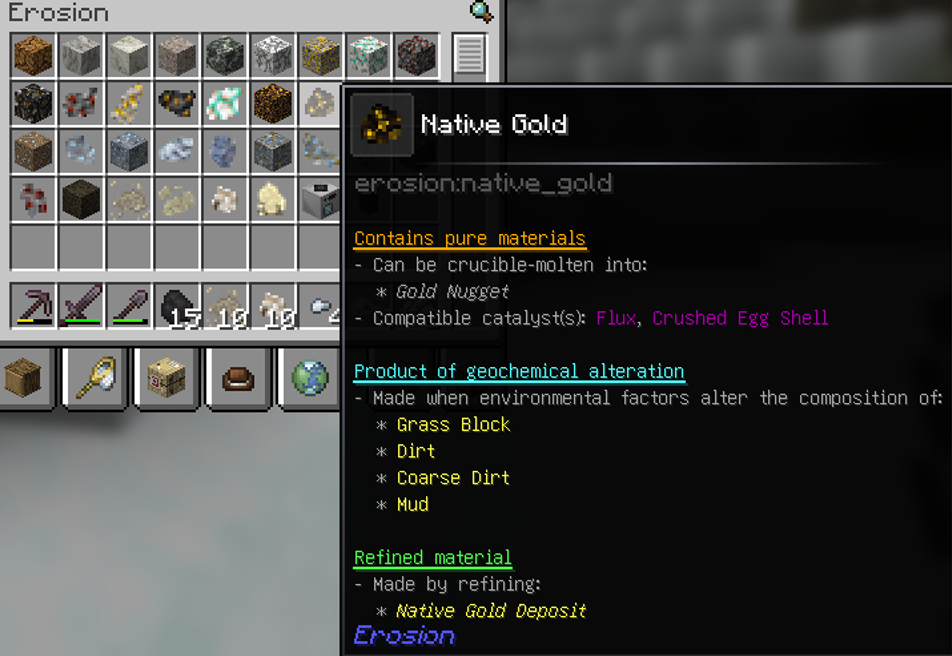
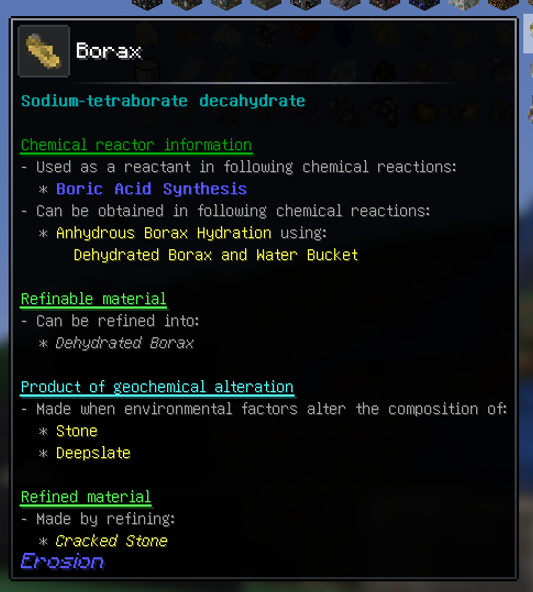
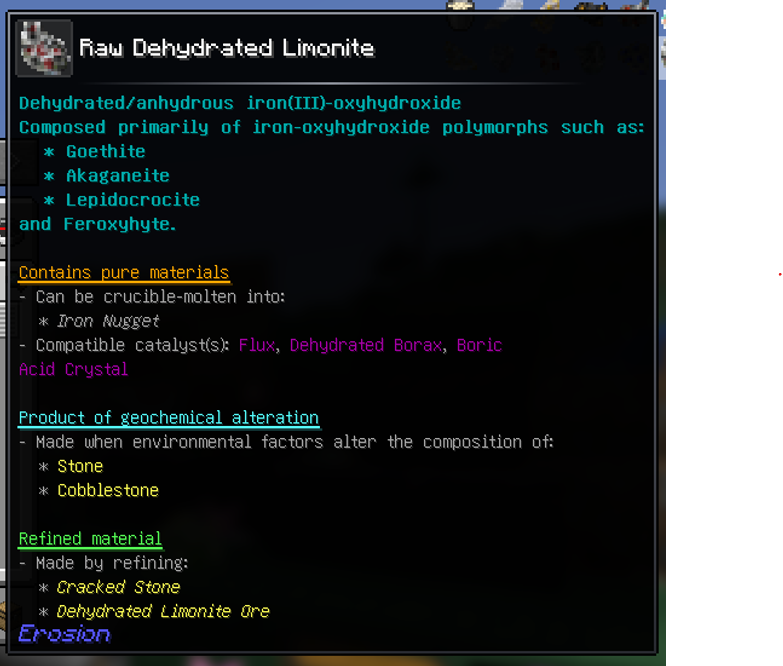
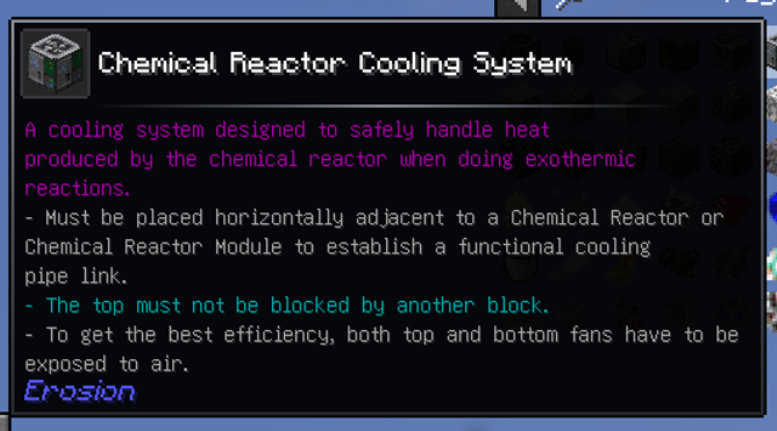
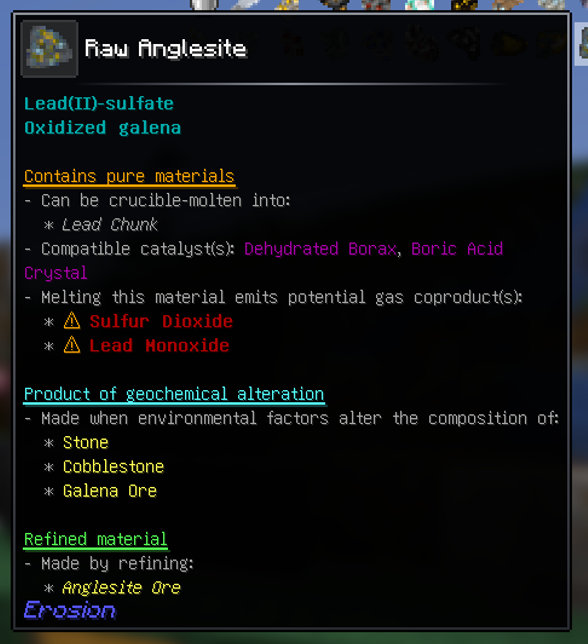
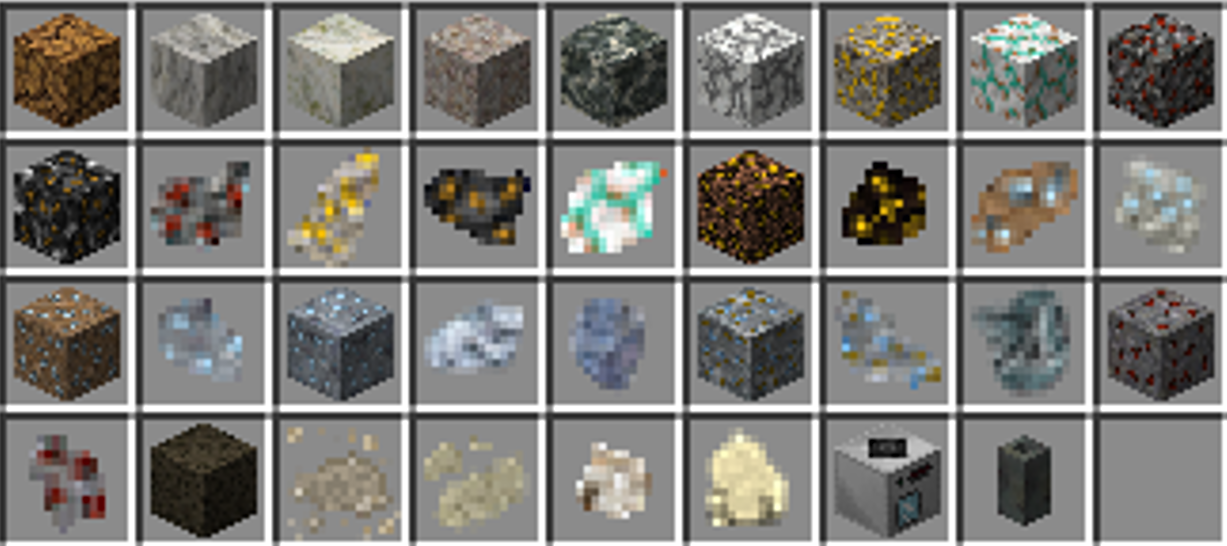
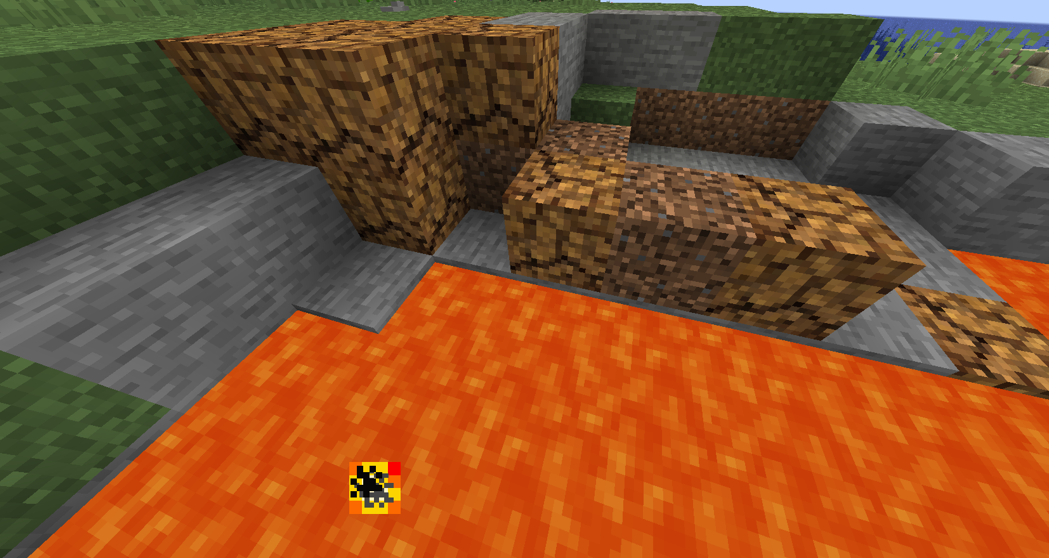
As you can see blocks can be altered by lava or water present.
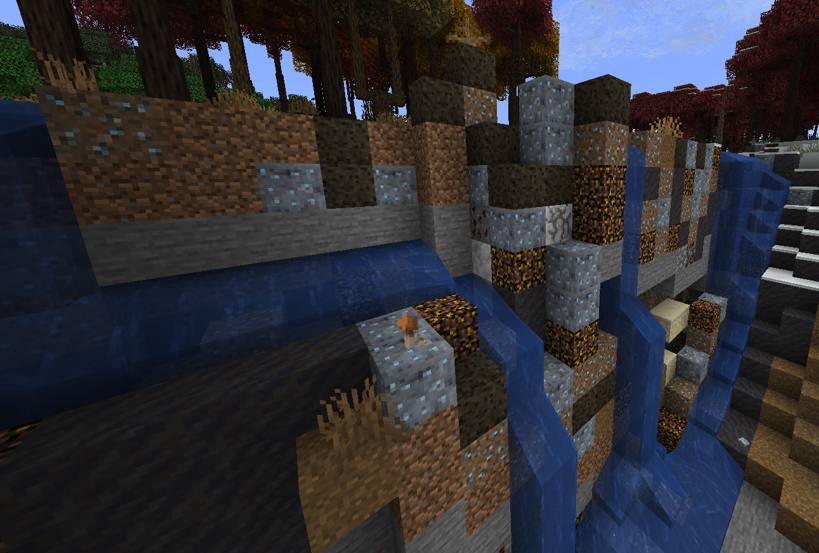
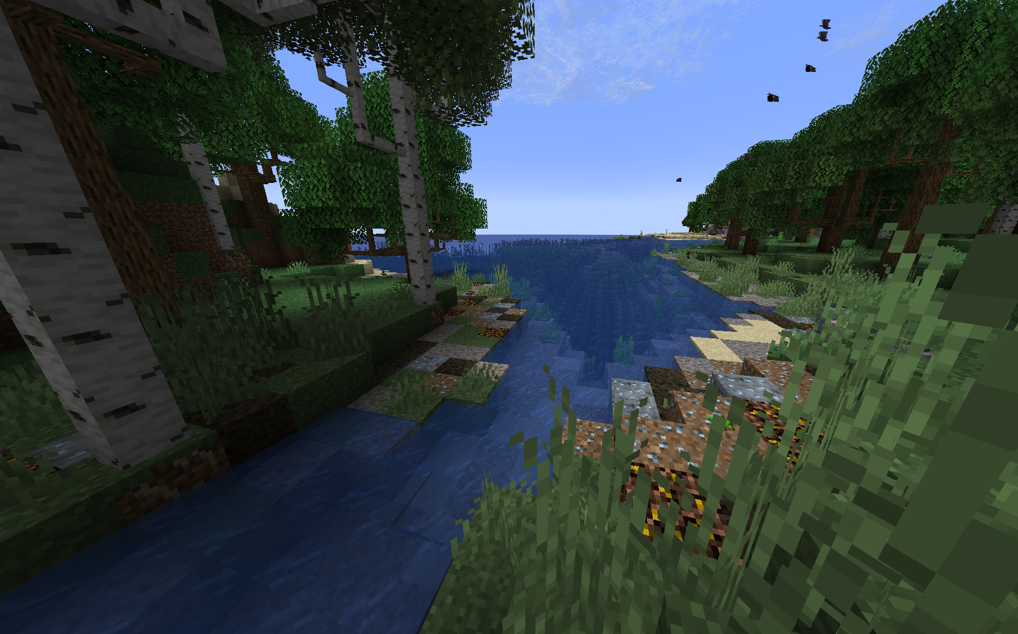
There are nice minerals that spawn in real-time as your rivers erode the soil. This mod adds malachite, limonite, magnetite, hematite, bismuthinite, cassiterite, pyrite, and more!
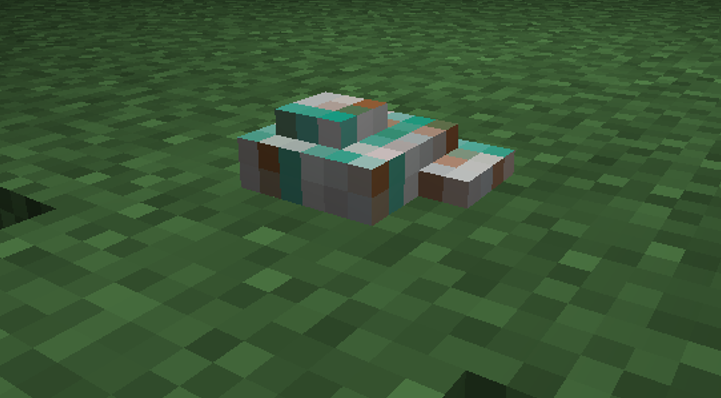
I highly recommend following mods for a bigger level of immersiveness:
Although geochemical alteration of blocks and spawning of mineral rocks is a live process that is happening as you explore your world, the mod is very optimized and works seamlessly on Intel Pentium server while maintaining 20 TPS!
erosion_config folder and then use /erosion reload_config.Wanna give it a try? Download now!
Join Discord server to give new ideas! Link: https://discord.gg/gFvUagQbBd
View more on Github: https://github.com/bracesoftware/erosion
Want to make a compatibility layer with Erosion?
@ErosionEvents.ErosionEventSubscribe
public static void EventName(ErosionEvents.ErosionBlockEntityRecipeRegistration e)
{
    //do smth
    return;
}
Register your class:
ErosionEventBus.registerListeners(NAME.class);
Project description from CurseForge.
Pick your setup
Choose the version and loader you play, then open the matching release.
Check the dependencies, then try the file in a copied instance before changing a world you care about.
Recent files
Erosion-neoforge.jar
29 Sept 2026
Erosion-neoforge.jar
28 Sept 2026
Erosion-neoforge.jar
27 Sept 2026
Erosion-neoforge.jar
26 Sept 2026
Erosion-neoforge.jar
25 Sept 2026
Erosion-neoforge.jar
25 Sept 2026
23 Sept 2026
Looking for an older file? The official CurseForge project page is in Resources.
 mod
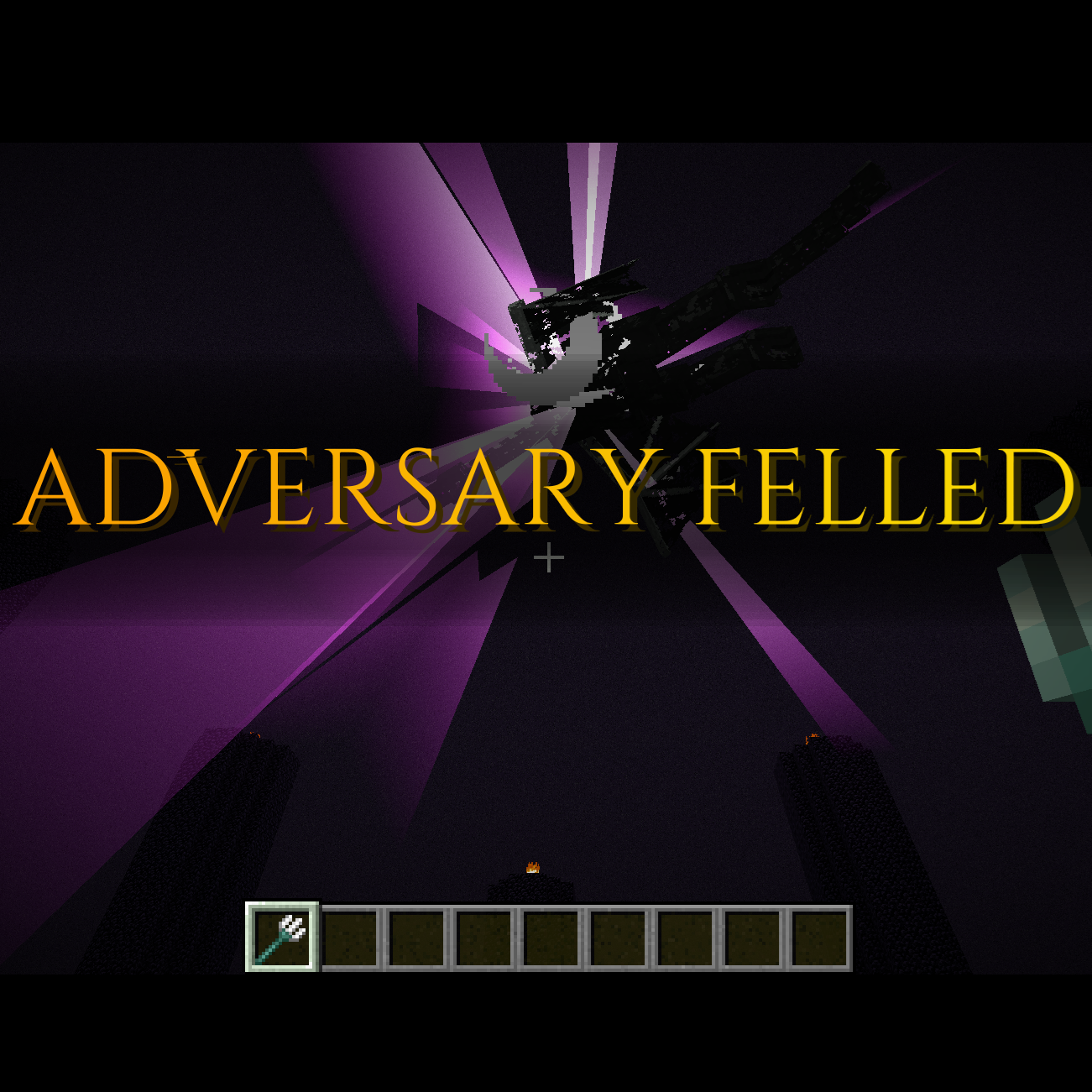
modDefeating bosses causes a Soulsborne-esque notification banner to flash across the screen.
 mod
modA Psycho Villagers addon that adds a randomly accuring night event that lets villagers unleash their anger or something
 mod
modA simple quality of life mod that swaps between chestplate and elytra on a keystroke.
