LambDynamicLights Optional for Propwash FPV propwash-neoforge-26.3-0.5.2.jar
optionalMatching file found Matched file: LambDynamicLights 4.13.0 (26.3)

CurseForge · Minecraft mod
A realistic FPV drone racing and freestyle simulator. Build and fully customize your own quadcopter, then fly it in first person with your own RC transmitter.
Quick answer
Propwash FPV propwash-neoforge-26.3-0.5.2.jar targets 26.3 with NeoForge. The project page does not say whether this file belongs on the client, dedicated server, or both. No extra mods listed for this file.
Where it goes
The project page does not say whether this file belongs on the client, dedicated server, or both.
The source does not explicitly classify this release as client-only or server-only.
propwash-neoforge-26.3-0.5.2.jar. Change the file and its required mods may change too.
This file does not list any required mods. Do not add a library just because a different file uses it.
2 extra mods were pulled in by other dependencies. Indented rows show who needs each one. We only count dependency files that match this setup. A file for another loader does not fill the gap.
Before you install it
Built for Propwash FPV propwash-neoforge-26.3-0.5.2.jar. Pick another file and the loader, install side or required mods may change.
Use propwash-neoforge-26.3-0.5.2.jar. It targets 26.3 with NeoForge; another release may have different loader, side or dependency requirements.
This file does not list any required mods. Do not add a library just because a different file uses it.
The project page does not say whether this file belongs on the client, dedicated server, or both.
Use the “Get this file” button beside propwash-neoforge-26.3-0.5.2.jar. It opens that exact file at the source.
About this project
Propwash turns Minecraft into a realistic FPV drone simulator. Build and fully customize your own quadcopter from real drone parts, strap on your goggles, and fly it in first person with a proper flight model, a Betaflight-style flight controller and video that breaks up like a real analog or digital link. Race it through gates, learn the ropes in the built-in Flight School, and craft your way there in survival.
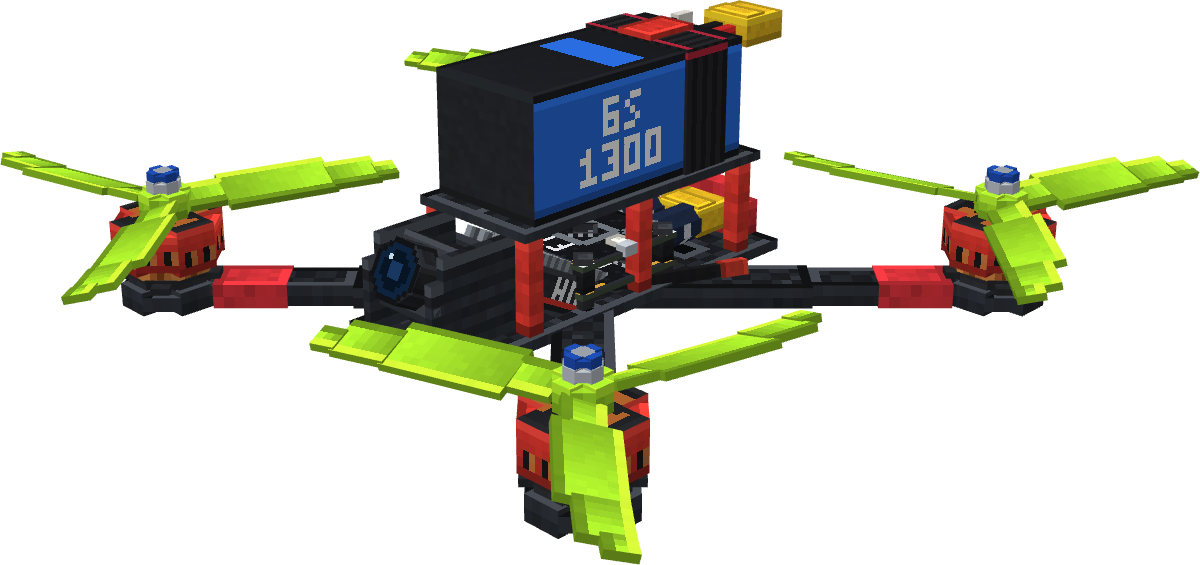
Propwash isn't a reskinned elytra. Every drone is assembled part by part at the Drone Workbench, and its weight, thrust and flight time follow from what you actually built. Fly with your own transmitter, a gamepad or the keyboard, watch it through goggles that degrade the way a real video link does, and race it through gates with lap timing and ghosts.
Realistic flight and flight controller
Fully customizable drones
FPV, video and racing
Flight School
Survival friendly
Freestyle and multiplayer
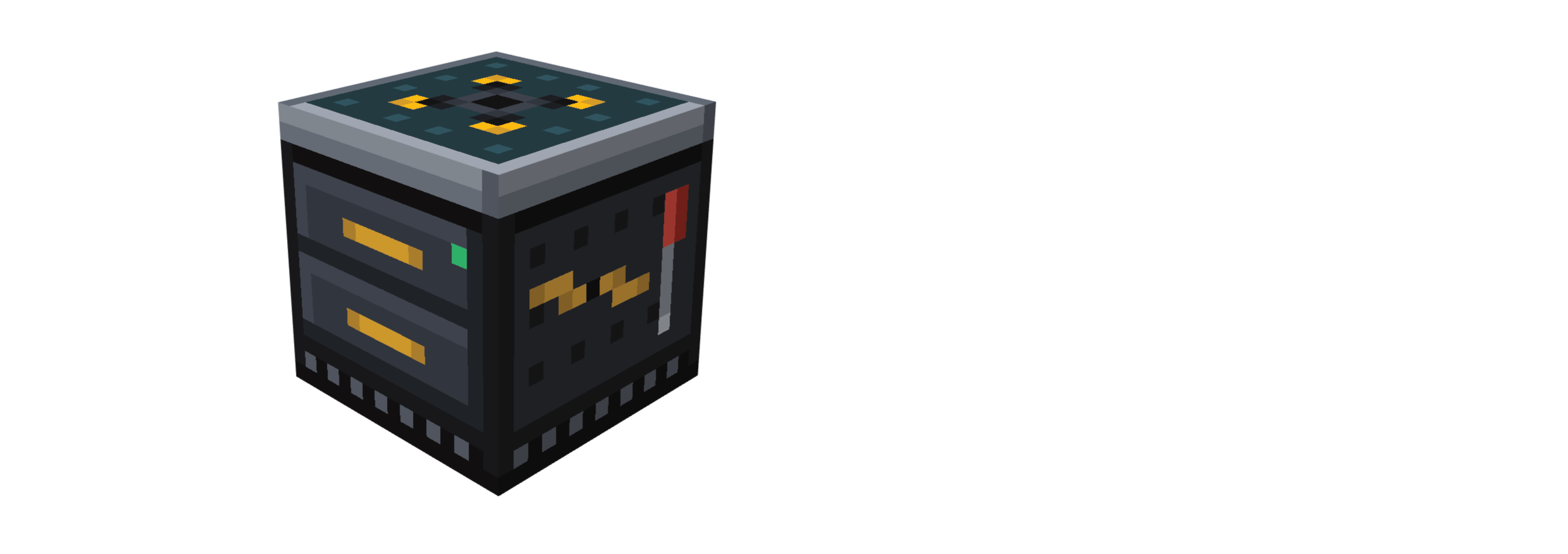
Full setup, all key bindings and every tuning option live in the in-game Configurator (K), and every item has a matching Flight School lesson, just hold M over it.
| Minecraft | 26.3 |
| Fabric | Fabric Loader 0.19.5+, Fabric API 0.161.0+26.3 |
| NeoForge | 26.3.0.10-beta+ |
| Java | 25 |
Required on both client and server.
Join the Discord. Bugs, tuning feedback and suggestions all get read there.
I design this mod myself: every feature, how the systems fit together, the flight feel and the tuning. All models and textures are made by hand. I use AI tools to me optimize the code, and I review and test everything in-game.
Project description from CurseForge.
Pick your setup
Choose the version and loader you play, then open the matching release.
Check the dependencies, then try the file in a copied instance before changing a world you care about.
Recent files
17 Oct 2026
17 Oct 2026
12 Oct 2026
12 Oct 2026
11 Oct 2026
11 Oct 2026
5 Oct 2026
5 Oct 2026
25 Sept 2026
25 Sept 2026
Looking for an older file? The official CurseForge project page is in Resources.
 mod
Add evil Hunter's mob! They hunt the animals while making a cheeky laugh...
 mod
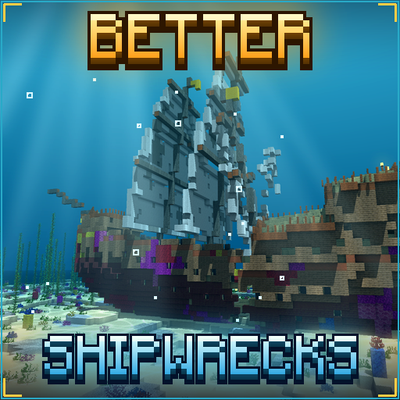
Every shipwreck rebuilt as a huge 3D ship: galleons, brigs, merchantmen, sloops and Viking longships, sunk or beached in many ways. Vanilla loot, server-side.
 mod
Professional CCTV for Minecraft: PTZ security cameras, live monitor screens that auto-switch to whoever is on camera, patrol and motion tracking modules, alarms and permissions. Fabric, NeoForge and Forge, 1.20.1 to 26.3.