Net Music Needed by NetMusicNeedKG netmusic_kugou-1.0.0-release-forge+mc1.20.1.jar
requiredMatching file found Matched file: netmusic-1.5.2-forge+mc1.20.1.jar

CurseForge · Minecraft mod
A NetMusic addon with KuGou music support
Quick answer
NetMusicNeedKG netmusic_kugou-1.0.0-release-forge+mc1.20.1.jar targets 1.20.1 with Forge. The project page does not say whether this file belongs on the client, dedicated server, or both. All 2 required mods have matching files.
Where it goes
The project page does not say whether this file belongs on the client, dedicated server, or both.
The source does not explicitly classify this release as client-only or server-only.
netmusic_kugou-1.0.0-release-forge+mc1.20.1.jar. Change the file and its required mods may change too.
Install Net Music, Cloth Config API (Fabric/Forge/NeoForge) first. We found matching files for this game-version and loader setup.
We only count dependency files that match this setup. A file for another loader does not fill the gap.
Before you install it
Built for NetMusicNeedKG netmusic_kugou-1.0.0-release-forge+mc1.20.1.jar. Pick another file and the loader, install side or required mods may change.
Use netmusic_kugou-1.0.0-release-forge+mc1.20.1.jar. It targets 1.20.1 with Forge; another release may have different loader, side or dependency requirements.
Install Net Music, Cloth Config API (Fabric/Forge/NeoForge) first. We found matching files for this game-version and loader setup.
The project page does not say whether this file belongs on the client, dedicated server, or both.
Use the “Get this file” button beside netmusic_kugou-1.0.0-release-forge+mc1.20.1.jar. It opens that exact file at the source.
About this project
A NetMusic addon that brings the KuGou music source into Minecraft!
Search for "NetMusicNeedKuGou" in your mod list and click the config button.
Scan the QR code with the KuGou Concept Edition app to log in. Register an account first if needed.
Select the music source for the CD burner, view auto-filled VIP Cookie, and choose audio quality.
Configure lyric display. Romaji display is not recommended.
Burned discs work in multiplayer — other players can hear the music too, just like in single-player.
Project description from CurseForge.
Pick your setup
Choose the version and loader you play, then open the matching release.
Check the dependencies, then try the file in a copied instance before changing a world you care about.
Recent files
7 Oct 2026
7 Oct 2026
27 Sept 2026
27 Sept 2026
Looking for an older file? The official CurseForge project page is in Resources.
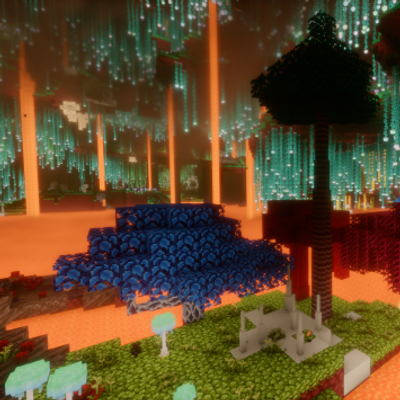 mod
Compatibility between Dynamic Trees and BetterNether
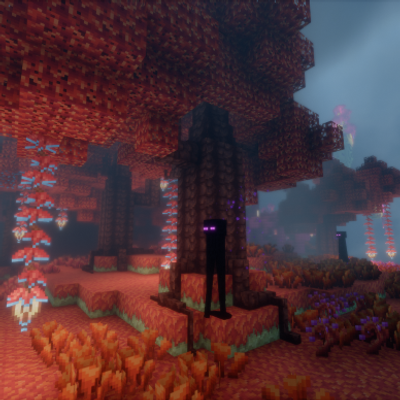 mod
Compatibility addon between Dynamic Trees and BetterEnd
 mod
Core Mod for Extraordinary Energy Modern