Fabric API Needed by Zocular 2.1.0 (26.3)
requiredMatching file found Matched file: [26.3] Fabric API 0.166.0+26.3

CurseForge · Minecraft mod
Smooth zoom, a film-style cinematic camera, freecam and keyframed camera paths, all configured from one clean in-game settings screen.
Quick answer
Zocular 2.1.0 (26.3) targets 26.3 with Fabric. The project page does not say whether this file belongs on the client, dedicated server, or both. All 1 required mods have matching files.
Where it goes
The project page does not say whether this file belongs on the client, dedicated server, or both.
The source does not explicitly classify this release as client-only or server-only.
Zocular 2.1.0 (26.3) on 26.3. Every mod below is checked against that same setup.
Install Fabric API first. We found matching files for this game-version and loader setup. 1 comes through another mod in the chain.
1 extra mod was pulled in by another dependency. Indented rows show who needs each one. We only count dependency files that match this setup. A file for another loader does not fill the gap.
Before you install it
Built for Zocular 2.1.0 (26.3) on 26.3. Pick another file and the loader, install side or required mods may change.
Use Zocular 2.1.0 (26.3). It targets 26.3 with Fabric; another release may have different loader, side or dependency requirements.
Install Fabric API first. We found matching files for this game-version and loader setup. 1 comes through another mod in the chain.
The project page does not say whether this file belongs on the client, dedicated server, or both.
Use the “Get this file” button beside Zocular 2.1.0 (26.3). It opens that exact file at the source.
About this project

Smooth zoom, a film-style cinematic camera, freecam and keyframed camera paths. Client-side, and configured from one clean settings screen.
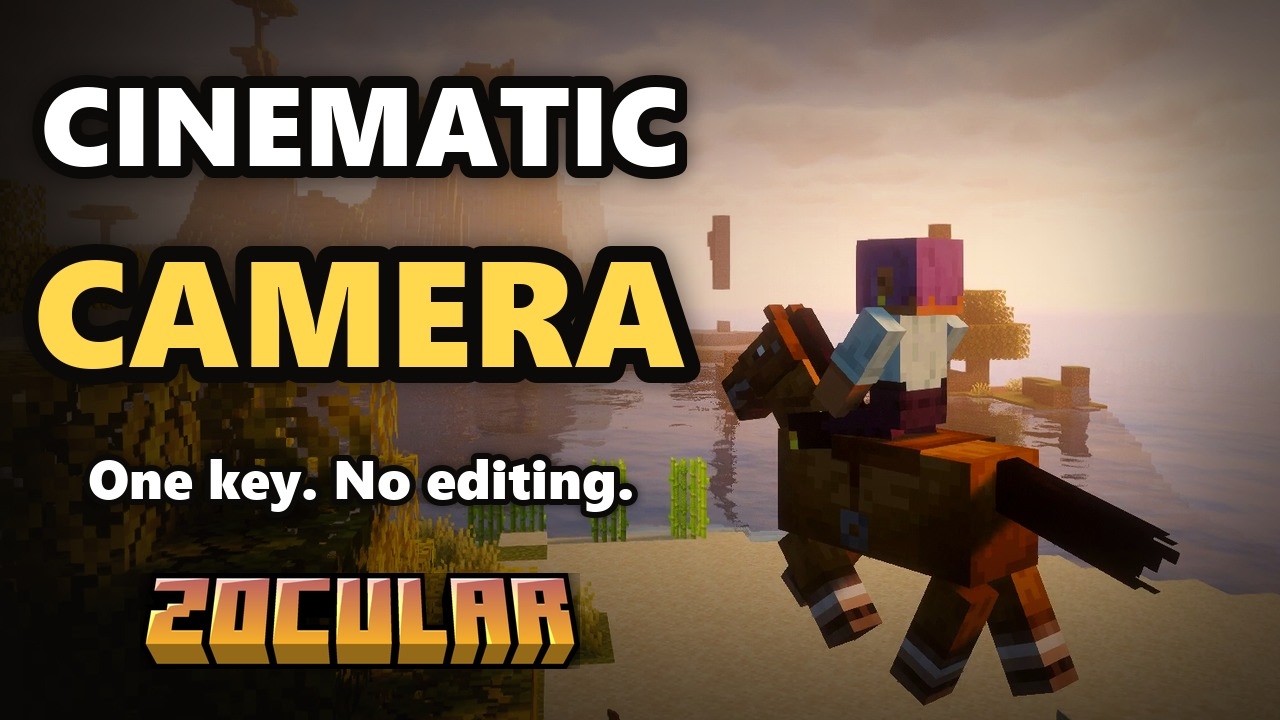
Click to watch the showcase on YouTube.
Press I and the camera flies out and directs the scene like a western film, complete with letterbox bars and a soft vignette.
Press F4 to fly the camera anywhere while your character waits where you left it. Blocks stop the camera unless you turn on noclip, and taking damage snaps you straight back. The freecam panel has a Hide button (H) if you want a cleaner screen.
In freecam, left-click to drop keyframes along a route and right-click to play them back as one smooth shot. The camera follows a spline at an even speed with gentle easing, which makes it easy to film build tours and trailers.
Adjust the third-person distance, switch to an over-the-shoulder view, and roll the horizon for dutch angles in freecam and cinematic shots.
Everything lives in one settings screen: open it from Mod Menu, type /zocular, or bind a key to it. Every option explains what it does, and anything you've changed can be reset with one click. Every Zocular HUD element can be dragged wherever you like with /zocular hud.
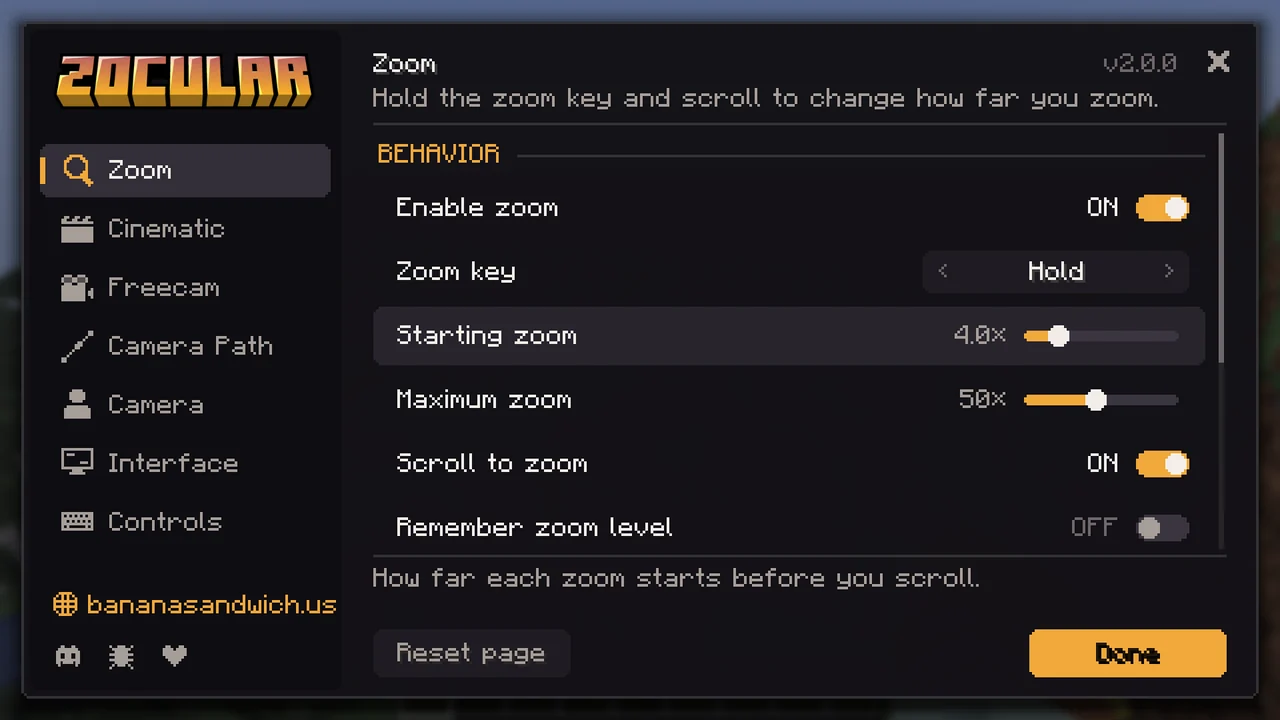
| Action | Default key |
|---|---|
| Zoom (hold, scroll to adjust) | C |
| Cinematic camera | I |
| Next shot | R |
| Freecam | F4 |
| Freecam panel full / compact | H |
| Roll left / right / level | [ / ] / \ |
| Switch shoulder | not bound |
| Open settings | not bound, or /zocular |
In freecam, Attack adds a keyframe, Use plays or stops the path, Pick Block removes the last keyframe and the scroll wheel sets your flying speed. Every key can be changed in the settings.
Zocular only runs on your client, so it works on any server. Some servers don't allow freecam, so check the rules first.

Zocular is made by Bhored from Banana Sandwich SMP, a mature (18+), Hermitcraft-inspired vanilla server with proximity voice chat, built around genuine collaboration and fun.
Visit bananasandwich.us or join the Discord to hop on.
Found a bug or have an idea? Open an issue on GitHub. If you'd like to support development, you can donate through PayPal.
Project description from CurseForge.
Pick your setup
Choose the version and loader you play, then open the matching release.
Check the dependencies, then try the file in a copied instance before changing a world you care about.
Recent files
zocular-2.1.0+26.3.jar
28 Sept 2026
Looking for an older file? The official CurseForge project page is in Resources.
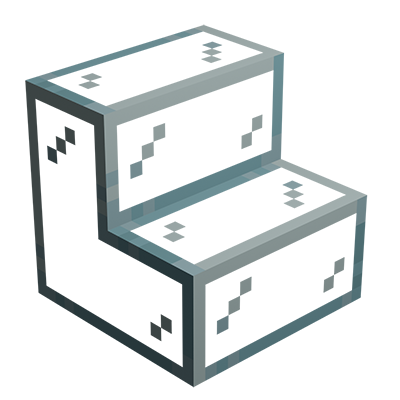 mod
Minecraft mod that adds glass stairs and glass slabs. They look great in any build and connect seamlessly with vanilla glass blocks.
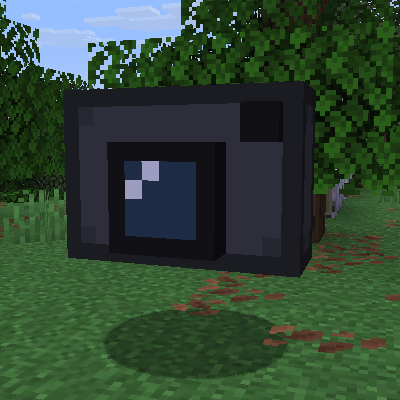 mod
Allows you to move the camera without moving your character. As seen in Wurst.
 mod
export 3D snapshot of your worlds and modded adventures