Create Needed by Create: Interdimensional Travel 0.1.2
requiredMatching file found Matched file: Create 6.0.10 for mc1.21.1

CurseForge · Minecraft mod
A Create addon adding a craftable portal gun and portal fluids that open portals to programmable coordinates, in this dimension or across dimensions.
Quick answer
Create: Interdimensional Travel 0.1.2 targets 1.21.1 with NeoForge. The project page does not say whether this file belongs on the client, dedicated server, or both. All 1 required mods have matching files.
Where it goes
The project page does not say whether this file belongs on the client, dedicated server, or both.
The source does not explicitly classify this release as client-only or server-only.
Create: Interdimensional Travel 0.1.2. Change the file and its required mods may change too.
Install Create first. We found matching files for this game-version and loader setup. 2 come through another mod in the chain.
2 extra mods were pulled in by other dependencies. Indented rows show who needs each one. We only count dependency files that match this setup. A file for another loader does not fill the gap.
Before you install it
Built for Create: Interdimensional Travel 0.1.2. Pick another file and the loader, install side or required mods may change.
Use Create: Interdimensional Travel 0.1.2. It targets 1.21.1 with NeoForge; another release may have different loader, side or dependency requirements.
Install Create first. We found matching files for this game-version and loader setup. 2 come through another mod in the chain.
The project page does not say whether this file belongs on the client, dedicated server, or both.
Use the “Get this file” button beside Create: Interdimensional Travel 0.1.2. It opens that exact file at the source.
About this project
Brew portal fluid in your factory. Load it into a portal gun. Dial in coordinates. Step through.
 Intradimensional |
 Interdimensional |
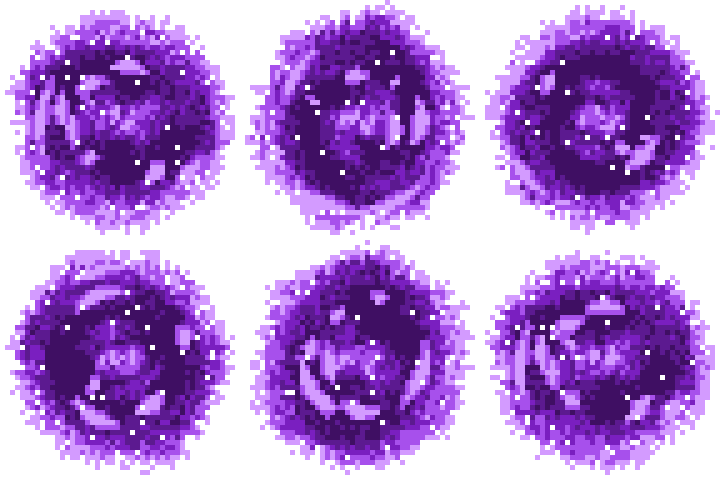 Creative |
|---|
Most teleportation mods I've tried let me down. They were shallow, not much fun, or worst of all, they didn't work with Create at all. So I made the one I wanted. If a certain green-portal sci-fi cartoon comes to mind while you play, that's no accident. It's a big inspiration.
I also didn't want to undercut other modes of transport, like trains or any airships you might have, which is why I want teleporting to be intentionally more expensive than other means.
This is an unofficial add-on for Create. It isn't affiliated with the Create team or with any show.
This is a very early proof of concept. Everything here is a work in progress: features, recipes, textures, and balance can all change. If the mod catches on, I'll keep updating and improving it, so if you like where it's going, let me know! Please back up your world before trying it.
Three gun styles, all with the same features for now;) Pick the one you like:
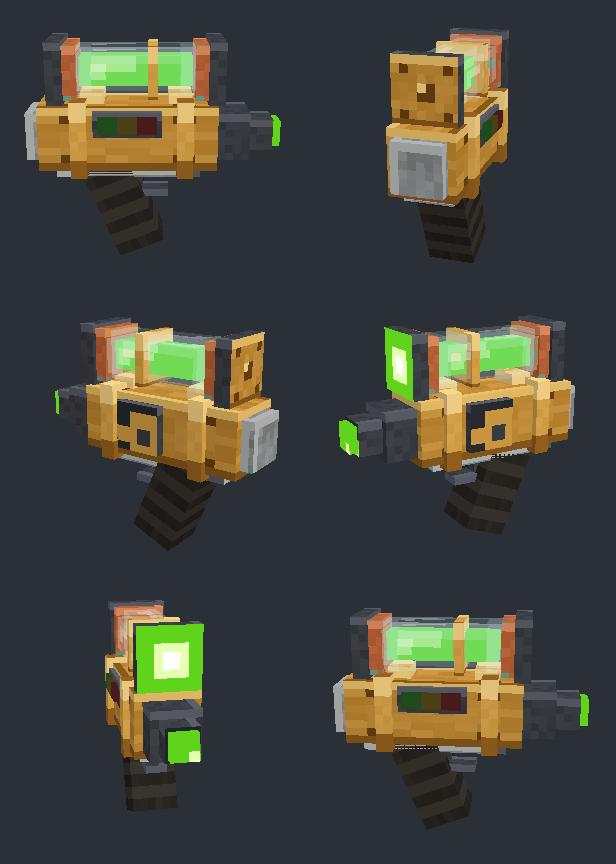 Brass Siphon |
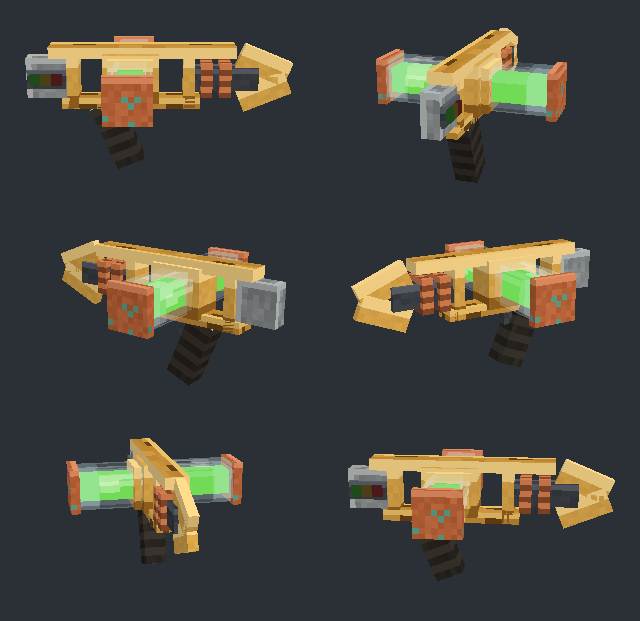 Crossbow Coupler |
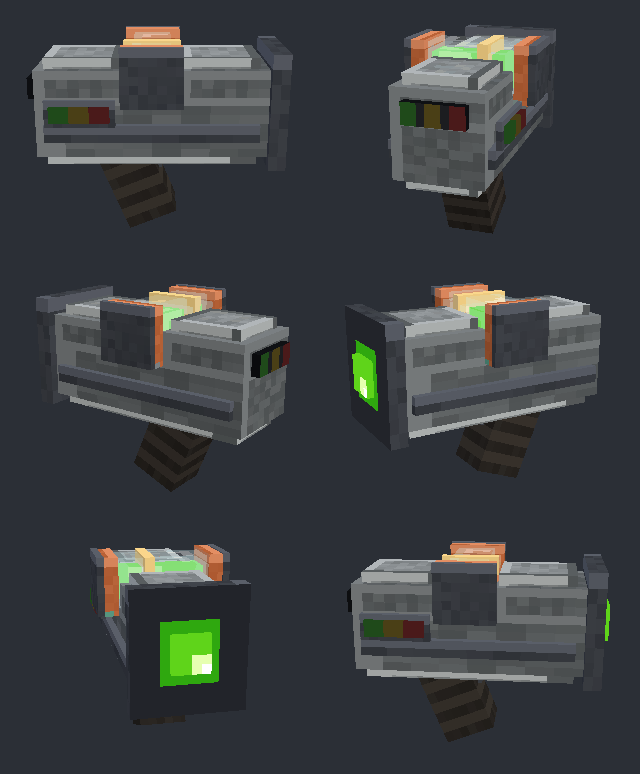 Pocket Condenser |
|---|
D-134). Nickname it, sync bookmarks across all your guns, and if one gets stolen, locate it, cut it off, or blow it up remotely.| Blue: Intradimensional | Green: Interdimensional | |
|---|---|---|
| Travel | Same dimension only | Any dimension |
| To make | Cheap, Overworld materials | Needs the Nether and the End |
| Fuel use | Grows with distance | Gets cheaper with distance |
Both fluids are made with Create machines: crush amethyst into Warp Dust, mix up blue fluid, build an Ender Catalyst by sequenced assembly, then superheat it all into green fluid. Fill a Portal Vial with a Spout and load it into the gun with a Deployer.
Travel takes planning. Jumps have a 200-block minimum, a heavy inventory costs more fluid, and the gun's screen warns you (green/yellow / red) if a jump would leave you stranded with no fuel to get home.
Build a 5×5 frame with a Portal Controller and four Emitters, pipe portal fluid into every corner at balanced pressure, and give two gates the same link code. After a warm-up, the emitters spray goop that forms into a permanent two-way portal. Players, mobs, items, and minecarts can all pass through. Make a gate public and other players' guns can jump to it. Cut the flow carefully, though: shutting a gate down the wrong way makes it go unstable.
Want to keep portals out of your base? The Sub-Ether Barrier is a kinetic machine that blocks portal travel in a sphere around it. Gunshots melt against it unless the gun has enough barrier power.
Ten Ponder scenes walk you through fluids, vials, loading the gun, and building gates. Every recipe shows up in JEI.
Nothing here is promised, but these are the things I want to work on next:
Nearly every number (fuel costs, portal lifetime, cooldowns, explosion power, gate settings, who can use portals) can be changed in the server config. Recipes can be changed with datapacks.
Go for it! Feel free to include this mod in any modpack. A link back here is appreciated.
This is my first project, and I'm really happy with how it's turning out. Everything is a work in progress, and I'll keep updating it as it gets better. If you think this mod has potential, join the Discord or leave a comment with your ideas, bugs, or notes. I pinky promise I'll read every single one. If you hit a bug, please include your logs/latest.log.
Made with love by Clickstone.
Project description from CurseForge.
Pick your setup
Choose the version and loader you play, then open the matching release.
Check the dependencies, then try the file in a copied instance before changing a world you care about.
Recent files
create_interdimensional-0.1.2.jar
2 Nov 2026
create_interdimensional-0.1.1.jar
20 Oct 2026
create_interdimensional-0.1.0-alpha.1.jar
6 Oct 2026
Looking for an older file? The official CurseForge project page is in Resources.
 mod
Storage, computation and crafting extensions for Neo ECO AE Extension, with KubeJS integration for custom infinite matrices.
 mod
A basic mod that adds Small Ships wood variants for TFC and Hundred Years War compatibility for Crownfall Kingdoms Server
 mod
Cultivate mysterious slime molds, discover unique species, observe their life cycles, and create helpful slime care robot girls!