Jade 🔍 Optional for ArynATH 0.3.0 (Beta) — MC 26.1.2
optionalMatching file found Matched file: [NeoForge 26.1.X] 26.1.12
CurseForge · Minecraft mod
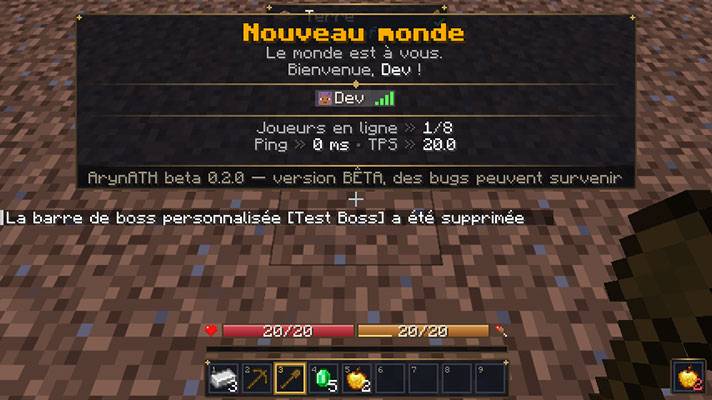
A fully customizable HUD & interface: Health, look-at tooltip, styled TAB/scoreboard, dedicated slots, accessories. (BETA)
Quick answer
ArynATH 0.3.0 (Beta) — MC 26.1.2 targets 26.1.2 with NeoForge. The project page does not say whether this file belongs on the client, dedicated server, or both. No extra mods listed for this file.
Where it goes
The project page does not say whether this file belongs on the client, dedicated server, or both.
The source does not explicitly classify this release as client-only or server-only.
ArynATH 0.3.0 (Beta) — MC 26.1.2. Change the file and its required mods may change too.
This file does not list any required mods. Do not add a library just because a different file uses it.
3 extra mods were pulled in by other dependencies. Indented rows show who needs each one. We only count dependency files that match this setup. A file for another loader does not fill the gap.
Before you install it
Built for ArynATH 0.3.0 (Beta) — MC 26.1.2. Pick another file and the loader, install side or required mods may change.
Use ArynATH 0.3.0 (Beta) — MC 26.1.2. It targets 26.1.2 with NeoForge; another release may have different loader, side or dependency requirements.
This file does not list any required mods. Do not add a library just because a different file uses it.
The project page does not say whether this file belongs on the client, dedicated server, or both.
Use the “Get this file” button beside ArynATH 0.3.0 (Beta) — MC 26.1.2. It opens that exact file at the source.
About this project
⚠️ BETA — ArynATH is in active development. Bugs may occur: please report them!
Always back up your world and your config/arynath/ folder before updating.
ArynATH replaces and enriches the whole player interface — HUD, inventory, scoreboard and TAB list. It was created by Lone_off, and everything is customizable in game, without touching a single file.
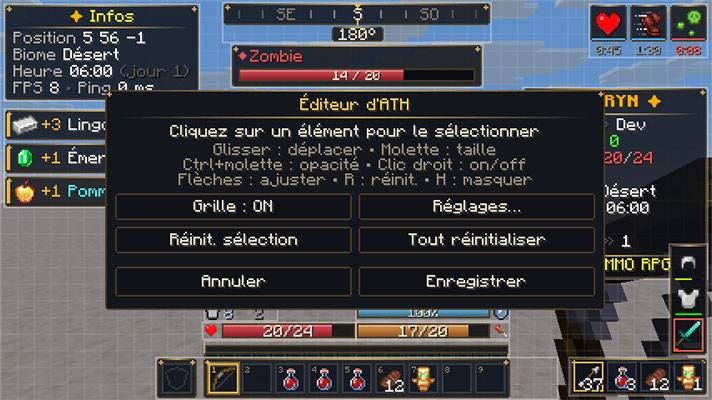
🔍 Look-at tooltip (Jade style)
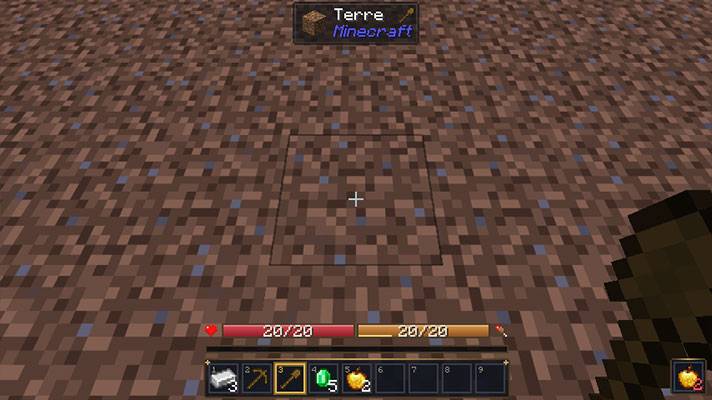
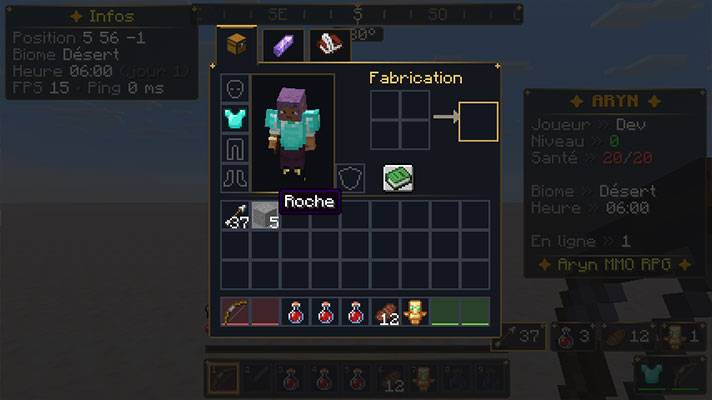
Themed inventory with tabs: Inventory, Accessories, Character sheet (statistics) and server menus.
Jade - Jade's tooltip replaces ArynATH's look-at tooltip and is displayed at its position.
ArynATH works perfectly without these mods.
> A client with ArynATH can also join a server without it: the HUD works with the local configuration
> (dedicated slots, accessories, TPS and creature effects are then unavailable).
O - Configuration menu
H - HUD editor
K - Character sheet
(unbound) - Accessories
English (default) · Français (French)
Is it client-side or server-side?
Both are supported. Install it on both for the full experience; client-only works with reduced features.
Can I use it in my modpack?
Please contact the author (Lone_off) before redistributing it.
I found a bug!
It's a beta — please report it with your game log and the steps to reproduce it.
Made by Lone_off for the Aryn (a futur project).
Project description from CurseForge.
Pick your setup
Choose the version and loader you play, then open the matching release.
Check the dependencies, then try the file in a copied instance before changing a world you care about.
Recent files
ArynATH-26.1.2-beta-0.3.0.jar
29 Sept 2026
Looking for an older file? The official CurseForge project page is in Resources.
 mod
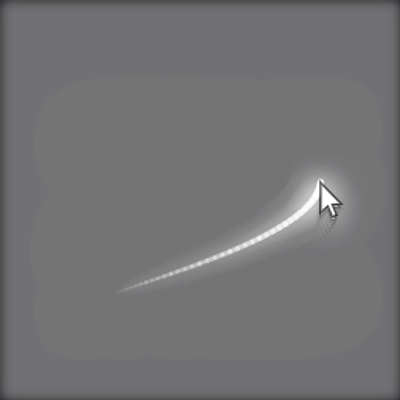
modAdds a customizable neon cursor trail
Add customized Immersive Engineering's garden cloche crop rernderers
 mod
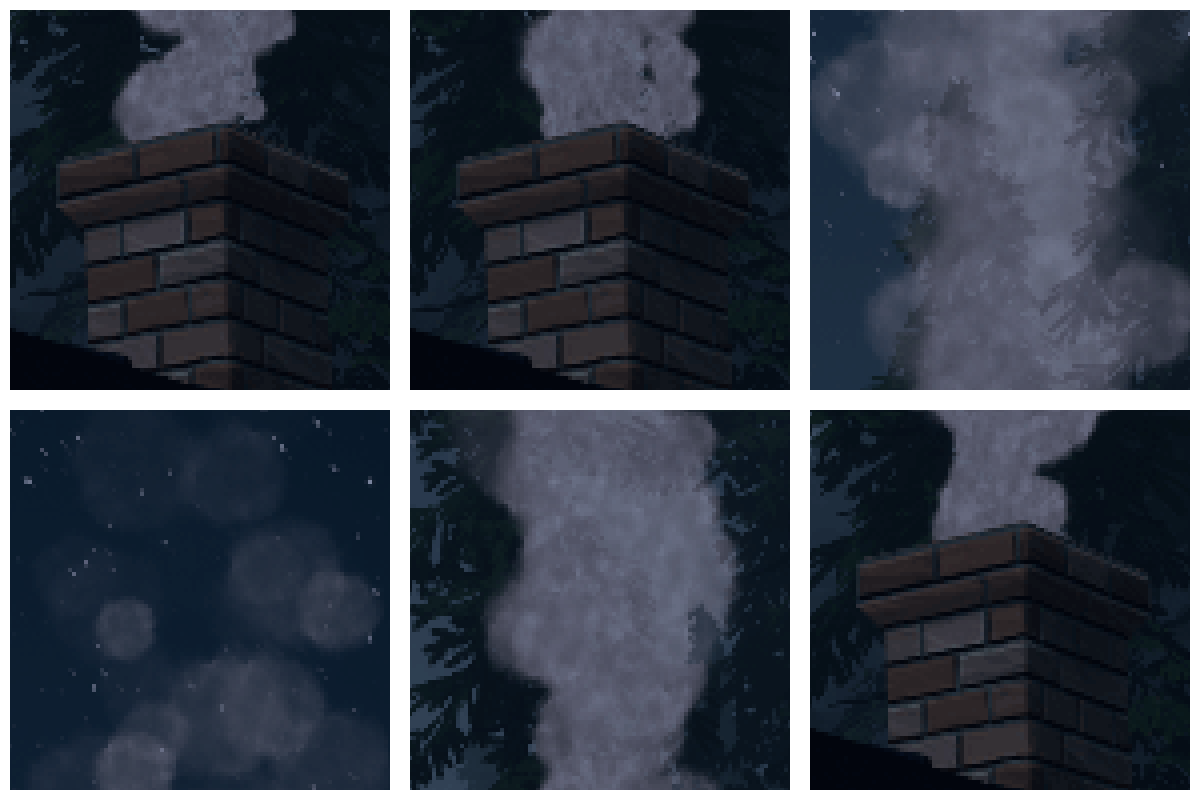
modAdds chimney pipes that route smoke from any heat source outdoors, keeping your interior clean and particle-free